
1. Lebihview
This manual provides essential information for setting up, operating, maintaining, and troubleshooting your INSIGNIA 85-inch Class QF Series QLED 4K UHD Smart Fire TV. This television offers a high-quality viewing experience with 4K UltraHD resolution, Quantum Dot Technology for enhanced color, and Direct LED Backlight for uniform brightness. It integrates the Fire TV Smart OS, providing access to various streaming services and features like the Voice Remote with Alexa. The design features a metal bezel-less display for a modern aesthetic.
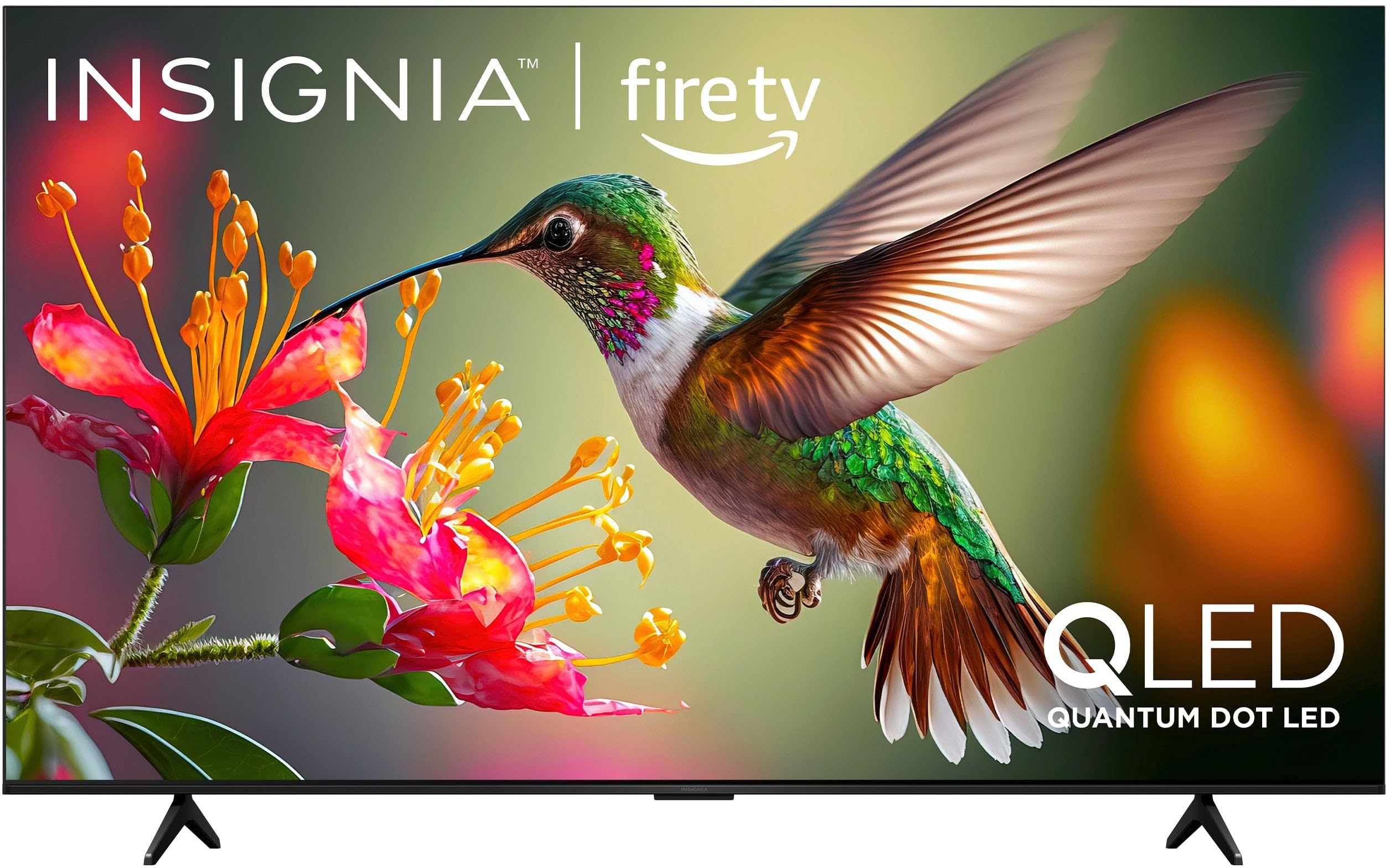
Imej 1.1: Depan view of the INSIGNIA 85-inch QF Series QLED 4K UHD Smart Fire TV.
2. Apa yang ada di dalam Kotak
Sahkan bahawa semua komponen hadir sebelum meneruskan persediaan:
- INSIGNIA 85-inch QF Series QLED 4K UHD Smart Fire TV
- Suara Jauh dengan Alexa
- Bateri Kawalan Jauh (2 AAA)
- Pendirian TV
- Skru untuk Pemasangan Stand
- Panduan Persediaan Pantas (dokumen ini)
3. Persediaan
3.1. Memasang Penyangga TV
If you are not wall-mounting your TV, attach the included stand:
- Letakkan TV menghadap ke bawah dengan berhati-hati pada permukaan yang lembut dan bersih untuk mengelakkan kerosakan skrin.
- Sejajarkan kaki penyangga dengan lubang skru di bahagian bawah TV.
- Selamatkan kaki pendirian menggunakan skru yang disediakan. Pastikan ia diketatkan dengan kuat.
3.2. Kuasa Awal Hidup dan Sambungan Rangkaian
- Sambungkan kord kuasa ke TV dan kemudian ke salur keluar kuasa.
- Tekan butang kuasa pada TV atau alat kawalan jauh untuk menghidupkan TV.
- Follow the on-screen instructions to select your language, connect to your Wi-Fi network, and sign in to your Amazon account.
3.3. Berpasangan Jauh
Your Voice Remote with Alexa should pair automatically. If it does not, press and hold the Rumah button on the remote for 10 seconds until the LED indicator flashes blue, then release. The remote will attempt to pair.

Image 3.1: The Voice Remote with Alexa, used for controlling the TV and accessing smart features.
4. Arahan Operasi
4.1. Fire TV Smart OS Navigation
The Fire TV Smart OS provides a centralized hub for all your entertainment. Use the navigation buttons on your remote to browse:
- Skrin Utama: Access recommended content, recently used apps, and various streaming services.
- Apl: Download and manage your favorite streaming applications.
- TV langsung: Integrate live TV channels from supported services or an antenna.
- tetapan: Adjust picture, sound, network, and device preferences.

Image 4.1: The Fire TV interface displaying a selection of streaming services and content.
4.2. Voice Remote with Alexa
Utilize the built-in Alexa voice assistant for hands-free control:
- Tekan dan tahan butang butang mikrofon pada alat kawalan jauh anda.
- Speak commands such as "Find action movies," "Launch Netflix," "Switch to HDMI 2," or "Show me the weather."
- Alexa can also control compatible smart home devices.
4.3. Menyambung Peranti Luaran
Your TV is equipped with four HDMI inputs for connecting external devices:
- Connect gaming consoles, Blu-ray players, soundbars, or cable/satellite boxes to the HDMI ports.
- One HDMI port supports eARC for enhanced audio return channel functionality with compatible sound systems.
- Untuk menukar input, tekan butang Input button on your remote and select the desired source.

Image 4.2: Illustration of the TV's connectivity options, including HDMI ports.
4.4. Penambahbaikan Gambar dan Bunyi
This TV features advanced technologies for an immersive experience:
- QLED (Quantum Dot LED): Delivers vibrant, lifelike colors and improved brightness.
- 4K UltraHD Resolution: Provides four times the detail of Full HD TVs.
- Dolby Vision & Dolby Atmos: Supports advanced HDR for enhanced contrast and accurate colors, along with immersive spatial audio.

Image 4.3: Visual representation of Dolby Vision and Dolby Atmos features, highlighting cinematic picture and immersive sound.
5. Penyelenggaraan
5.1. Membersihkan TV Anda
Untuk mengekalkan penampilan dan prestasi TV:
- Sentiasa cabut plag TV sebelum membersihkan.
- Gunakan kain lembut, kering dan bebas serabut untuk mengelap skrin dan kabinet dengan perlahan.
- Untuk tanda degil pada skrin, ringan dampen kain dengan air atau pembersih skrin khusus. Jangan sekali-kali menyembur cecair terus ke skrin.
- Elakkan daripada menggunakan pembersih yang melelas, lilin atau pelarut.
5.2. Kemas Kini Perisian
Your Fire TV automatically receives software updates to improve performance and add new features. Ensure your TV is connected to the internet to receive these updates. You can manually check for updates in the Settings menu.
6. Penyelesaian masalah
Jika anda menghadapi masalah dengan TV anda, rujuk kepada penyelesaian biasa berikut:
| Masalah | Penyelesaian |
|---|---|
| Tiada kuasa | Pastikan kord kuasa dipasang dengan selamat pada kedua-dua TV dan salur keluar elektrik yang berfungsi. Cuba kedai lain. |
| Tiada gambar, tetapi bunyi hadir | Semak sumber input. Tekan ke Input button on the remote to cycle through inputs. Verify external devices are powered on and connected correctly. |
| Jauh tidak bertindak balas | Replace the AAA batteries in the remote. If the issue persists, re-pair the remote by holding the Rumah butang selama 10 saat. |
| Tidak dapat menyambung ke Wi-Fi | Ensure your Wi-Fi router is on and within range. Restart your router and TV. Check Wi-Fi settings in the TV's menu to ensure the correct network and password are entered. |
| Kualiti gambar yang buruk | Adjust picture settings (brightness, contrast, color) in the TV's menu. Ensure the content source is high-quality (e.g., 4K content for 4K resolution). |
| Tiada bunyi | Check the volume level and ensure the TV is not muted. Verify external audio devices (soundbar, receiver) are connected and configured correctly. |
7. Spesifikasi
| Ciri | Perincian |
|---|---|
| Nama Model | NS85-UQFL27 |
| Saiz Skrin | 84.6 inci (kelas 85 inci) |
| Teknologi Paparan | QLED (LED Quantum Dot) |
| Resolusi | 4K Ultra HD (3840 x 2160) |
| Kadar Segar Semula | 60 Hz |
| Sistem Operasi | FireOS |
| Sokongan HDR | Penglihatan Dolby |
| Teknologi Audio | Dolby Atmos |
| Ketersambungan | Wi-Fi |
| Input HDMI | 4 (termasuk 1 eARC) |
| Ciri Khas | Voice Remote with Alexa, Apple Airplay |
| Dimensi Produk (D x W x H) | 2.5"D x 74.4"W x 42.8"H |
| Item Weight Without Stand | 64.6 paun |
| Komponen yang Disertakan | Remote Control, Remote Control Battery, Screws, Stand |
| UPC | 600603325472 |
8. Waranti & Sokongan
8.1. Maklumat Waranti
This INSIGNIA TV comes with a Waranti 1 Tahun. For specific terms and conditions, please refer to the warranty card included with your product or visit the official INSIGNIA support webtapak.
8.2. Sokongan Pelanggan
If you require further assistance or encounter issues not covered in this manual, please contact INSIGNIA customer support. Contact information can typically be found on the manufacturer's webtapak atau dalam pembungkusan produk anda.