
pengenalan
This manual provides essential information for the safe and efficient operation of your Metz 32MQH7000Z Smart Google QLED+ LED TV. Please read it thoroughly before using the television and retain it for future reference.
The Metz MQH7000 TV features Gen6 QLED+ technology, delivering excellent image quality and vibrant colors. The enhanced stability of QLED+ technology also extends the TV's lifespan, ensuring reliable use.
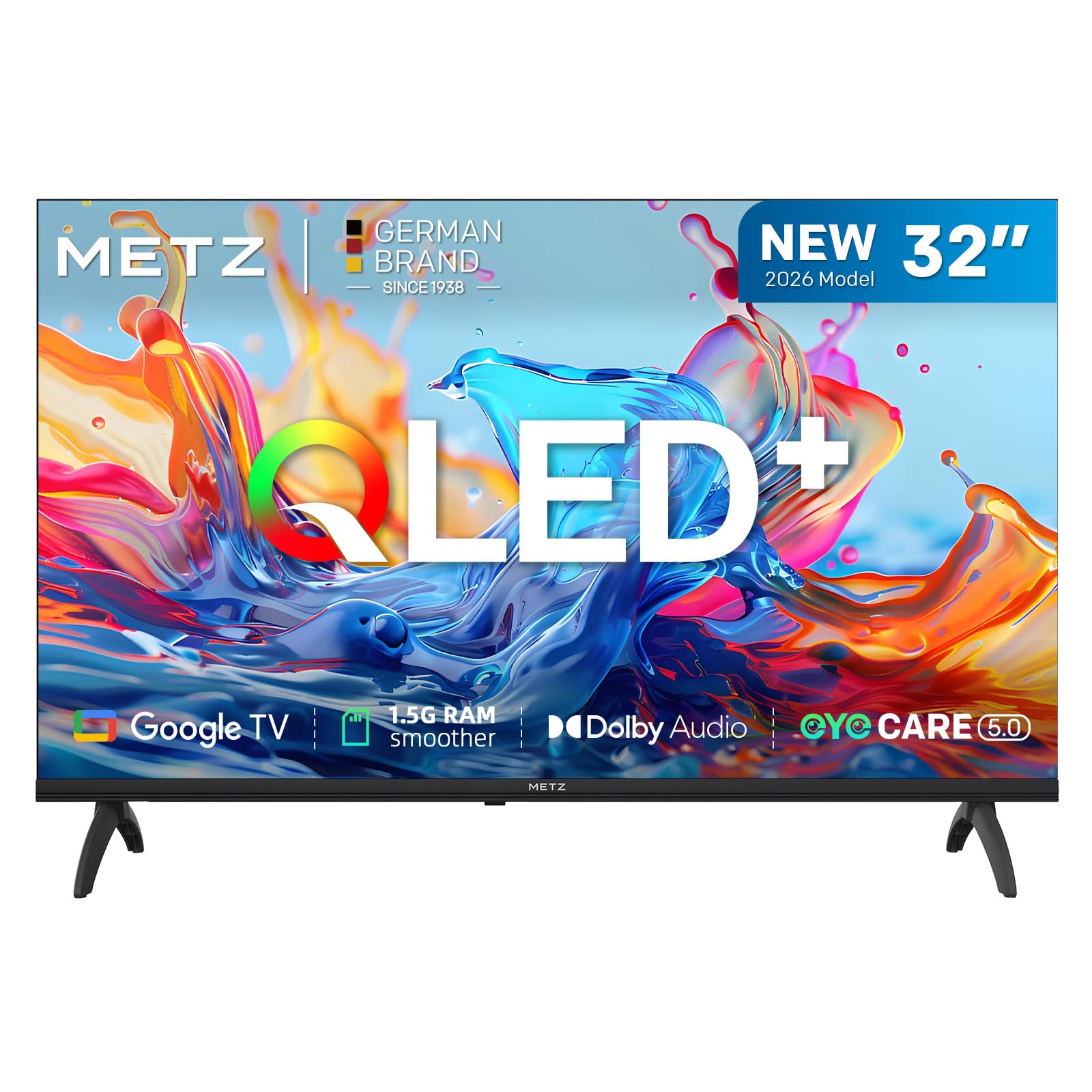
Imej: Depan view of the Metz 32MQH7000Z 32-inch Smart Google QLED+ LED TV.
Apa yang ada dalam Kotak
Sahkan bahawa semua komponen terdapat dalam pembungkusan:
- Alat Kawalan Jauh
- Kabel Kuasa
- Manual Pengguna
- TV Bases (2)
- Screws for Bases
- Bateri AAA (2)

Image: Contents of the Metz 32MQH7000Z TV box, including remote control, power cable, user manual, TV bases, and screws. The image also displays the TV's dimensions and available input/output ports.
Persediaan
1. Attaching the TV Bases
- Letakkan skrin TV dengan berhati-hati pada permukaan yang lembut dan rata untuk mengelakkan kerosakan.
- Align each base with the corresponding slots on the bottom of the TV.
- Secure the bases using the provided screws. Ensure they are firmly attached.
2. Menyambung Peranti Luaran
Refer to the diagrams below for port locations:
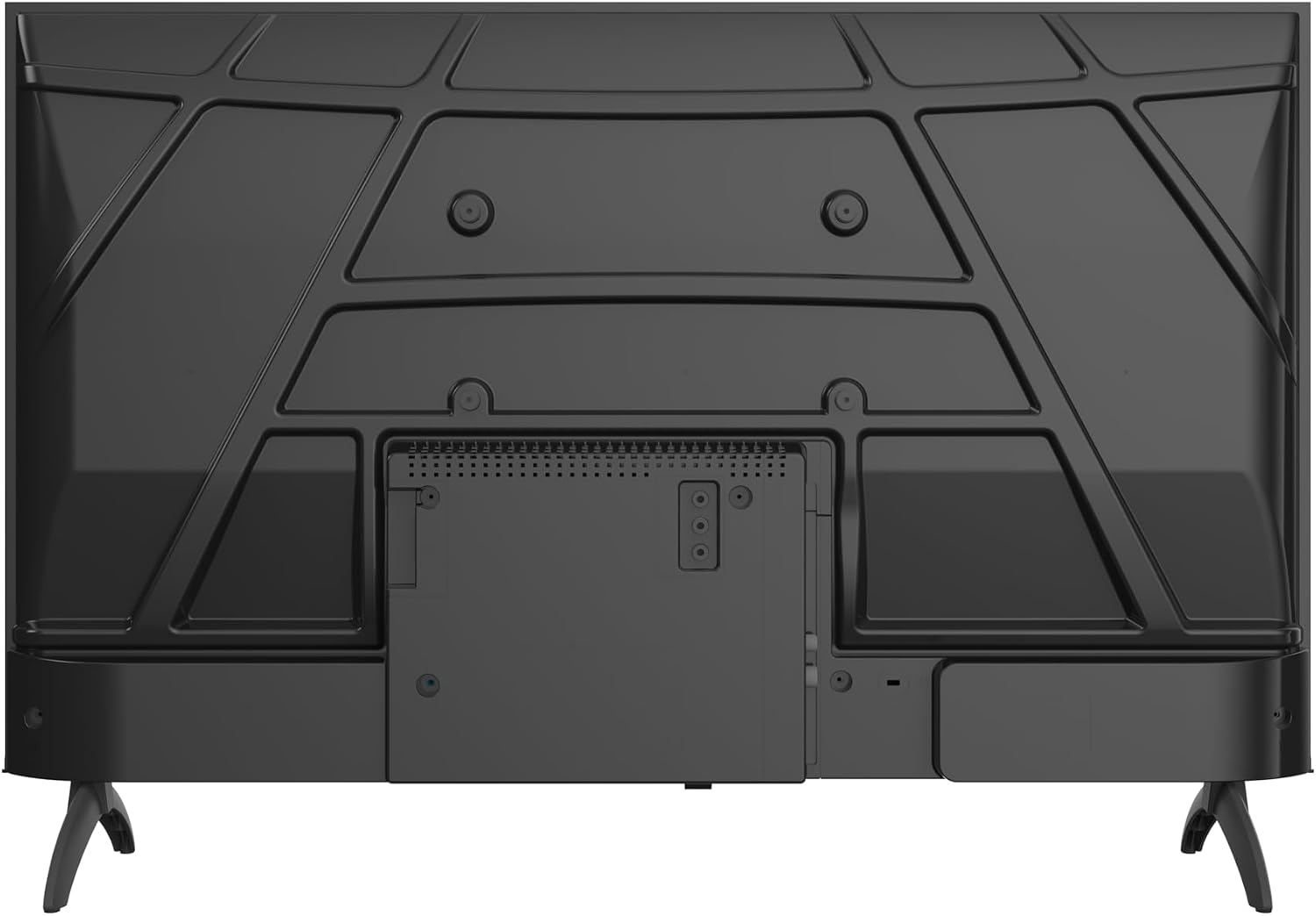
Imej: Belakang view of the Metz 32MQH7000Z TV, highlighting the VESA mounting points and the main connection panel.

Imej: Sisi view of the Metz 32MQH7000Z TV, illustrating the location of various input ports including HDMI and USB.
- Port HDMI (x2): Connect Blu-ray players, game consoles, or other HDMI-enabled devices.
- Port USB (x2): Sambungkan peranti storan USB untuk main balik media atau kemas kini perisian.
- Antenna/Cable Input (DVB-T/T2/C/S/S2): Connect your antenna or cable for terrestrial, cable, or satellite broadcasts.
- Slot CI+: Insert a CI+ module for encrypted channels.
- Port LAN: Sambungkan kabel Ethernet untuk sambungan internet berwayar.
- Output Fon Kepala: Sambungkan fon kepala untuk mendengar secara peribadi.
- Audio Digital Keluar: Sambungkan ke sistem audio luaran untuk bunyi yang dipertingkatkan.
3. Sambungan Kuasa
- Sambungkan kabel kuasa ke input kuasa TV.
- Palamkan hujung kabel kuasa yang lain ke salur keluar dinding.
Arahan Operasi
1. Persediaan Awal
Upon first power-on, the TV will guide you through the initial setup process, including language selection, network connection, and Google TV account login.
2. Antara Muka Google TV
Your Metz TV features Google TV, providing a personalized experience with access to popular streaming apps and content recommendations.

Image: The Google TV interface, displaying a selection of streaming application icons and personalized content suggestions.
- Mengakses Apl: Navigate through the home screen to find and launch applications like Netflix, YouTube, Prime Video, and Disney+.
- Kawalan Suara: Use the remote control's microphone button to issue voice commands for searching content, controlling playback, and more.
3. Picture Settings (Gen 6 QLED+, HDR10 & HLG)
Your TV utilizes Gen 6 QLED+ technology for superior image quality. Adjust picture settings via the TV menu to optimize your viewpengalaman dalam.

Imej: Dari dekat view of the television screen, highlighting the vibrant and rich color reproduction achieved by QLED+ technology.
The TV supports HDR10 and HLG for enhanced contrast and color accuracy in compatible content. These technologies automatically adjust to provide deeper blacks and brighter highlights.

Image: A diagram illustrating the multi-layered Quantum Dot structure, designed to maintain color stability and vibrancy for over 10 years, comparing Metz QLED performance to conventional QLED over time.

Image: A side-by-side comparison demonstrating the visual improvement with HDR10 & HLG enabled, showing more vibrant colors and deeper contrast compared to a standard picture.
4. Sound Settings (Dolby Audio)
The integrated Dolby Audio system provides powerful and clear surround sound. Access the sound settings in the TV menu to customize audio profiles (e.g., Standard, Cinema, Music, Speech).

Image: An overhead perspective of a person seated on a sofa, watching the TV, with visual representations of Dolby Audio sound waves extending from the screen, indicating an immersive audio experience.
5. Ketersambungan
- Bluetooth 5.1: Sambungkan fon kepala tanpa wayar, bar bunyi atau peranti lain yang didayakan Bluetooth.

Image: A graphic illustrating Bluetooth 5.1 connectivity, featuring a sleek sports car to symbolize fast, intelligent, and reliable wireless connections.
- Wi-Fi: Sambung ke rangkaian wayarles rumah anda untuk akses internet dan penstriman.
- Multi-Screen Casting (Chromecast): Cast content from your smartphone, tablet, or computer directly to the TV screen using Chromecast built-in.

Image: A visual representation of multi-screen casting, demonstrating how content can be streamed from a smartphone or laptop to the television for an immersive viewpengalaman dalam.
6. Ciri-ciri Penjagaan Mata
The TV includes Eye Care features designed to reduce eye strain during prolonged viewing.
- Cahaya Biru Rendah: Mengurangkan pelepasan cahaya biru yang berbahaya.
- Tanpa Kelipan: Minimizes screen flickering for a more comfortable viewpengalaman dalam.
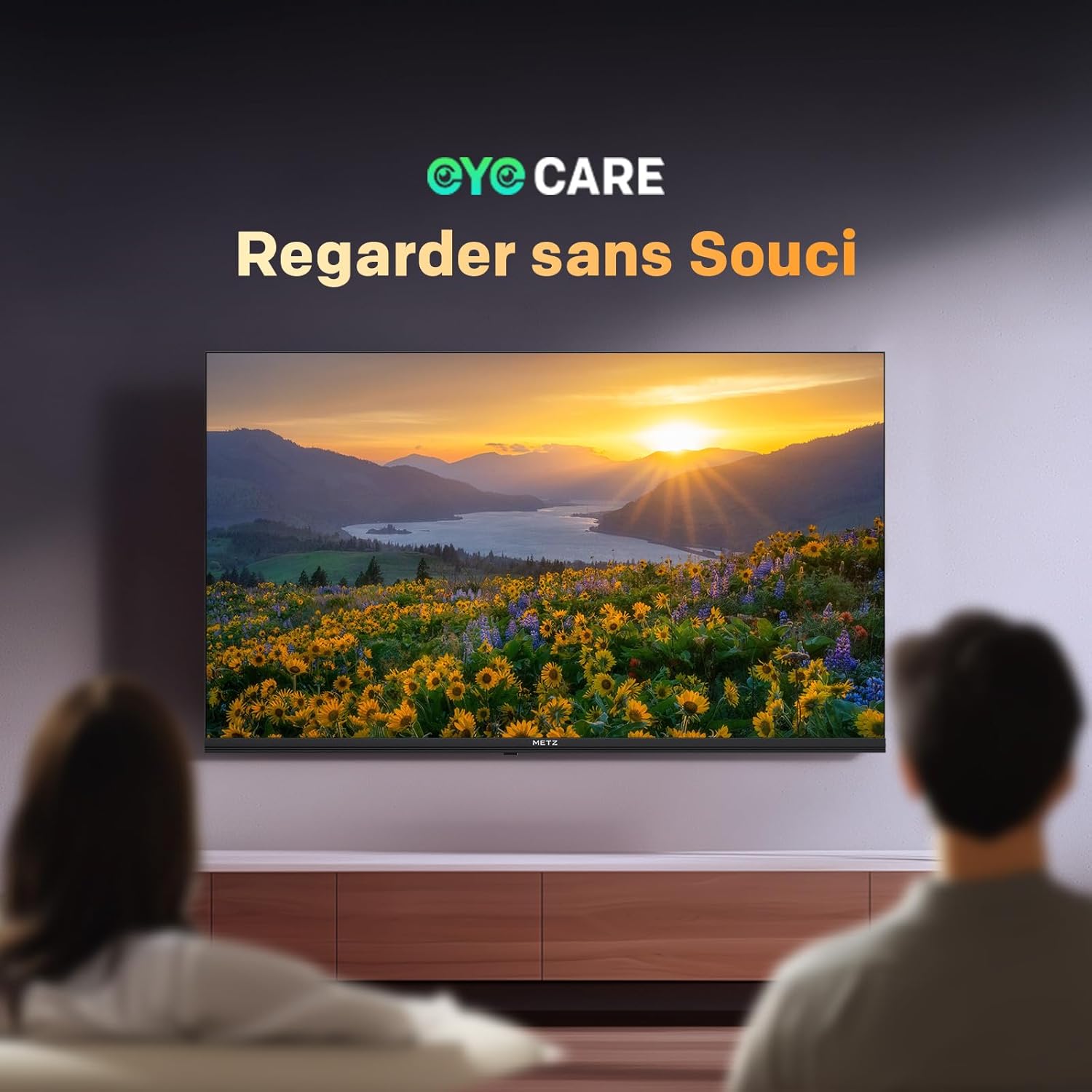
Image: A scene depicting individuals comfortably watching television, illustrating the benefits of the TV's Eye Care features for a relaxed viewpengalaman dalam.

Image: Two comparative images demonstrating the benefits of Low Blue Light and Flicker-Free technologies. The top image shows a scene with and without low blue light, while the bottom image illustrates the difference with and without flicker-free technology for reduced eye fatigue.
7. Enhanced Performance (1.5 GB RAM)
The TV is equipped with 1.5 GB of RAM, providing a 50% increase in memory compared to previous models. This enhancement ensures smoother operation, faster application loading, and improved multitasking capabilities, reducing lag and enhancing overall responsiveness.

Image: A graphic representation highlighting the upgrade to 1.5 GB RAM, indicating a 50% increase in memory for improved television performance and responsiveness.
Penyelenggaraan
Membersihkan Skrin
Lap skrin perlahan-lahan dengan kain lembut yang tidak berbulu. Untuk tanda degil, ringankan dampen kain dengan air atau pembersih skrin khusus. Elakkan menggunakan bahan kimia yang keras atau bahan yang melelas.
Cleaning the TV Casing
Gunakan kain lembut dan kering untuk mengelap TV casing. Do not use liquid cleaners directly on the TV.
Penjagaan Am
- Cabut palam TV daripada salur keluar kuasa sebelum membersihkan atau jika ia tidak akan digunakan untuk tempoh yang lama.
- Jauhkan TV daripada cahaya matahari langsung, sumber haba dan habuk yang berlebihan.
- Pastikan pengudaraan yang betul di sekeliling TV untuk mengelakkan terlalu panas.
Menyelesaikan masalah
Jika anda menghadapi masalah dengan TV anda, rujuk kepada penyelesaian biasa berikut:
| Masalah | Penyelesaian yang Mungkin |
|---|---|
| Tiada Kuasa | Check if the power cable is securely plugged into both the TV and the wall outlet. Ensure the power outlet is functional. |
| Tiada Gambar, tetapi Bunyi Hadir | Verify the correct input source is selected. Check cable connections (HDMI, antenna). Try another HDMI port. |
| Tiada Bunyi, tetapi Gambar Hadir | Check the volume level and mute status. Ensure external audio devices are correctly connected and powered on. Check audio output settings in the TV menu. |
| Alat Kawalan Jauh Tidak Berfungsi | Gantikan bateri dalam alat kawalan jauh. Pastikan tiada halangan antara alat kawalan jauh dan penderia IR TV. |
| Kualiti Gambar Lemah | Adjust picture settings (brightness, contrast, sharpness). Check antenna or cable connection for signal strength. For streaming, ensure a stable internet connection. |
| Tidak Dapat Menyambung ke Wi-Fi | Pastikan penghala Wi-Fi anda dihidupkan dan dalam julat. Masukkan semula kata laluan Wi-Fi. Cuba mulakan semula kedua-dua TV dan penghala. |
Spesifikasi
| Ciri | Perincian |
|---|---|
| Nama Model | MQH7000 |
| Nombor Model | 32MQH7000Z |
| Saiz Skrin | 32 Pouces (80 cm) |
| Teknologi Paparan | QLED (Gen 6 QLED+, Quantum Dot QLED) |
| Resolusi | 768p (1366 x 768 piksel) |
| Kadar Segar Semula | 60 Hz |
| Sokongan HDR | HDR10, HLG |
| Sistem Operasi | Google TV |
| RAM | 1.5 GB |
| Teknologi Audio | Dolby Audio, Dolby Digital, Dolby Digital Plus |
| Ketersambungan | Bluetooth 5.1, Wi-Fi, USB (x2), HDMI (x2), LAN |
| Penala | DVB-T/T2/C/S/S2, CI+ |
| Ciri Khas | Auto Volume Leveller, Bezel-Less Design, Chromecast, Eye Comfort Mode, Game Mode |
| Piawaian Pemasangan VESA | 200 x 100 mm |
| Dimensi Produk (dengan pendirian) | 21.4P x 71.5p x 47.5T cm |
| Tahun Model | 2026 |
| Negara Asal | Poland |

Image: The energy efficiency label for the Metz 32MQH7000Z TV, indicating an energy class of E and power consumption details. For more information, visit the official EU EPREL database: https://eprel.ec.europa.eu/qr/2590878
Waranti dan Sokongan
Your Metz 32MQH7000Z TV comes with a Waranti 2 tahun dari tarikh pembelian. Sila simpan bukti pembelian anda untuk tuntutan waranti.
For technical assistance, troubleshooting beyond this manual, or warranty service, please contact Metz customer support. Contact information can typically be found on the official Metz webtapak atau dalam dokumentasi yang disertakan dengan produk anda.
For additional resources and product information, visit the official Metz brand store: Metz Brand Store