
1. Maklumat Keselamatan
Before using your new Samsung TV, please read all safety instructions carefully to prevent electric shock, fire, or injury. Keep this manual for future reference.
- Jangan dedahkan TV kepada hujan atau lembapan.
- Pastikan pengudaraan yang betul. Jangan sekat bukaan pengudaraan.
- Gunakan hanya kord kuasa yang dibekalkan oleh pengilang.
- Jangan buka kabinet TV. Rujuk semua servis kepada kakitangan yang berkelayakan.
- Jauhkan bateri daripada kanak-kanak.
2. Apa yang ada di dalam Kotak
Sahkan bahawa semua komponen hadir sebelum meneruskan persediaan.
- Samsung 65-Inch Class M70H Series Mini LED Smart TV
- IR Simple Remote Control (TM2240A) with batteries
- Kabel Kuasa
- Komponen berdiri
- Manual Pengguna (dokumen ini)
- Kad Waranti

Figure 2.1: Package Contents and Dimensions. This image illustrates the TV's dimensions, the included remote control, power cable, and user manual.
3. Persediaan
3.1. Pemasangan Stand
- Letakkan skrin TV dengan berhati-hati pada permukaan yang lembut dan rata untuk mengelakkan kerosakan.
- Selaraskan komponen pendirian dengan slot yang ditetapkan di bahagian bawah TV.
- Selamatkan dirian menggunakan skru yang disediakan. Pastikan dirian dipasang dengan kukuh.
- Angkat TV dengan berhati-hati dan letakkan pada permukaan yang stabil dan rata.
3.2. Pemasangan Dinding
This TV supports VESA mount standard 200 x 200 mm. For wall mounting, use a compatible wall mount kit (sold separately) and follow the instructions provided with the wall mount. Professional installation is recommended.
3.3. Menghubungkan Peranti
Connect your external devices to the TV's ports as shown below.

Figure 3.1: Rear Panel Connections. This image displays the various input ports on the back of the TV.
- HDMI 1 (eARC): Enhanced audio return for high-quality sound and advanced formats.
- HDMI 2 & 3: Transmits high-definition video and audio from external devices (e.g., Blu-ray player, game console).
- USB-A: Port segi empat tepat standard untuk kuasa atau main balik media.
- Kabel/ANT: Penyambung untuk antena atas udara atau isyarat TV kabel.
- Ethernet (LAN): Wired internet connection for streaming, updates, and smart features.
3.4. Kuasa Awal Hidup
- Sambungkan kabel kuasa ke TV dan kemudian ke saluran keluar dinding.
- Tekan butang Kuasa pada alat kawalan jauh atau TV.
- Follow the on-screen instructions to complete the initial setup, including network connection and channel scanning.
4. Mengendalikan TV Anda
4.1. Alat Kawalan Jauh
The included IR Simple Remote Control (TM2240A) provides intuitive navigation. Ensure batteries are correctly inserted. For detailed functions, refer to the on-screen e-Manual.
4.2. Tetapan Gambar
Your Samsung M70H TV features advanced picture technologies for an optimal viewpengalaman dalam.
- Mini LED Processor 4K: This advanced processor enhances picture quality by delivering brighter highlights and deeper blacks, bringing out fine details.
- Pure Spectrum Color: Experience a billion true-to-life colors with advanced color technology and Mini LED precision.
- Mini LED HDR: Enjoy HDR picture quality with brighter highlights and deeper blacks compared to traditional HDR TVs, enhancing vibrant colors and lifelike details.
- Supreme Mini LED Dimming: This software-based technology provides precise dimming for improved contrast, resulting in a superb picture.
- Motion Xcelerator + DLG 120Hz: Experience smooth visuals and clear fast-motion. This technology optimizes the refresh rate up to 120Hz (on 55" and larger models), ideal for gaming and sports. Note that DLG 120Hz may reduce image sharpness.
- Penggalak Warna: Enhances color intensity, making every hue more vibrant.

Figure 4.1: Mini LED Processor 4K. This image highlights the TV's powerful 4K processor.

Figure 4.2: Pure Spectrum Color. This image demonstrates the enhanced color vibrancy with Pure Spectrum Color.

Figure 4.3: Mini LED HDR. This image illustrates the dramatic detail provided by Mini LED HDR.
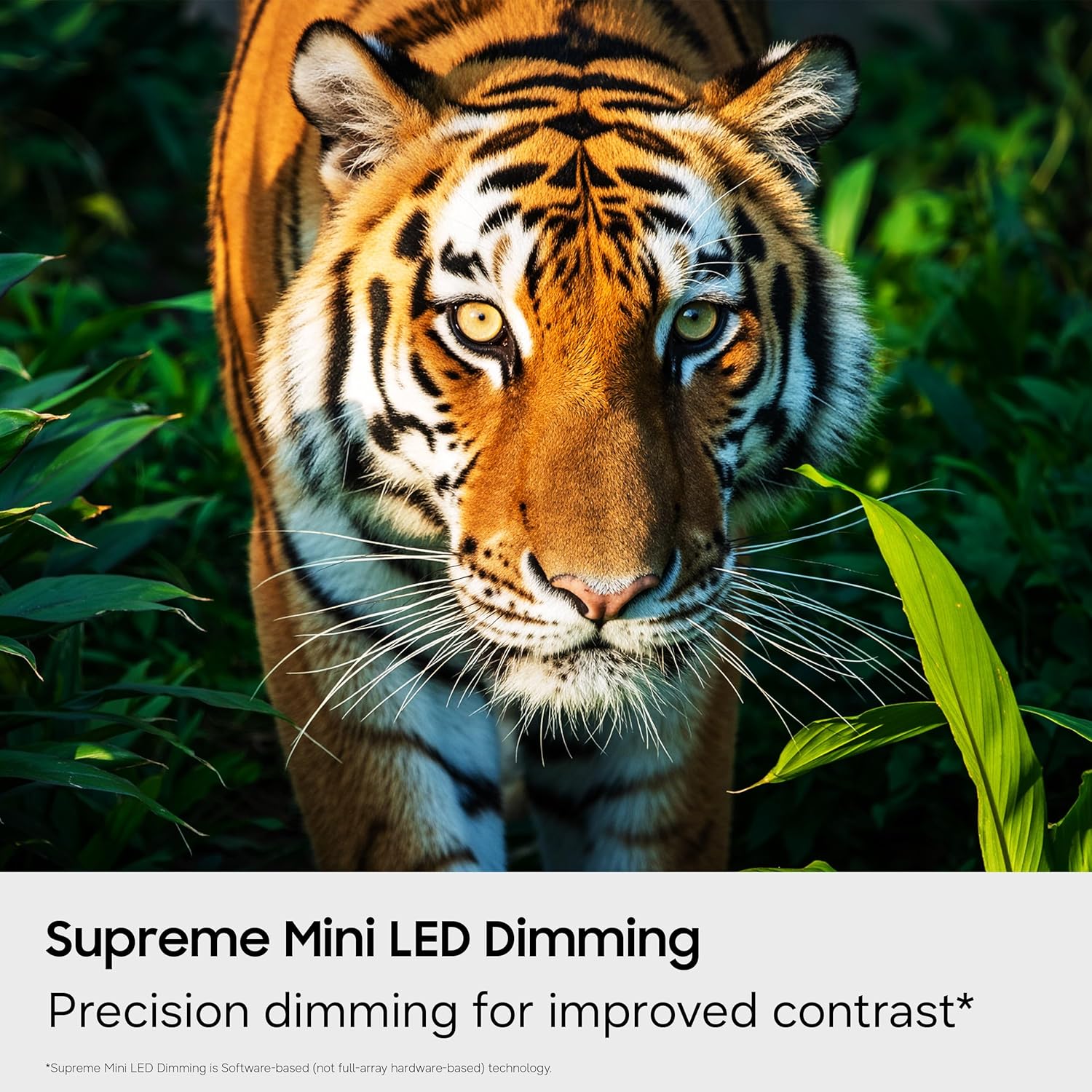
Figure 4.4: Supreme Mini LED Dimming. This image showcases the precision dimming for enhanced contrast.

Figure 4.5: Motion Xcelerator + DLG 120Hz. This image demonstrates blur-free action for fast-paced content.
4.3. Smart Features (Tizen OS)
Your TV runs on the Tizen operating system, offering a personalized smart TV experience.
- Endless Free Content (Samsung TV Plus): Access over 2,700 free streaming options, including 750+ subscription-free channels. An internet connection and Samsung Account are required for network-based smart services.
- Hab Permainan: A central hub for games from consoles, cloud services, and gaming apps. Provides personalized recommendations.
- Rakan Visi AI: Utilize AI-enhanced picture and sound, along with personalized experiences. Requires a Samsung account and internet connection.
- Hab SmartThings: Connect and control smart devices through your TV. Requires a Samsung account and internet connection.
- Keselamatan Samsung Knox: Built-in triple-layer data protection for your TV experiences, safeguarding sensitive data and IoT devices.

Figure 4.6: Endless Free Content. This image displays the Samsung TV Plus interface with numerous streaming channels.

Figure 4.7: Vision AI Companion. This image illustrates the AI features and interface of the TV.
4.4. Mod Khas
- Mod Bola Sepak: Optimizes settings for sports, providing clearer motion and more vibrant greens for a stadium-like experience.
- Mod Tenaga AI: Reduces power consumption by auto-adjusting brightness based on room lighting and user activity.
5. Penyelenggaraan
5.1. Membersihkan TV Anda
- Sentiasa cabut plag TV sebelum membersihkan.
- Use a soft, dry microfiber cloth to gently wipe the screen and exterior.
- Do not use liquid cleaners, sprays, or abrasive cloths, as they may damage the screen or finish.
5.2. Kemas Kini Perisian
Ensure your TV's software is up to date for optimal performance and security. Connect your TV to the internet and navigate to the settings menu to check for and install available updates. Samsung provides 7 years of automatic OS updates.
6. Penyelesaian masalah
If you encounter issues with your TV, refer to the following common solutions. For more detailed troubleshooting, consult the on-screen e-Manual or Samsung Support.
- Tiada Kuasa: Check if the power cable is securely connected to both the TV and the wall outlet. Ensure the outlet is functional.
- Tiada Gambar/Bunyi: Verify that the correct input source is selected. Check all cable connections (HDMI, antenna).
- Alat Kawalan Jauh Tidak Berfungsi: Replace the batteries in the remote. Ensure there are no obstructions between the remote and the TV. Re-pair the remote if necessary (refer to the e-Manual for pairing instructions).
- Slow Startup / Unresponsive Interface: This can sometimes be resolved by adjusting settings related to Samsung TV Plus or other smart features. Navigate deep into the menu structure to disable features that might be causing delays. A factory reset may also resolve persistent issues, but will erase personalized settings.
- Isu Sambungan Rangkaian: Check your Wi-Fi router or Ethernet cable. Try restarting your router and the TV.
7. Spesifikasi
| Ciri | Perincian |
|---|---|
| Nama Model | UN65M70HAFXZA |
| Saiz Skrin | 65 Inci |
| Teknologi Paparan | LED mini |
| Resolusi | 4K (3840 x 2160) |
| Kadar Segar Semula | 120 Hz (DLG 120Hz) / 60 Hz (Native) |
| Format HDR Disokong | HDR10+ |
| Sistem Operasi | Tizen |
| Teknologi Ketersambungan | Bluetooth (v5.3), HDMI (x3), USB (x1), Wi-Fi, Ethernet |
| Input Audio | HDMI, USB |
| Penerangan Penceramah | Built-in Speakers (2.0 Channel) |
| Pemasangan VESA Standard | 200 x 200 mm |
| Dimensi Produk (D x W x H) | 8.7"D x 56.9"W x 34.7"H (dengan dirian) |
| Berat Barang | 31.7 Pounds (with stand) |
| Tahun Model | 2026 |
8. Waranti dan Sokongan
8.1. Maklumat Waranti
This Samsung TV comes with a Waranti Terhad 1 Tahun Pengeluar. Please refer to the included Warranty Card for full terms and conditions. Keep your proof of purchase for warranty claims.
8.2. Sokongan Pelanggan
For technical assistance, troubleshooting, or warranty service, please contact Samsung Customer Support. You can find contact information on the Samsung official webtapak atau pada Kad Waranti anda.
9. Video Produk
Tonton video produk rasmi untuk tamatview of the Samsung Mini LED M70H Series features.
Video 9.1: Samsung Mini LED M70 Features. This video provides a visual demonstration of the key features of the M70H series TV.