
1. Pengenalan
The Energeeks WiFi Smart Gas Detector EG-SGW001 is an advanced safety device designed to detect the presence of combustible gases such as natural gas, propane, and butane in your home or kitchen. This detector connects directly to a 230V power supply, ensuring continuous operation without battery concerns. With integrated WiFi connectivity, it sends instant notifications to your smartphone via the Energeeks 3.0, Smart Life, or Tuya applications, allowing for real-time monitoring and immediate action even when you are away. It also features a built-in siren to alert occupants directly.
2. Maklumat Keselamatan
- Baca Arahan: Carefully read this entire manual before installation and use.
- Sumber Kuasa: This device operates on a 230V AC power supply. Ensure proper electrical installation and avoid overloading circuits.
- Lokasi Pemasangan: Install the detector in areas prone to gas leaks, such as kitchens or near gas appliances. Avoid placing it directly above heat sources, near windows, or in areas with high humidity.
- Ujian: Regularly test the detector as per the instructions to ensure it is functioning correctly.
- Balasan Penggera: In case of an alarm, immediately ventilate the area, turn off gas sources, and evacuate if necessary. Do not re-enter until the area is confirmed safe.
- Penyelenggaraan: Do not paint the device or obstruct its ventilation holes. Keep it clean and free from dust.
- Kanak-kanak dan Haiwan Kesayangan: Jauhkan peranti daripada kanak-kanak dan haiwan peliharaan.
3. Produk Lebihview
The Energeeks WiFi Smart Gas Detector is a compact, plug-in device designed for ease of use and reliable gas detection. It integrates seamlessly into your smart home ecosystem.
3.1 Komponen Peranti
- Penderia Gas: Detects natural gas, propane, and butane.
- Siren: Integrated 85dB siren for audible alerts.
- Penunjuk LED: Memberikan status visual peranti.
- Butang Tetapkan Semula: Digunakan untuk memasangkan dan menetapkan semula peranti.
- Palam Kuasa: Standard 230V plug for direct connection to an electrical outlet.
3.2 Ciri-ciri Utama
- Kesambungan WiFi: Connects to 2.4 GHz WiFi networks for smart features.
- Pemberitahuan Segera: Receive alerts on your smartphone via the Energeeks 3.0, Smart Life, or Tuya apps.
- Siren Bersepadu: Loud 85dB alarm to alert occupants.
- Direct 230V Power: No batteries required, ensuring continuous protection.
- Integrasi Rumah Pintar: Compatible with Energeeks 3.0, Smart Life, and Tuya for creating smart routines and scenarios.
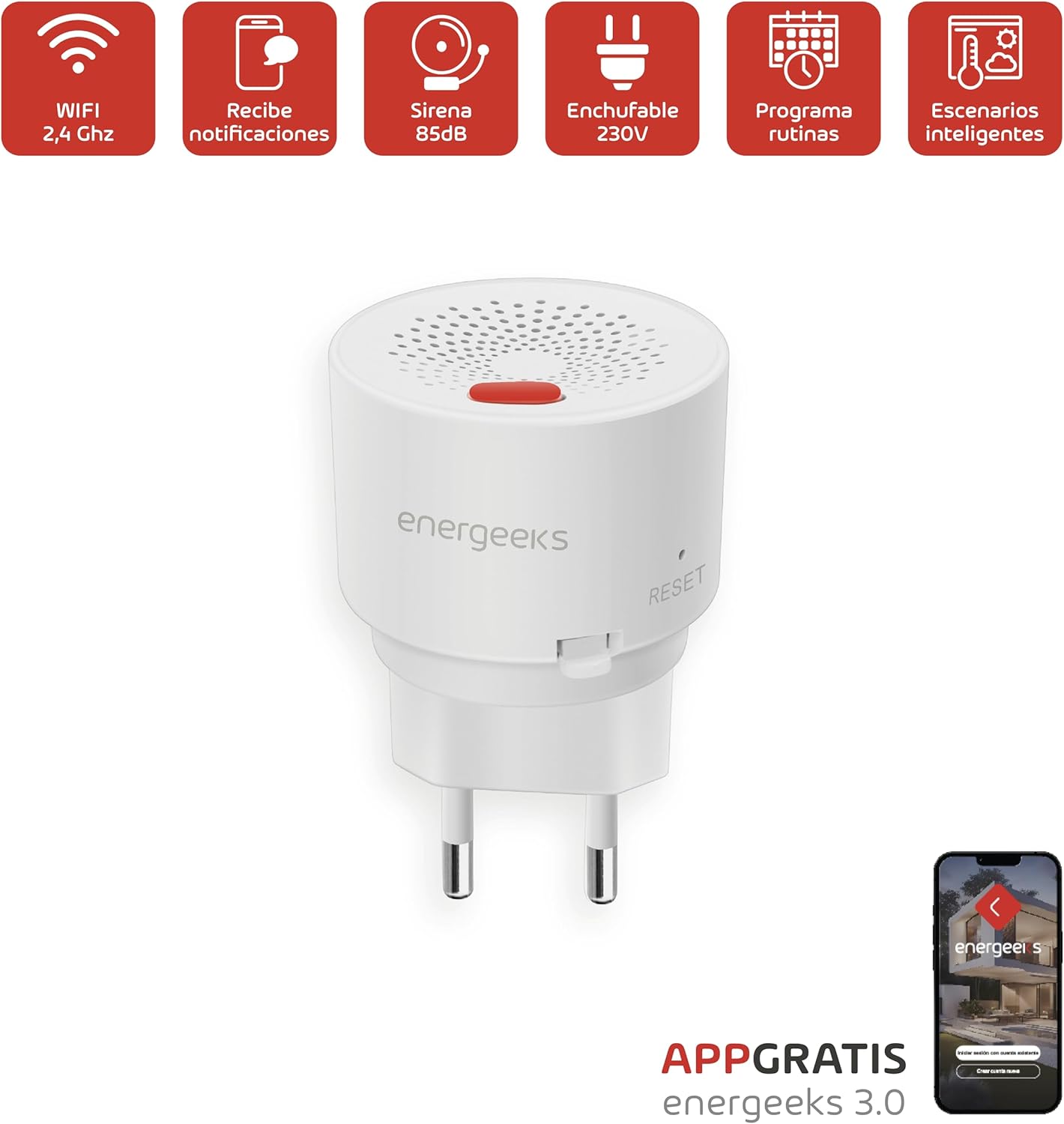
Image 3.2.1: Energeeks WiFi Smart Gas Detector with icons illustrating its features: WiFi 2.4 GHz, notifications, 85dB siren, 230V plug-in, routine programming, and smart scenarios.
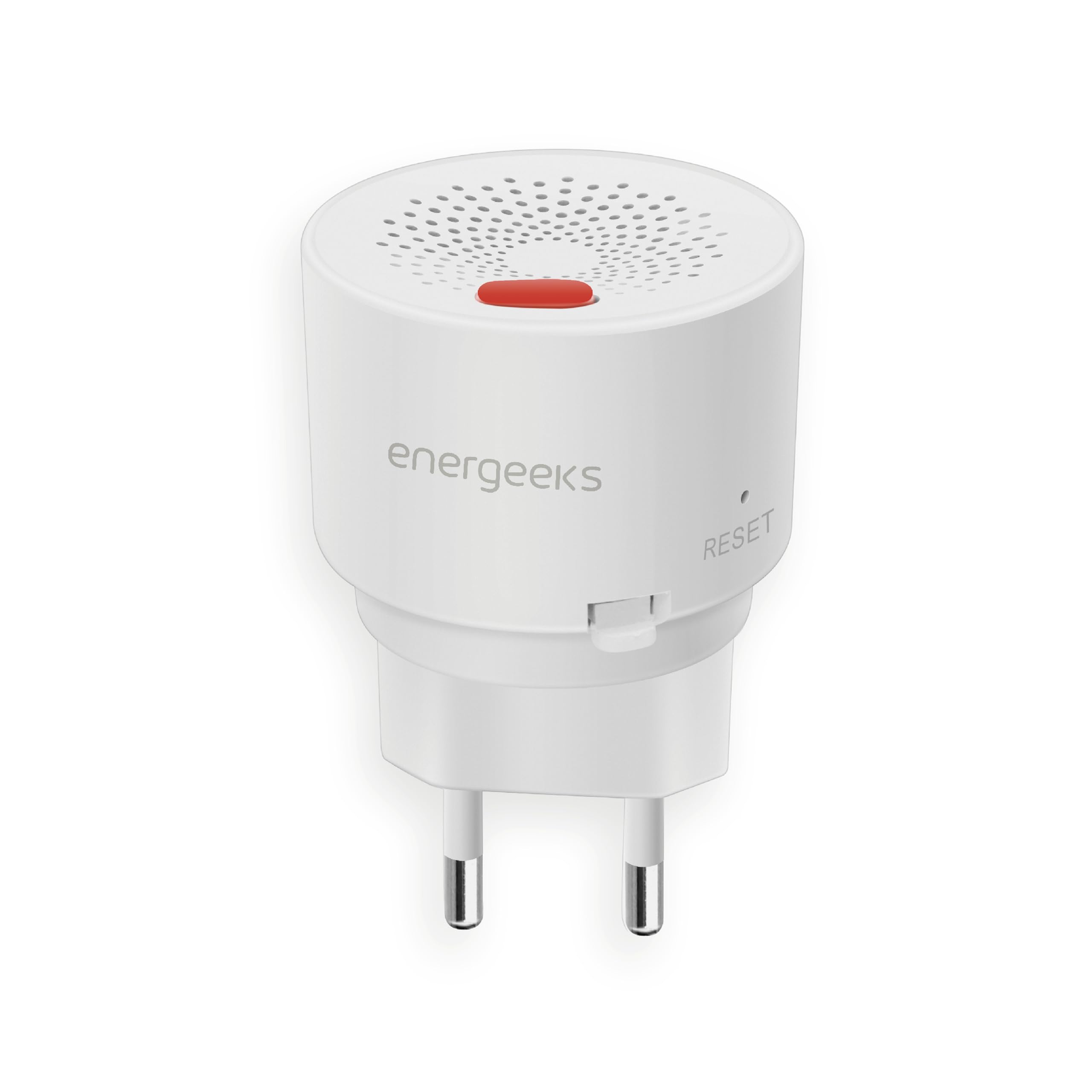
Imej 3.2.2: Depan view of the Energeeks WiFi Smart Gas Detector EG-SGW001, showing the speaker grille and reset button.
4. Persediaan
4.1 Memilih Lokasi Pemasangan
Select a location near potential gas leak sources, such as gas stoves, ovens, water heaters, or boilers. Consider the density of the gas you wish to detect:
- Natural Gas (Methane): Lighter than air. Install the detector 30 cm below the ceiling and within 1.5 meters of the gas source.
- Propane/Butane (LPG): Heavier than air. Install the detector 15-30 cm above the floor and within 1.5 meters of the gas source.
Elakkan:
- Cahaya matahari langsung atau sumber haba.
- Areas with strong air currents (e.g., near windows, doors, or ventilation fans).
- Areas with high humidity or steam.
- Behind curtains or furniture that could obstruct the sensor.
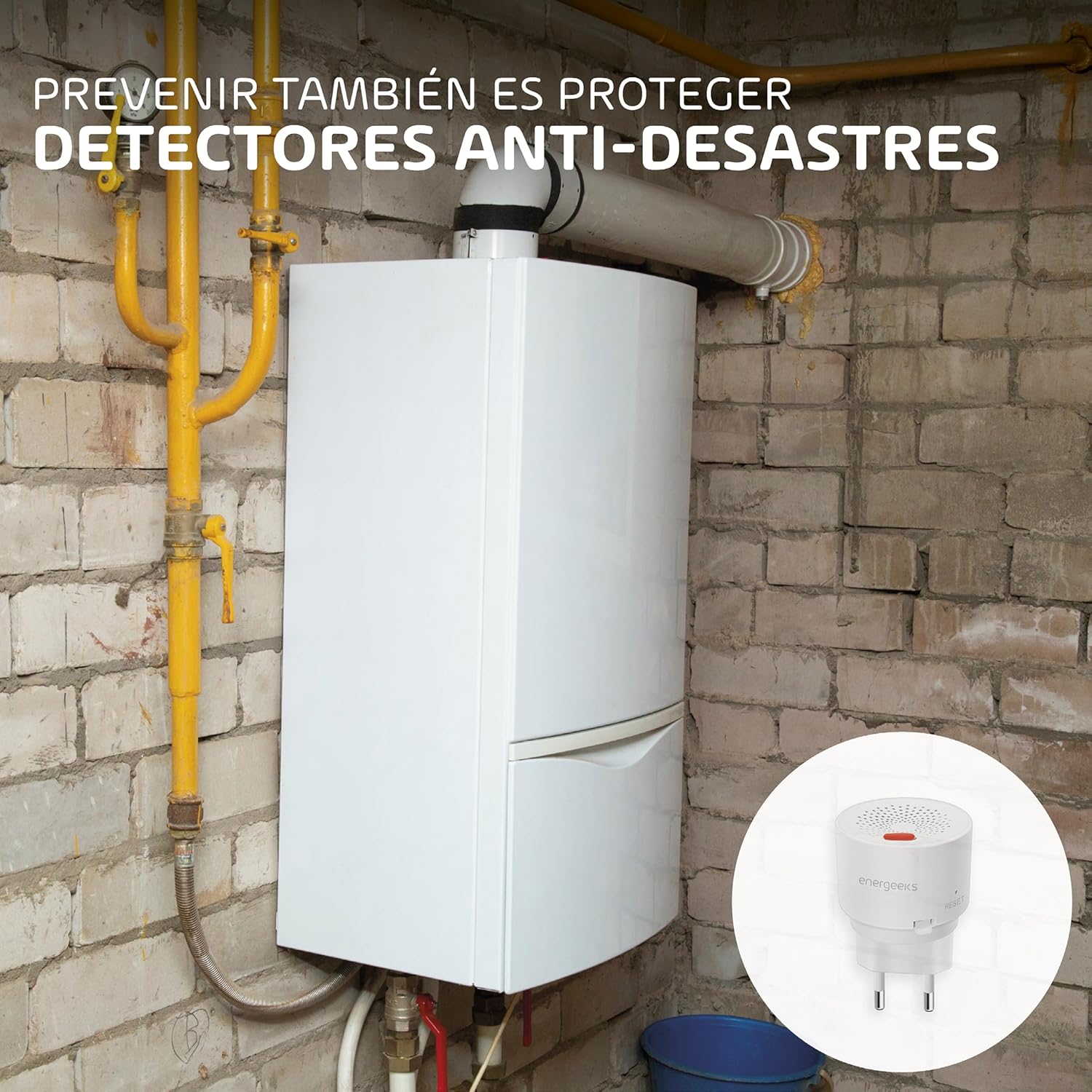
Imej 4.1.1: Cthample installation of the Energeeks WiFi Smart Gas Detector near a gas boiler, demonstrating appropriate placement.
4.2 Menghidupkan Peranti
- Plug the Energeeks WiFi Smart Gas Detector directly into a standard 230V electrical outlet.
- The device will power on, and the LED indicator will begin to flash, indicating it is ready for pairing.

Image 4.2.1: The Energeeks WiFi Smart Gas Detector being plugged into a standard wall outlet.
4.3 Pemasangan Apl dan Berpasangan
- Muat turun Energeeks 3.0, Kehidupan Pintar, atau Tuya Smart app from your smartphone's app store (available on iOS and Android).
- Daftar atau log masuk ke akaun anda.
- Dalam apl, ketik ikon "+" untuk menambah peranti baharu.
- Select "Sensor" or "Gas Detector" from the device list.
- Follow the on-screen instructions to connect the detector to your 2.4 GHz WiFi network. You may need to press and hold the reset button on the device for a few seconds until the LED indicator flashes rapidly to enter pairing mode.
- Once successfully paired, the LED indicator will stop flashing and remain solid, and the device will appear in your app.
5. Arahan Operasi
5.1 Operasi Biasa
During normal operation, the device's LED indicator will typically be off or show a steady green light (depending on the specific model's indicator design) to signify that it is powered on and monitoring for gas leaks. The device continuously samples the air for combustible gases.
5.2 Keadaan Penggera
If the detector senses a dangerous concentration of natural gas, propane, or butane, it will activate the alarm:
- Penggera yang boleh didengar: The integrated 85dB siren will sound loudly.
- Penggera Visual: The LED indicator will flash rapidly, often in red.
- Mobile Notification: An instant push notification will be sent to your smartphone via the connected app (Energeeks 3.0, Smart Life, or Tuya).
5.3 What to Do During an Alarm
- Do Not Panic: Tetap tenang.
- Ventilate Immediately: Open all windows and doors to air out the area.
- Turn Off Gas Supply: If safe to do so, turn off the main gas supply valve.
- Pindahkan: If the alarm persists or you suspect a significant leak, evacuate all occupants from the building.
- Do Not Use Electrical Devices: Avoid turning on or off any electrical switches, lights, or appliances, as this could create a spark.
- Contact Authorities: From a safe location, call your gas provider or emergency services.
6. Penyelenggaraan
Proper maintenance ensures the longevity and reliability of your gas detector.
- Pembersihan: Gently wipe the exterior of the detector with a soft, damp cloth. Do not use harsh chemicals or abrasive cleaners. Ensure the ventilation holes are clear of dust and debris.
- Ujian Biasa: While this model performs continuous monitoring, it is good practice to periodically check its status via the app.
- Jangka Hayat Penderia: Gas sensors have a limited lifespan, typically 5-7 years. Refer to the product specifications or manufacturer's guidelines for replacement recommendations.
- Elakkan halangan: Ensure nothing is blocking the detector's sensor or siren.
7. Penyelesaian masalah
If you encounter issues with your Energeeks WiFi Smart Gas Detector, refer to the following common troubleshooting steps:
- Peranti Tidak Dihidupkan:
- Ensure the detector is securely plugged into a functional 230V outlet.
- Periksa sama ada alur keluar mempunyai kuasa dengan memasang peranti lain.
- Cannot Connect to WiFi / App:
- Ensure your WiFi network is 2.4 GHz. This device does not support 5 GHz networks.
- Verify your WiFi password is correct.
- Make sure the detector is within range of your WiFi router.
- Try resetting the detector by pressing and holding the reset button until the LED flashes rapidly, then attempt pairing again.
- Mulakan semula penghala WiFi anda.
- Penggera Palsu:
- Ensure the installation location is appropriate (refer to Section 4.1). Avoid areas with strong fumes from cleaning products, aerosols, or cooking vapors.
- Clean the detector to remove any dust or debris that might be affecting the sensor.
- No Alarm During Suspected Gas Leak:
- This is a critical issue. Immediately follow the steps in Section 5.3.
- Ensure the device is powered on and the LED indicator is showing normal operation.
- If the device is old, the sensor may have reached the end of its lifespan and requires replacement.
8. Spesifikasi
| Ciri | Perincian |
|---|---|
| Pengeluar | tenaga |
| Nombor Model | EG-SGW001 |
| Dimensi Produk | 2.7 x 10.8 x 5.5 cm |
| Berat Produk | 60 g |
| warna | Pelbagai warna |
| Bekalan Kuasa | 230V AC Direct Plug-in |
| Gas Types Detected | Natural Gas (Methane), Propane, Butane (LPG) |
| Jilid Siren | 85dB |
| Kesambungan Wayarles | WiFi 2.4 GHz |
| Keserasian Aplikasi | Energeeks 3.0, Smart Life, Tuya Smart |
| Bateri Diperlukan | Tidak |
| Komponen Termasuk | Pengesan Gas |
9. Waranti dan Sokongan
For warranty information, technical support, or service inquiries, please refer to the documentation provided with your purchase or visit the official Energeeks webtapak. Simpan bukti pembelian anda untuk tuntutan waranti.