
pengenalan
Thank you for choosing the Zoop Naruto Ana-Digi Watch, Model 16053PP03. This manual provides detailed instructions to help you understand and operate your new watch effectively. Please read this manual thoroughly before using your watch to ensure proper function and longevity.
Produk Selesaiview
The Zoop Naruto Ana-Digi Watch combines traditional analog timekeeping with a digital display for enhanced functionality. It features a durable maroon case, a multi-color strap with character printing, and is designed for everyday use.
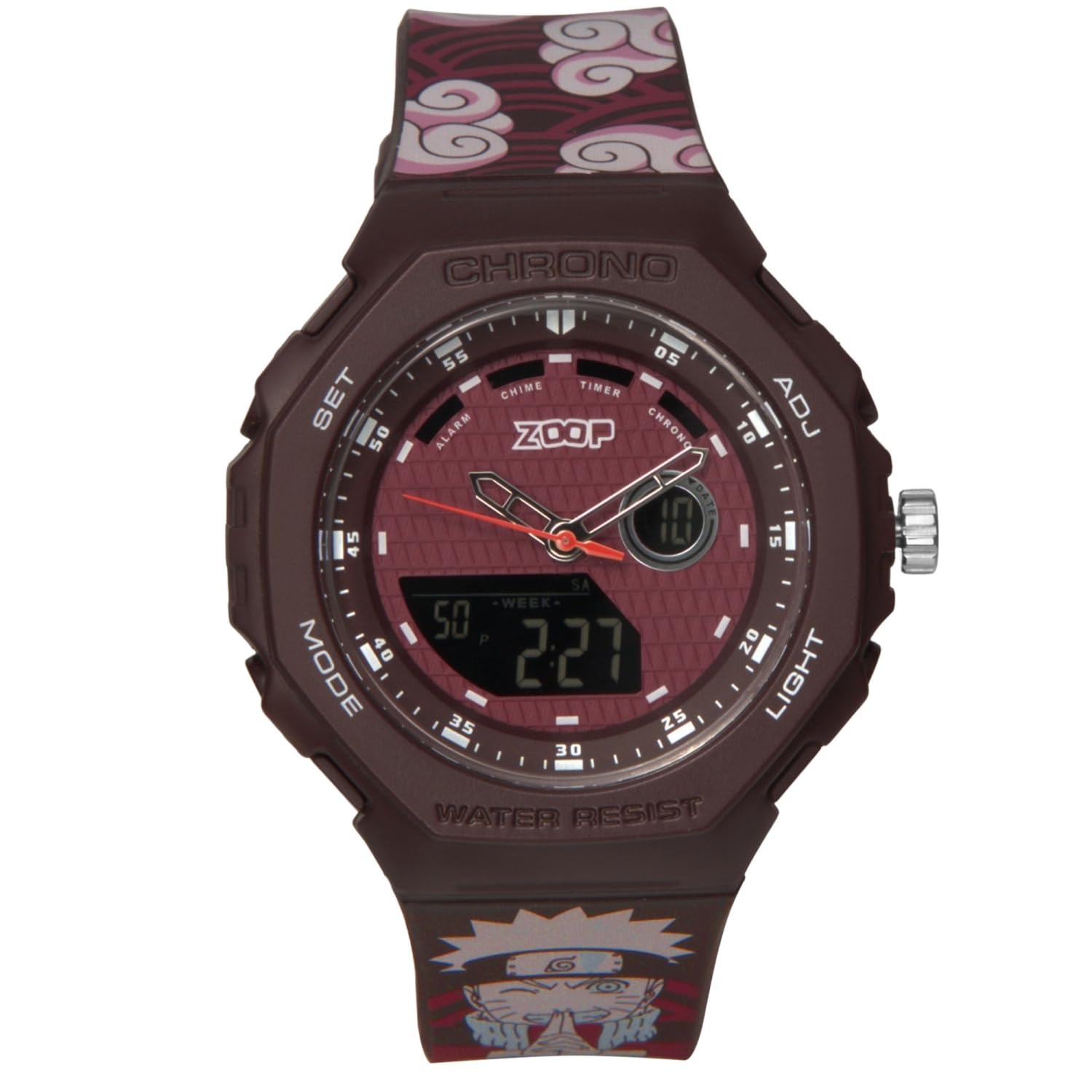
Rajah 1: Depan view of the Zoop Naruto Ana-Digi Watch. This image displays the watch face with both analog hands and the digital display, set against a dark red background. The watch features a maroon case and a strap with a distinctive cloud pattern and Naruto character.

Rajah 2: Key components of the Zoop Naruto Ana-Digi Watch. This diagram highlights the Ana-Digi function, dedicated push buttons (SET, MODE, ADJ, LIGHT), stainless steel crown, character printed strap, and skin-friendly silicon strap with Akatsuki clouds pattern.
Persediaan
Pemeriksaan Awal
Upon unboxing, inspect the watch for any visible damage. Ensure all protective films are removed from the watch face and case back.
Menetapkan Masa dan Tarikh
Your watch features both analog and digital time displays.
- Tetapan Masa Analog:
- Pull out the crown (the knob on the right side of the watch case, labeled "ADJ" in Figure 2) to the first click position.
- Turn the crown to adjust the analog hands to the correct time.
- Tolak mahkota kembali ke dalam untuk memastikan masa analog tetap.
- Digital Time and Date Setting:
- Tekan ke MODE button (bottom left) repeatedly until the desired setting mode (e.g., Time Setting, Date Setting) is displayed.
- Once in the desired setting mode, press the SET button (top left) to select the digit or parameter you wish to adjust. The selected digit will typically flash.
- Gunakan ADJ button (top right) to increase the value or cycle through options.
- Teruskan menekan SET to move to the next parameter and ADJ untuk mengubah nilainya.
- Selepas menetapkan semua parameter, tekan butang MODE butang untuk keluar dari mod tetapan dan kembali ke paparan masa biasa.
Arahan Operasi
Fungsi Mod
Tekan ke MODE button (bottom left) to cycle through the various functions of your watch. The available modes typically include:
- Paparan Masa: Shows current digital time and date.
- penggera: Allows setting and activating an alarm.
- Chronograph (Jam randik): Measures elapsed time.
- Pemasa: Fungsi pemasa undur.
Menggunakan Penggera
- Tekan MODE until the Alarm mode is displayed.
- Tekan SET to activate the alarm setting. The hour digits will flash.
- guna ADJ untuk menetapkan jam yang dikehendaki.
- Tekan SET again to move to the minute digits and use ADJ untuk menetapkan minit.
- Tekan MODE to exit the alarm setting.
- Untuk menghidupkan/mematikan penggera, tekan ADJ while in Alarm mode (without pressing SET). An alarm icon will typically appear when the alarm is active.
Menggunakan Kronograf (Jam Randik)
- Tekan MODE until the Chronograph mode is displayed (usually showing "00:00:00").
- Tekan ADJ untuk memulakan jam randik.
- Tekan ADJ sekali lagi untuk menjeda jam randik.
- Tekan SET to reset the stopwatch to zero while it is paused.
Menggunakan Cahaya
Tekan ke CAHAYA button (bottom right) to illuminate the digital display for a few seconds, improving visibility in low-light conditions.
Tahan Air
This watch is water-resistant up to 50 meters (5 ATM). This means it is suitable for everyday use, including splashes, rain, and brief immersion in water. Do not press any buttons or operate the crown while the watch is wet or submerged, as this can compromise the water resistance. It is not suitable for swimming, diving, or showering with hot water.
Penyelenggaraan
Membersihkan Jam Tangan Anda
Untuk mengekalkan penampilan jam tangan anda, lap sarung dan tali dengan kerap menggunakan kain lembut dan kering. Untuk kotoran degil, lap sedikitamp cloth can be used, followed by immediate drying. Avoid using chemical cleaners, solvents, or abrasive materials, as these can damage the watch's finish and strap.
Penggantian Bateri
The watch is powered by a battery. When the digital display becomes dim or the watch stops functioning, it may be time for a battery replacement. It is recommended to have the battery replaced by a qualified watch technician to ensure the water resistance seal is properly maintained.
Penyimpanan
Apabila tidak digunakan, simpan jam tangan anda di tempat yang sejuk dan kering, jauh daripada cahaya matahari langsung, suhu yang melampau dan medan magnet yang kuat.
Menyelesaikan masalah
| Masalah | Kemungkinan Punca | Penyelesaian |
|---|---|---|
| Tangan analog tidak bergerak. | Crown is pulled out; battery low. | Push crown back in. If still not moving, battery may need replacement. |
| Paparan digital kosong atau malap. | Bateri lemah atau kehabisan bateri. | Gantikan bateri. |
| Masa digital tidak betul. | Masa tidak ditetapkan dengan betul. | Refer to "Setting the Time and Date" section to reset the digital time. |
| Air di dalam jam tangan. | Water resistance compromised (e.g., buttons pressed underwater, seal damaged). | Segera bawa jam tangan tersebut kepada juruteknik yang berkelayakan untuk pemeriksaan dan pembaikan bagi mengelakkan kerosakan selanjutnya. |
Jika anda menghadapi masalah yang tidak disenaraikan di sini atau jika penyelesaian yang dicadangkan tidak menyelesaikan masalah, sila hubungi sokongan pelanggan.
Spesifikasi
- Jenama: Zoop
- model: 16053PP03
- Nama Model: Naruto
- Jenis Paparan: Analog-Digital
- Bahan kes: Not explicitly stated, but typically resin/plastic for such watches.
- Bahan Tali: silikon
- Tahan Air: 50 Meter (5 ATM)
- Dimensi Produk: 5 x 4.6 x 1.6 cm (Panjang x Lebar x Tinggi)
- Berat Barang: 200 g
- Bateri: Yes, included and required.
- Pengeluar: Syarikat Titan Limited
- Negara Asal: India

Rajah 3: Detailed specifications including 15.60 mm case thickness, 45.60x49.80 mm case size, buckle lock mechanism, and 5 ATM water resistance.
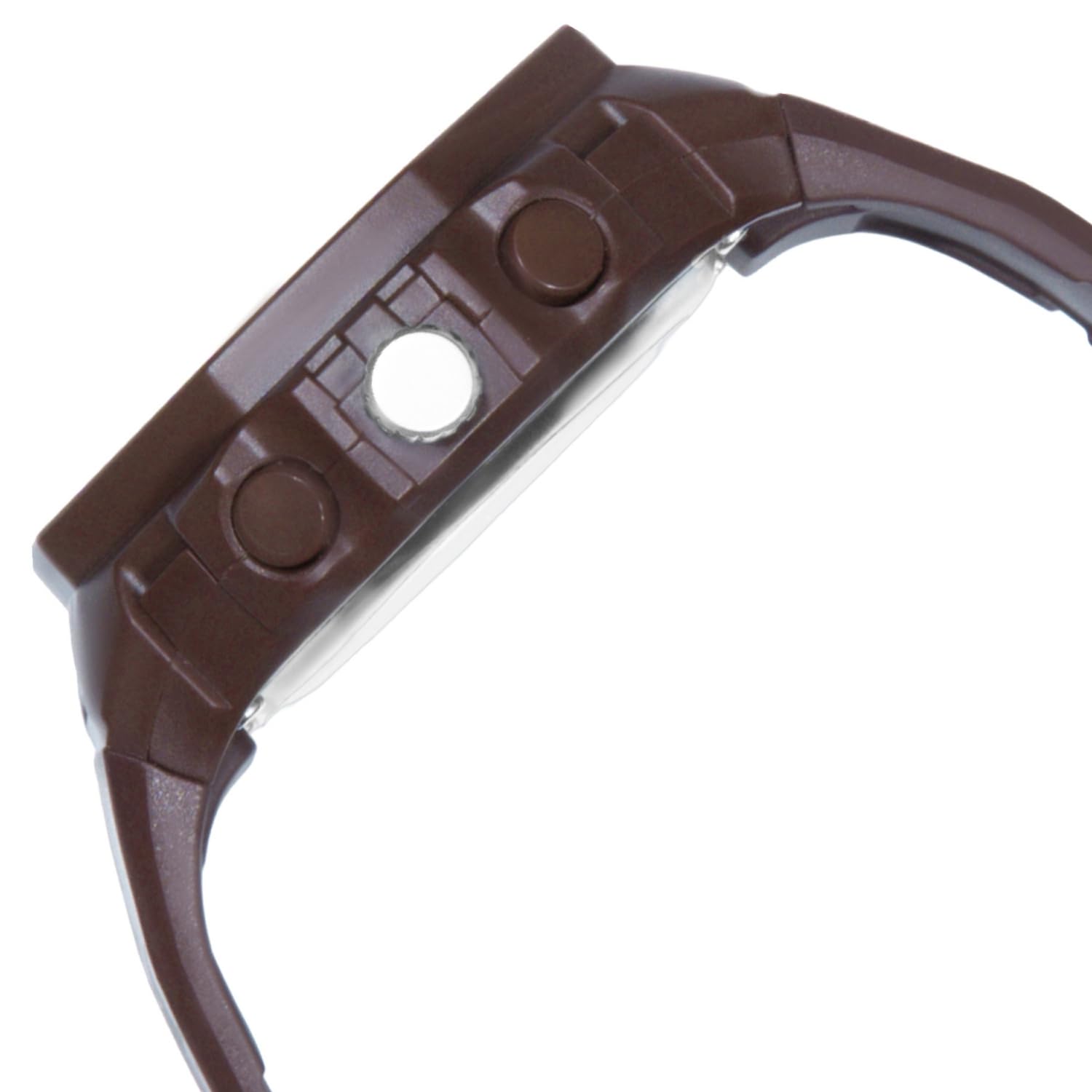
Rajah 4: Visual representation of the watch's case diameter, measuring 45.60 mm, shown with a scale.
Waranti dan Sokongan
For warranty information and customer support, please refer to the warranty card included with your purchase or visit the official Zoop by Titan webtapak. Simpan resit pembelian anda sebagai bukti pembelian untuk sebarang tuntutan waranti.
For further assistance, you may contact the manufacturer, Titan Company Limited, directly.