
pengenalan
Thank you for choosing GEEKRIA Wired Clip-On Ear Headphones. This manual provides essential information for setting up, operating, and maintaining your headphones to ensure optimal performance and longevity. Please read this manual thoroughly before use.
Kandungan Pakej
Sahkan bahawa semua item terdapat dalam pakej anda:
- 1 x GEEKRIA Wired Clip-On Ear Headphones (Model EJL34-01)
- 2 x Foam Earbud Earpads (pre-installed or spare)
- 1 x Kotak Penyimpanan

Image of the GEEKRIA Wired Clip-On Ear Headphones, showcasing their overall design and the attached cable.
Persediaan
1. Menyambung ke Peranti Anda
The GEEKRIA EJL34-01 headphones feature a standard 3.5mm audio jack for universal compatibility.
- Locate the 3.5mm audio port on your smartphone, tablet, game console, or music player.
- Insert the 3.5mm jack of the headphones firmly into the device's audio port.
Nota: For computer use, a one-to-two adapter cable (not included) is required to separate audio output and microphone input. These headphones are primarily designed for mobile devices.
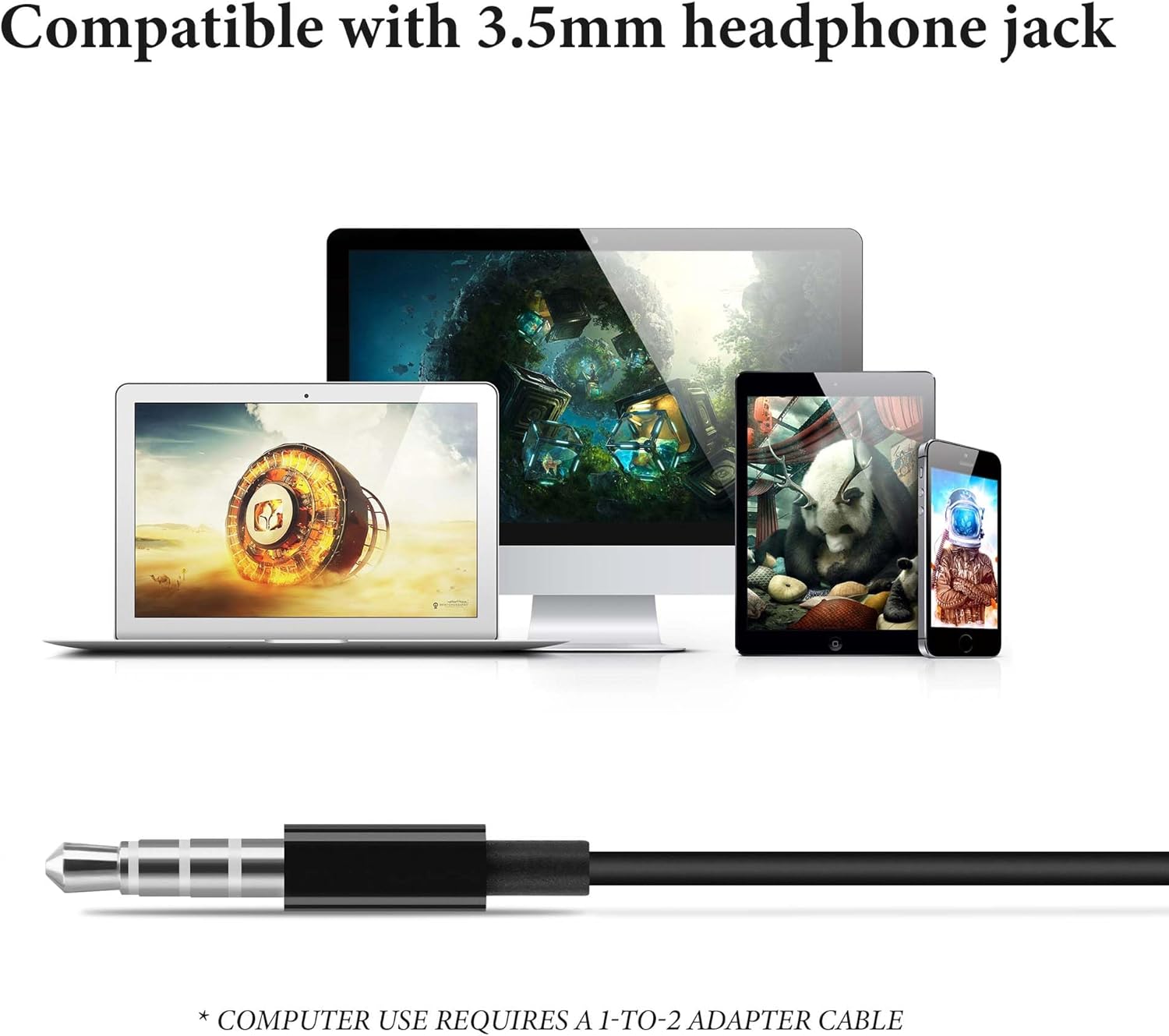
Image displaying the 3.5mm audio jack and various compatible devices such as smartphones, tablets, and laptops. A note indicates a 1-to-2 adapter is required for computer use.
2. Memakai Fon Kepala
These clip-on headphones are designed for a secure and comfortable fit without entering the ear canal.
- Gently open the ear clip and position the earpad over your ear.
- Adjust the clip to rest securely and comfortably behind your ear. The earcup can rotate to align with your ear for optimal sound and comfort.
- Ensure the soft sponge-covered earpads sit gently on your ears.

Image illustrating the adjustable clip-on ear design of the headphones, showing how the earcups can rotate for a secure and comfortable fit.

Image of a person wearing the GEEKRIA headphones while cycling, demonstrating their stable and lightweight design suitable for active movement.
Arahan Operasi
The headphones feature an inline control unit for easy management of audio playback and calls.

Diagram detailing the functions of the inline control buttons: short press for answer/hang up, long press for reject or Siri (iPhone only), single press for play/pause, double press for next track, triple press for previous track, and volume up/down.
Kawalan Main balik Muzik
- Main/Jeda: Short press the center button once.
- Lagu Seterusnya: Short press the center button twice.
- Trek Sebelumnya: Short press the center button three times.
- Kelantangan: Tekan butang '+'.
- Perlahankan suara: Tekan butang '-'.
Kawalan Panggilan
- Jawab/Tamatkan Panggilan: Short press the center button once during an incoming call or an active call.
- Tolak Panggilan: Long press the center button during an incoming call.
- Activate Voice Assistant (Siri for iPhone): Long press the center button (functionality may vary by device).
Penyelenggaraan
Pembersihan
- Wipe the headphones and earpads with a soft, dry, lint-free cloth.
- Jangan gunakan bahan kimia yang keras, pelarut pembersih atau detergen yang kuat.
Penyimpanan
- When not in use, store the headphones in the included storage case to protect them from dust and tangles.
- Elakkan menyimpan dalam suhu yang melampau atau kelembapan yang tinggi.
Penjagaan Am
- Avoid pulling on the cable excessively to prevent damage to the internal wiring.
- Keep the 3.5mm jack clean and free of debris.
Menyelesaikan masalah
Tiada Bunyi atau Kelantangan Rendah
- Pastikan bicu 3.5mm dimasukkan sepenuhnya ke dalam peranti anda.
- Check the volume level on your connected device and using the inline controls.
- Uji fon kepala dengan peranti lain untuk menolak isu khusus peranti.
Mikrofon Tidak Berfungsi
- Pastikan bicu 3.5mm dimasukkan sepenuhnya.
- Sahkan bahawa tetapan peranti anda dikonfigurasikan untuk menggunakan mikrofon luaran.
- If using with a computer, confirm you have the correct 1-to-2 adapter cable and that it is properly connected.
Discomfort or Instability
- Adjust the ear clips and rotate the earcups to find a comfortable and secure fit.
- Ensure the earpads are positioned gently on your ears.
Spesifikasi
| Ciri | Spesifikasi |
|---|---|
| Nama Model | EJL34 |
| Teknologi Ketersambungan | Berwayar (Bicu 3.5mm) |
| Penempatan Telinga | On Ear (Clip-On) |
| Faktor Bentuk | Di Telinga |
| Panjang Kabel | 3.94 kaki (120 cm) |
| bahan | Elastomer Termoplastik (TPE) |
| Berat Barang | 29 Gram (1.02 auns) |
| Dimensi Produk | 47.24 x 1.57 x 0.79 inci |
| Ciri Khas | Stress-free, Lightweight, Call Control |
| Peranti Serasi | Mobile devices with a 3.5mm jack interface |

Diagram showing the internal structure of the headphone's earcup, highlighting the 13mm bio-diaphragm for clear and balanced sound.
Waranti dan Sokongan
GEEKRIA products are designed for quality and reliability. For specific warranty information regarding your EJL34-01 headphones, please refer to the warranty card included with your purchase or visit the official GEEKRIA webtapak.
If you encounter any issues or have questions not covered in this manual, please contact GEEKRIA customer support through their official website or the retailer where you purchased the product. Please have your model number (EJL34-01) and purchase details ready.