
pengenalan
Thank you for choosing the iFFALCON 55U75A 55-inch Smart TV. This manual provides essential information for setting up, operating, and maintaining your new television. Please read it thoroughly before use and keep it for future reference.

The iFFALCON 55U75A 55-inch Smart TV, showcasing reka bentuknya yang anggun.
Maklumat Keselamatan
Sentiasa ikuti langkah berjaga-jaga keselamatan asas apabila menggunakan produk ini untuk mengurangkan risiko kebakaran, kejutan elektrik dan kecederaan.
- Jangan dedahkan TV kepada hujan atau lembapan.
- Jangan buka kabinet; merujuk semua perkhidmatan kepada kakitangan yang berkelayakan.
- Pastikan pengudaraan yang betul di sekeliling TV.
- Gunakan hanya penyesuai kuasa dan kabel yang disediakan oleh pengilang.
- Jauhkan TV daripada cahaya matahari langsung, sumber haba dan medan magnet yang kuat.
- Clean the TV with a soft, dry cloth. Avoid liquid cleaners.
Kandungan Pakej
Sahkan bahawa semua item terdapat dalam pakej:
- iFFALCON 55U75A 55-inch Smart TV
- Penyesuai Kuasa
- Kabel Kuasa
- Alat Kawalan Jauh
- Berdiri
- Manual Pengguna
Persediaan
1. Pemasangan Stand
Untuk memasang pendirian TV:
- Letakkan TV menghadap ke bawah dengan berhati-hati pada permukaan yang lembut dan rata untuk mengelakkan kerosakan skrin.
- Attach the stand legs to the designated slots on the bottom of the TV.
- Selamatkan kaki dengan skru yang disediakan.

Diagram showing the TV dimensions and how to attach the stand.
2. Menyambung Peranti
Sambungkan peranti luaran anda ke TV menggunakan port yang tersedia:
- HDMI: For high-definition audio and video devices like gaming consoles, Blu-ray players, or set-top boxes. The TV features 4 HDMI ports.
- USB: Untuk menyambungkan peranti storan USB untuk memainkan media files.
- Wi-Fi: Sambung ke rangkaian rumah anda untuk akses internet dan ciri TV pintar.
- Bluetooth: Untuk sambungan wayarles ke peranti audio atau aksesori yang serasi.

belakang view of the TV, illustrating the various input and output ports.
3. Hidupkan Kuasa Awal
After connecting all necessary cables, plug the power cable into an electrical outlet. Press the power button on the remote control or the TV to turn it on. Follow the on-screen instructions for initial setup, including language selection, network connection, and Google TV account setup.
Mengendalikan TV
Alat Kawalan Jauh
The remote control allows you to navigate the TV's interface, adjust settings, and access smart features. Familiarize yourself with the buttons for power, volume, channel, input selection, and smart TV functions.
Ciri TV Google
Your iFFALCON 55U75A comes with Google TV, offering a personalized entertainment experience. Access your favorite streaming services, apps, and content recommendations. Use Google Assistant for voice commands to search for movies, control smart home devices, and more.
Display Technology: QLED and 144Hz Native Refresh Rate
Experience vibrant and lifelike visuals with QLED technology, featuring advanced quantum crystal materials for richer colors and higher stability. The 144Hz native refresh rate ensures ultra-smooth motion, ideal for gaming and fast-paced action scenes, reducing blur and enhancing clarity.
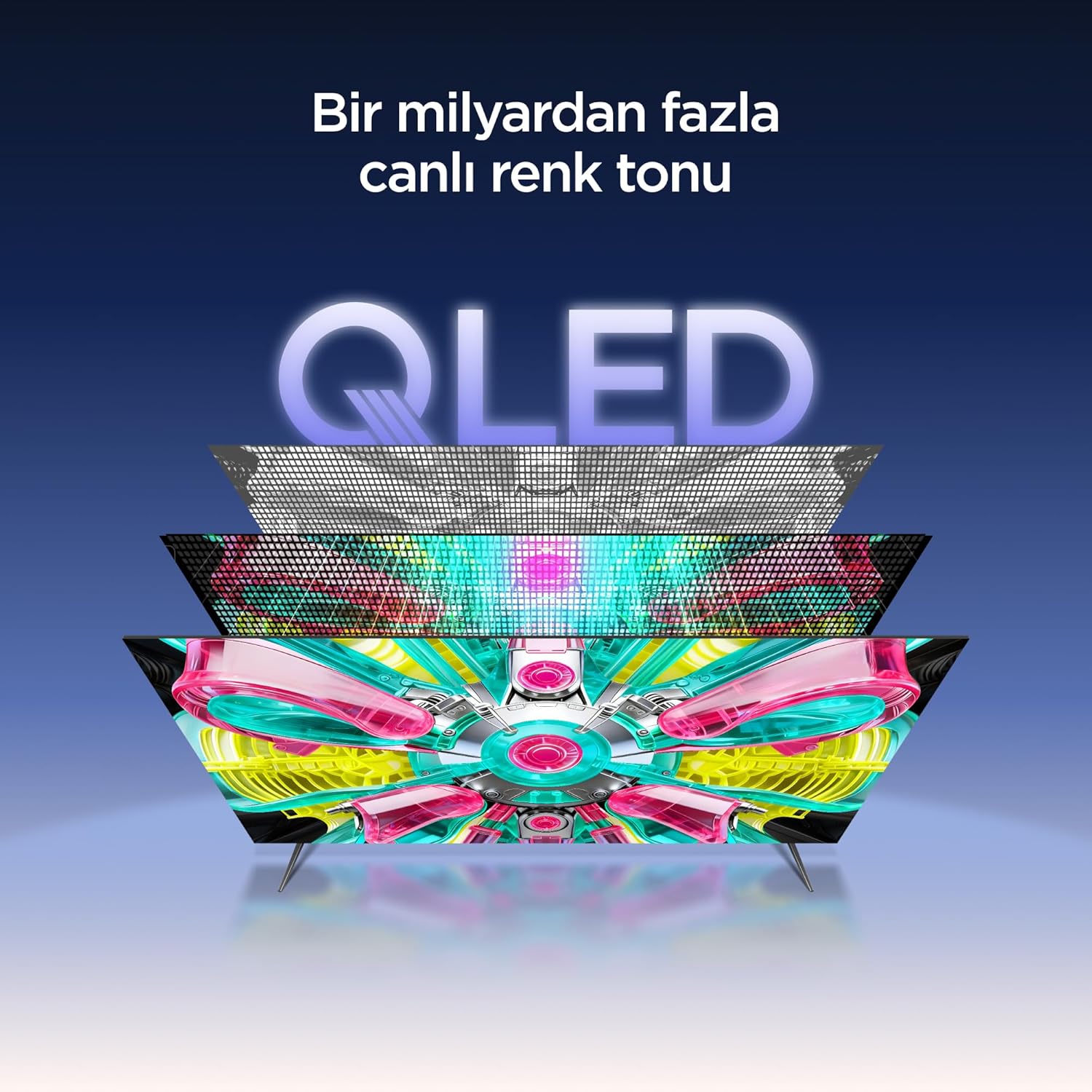
An illustration of the QLED display technology layers, providing over a billion vibrant color tones.
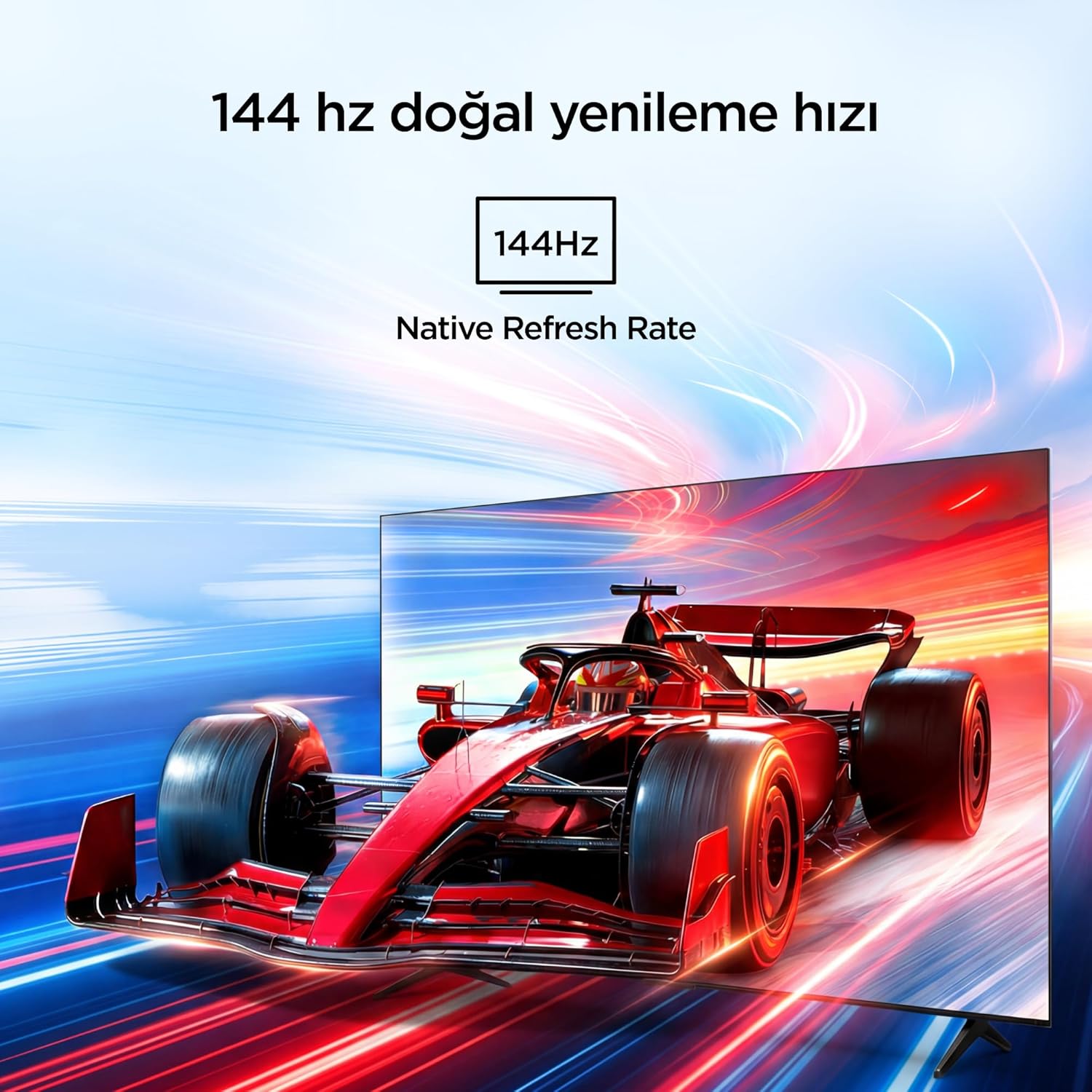
Visual representation of the 144Hz Native Refresh Rate, demonstrating smooth motion for gaming and action.
Audio Experience: Dolby Vision Atmos & DTS Virtual X
Immerse yourself in high-quality audio with Dolby Vision Atmos, delivering rich and captivating sound. DTS Virtual X provides virtual 3D sound, bringing the scene into your room with audio from above, the sides, and behind.

An image depicting the immersive audio experience provided by Dolby Vision Atmos.
Pemproses AiPQ Pro
The AiPQ Pro Processor, powered by artificial intelligence, optimizes contrast and color accuracy in every scene. It analyzes visual content and masterfully balances skin tones and color distribution for vivid and realistic visuals.
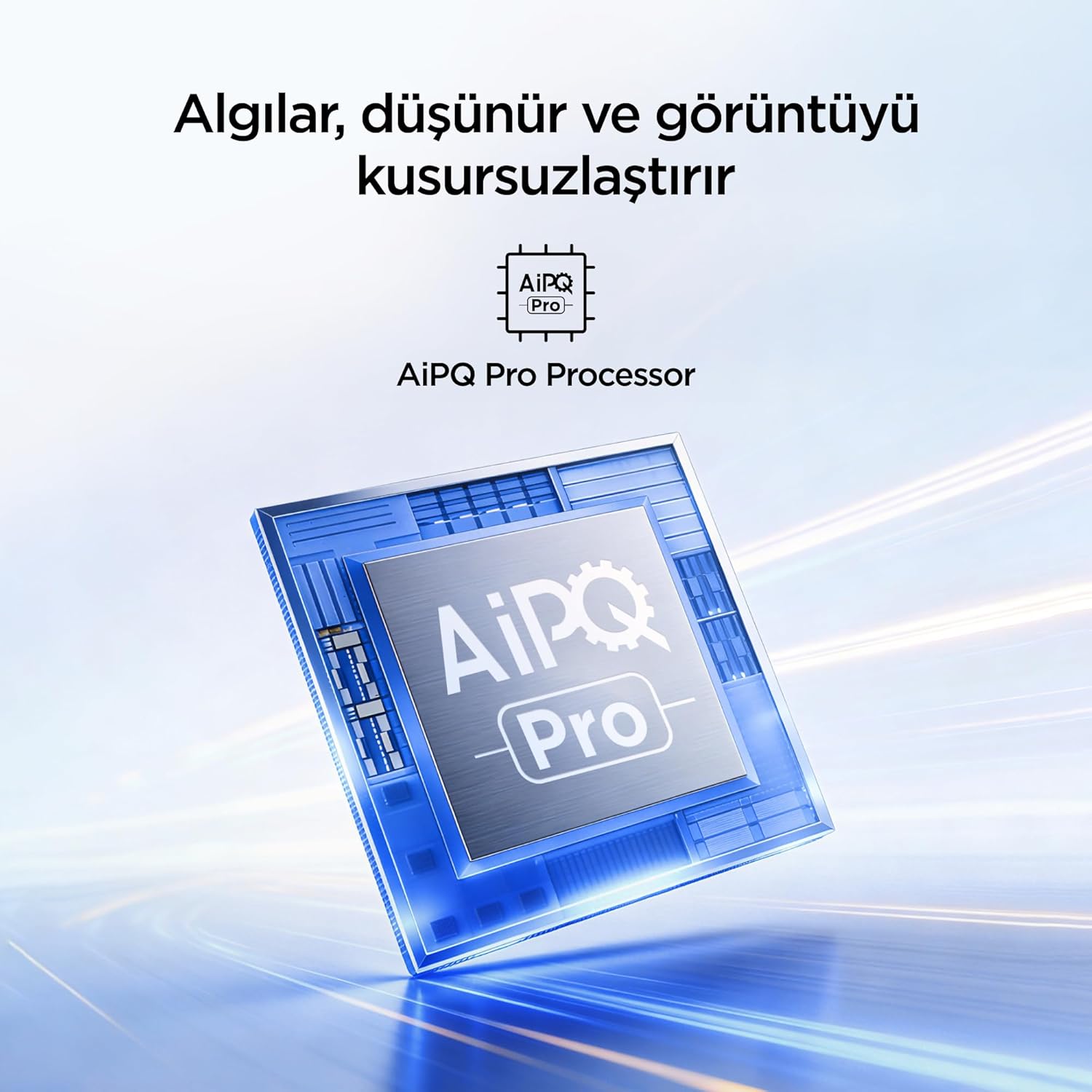
A visual of the AiPQ Pro Processor, highlighting its role in image optimization.
HVA Panel Technology
The HVA Panel offers 5x contrast enhancement, a low reflection film, and a wide viewing angle of over 178°. This technology provides powerful and accurate contrast, delivering sharper and more striking images.

Comparison illustrating the superior contrast and detail of HVA Panel Technology over conventional IPS panels.
Game Master & Gamebar
The Game Master feature, along with the dedicated Gamebar, provides special screen designs for gaming consoles. Comprehensive graphics and game modes allow for personalized settings, giving you an advantage when starting a game.

An image showing the Gamebar interface, designed for optimizing gaming experiences on consoles.
Multiple Eye Care
The TV is equipped with Multiple Eye Care technologies, such as low blue light and natural light optimization, to help reduce eye strain during long viewing sessions, providing a more comfortable experience.

Visual explanation of Multiple Eye Care features like low blue light and flicker-free viewing.
Penyelenggaraan
Penyelenggaraan yang betul memastikan jangka hayat dan prestasi optimum TV anda.
- Membersihkan Skrin: Lap skrin perlahan-lahan dengan kain lembut yang tidak berbulu. Untuk tanda degil, sedikit dampen kain dengan air atau pembersih skrin khusus (jangan sesekali sembur terus ke skrin).
- Membersihkan Kabinet: Gunakan kain lembut dan kering untuk mengelap kabinet TV.
- Pengudaraan: Pastikan bukaan pengudaraan di bahagian belakang TV tidak disekat untuk mengelakkan terlalu panas.
- Kord Kuasa: Periksa kord kuasa secara berkala untuk sebarang kerosakan. Jika rosak, hubungi khidmat pelanggan untuk penggantian.
Menyelesaikan masalah
Jika anda menghadapi masalah dengan TV anda, rujuk masalah dan penyelesaian biasa berikut sebelum menghubungi sokongan.
| Masalah | Penyelesaian yang Mungkin |
|---|---|
| Tiada kuasa | Check if the power cord is securely plugged into the TV and the power outlet. Ensure the outlet is working. |
| Tiada gambar, tetapi bunyi hadir | Check the input source. Ensure the external device is properly connected and powered on. |
| Tiada bunyi, tetapi ada gambar | Periksa tahap kelantangan dan tetapan senyap. Pastikan kabel audio disambungkan dengan betul. |
| Alat kawalan jauh tidak berfungsi | Gantikan bateri. Pastikan tiada halangan antara alat kawalan jauh dan penderia IR TV. |
| Isu sambungan Wi-Fi | Restart your router and modem. Check TV network settings and ensure the password is correct. |
Spesifikasi
| Ciri | Perincian |
|---|---|
| Saiz Skrin | 55 inci |
| Jenama | iFFALCON |
| Teknologi Paparan | QLED |
| Resolusi | 4K |
| Kadar Segar Semula | 144 Hz |
| Ciri-ciri Utama | 144Hz Native Refresh Rate, AiPQ Pro Processor, Bezel-less Design, Google Assistant, HVA Screen, Multi Eye Care, Free Sync |
| Teknologi Ketersambungan | Bluetooth, HDMI, USB, Wi-Fi |
| Dimensi Produk (D x W x H) | 7D x 122.4W x 70.8H cm |
| Nama Model | 55U75A |
| Berat Produk | 13.5 Kilogram |
| Jumlah Port HDMI | 4 |
| Kecekapan Tenaga | A+ |
| warna | Hitam |
| Tahun Model | 2026 |
| Pengeluar | iFFALCON |
| Negara Asal | China |
Waranti & Sokongan
Your iFFALCON 55U75A Smart TV comes with a Waranti pengilang 2 tahun. For warranty claims, technical support, or service inquiries, please contact iFFALCON customer service. Refer to the warranty card included in your package for detailed terms and conditions.
For further assistance, visit the official iFFALCON webtapak atau hubungi pusat perkhidmatan mereka yang dibenarkan.