
pengenalan
This manual provides detailed instructions for the setup, operation, maintenance, and troubleshooting of your BOSGAME M4 Neo Mini PC. Please read this manual thoroughly before using the device to ensure proper functionality and to prevent damage.
Kandungan Pakej
Sahkan bahawa semua item terdapat dalam pakej:
- PC Mini BOSGAME M4 Neo
- Penyesuai Kuasa
- Kabel HDMI
- Manual Pengguna
Produk Selesaiview
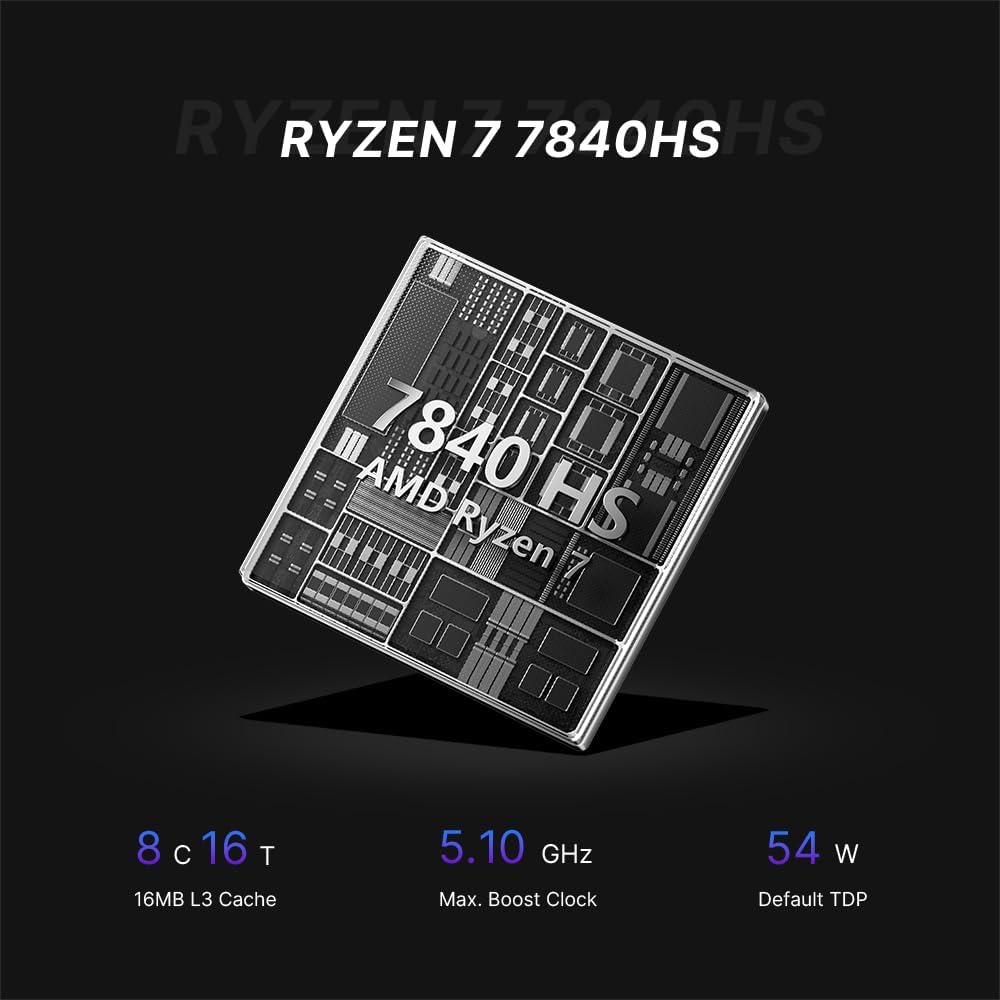
The BOSGAME M4 Neo is a compact desktop computer designed for various applications, from office tasks to gaming. It features an AMD Ryzen 7 7840HS processor, DDR5 memory, and PCIe SSD storage.

Image: Top, front, side, and rear views of the BOSGAME M4 Neo Mini PC with dimensions (130mm x 129mm x 46mm) and port labels.
Imej: Terperinci view of the front and rear ports on the BOSGAME M4 Neo Mini PC, including USB, HDMI, DisplayPort, LAN, and power input.
Persediaan
Menyambung Peranti
- Paparan Sambungkan: Use an HDMI or DisplayPort cable to connect your monitor(s) to the corresponding ports on the Mini PC. The device supports up to three displays simultaneously.
- Sambungkan Peranti Input: Pasangkan papan kekunci dan tetikus USB anda ke port USB yang tersedia.
- Sambungkan Rangkaian (Pilihan): For a wired connection, connect an Ethernet cable from your router or modem to one of the 2.5G LAN ports.
- Sambungkan Kuasa: Plug the power adapter into the DC-in port on the Mini PC, then connect the adapter to a power outlet.

Image: The BOSGAME M4 Neo Mini PC connected to an external display, keyboard, and mouse via its USB4.0 interface, demonstrating its connectivity capabilities.
Kuasa Awal Hidup
- Tekan butang kuasa yang terletak di hadapan Mini PC.
- The system will boot up. Follow the on-screen instructions to complete the initial operating system setup.
Sistem Operasi
The BOSGAME M4 Neo Mini PC comes with Windows 11 Pro pre-installed. It also supports other operating systems such as Ubuntu and Linux. For installing alternative operating systems, refer to the specific installation guides for your chosen OS.
Storage and Memory Expansion
The M4 Neo is equipped with 64GB DDR5 4800MHz dual-channel RAM and a 2TB PCIe 4.0x4 NVMe SSD. The storage can be expanded by adding another M.2 2280 NVMe PCIe 4.0x4 SSD.
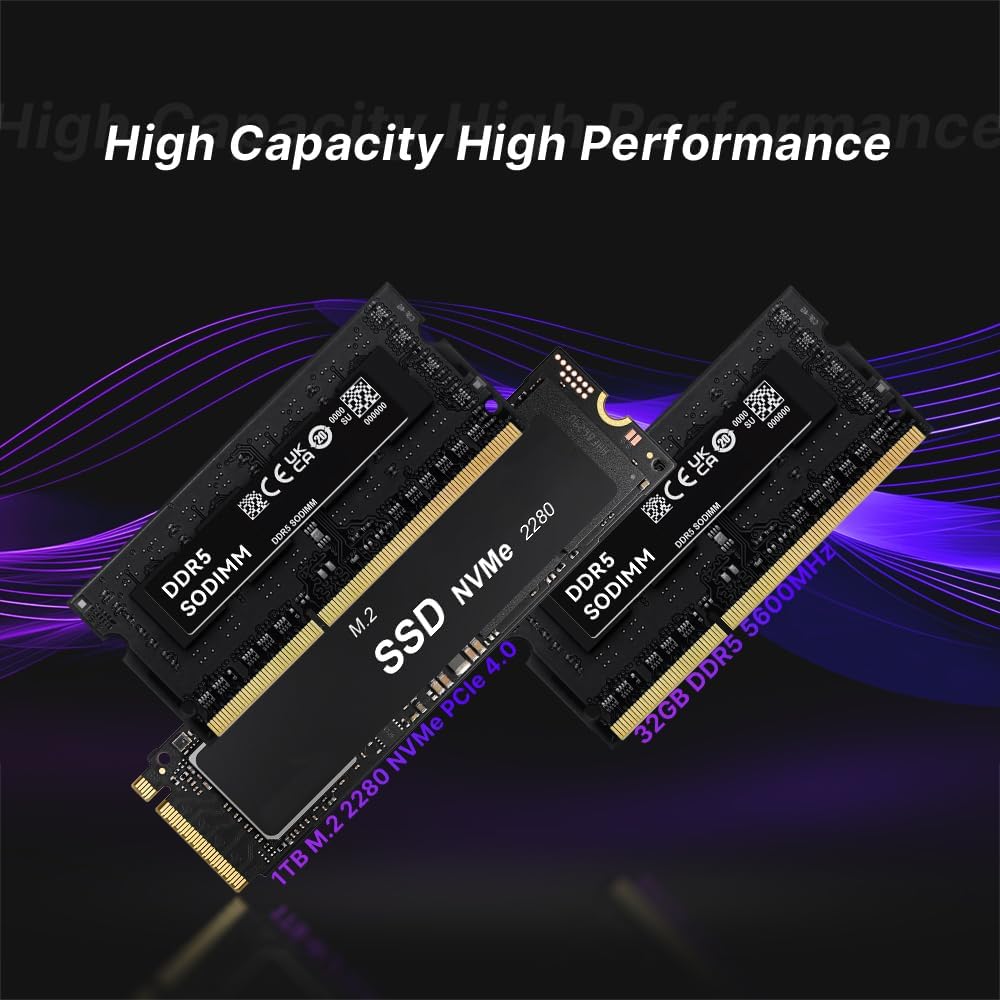
Image: Illustration of DDR5 SODIMM memory modules and an M.2 NVMe PCIe 4.0 SSD, representing the internal components for storage and memory.
For detailed instructions on upgrading RAM or SSD, consult the advanced user guide or contact technical support to avoid damaging internal components.
Ketersambungan
Kesambungan Berwayar
The Mini PC features dual 2.5G Ethernet LAN ports, providing high-speed and reliable wired network connections.
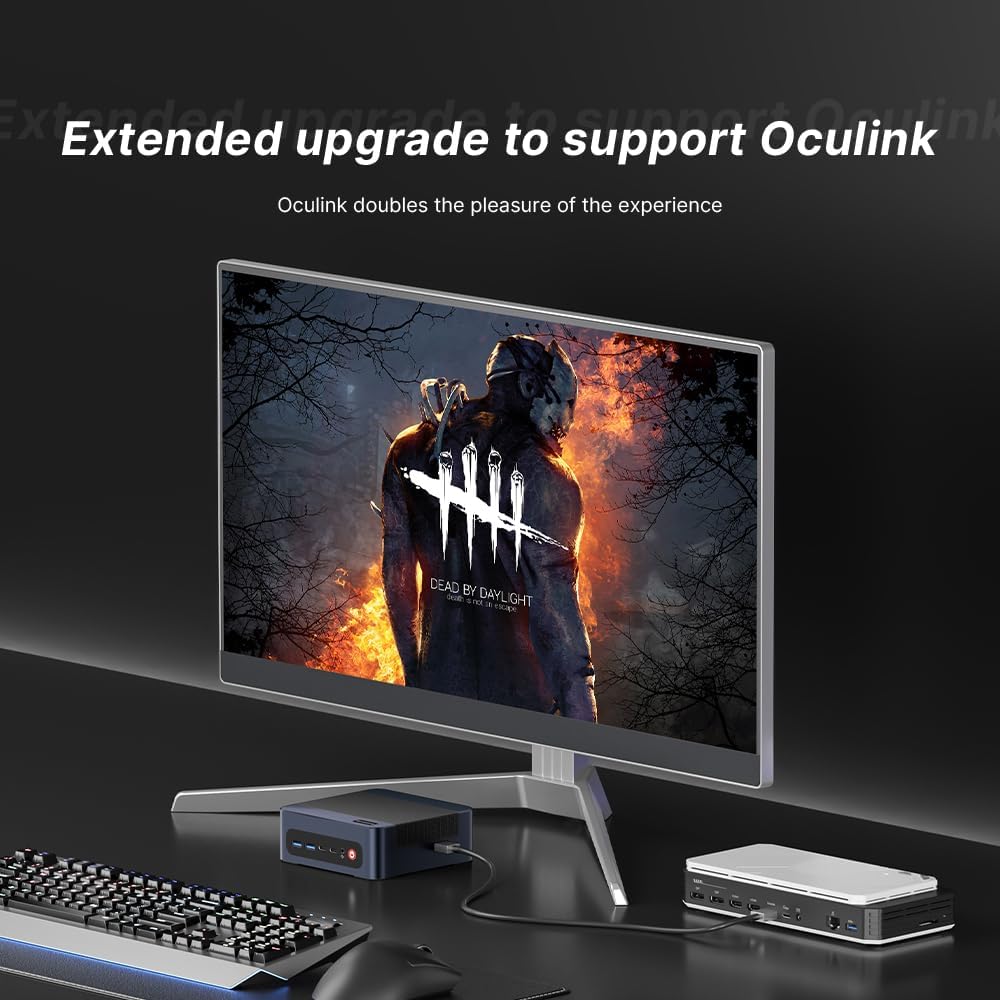
Image: The BOSGAME M4 Neo Mini PC highlighting its dual 2.5G RJ45 LAN ports with Ethernet cables connected, indicating high-speed network capability.
Kesambungan Wayarles
Integrated Wi-Fi 6E and Bluetooth 5.2 provide fast and stable wireless network access and connectivity for various wireless accessories.
Konfigurasi Paparan
The Mini PC supports quad-screen display output via HDMI 2.0 (4K@60Hz), DisplayPort 1.4 (4K@60Hz), and USB4.0 (8K@60Hz) / Type-C (4K@60Hz) ports. This allows for multi-tasking across multiple monitors.

Image: The BOSGAME M4 Neo Mini PC connected to three external monitors, demonstrating its capability to support a quad-screen display setup for enhanced productivity and entertainment.
An Oculink port is also included, enabling connections to external GPUs (eGPUs) for enhanced graphics performance.

Image: The BOSGAME M4 Neo Mini PC connected to an external graphics card enclosure via its Oculink port, illustrating the option for extended graphics capabilities.
Penyelenggaraan
Pembersihan
- Bersihkan bahagian luar Mini PC dengan kerap menggunakan kain lembut dan kering.
- Use compressed air to gently clear dust from ventilation openings to maintain optimal airflow and cooling. Ensure the device is powered off before cleaning.
Kemas Kini Perisian
- Keep your operating system and drivers updated to ensure system stability and security.
- Check the BOSGAME official website for the latest driver updates for your M4 Neo Mini PC.
Menyelesaikan masalah
Tiada Kuasa
- Pastikan penyesuai kuasa disambungkan dengan selamat ke PC Mini dan salur keluar kuasa yang berfungsi.
- Sahkan alur keluar kuasa berfungsi dengan memasang peranti lain.
Tiada Paparan
- Pastikan kabel HDMI atau DisplayPort disambungkan dengan kukuh pada kedua-dua Mini PC dan monitor.
- Ensure your monitor is set to the correct input source (e.g., HDMI 1, DisplayPort).
- Uji dengan kabel paparan atau monitor yang berbeza jika boleh.
Isu Prestasi
- Tutup aplikasi latar belakang yang tidak diperlukan untuk mengosongkan sumber sistem.
- Pastikan sistem pengendalian dan pemacu dikemas kini.
- Monitor system temperatures. Excessive heat can lead to performance throttling.

Image: Graphs showing CPU temperature changes over 14 hours (peaking at 72°C) and noise data from running various software (Illustrator, Photoshop, Office, Standby mode), indicating typical operating conditions.
Spesifikasi
| Jenama | BOSGAME |
| Nombor Model | M4 |
| Model CPU | AMD Ryzen 7 7840HS |
| Kelajuan CPU | 3.8 GHz (Max Boost 5.1 GHz) |
| Memori RAM Dipasang | 64 GB DDR5 4800 MHz |
| Kapasiti Penyimpanan Memori | 2 TB PCIe 4.0x4 NVMe SSD |
| Pemproses bersama Grafik | AMD Radeon 780M Graphics (Integrated) |
| Sistem Operasi | Support Win/Ubuntu/Linux (Windows 11 Pro pre-installed) |
| Output Video | HDMI, DisplayPort, USB4.0, USB Type-C (Supports Quad Screen, 4K/8K) |
| Kesambungan Rangkaian | Dual 2.5G Ethernet, Wi-Fi 6E, Bluetooth 5.2 |
| Port USB | 4 Total USB Ports (USB3.2 Type A*2, USB4.0*1, Type-C*1) |
| Ciri Khas | Oculink Port for eGPU |
Waranti dan Sokongan
The BOSGAME M4 Neo Mini PC comes with a 1-year manufacturer's warranty. For technical assistance, troubleshooting, or warranty claims, please contact BOSGAME customer service. Refer to the contact information provided with your product or visit the official BOSGAME webtapak untuk sumber sokongan.