
1. Pengenalan
This manual provides essential information for the proper setup, operation, and maintenance of your MESWAO 15.6-inch Android 14 Tablet (Model MES-B3). Please read this manual thoroughly before using the device to ensure optimal performance and longevity. Keep this manual for future reference.
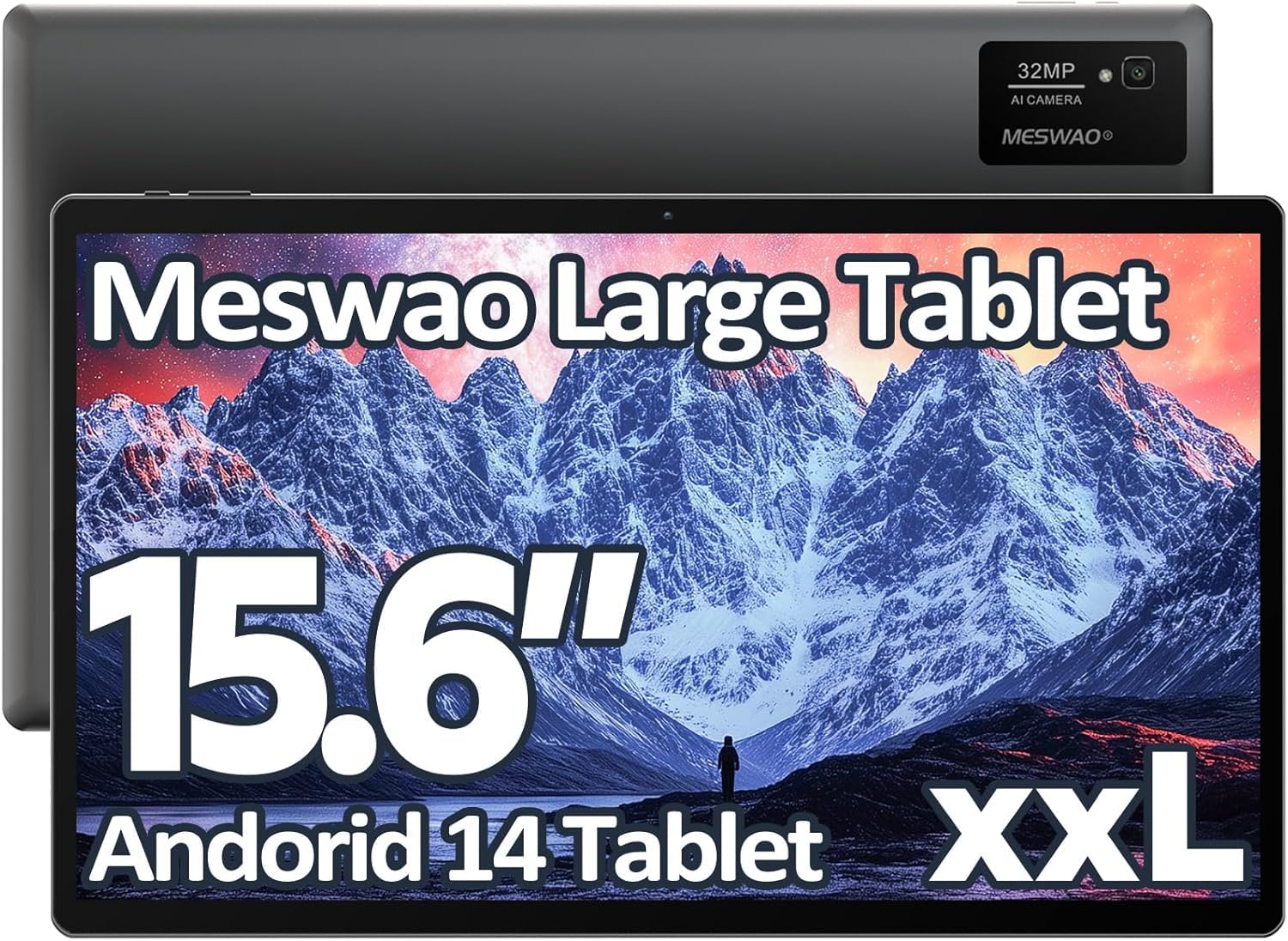
Image: The MESWAO 15.6-inch Android 14 Tablet, showcasinpaparannya yang besar dan reka bentuknya yang anggun.
2. Persediaan
2.1 Membuka Kotak dan Pemeriksaan Awal
Carefully remove all components from the packaging. Verify that all items listed in the package contents are present and undamaged. If any items are missing or damaged, contact customer support immediately.
2.2 Mengecas Tablet
Before first use, fully charge the tablet. Connect the provided USB-C cable to the tablet's charging port and the other end to the power adapter. Plug the power adapter into a wall outlet. The charging indicator will illuminate. A full charge typically takes approximately 3 hours with the 30W fast charging capability.
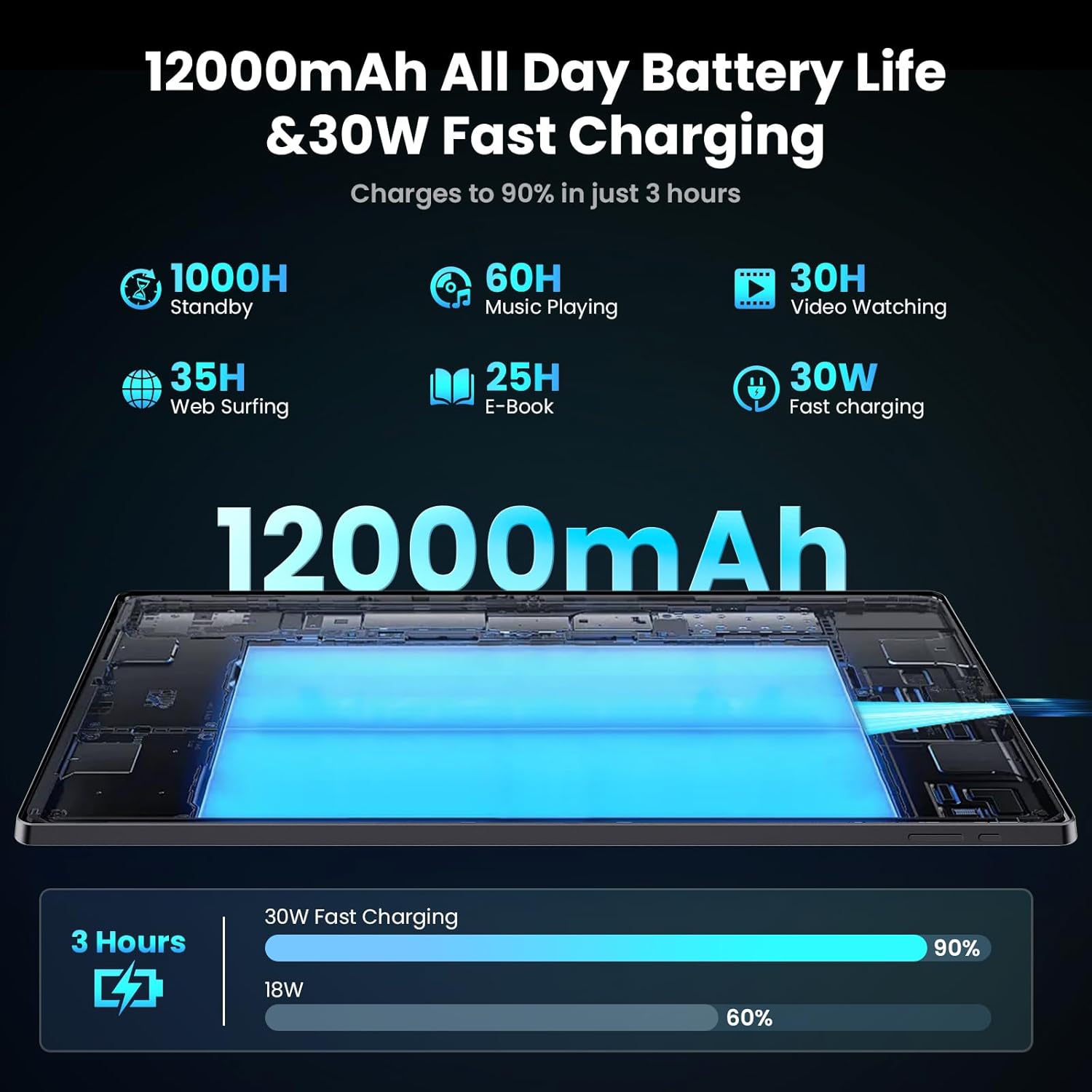
Image: Diagram illustrating the 12000mAh battery capacity and 30W fast charging feature, showing a charge to 90% in 3 hours.
2.3 Menghidupkan dan Konfigurasi Awal
- Press and hold the Power button until the MESWAO logo appears.
- Ikut arahan pada skrin untuk memilih bahasa, rantau dan sambungkan ke rangkaian Wi-Fi anda.
- Sign in with your Google account or create a new one to access the Google Play Store and other services.
- Complete any remaining setup steps, such as setting up a screen lock (PIN, pattern, or password) and reviewtetapan privasi.
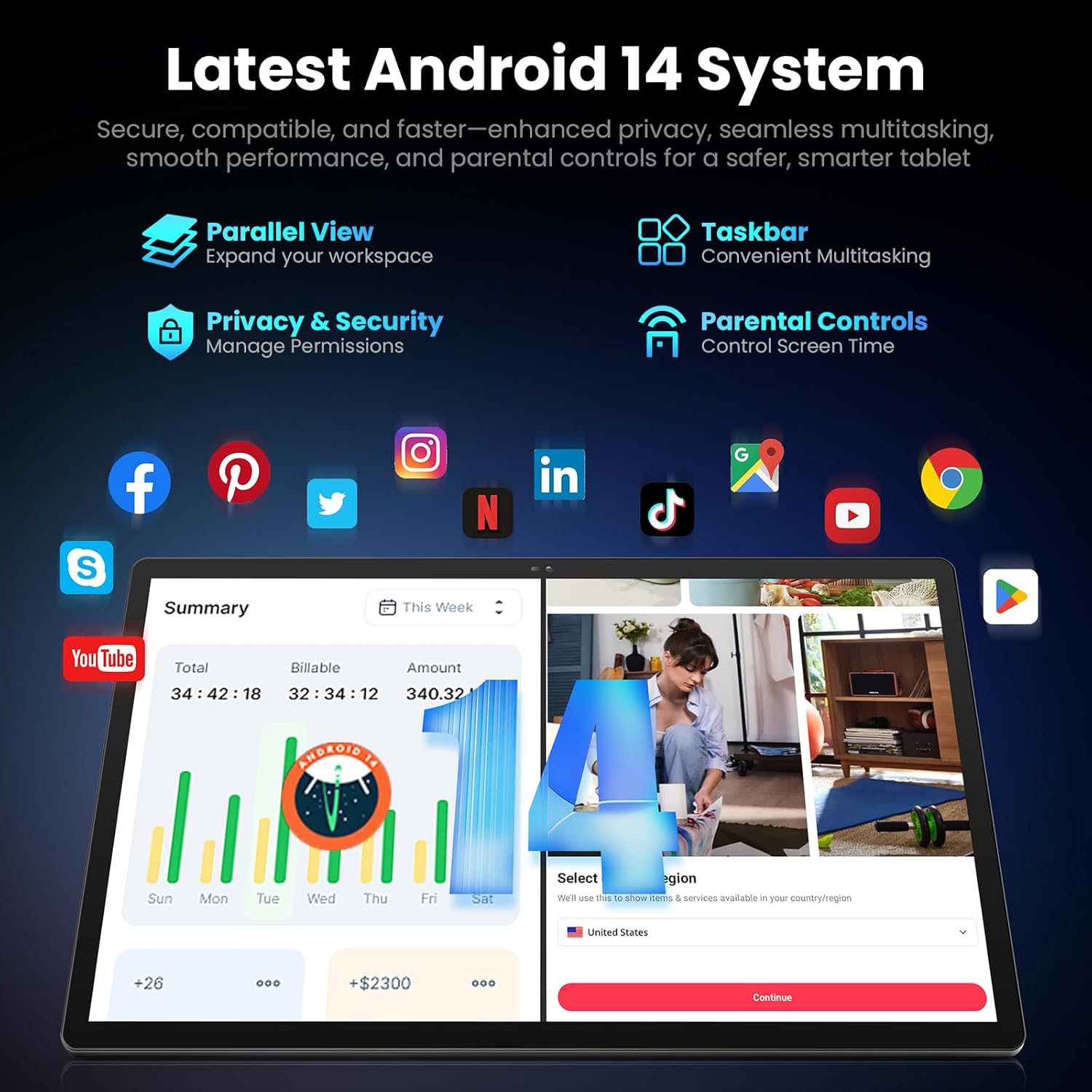
Image: Screenshot of the Android 14 system interface on the MESWAO tablet, highlighting features like Parallel View, Taskbar, Privacy & Security, and Parental Controls.
3. Arahan Operasi
3.1 Navigasi Asas
- Gerak isyarat sentuh: Ketik untuk memilih, leret untuk menatal, cubit untuk mengezum.
- Skrin Utama: Akses apl, widget dan pemberitahuan.
- Panel Pemberitahuan: Leret ke bawah dari bahagian atas skrin ke view pemberitahuan dan tetapan pantas.
- Laci Apl: Leret ke atas dari bahagian bawah skrin untuk mengakses semua aplikasi yang dipasang.
3.2 Paparan dan Pengalaman Visual
The 15.6-inch Full HD (1920x1080) IPS display offers vivid colors and wide viewing angles. Adjust brightness and display settings in the Settings menu under "Display" for optimal viewing comfort. The large screen is ideal for multitasking and immersive media consumption.

Image: The MESWAO tablet displaying a high-definition image, emphasizing the 1920x1080P Full HD IPS display with eye protection features.
3.3 Prestasi dan Penyimpanan
Equipped with an Octa-Core Helio G99 processor and Android 14, the tablet provides smooth performance for various applications. It includes 8GB RAM and 256GB internal storage, expandable up to 1TB via a TF (microSD) card. To insert a TF card, locate the card slot on the side of the tablet, open the tray, and carefully place the card into the designated slot before reinserting the tray.
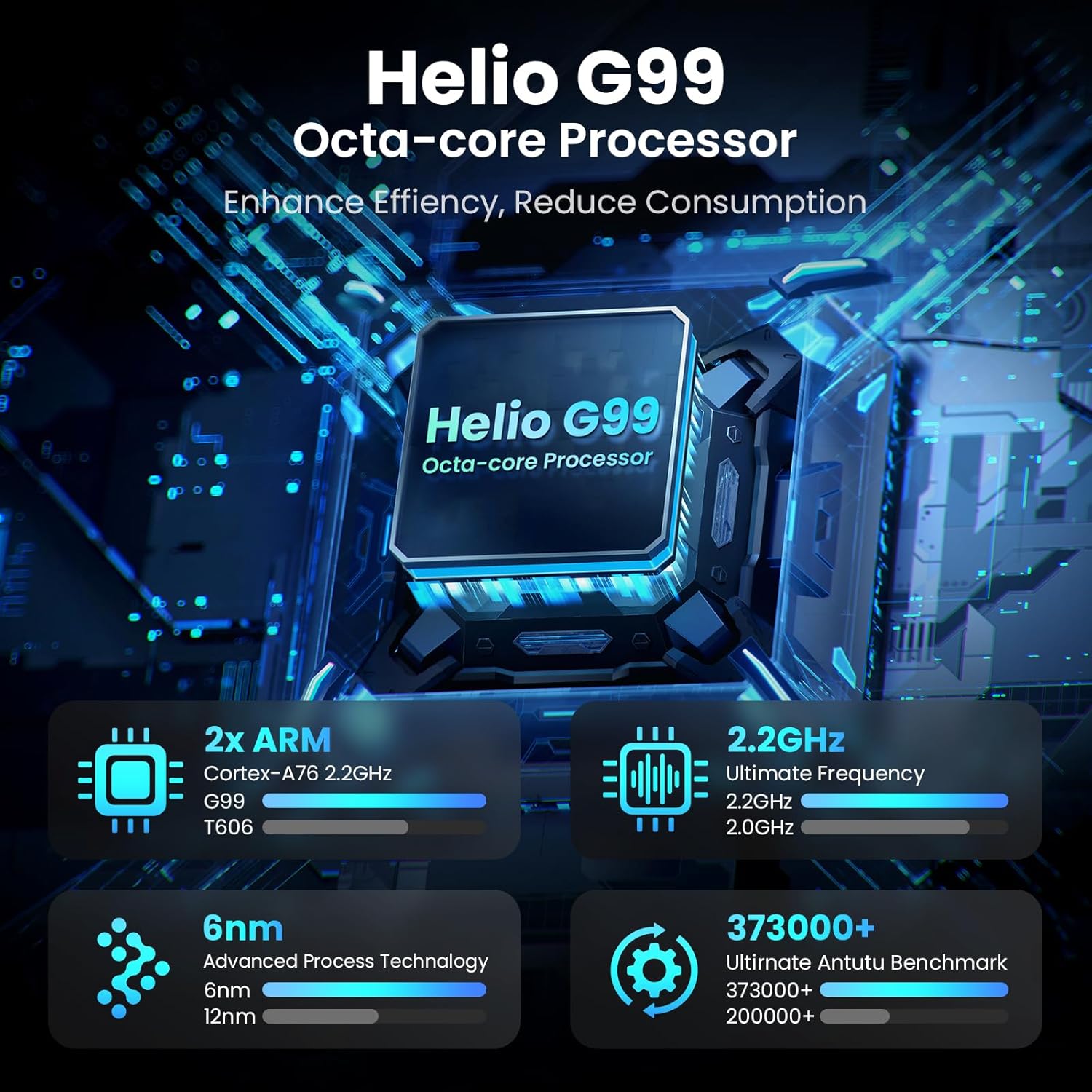
Image: Visual representation of the Helio G99 Octa-core Processor, detailing its architecture and performance metrics like 2.2GHz frequency and 6nm process technology.

Image: The MESWAO tablet screen showing multiple open applications and storage capacity details: 8GB RAM, 256GB ROM, and support for up to 1TB external storage.
3.4 Penggunaan Kamera
The tablet features a 32MP rear camera with flash and a 5MP front camera. Open the Camera application to capture photos, record videos, or engage in video calls. Ensure good lighting for best results.

Image: A visual demonstrating the MESWAO tablet's 5MP front camera and 32MP rear camera, showing a family photo being taken and a video call in progress.
3.5 Ketersambungan
The tablet supports dual-band Wi-Fi (2.4GHz & 5GHz) for stable internet connectivity. Bluetooth is also available for connecting wireless accessories. Access these settings via the Notification Panel or the main Settings app.
4. Penyelenggaraan
4.1 Membersihkan Tablet
Gunakan kain lembut dan tidak berbulu untuk membersihkan skrin dan badan tablet. Untuk calitan degil, sedikit dampLap kain dengan air atau larutan pembersih yang selamat untuk skrin. Elakkan menggunakan bahan kimia yang keras atau bahan yang kasar.
4.2 Kemas Kini Perisian
Semak dan pasang kemas kini sistem secara berkala untuk memastikan tablet anda mempunyai ciri terkini, tampalan keselamatan dan penambahbaikan prestasi. Pergi ke Tetapan > Sistem > Kemas kini sistem untuk menyemak kemas kini.
4.3 Penjagaan Bateri
- Elakkan suhu yang melampau, kerana ia boleh merendahkan hayat bateri.
- Jangan biarkan bateri habis sepenuhnya dengan kerap.
- Gunakan hanya pengecas yang disediakan atau pengecas serasi yang diperakui.
5. Penyelesaian masalah
5.1 Tablet Tidak Dihidupkan
- Pastikan tablet dicas secukupnya. Sambungkannya ke pengecas selama sekurang-kurangnya 30 minit sebelum cuba menghidupkannya semula.
- Tekan dan tahan butang Kuasa selama 10-15 saat untuk melakukan mula semula secara paksa.
5.2 Isu Ketersambungan Wi-Fi
- Check if Wi-Fi is enabled in the Quick Settings or Settings menu.
- Mulakan semula penghala Wi-Fi anda dan tablet.
- Lupakan rangkaian dalam tetapan Wi-Fi dan sambung semula.
- Pastikan anda berada dalam lingkungan isyarat Wi-Fi.
5.3 Prestasi Perlahan
- Tutup aplikasi latar belakang yang tidak diperlukan.
- Clear cache data for frequently used apps (Tetapan > Apl > [Nama Apl] > Storan & cache > Kosongkan cache).
- Ensure sufficient free storage space. Delete unused files atau aplikasi.
- Mulakan semula tablet secara berkala.
5.4 Skrin Tidak Responsif
- Perform a forced restart (hold Power button for 10-15 seconds).
- Pastikan skrin bersih dan bebas daripada lembapan atau serpihan.
6. Spesifikasi
| Ciri | Perincian |
|---|---|
| Nama Model | MES-B3 |
| Saiz Paparan | 15.6 Inci |
| Resolusi Skrin Maks | 1920 x 1080 Pixels (Full HD IPS) |
| Sistem Operasi | Android 14 |
| Pemproses | Octa-Core Helio G99 (up to 2.2 GHz) |
| RAM | 8GB |
| Storan Dalaman (ROM) | 256GB |
| Storan Boleh Dikembangkan | Sehingga 1TB (Kad TF) |
| Kapasiti Bateri | 12000mAh |
| Mengecas | Pengecasan Pantas 30W |
| Kamera Belakang | 32MP dengan Flash |
| Kamera Depan | 5MP |
| Ketersambungan | Dual-band Wi-Fi (2.4GHz & 5GHz), Bluetooth |
| Dimensi (LxWxH) | 14.53 x 8.78 x 0.43 inci |
| Berat Barang | 3.84 paun |
7. Waranti dan Sokongan
7.1 Maklumat Waranti
MESWAO products are covered by a limited warranty. Please refer to the warranty card included in your product packaging for specific terms and conditions. Keep your proof of purchase for warranty claims.
7.2 Sokongan Pelanggan
For technical assistance, troubleshooting, or warranty inquiries, please contact MESWAO customer support. Contact information can typically be found on the official MESWAO webtapak atau pada kad jaminan.
Online resources such as FAQs and support forums may also be available on the MESWAO webtapak.