
Nota Redmi 15 5G
REDMI Note 15 5G Smartphone User Manual
1. Pengenalan
Welcome to the user manual for your new REDMI Note 15 5G smartphone. This guide provides essential information on setting up, operating, maintaining, and troubleshooting your device to ensure optimal performance and user experience. Please read this manual thoroughly before using your phone.
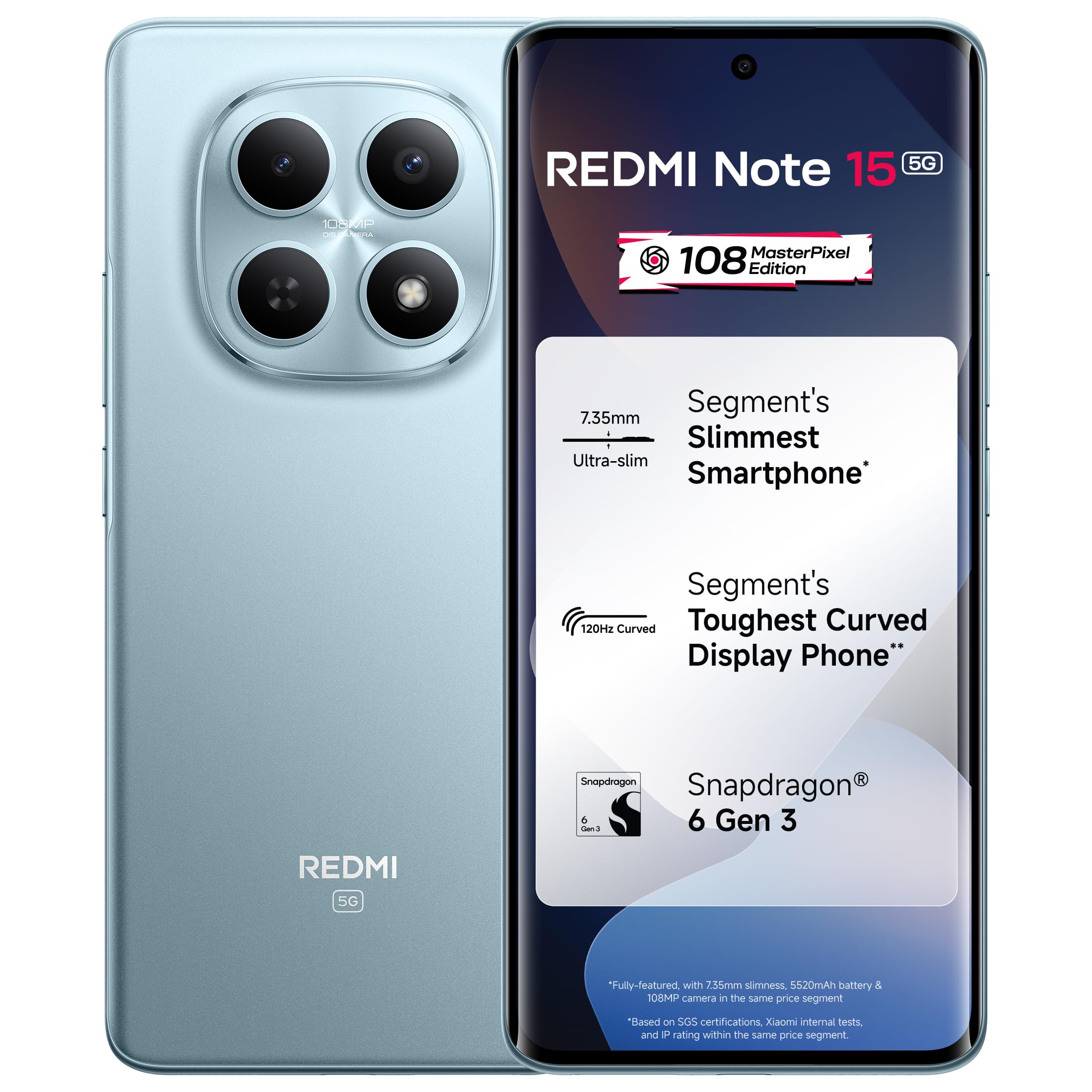
Image: The REDMI Note 15 5G smartphone in Glacier Blue, showcasing reka bentuk anggun dan modul kameranya.
2. Apa yang ada di dalam Kotak
Upon unboxing your REDMI Note 15 5G, please verify that all the following items are included:
- REDMI Note 15 5G Smartphone
- Pengecas
- Kabel Jenis-C USB
- Alat Keluarkan SIM
- Kad Waranti
- Panduan Pengguna (dokumen ini)
- Kes Pelindung
3. Persediaan Awal
3.1. Memasukkan Kad SIM
- Cari dulang kad SIM di sisi peranti anda.
- Insert the SIM eject tool into the small hole next to the tray and press firmly until the tray pops out.
- Letakkan kad Nano-SIM dan/atau kad microSD anda (jika berkenaan) ke dalam dulang dengan kenalan emas menghadap ke bawah.
- Masukkan semula dulang dengan berhati-hati ke dalam telefon.
3.2. Menghidupkan Peranti Anda
Press and hold the Power button (usually on the right side) until the REDMI logo appears on the screen. Follow the on-screen instructions to complete the initial setup, including selecting your language, connecting to Wi-Fi, and signing in to your Google account.
4. Mengendalikan Peranti Anda
4.1. Paparan
The REDMI Note 15 5G features a 6.7-inch Curved AMOLED display with a 120Hz refresh rate and up to 3200 nits peak brightness. This ensures smooth visuals and clear visibility even in bright outdoor conditions. The display also incorporates eye protection technology for comfortable long-term viewing.

Image: The REDMI Note 15 5G's 17.2cm (6.77") Curved POLED High-Brightness Display, illustrating its clarity and vibrant colors.
4.2. Kamera
Your device is equipped with a 108MP OIS MasterPixel camera system. This camera is designed to capture high-resolution photos with optical image stabilization (OIS) for reduced blur. It supports 4K video recording, providing stable and detailed video content.

Image: Close-up of the REDMI Note 15 5G's 108 MasterPixel camera module, highlighting its advanced lens system.
4.3. Prestasi
The REDMI Note 15 5G is powered by the Snapdragon 6 Gen 3 processor, ensuring efficient performance for daily tasks, multitasking, and moderate gaming. The device runs on Android 15 with Xiaomi HyperOS 2, offering a streamlined user interface and intelligent features.

Image: Graphic illustrating the Snapdragon 6 Gen 3 processor, emphasizing its next-generation power and performance improvements.
4.4. Bateri dan Pengecasan
The device includes a 5520mAh (typical) battery, providing extended usage time. It supports 45W fast charging, allowing for quick recharges. The battery is designed for long-term dependability.

Imej: Satu dalaman view of the REDMI Note 15 5G, highlighting the 5520mAh battery and 45W fast charging capability.
4.5.Audio
Experience enhanced audio with Dolby Atmos stereo speakers. These speakers deliver clear vocals and deeper sound, improving your experience for movies, music, and gaming.
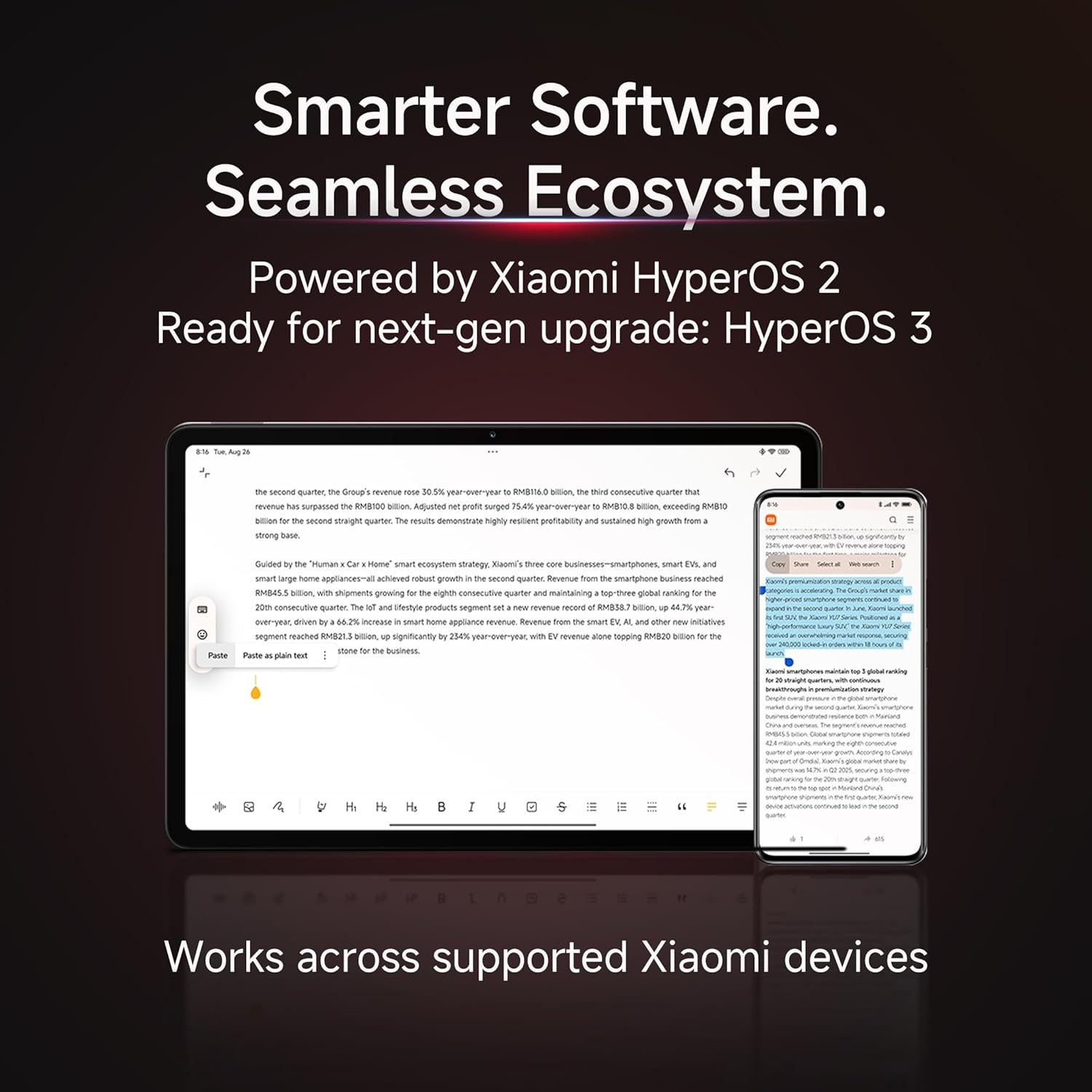
Image: The REDMI Note 15 5G from a rear-side view, illustrating the placement and effect of its dual stereo speakers.
4.6. Ketahanan
The REDMI Note 15 5G is engineered for durability, featuring an IP66 dust and water resistance rating and MIL-STD-810H certified protection. This design helps the device withstand splashes, rain, dust, and drops up to 1.7 meters.

Image: The REDMI Note 15 5G being splashed with water, demonstrating its IP66 dust and water resistance and overall durability.
4.7. Ciri Pintar
Xiaomi HyperOS 2 integrates intelligent features such as Circle to Search with Google Gemini AI Assistance, providing convenient ways to interact with your device and access information.

Image: The REDMI Note 15 5G display demonstrating the 'Circle to Search' feature with Google Gemini AI Assistance.
5. Penyelenggaraan
5.1. Kemas Kini Perisian
Semak dan pasang kemas kini perisian secara kerap untuk memastikan peranti anda mempunyai ciri terkini, tampung keselamatan dan peningkatan prestasi. Navigasi ke Tetapan > Perihal telefon > Kemas kini sistem untuk menyemak kemas kini yang tersedia.
5.2. Membersihkan Peranti Anda
Use a soft, lint-free cloth to clean the screen and body of your phone. Avoid using harsh chemicals or abrasive materials, which can damage the display or finish. For stubborn smudges, slightly dampen kain dengan air atau larutan pembersih skrin.
5.3. Penjagaan Bateri
To prolong battery life, avoid exposing your phone to extreme temperatures. It is recommended to keep the battery charge between 20% and 80% for optimal long-term health. Use only the provided charger and cable for charging.
6. Penyelesaian masalah
If you encounter issues with your REDMI Note 15 5G, try the following basic troubleshooting steps:
- Peranti Tidak Dihidupkan: Ensure the battery is charged. Connect the phone to its charger for at least 15 minutes, then try powering it on again.
- Skrin Tidak Responsif: Mulakan semula peranti dengan menekan dan menahan butang Kuasa selama kira-kira 10 saat.
- Apl Ranap: Kosongkan cache apl yang bermasalah (Tetapan > Apl > [Nama Apl] > Storan > Kosongkan cache). Jika isu berterusan, cuba pasang semula apl.
- Poor Network Connectivity: Check if your SIM card is properly inserted. Try restarting your phone or toggling Airplane Mode on and off.
- Isu Pengecasan: Ensure the charging cable and adapter are securely connected and undamaged. Try using a different outlet or charger.
For more complex issues, refer to the official Redmi support webtapak atau hubungi perkhidmatan pelanggan.
7. Spesifikasi
| Ciri | Perincian |
|---|---|
| Jenama | Redmi |
| Model | Nota 15 5G |
| Sistem Operasi | Android 15, Xiaomi HyperOS |
| Pemproses | Snapdragon 6 Gen 3 Octa-Core (2.4 GHz) |
| RAM | 8 GB |
| Storan Dalaman | 128 GB |
| Paparan | 6.7-inch Curved AMOLED, 120Hz, 3200 nits peak brightness |
| Kamera Belakang | 108 MP OIS MasterPixel, 4K Video Capture |
| Kapasiti Bateri | 5520 mAh |
| Mengecas | Pengecasan Pantas 45W |
| Ketersambungan | 5G, USB Type-C |
| Ketahanan | IP66 Dust & Water Resistant, MIL-STD-810H Certified |
| Dimensi (L x W x H) | 16.4 x 7.5 x 0.7 Sentimeter |
| Berat badan | 178 Gram |
8. Maklumat Waranti
Your REDMI Note 15 5G comes with a manufacturer's warranty:
- Peranti: Waranti pengilang 1 tahun dari tarikh pembelian.
- In-box Accessories: Waranti pengilang selama 6 bulan untuk aksesori dalam kotak, termasuk bateri, dari tarikh pembelian.
Please retain your proof of purchase for warranty claims. The warranty covers manufacturing defects and does not cover damage caused by misuse, accidents, or unauthorized repairs.
9. Sokongan
For further assistance, technical support, or service inquiries, please contact Redmi customer support or visit the official Redmi website. You can find contact details on the warranty card or the manufacturer's official webtapak.
Pengeluar: DBG Technology (India) Pvt Ltd
Pengimport: Xiaomi Technology India Private Limited

Image: Information regarding Redmi's support services, including repair turnaround times and affordability.
Ask a question about this manual
Ask about setup, troubleshooting, compatibility, parts, safety, or missing instructions. Manuals+ will review the question and use this page’s manual context to help answer it.