
1. Pengenalan
Thank you for choosing the Majority D100X Active Bookshelf Speakers. These speakers are designed to deliver high-quality audio for various applications, including home studios, offices, and living rooms. Featuring a powerful 2.2 stereo system, multiple connectivity options, and adjustable sound controls, the D100X provides a versatile and immersive listening experience.
2. Arahan Keselamatan
Please read these safety instructions carefully before using your speakers and retain them for future reference. Incorrect use may result in electric shock, fire, or other hazards.
- Jangan dedahkan unit kepada hujan, lembapan atau cahaya matahari langsung.
- Ensure proper ventilation around the speakers. Do not block any ventilation openings.
- Do not place the speakers near heat sources such as radiators, heat registers, stoves, or other apparatus (including amppenghidup) yang menghasilkan haba.
- Gunakan hanya lampiran/aksesori yang ditentukan oleh pengilang.
- Cabut plag radas semasa ribut petir atau apabila tidak digunakan untuk tempoh yang lama.
- Rujuk semua servis kepada kakitangan perkhidmatan yang berkelayakan. Servis diperlukan apabila radas telah rosak dalam apa jua cara, seperti kord bekalan kuasa atau palam rosak, cecair telah tertumpah atau objek jatuh ke dalam radas, radas telah terdedah kepada hujan atau lembapan, tidak beroperasi seperti biasa. , atau telah digugurkan.
- Do not open the speaker enclosures. There are no user-serviceable parts inside.
3. Kandungan Pakej
Carefully unpack your D100X speakers and ensure all items are present and in good condition. If any items are missing or damaged, please contact customer support.

Penyesuai Kuasa

Alat Kawalan Jauh
3.5m Speaker Connection Cable
Manual Pengguna
- Majority D100X Speakers (2 units)
- Penyesuai Kuasa
- 3.5m Speaker Connection Cable
- Alat Kawalan Jauh
- Manual Pengguna
4. Persediaan
Follow these steps to set up your Majority D100X speakers:
- penempatan: Position the speakers on a stable, flat surface, such as a bookshelf or desk. For optimal stereo imaging, place them equidistant from your listening position.
- Sambungkan Pembesar Suara: Use the provided 3.5m speaker connection cable to link the two D100X speaker units. Ensure a secure connection.
- Sambungan Kuasa: Connect the power adaptor to the main speaker unit and then plug it into a wall outlet.
- Kuasa Awal Hidup: Turn on the main speaker unit using the power switch located on the rear panel.
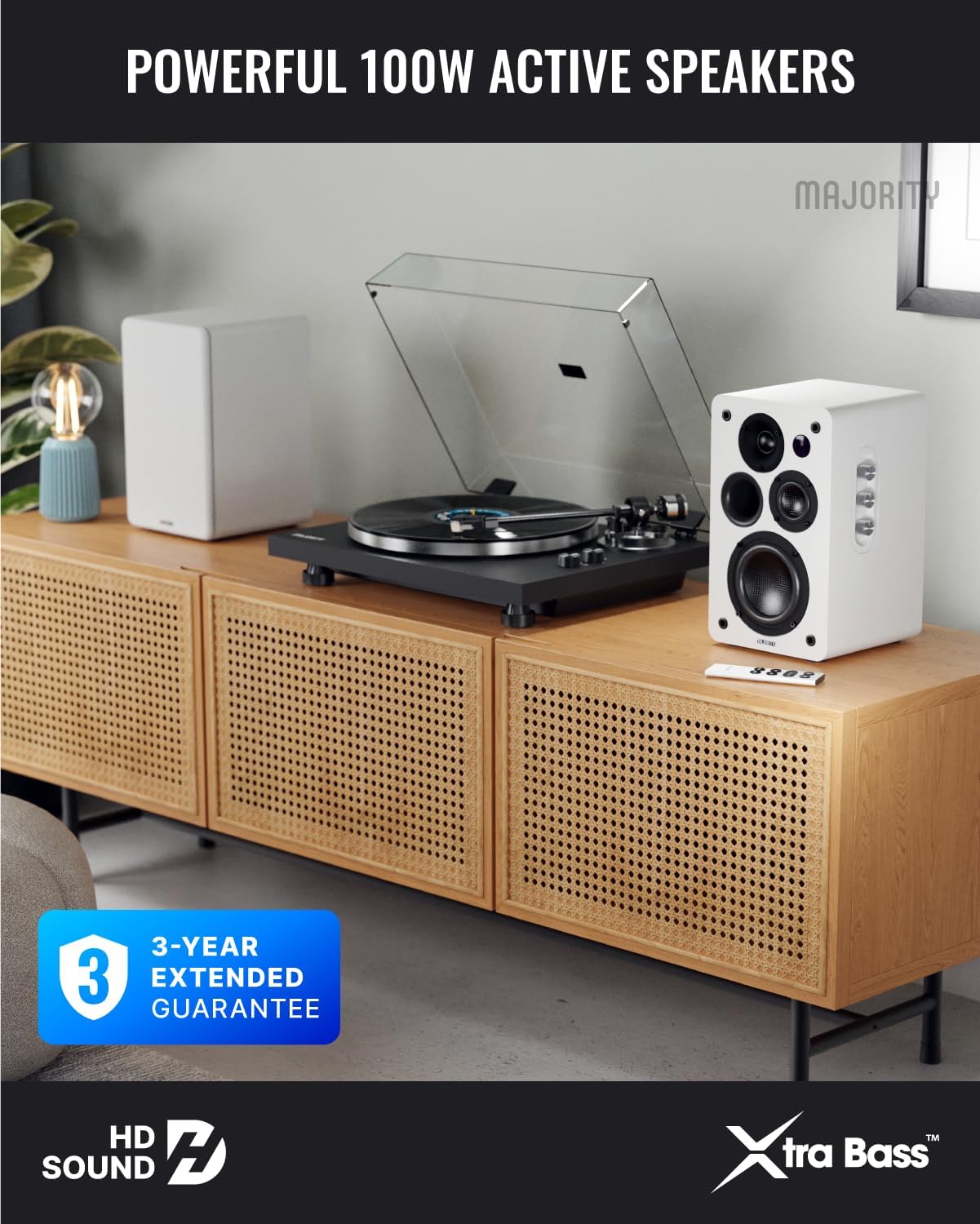
Image: Majority D100X speakers positioned on a wooden cabinet, ready for use.
5. Arahan Operasi
The D100X speakers can be controlled via the intuitive front panel controls or the included remote control.
Kawalan Panel Depan:
- Tombol Kelantangan: Putar untuk melaraskan tahap kelantangan keseluruhan.
- Tombol Treble: Melaraskan tindak balas frekuensi tinggi.
- Tombol Bes: Melaraskan tindak balas frekuensi rendah.
- Pemilih Input: Press to cycle through available input sources (Bluetooth, USB, AUX, HDMI ARC, Optical, Phono).
Kawalan Jauh:
The remote control provides full functionality, including power, volume, input selection, and EQ modes.
- Butang Kuasa: Turns the speakers on or off.
- Kelantangan Naik/Turun: Melaraskan kelantangan.
- Butang Input: Dedicated buttons for selecting specific input sources.
- EQ Modes (1-3): Available when connected via HDMI ARC or Optical. These modes are designed to enhance clarity, depth, and balance for movies, music, and games.
Imej: Depan view of a D100X speaker with its remote control, highlighting the adjustable bass and treble controls.
6. Ketersambungan
The D100X offers a wide range of connectivity options to suit various audio sources.

Image: Rear panel of the D100X speaker, displaying various input ports including USB, Optical, HDMI ARC, Phono, and AUX.
6.1. Bluetooth 5.3
For wireless audio streaming from smartphones, tablets, or laptops.
- Select Bluetooth input on the speakers. The indicator light will flash.
- Enable Bluetooth on your device and search for "Majority D100X".
- Select the speaker to pair. Once connected, the indicator light will be solid.
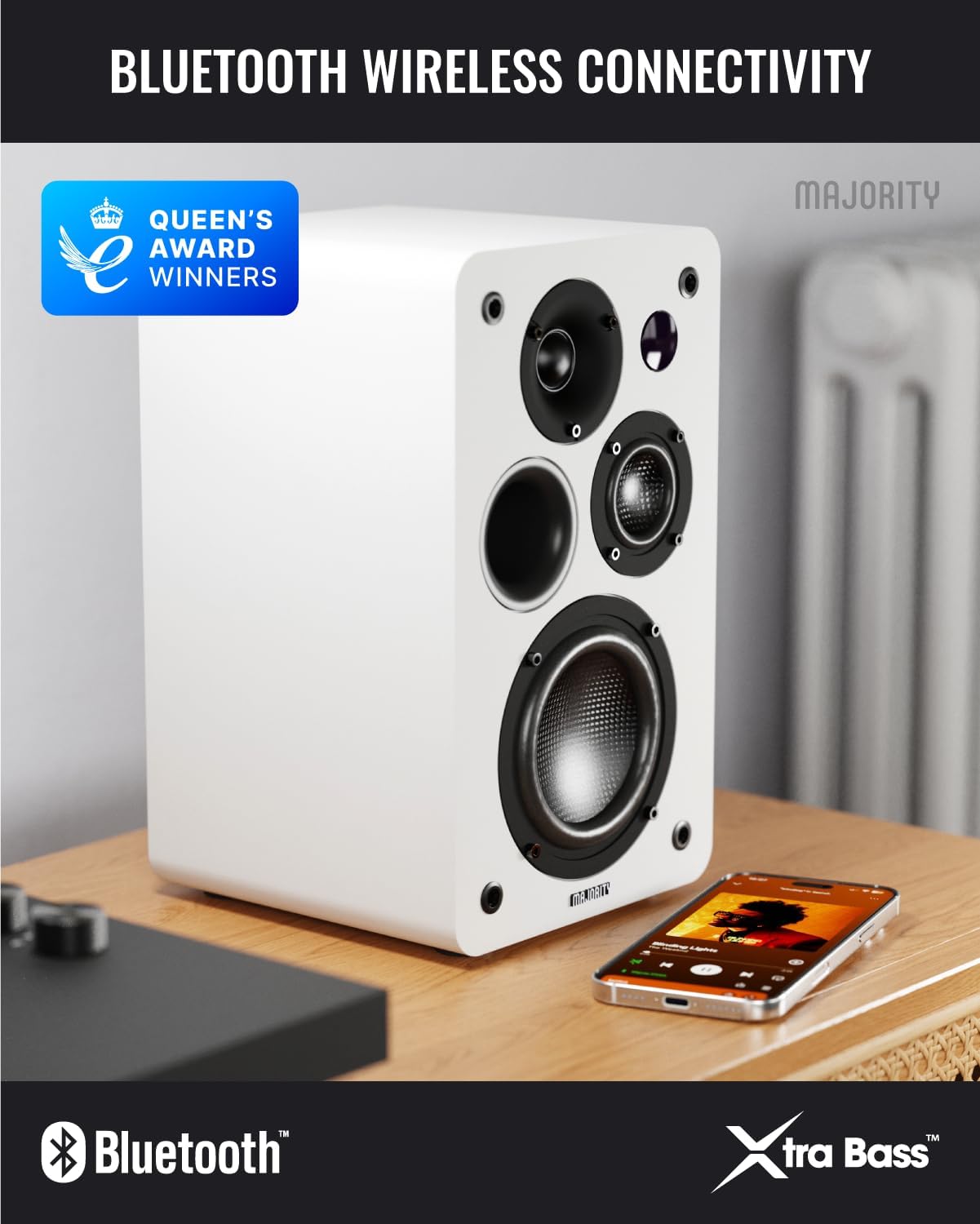
Image: D100X speaker wirelessly connected to a smartphone via Bluetooth.
6.2. HDMI ARC
Connect your TV for enhanced audio. This connection supports the EQ modes (1-3).
- Sambungkan kabel HDMI dari port HDMI ARC TV anda ke port HDMI ARC pembesar suara.
- Select HDMI ARC input on the speakers.
- Ensure your TV's audio output is set to HDMI ARC.
6.3. Optik
For high-quality digital audio connection from TVs or other devices. This connection also supports the EQ modes (1-3).
- Connect an optical cable from your device's optical output to the speaker's optical input.
- Select Optical input on the speakers.
6.4. Phono (RCA)
Direct connection for turntables with a built-in pre-amplebih hidup.
- Connect RCA cables from your turntable's output to the speaker's Phono (R-PHONO-L) input.
- Select Phono input on the speakers.
- Nota: If your turntable's output is higher than 100 RMS, use the AUX input instead of Phono.
6.5. AUX (3.5mm)
For connecting devices with a 3.5mm audio output, such as PCs or older audio players.
- Connect a 3.5mm audio cable from your device's headphone jack or audio out to the speaker's AUX (AUDIO IN) input.
- Select AUX input on the speakers.
6.6. Main Semula & Pengecasan USB
The USB port allows for direct music playback from storage devices and charging of external devices.
- Insert a USB storage device (e.g., USB flash drive) into the USB port for music playback.
- The USB port can also be used to charge compatible devices.
7. Penyelenggaraan
Proper care will ensure the longevity and performance of your D100X speakers.
- Pembersihan: Use a soft, dry cloth to clean the speaker surfaces. Do not use abrasive cleaners, waxes, or solvents.
- habuk: Regularly dust the speakers to prevent accumulation, which can affect sound quality and internal components.
- Persekitaran: Avoid placing speakers in areas with extreme temperatures, high humidity, or direct sunlight.
8. Penyelesaian masalah
If you encounter issues with your D100X speakers, refer to the following common problems and solutions:
| Masalah | Kemungkinan Punca / Penyelesaian |
|---|---|
| Tiada kuasa |
|
| Tiada bunyi |
|
| Kualiti bunyi yang lemah / Herotan |
|
| Alat kawalan jauh tidak berfungsi |
|
9. Spesifikasi
Detailed technical specifications for the Majority D100X Active Bookshelf Speakers.
| Jenama | Majoriti |
| Nombor Model | D100X |
| Dimensi (L x W x H) | 18 x 16.8 x 27.5 cm (per speaker) |
| Berat badan | 7.16 kg (jumlah) |
| Kuasa Output Pembesar Suara Maksimum | 100 Watt |
| Respons Kekerapan | 20000 Hz |
| Teknologi Ketersambungan | Bluetooth, Optical, HDMI, Phono, Auxiliary, RCA |
| Julat Bluetooth | 10 Meter |
| Mod Keluaran Audio | Stereo (2.2 channels) |
| Input Voltage | 240 Volt |
| Jenis Pemasangan | Pemasangan Rak |
| bahan | kayu |
| Diameter Woofer | 4 Inci |
| Diameter Tweeter | 1 inci |
| Nisbah Isyarat-ke-Bunyi | 80 dB |
| Impedans | 4 ohm |
| Kaedah Kawalan | Alat Kawalan Jauh |
| Penggunaan yang Disyorkan | Gaming Console, Computer, Television, Home Cinema, Studio |

Imej: Terperinci view of the D100X speaker's carbon fiber drivers, designed for high-quality audio.
10. Waranti dan Sokongan
The Majority D100X speakers come with a 3-year extended guarantee, ensuring peace of mind and reliable performance. For any technical support, warranty claims, or further assistance, please contact Majority customer service.
- Sokongan dalam talian: Visit the official Majority webtapak untuk Soalan Lazim, panduan penyelesaian masalah dan maklumat hubungan.
- Sokongan E-mel: Reach out to our support team via email for detailed assistance.
- Sokongan Telefon: Contact our dedicated support line during business hours.
Sila simpan bukti pembelian anda untuk tujuan waranti.

Image: Majority D100X speakers highlighting the 3-year extended guarantee.