
1. Pengenalan
This manual provides instructions for the proper use and maintenance of your plplaaoo SC12022D wired 1D and 2D barcode scanner. This device is designed for fast and accurate scanning of both printed and screen-based barcodes, suitable for various retail, warehouse, and office environments.
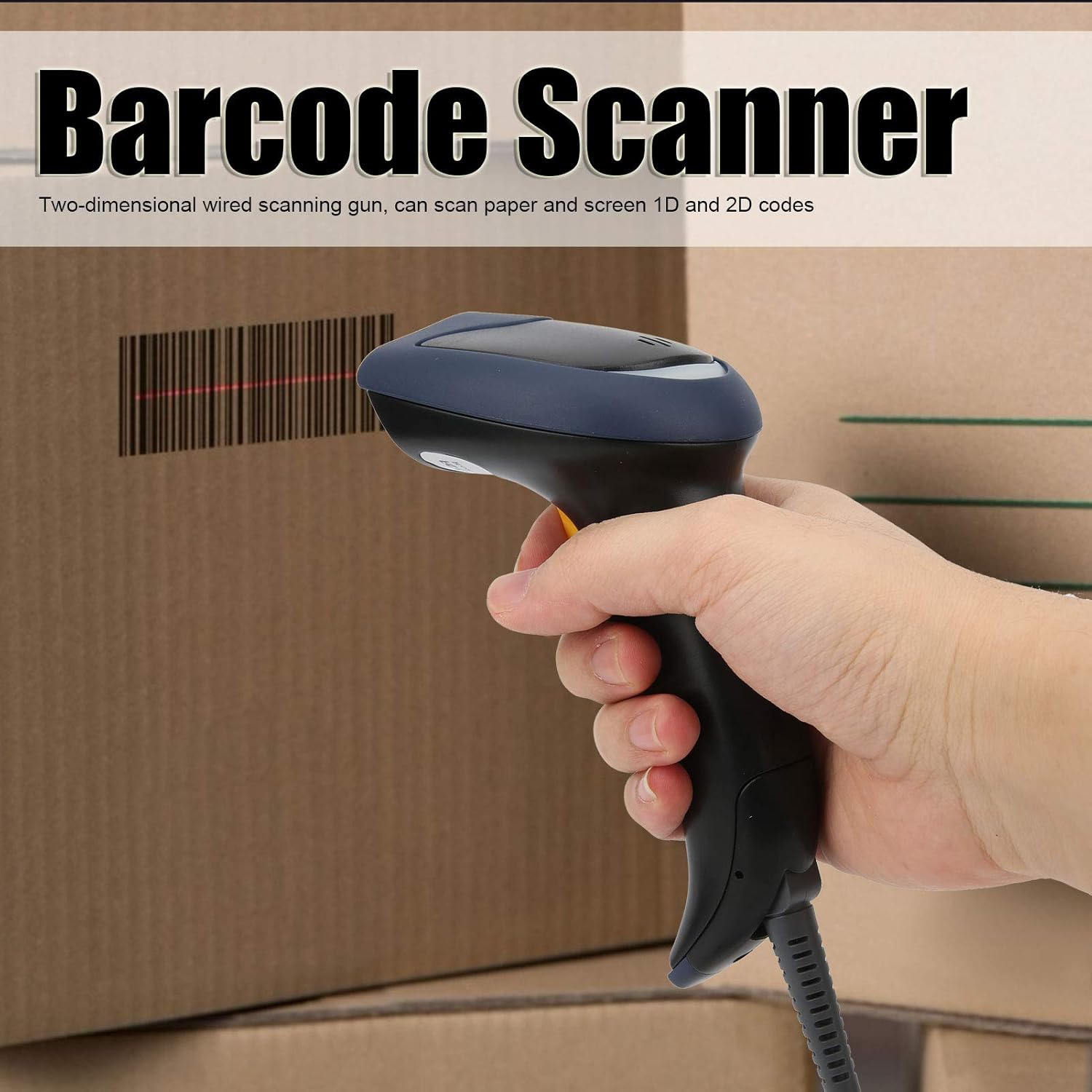
Image 1.1: The plplaaoo SC12022D barcode scanner in operation, held by a user scanning a package. This illustrates the ergonomic design and typical use case of the device.
2. Maklumat Keselamatan
Sila baca dan patuhi garis panduan keselamatan ini untuk memastikan operasi yang selamat dan untuk mengelakkan kerosakan pada peranti atau kecederaan pada diri anda.
- Keselamatan Laser: Do not stare directly into the scanning window or point the laser beam at eyes. This device uses a visible light laser.
- Keadaan Persekitaran: Operate the scanner within the specified temperature range of 20℃ to +60℃. Avoid exposure to extreme temperatures, humidity, or dust.
- Pengendalian: Kendalikan peranti ini dengan berhati-hati. Elakkan daripada menjatuhkan atau mendedahkannya kepada hentaman yang kuat.
- Pembersihan: Gunakan kain lembut dan kering untuk pembersihan. Jangan gunakan pembersih atau pelarut yang melelas.
3. Kandungan Pakej
Sahkan bahawa semua item terdapat dalam pakej:
- plplaaoo SC12022D Barcode Scanner
- USB Cable (attached or separate)
- Manual Pengguna (dokumen ini)
4. Produk Lebihview
The plplaaoo SC12022D is a handheld, gun-style barcode scanner designed for comfortable and efficient use. It features a high-resolution sensor for precise reading of various barcode types.
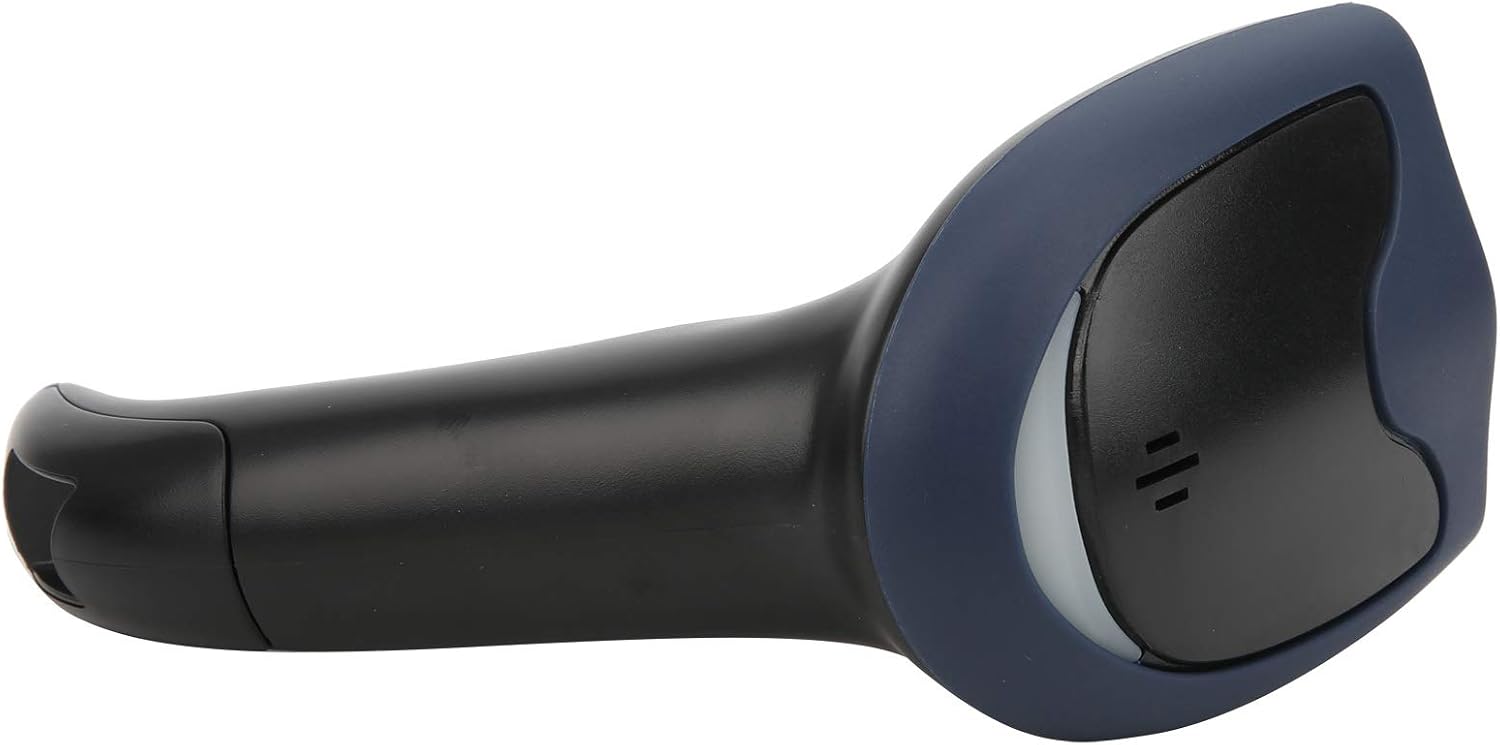
Imej 4.1: Depan view of the barcode scanner, highlighting the scanning window and the comfortable grip design.

Imej 4.2: Sisi view of the barcode scanner, illustrating its contoured shape and the placement of the trigger button.

Imej 4.3: Perincian view of the scanning window, where the laser beam is emitted and barcodes are read.
5. Persediaan
The plplaaoo SC12022D barcode scanner is designed for plug-and-play convenience. No driver installation is typically required for most operating systems.
- Sambungkan Kabel USB: Locate the USB cable. If it is detachable, connect the smaller end to the port on the base of the scanner.
- Plug into Computer/POS System: Insert the standard USB-A end of the cable into an available USB port on your computer or Point-of-Sale (POS) system.
- Pengecaman Sistem: Your operating system should automatically detect and install the necessary generic drivers. The scanner will typically emit a beep or flash an indicator light to confirm it is ready for use.

Image 5.1: The USB cable provided with the scanner, featuring a USB-A connector for the host device and a proprietary connector for the scanner.

Image 5.2: The USB cable securely connected to the port on the underside of the scanner's handle.
6. Arahan Operasi
Once connected, the scanner functions as a keyboard wedge, inputting scanned data directly into any active text field.
- Matlamat: Halakan tetingkap imbasan ke arah kod bar yang ingin anda baca.
- Imbas: Press and hold the trigger button. A red laser line or aiming pattern will appear. Position the laser line across the entire barcode.
- Pengesahan: Upon successful scan, the scanner will emit a beep and/or the indicator light will flash. The barcode data will then appear in your active application.
- Scanning Performance: The scanner is capable of reading both 1D and 2D barcodes from paper and digital screens, even if they are poorly printed or slightly damaged.
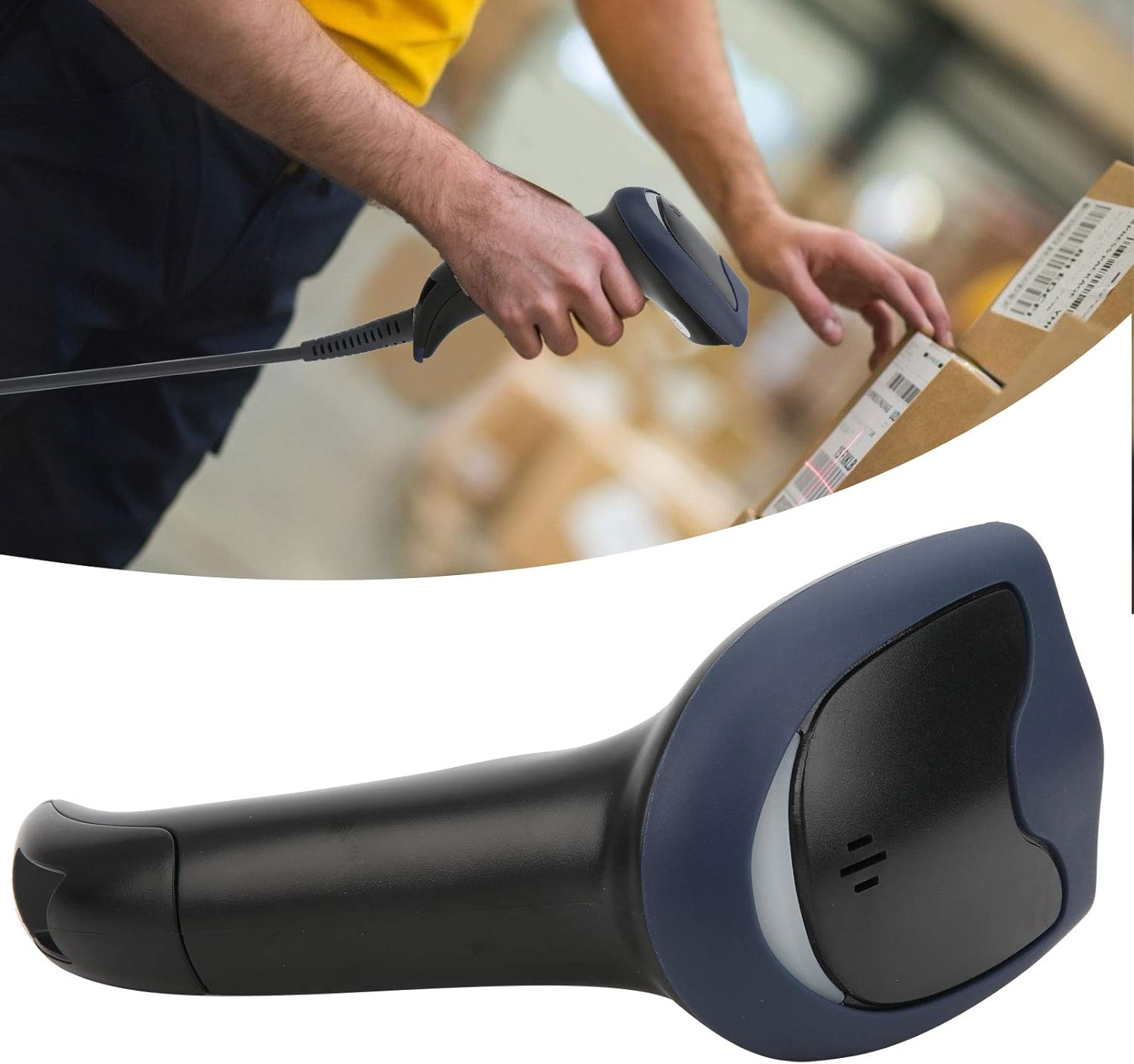
Image 6.1: A user actively scanning a barcode on a box, demonstrating the scanner's application in a typical work environment.

Image 6.2: The barcode scanner displayed alongside icons representing diverse environments such as retail, logistics, and office settings, illustrating its broad compatibility.
7. Penyelenggaraan
Penyelenggaraan yang betul memastikan jangka hayat dan prestasi optimum pengimbas kod bar anda.
- Membersihkan Tetingkap Pengimbasan: Regularly clean the scanning window with a soft, lint-free cloth. For stubborn smudges, slightly dampen the cloth with water or a mild, non-abrasive cleaner. Ensure the window is dry before use.
- Pembersihan Am: Wipe the exterior of the scanner with a soft, dry cloth. Avoid using harsh chemicals or solvents that could damage the plastic.
- Storan: Apabila tidak digunakan, simpan pengimbas di persekitaran yang bersih dan kering, jauh daripada cahaya matahari langsung dan suhu yang melampau.
8. Penyelesaian masalah
Jika anda menghadapi masalah dengan pengimbas anda, rujuk masalah dan penyelesaian biasa berikut:
| Masalah | Kemungkinan Punca | Penyelesaian |
|---|---|---|
| Pengimbas tidak dapat dihidupkan atau bertindak balas. | Kabel USB tidak disambungkan dengan betul atau port USB rosak. | Pastikan kabel USB disambungkan dengan selamat ke pengimbas dan komputer. Cuba port USB atau komputer yang berbeza. |
| Pengimbas berbunyi bip tetapi tiada data dihantar. | No active text field or incorrect keyboard layout. | Ensure a text input field is active (e.g., Notepad, Word document, browser search bar). Check your computer's keyboard language settings. |
| Unable to scan certain barcodes. | Barcode type not supported, damaged barcode, or poor lighting. | Refer to the Specifications section for supported symbologies. Try scanning a different, known-good barcode. Ensure adequate lighting and proper aiming. |
| Scanner is slow or inconsistent. | Dirty scanning window or interference. | Clean the scanning window as described in the Maintenance section. Ensure no obstructions are near the scanning area. |
9. Spesifikasi
- model: SC12022D
- Teknologi Pengimbasan: 1D/2D Wired
- Antara muka: USB
- Simbol yang Disokong: QR, Micro QR, PDF417, Maxicode, Data Matrix, AztecCode, UPC, EAN, Code 128, and more than 20 other types.
- Suhu Operasi: 20 ℃ hingga +60 ℃
- Perlindungan Nyahcas Elektrostatik (ESD): Up to ±15 KV
- Reka bentuk: Ergonomic handheld gun style
10. Maklumat Waranti
This product comes with a standard manufacturer's warranty. Please retain your proof of purchase for warranty claims. The warranty typically covers defects in materials and workmanship under normal use. It does not cover damage caused by misuse, accidents, unauthorized modifications, or operation outside the specified environmental conditions.
11. Sokongan
For technical assistance, troubleshooting beyond this manual, or warranty inquiries, please contact your retailer or the manufacturer directly. Refer to the product packaging or the manufacturer's official weblaman web untuk maklumat hubungan.