1. Pengenalan
This manual provides comprehensive instructions for the Generic RM-014S Universal Remote Control. Please read this manual carefully before using the remote control to ensure proper operation and to maximize its lifespan. This remote is designed as a replacement for various LCD and LED TV models, offering a user-friendly experience with stable signal transmission.
2. Produk Lebihview
The RM-014S is a universal remote control engineered for ease of use and broad compatibility with LCD and LED televisions. Its design focuses on reliable performance and a comfortable user experience.
Ciri-ciri Utama:
- Keserasian Luas: Supports various LCD and LED TV models with dependable function and strong signal transmission.
- User-Friendly Layout: Features clear and comfortable buttons for simple navigation and easy access to frequently used functions.
- Stable Signal Performance: Delivers consistent and responsive infrared signal output, reducing delays and offering reliable operation from various angles and distances.
- Easy Setup Design: Straightforward setup process allows for quick replacement of old controllers without complicated steps.
- Durable and Practical Build: Constructed with long-lasting materials for durability and comfortable handling, suitable for continuous daily operation.
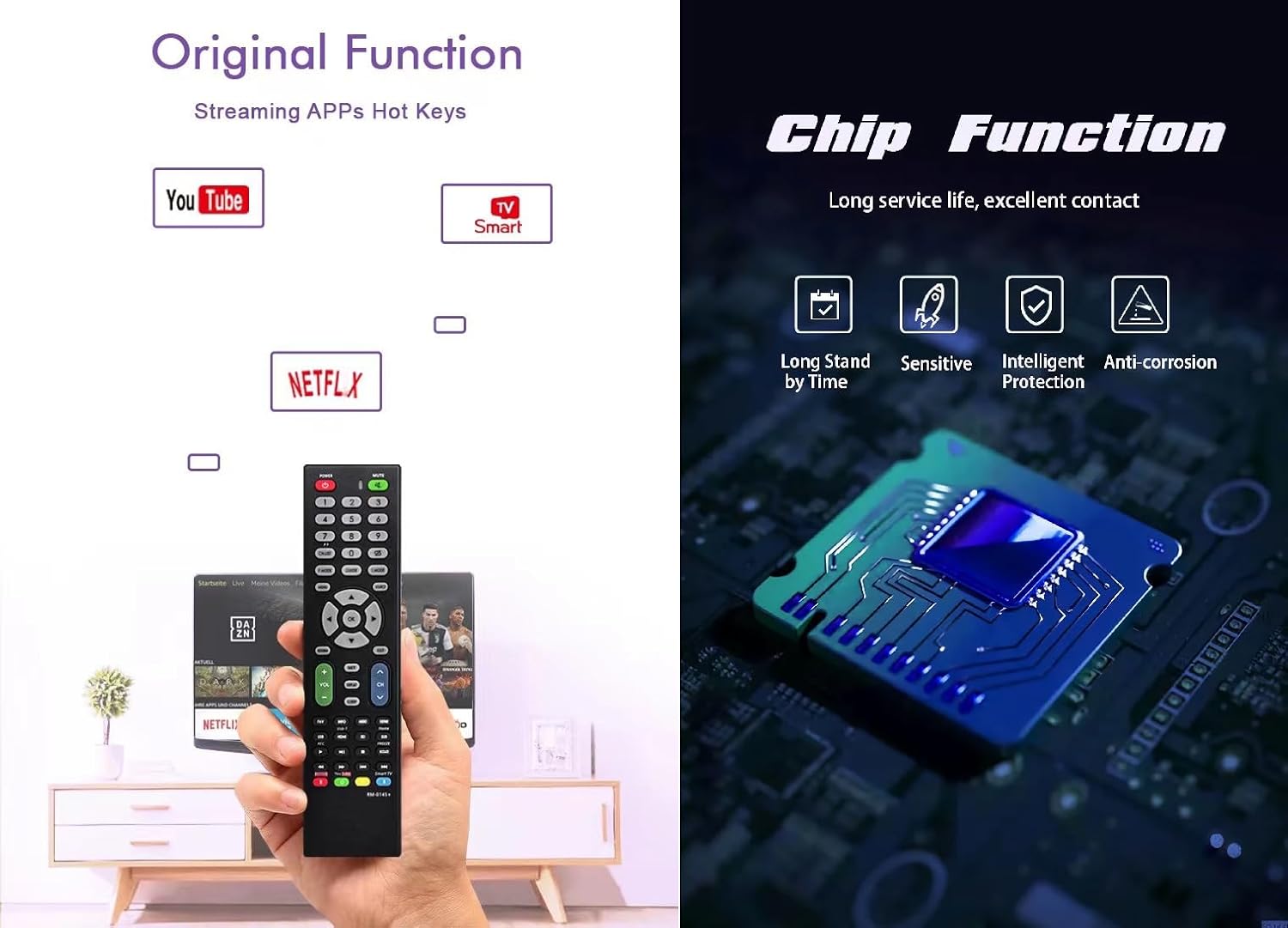
Image 1: RM-014S Remote Control highlighting original functions like streaming app hotkeys (YouTube, Netflix) and an internal chip diagram illustrating long service life, excellent contact, sensitive response, intelligent protection, and anti-corrosion features.
3. Persediaan
3.1 Pemasangan Bateri
- Locate the battery compartment on the back of the RM-014S remote control.
- Luncurkan penutup bateri ke bawah atau ke arah yang ditunjukkan oleh anak panah untuk membukanya.
- Masukkan dua bateri AAA (tidak disertakan), pastikan terminal positif (+) dan negatif (-) sepadan dengan gambar rajah di dalam petak.
- Tutup penutup bateri dengan menggesernya kembali ke tempatnya sehingga ia berbunyi klik dengan selamat.
Nota: Always use new batteries of the same type. Do not mix old and new batteries, or different types of batteries. Remove batteries if the remote will not be used for an extended period.
3.2 Initial Use (No Programming Required)
The RM-014S is designed as a direct replacement for many LCD/LED TV models and typically requires no complex programming. Once batteries are installed, point the remote control towards your television and test its functions.
- Pastikan TV anda dihidupkan.
- Point the RM-014S remote control directly at the TV's infrared receiver.
- Tekan ke KUASA button. If the TV turns off or on, the remote is ready for use.
- Test other functions such as Volume Up/Down, Channel Up/Down, and Menu to confirm full compatibility.
If the remote does not respond, please refer to the Troubleshooting section.
4. Arahan Operasi
The RM-014S remote control features a standard layout for intuitive operation of your television. Below is a general guide to common button functions:

Image 2: RM-014S Remote Control displaying its button layout and illustrating its effective long-distance infrared control capability within 8 meters.
- KUASA (MERAH butang): Menghidupkan atau mematikan TV.
- MATI: Membisukan atau menyahredamkan bunyi TV.
- Butang Nombor (0-9): Terus pilih saluran.
- VOL +/-: Melaraskan tahap kelantangan.
- CH +/-: Menukar saluran ke atas atau ke bawah.
- MENU: Mengakses menu utama TV.
- Butang Navigasi (Atas, Bawah, Kiri, Kanan, OK): Navigasi melalui menu dan sahkan pilihan.
- KELUAR/BELAKANG: Kembali ke skrin sebelumnya atau keluar dari menu semasa.
- SOURCE/INPUT: Selects the input source (e.g., HDMI 1, AV).
- Hotkeys (e.g., YouTube, Netflix): Direct access to popular streaming applications (if supported by your TV model).
Untuk fungsi khusus yang berkaitan dengan model TV anda, rujuk manual pengguna asal televisyen anda.
5. Penyelenggaraan
- Pembersihan: Lap alat kawalan jauh dengan kain lembut dan kering. Jangan gunakan pembersih cecair atau bahan yang melelas.
- Penggantian Bateri: Replace batteries when the remote's response becomes sluggish or stops working. Always replace both batteries simultaneously.
- Storan: Simpan alat kawalan jauh di tempat yang sejuk dan kering jauh dari cahaya matahari langsung dan suhu yang melampau.
- Elakkan Titisan: Protect the remote from drops and impacts, which can damage internal components.
6. Penyelesaian masalah
- Jauh tidak bertindak balas:
- - Check if the batteries are inserted correctly with the correct polarity (+/-).
- - Replace old batteries with new ones.
- - Ensure there are no obstructions between the remote control and the TV's infrared receiver.
- - Make sure you are within the effective operating range (approximately 8 meters) and pointing the remote directly at the TV.
- Some buttons do not work:
- - This remote is a universal replacement. While it supports many functions, some specific features of your original TV remote might not be replicated. Refer to your TV's manual for unique functions.
- - Ensure the remote is clean and there is no debris obstructing the buttons.
7. Spesifikasi
| model: | RM-014S |
| Jenama: | Generik |
| Peranti Serasi: | Television (LCD/LED) |
| Teknologi Ketersambungan: | Inframerah (IR) |
| Bilangan Maks Peranti yang Disokong: | 1 |
| Ciri Khas: | Penggantian Sejagat |
| Berat Barang: | 2.89 auns (lebih kurang 82 gram) |
| Dimensi Pakej: | 8.27 x 2.09 x 1.06 inci (lebih kurang 21 x 5.3 x 2.7 cm) |
8. Waranti dan Sokongan
Untuk maklumat waranti atau sokongan teknikal, sila rujuk kepada peruncit atau pegawai pengilang webtapak di mana produk itu dibeli. Simpan bukti pembelian anda untuk sebarang tuntutan waranti.
This product is designed for reliable performance. Should you encounter any issues not covered in this manual, please contact customer support for assistance.


