
1. Pengenalan
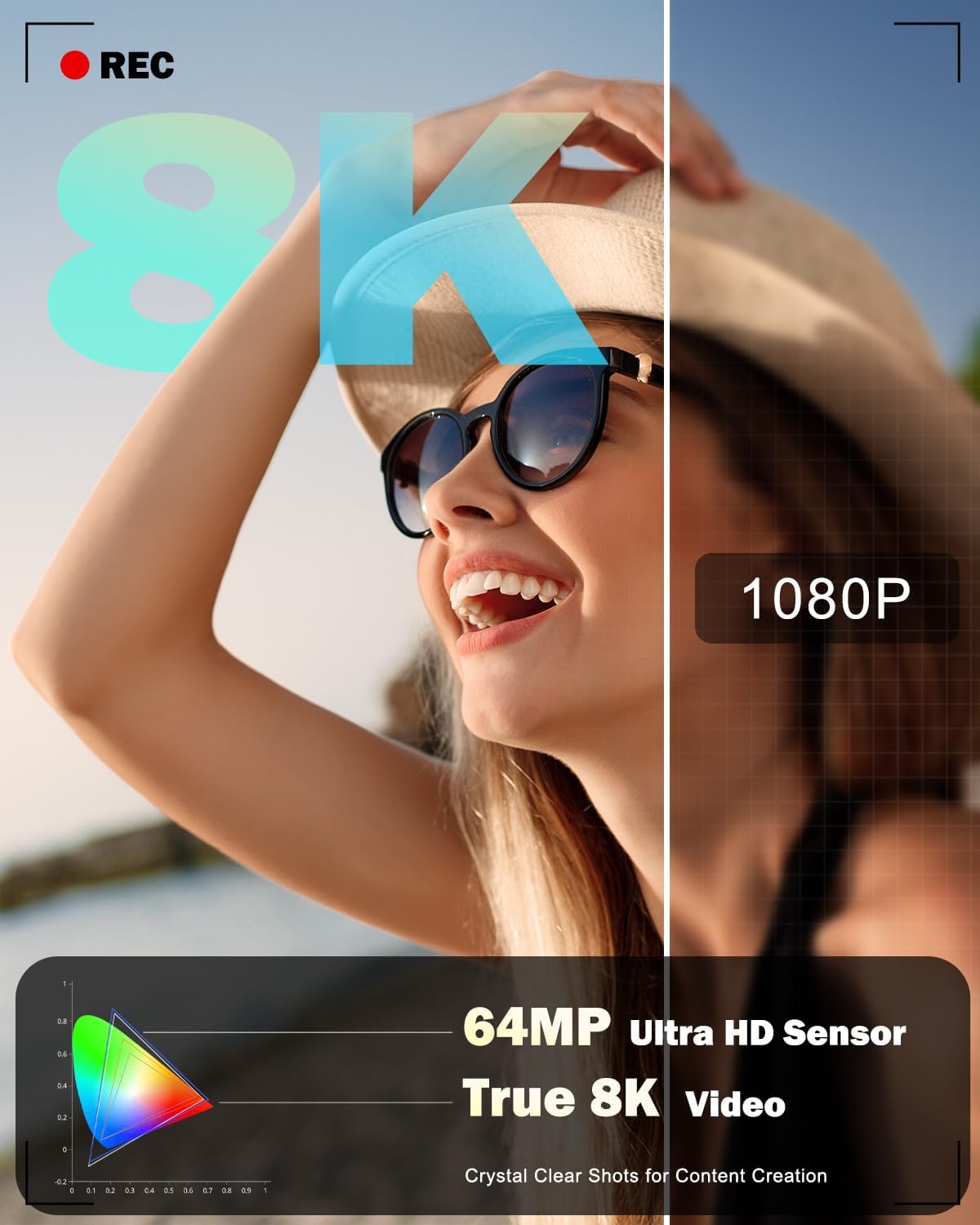
This manual provides essential information for the safe and effective use of your NBD 8K 64MP Digital Camera. Please read this manual thoroughly before using the camera and retain it for future reference. This camera is designed for capturing high-resolution photos and videos, featuring an 8K video recording capability, 64MP still image resolution, 16X digital zoom, and a 180-degree flip screen for versatile shooting.
2. Maklumat Keselamatan
- Do not expose the camera to water or moisture. This device is not water-resistant.
- Elakkan daripada menjatuhkan kamera atau mendedahkannya kepada hentaman yang kuat.
- Jauhkan kamera daripada medan magnet yang kuat.
- Jangan cuba membuka atau mengubah suai kamera. Pembaikan hanya boleh dilakukan oleh kakitangan servis yang dibenarkan.
- Use only NBD-approved batteries and chargers.
- Simpan kamera di tempat yang sejuk dan kering apabila tidak digunakan.
- Jauhkan daripada kanak-kanak.
3. Kandungan Pakej
Sahkan bahawa semua item yang disenaraikan di bawah disertakan dalam pakej anda:
- NBD S100F 8K Camera
- Kanta Sudut Lebar 52mm
- Kanta Makro 52mm
- Rechargeable Lithium-Ion Batteries (x2)
- Pengecas Bateri
- Tali Leher Kamera (Tali)
- Black Leather Bag (Pouch)
- 64GB Memory Card (TF Card)
- Kabel USB
- Pembaca Kad
- Manual Arahan
- Kain Pembersih Lensa

Rajah 3.1: Aksesori yang Disertakan
4. Komponen Kamera
Familiarize yourself with the main parts and controls of your NBD 8K 64MP Digital Camera.
4.1 Depan View
Rajah 4.1: Depan View Kamera
This image displays the front of the camera, highlighting the main lens, built-in flash, and the NBD branding.
4.2 Belakang View and Flip Screen

Rajah 4.2: Belakang View with Flip Screen
Bahagian belakang view shows the 3-inch IPS 180-degree flip screen, which can be rotated for selfies or vlogging, along with various control buttons for menu navigation and settings adjustment.
4.3 Atas View

Rajah 4.3: Atas View Kamera
The top of the camera features the mode dial for selecting different capture modes, the shutter button, and the zoom control lever.
4.4 Dimensi

Rajah 4.4: Dimensi Kamera
The camera is designed to be compact and portable, with approximate dimensions of 4.5 inches by 2.7 inches, making it easy to carry.
5. Persediaan
5.1 Pemasangan dan Pengecasan Bateri
- Buka penutup petak bateri yang terletak di bahagian bawah kamera.
- Insert a fully charged Lithium-Ion battery, ensuring the correct orientation as indicated inside the compartment.
- Tutup penutup petak bateri dengan selamat.
- To charge the battery, insert it into the provided charger and connect the charger to a power source. The indicator light on the charger will show the charging status.
5.2 Pemasangan Kad Memori
- Locate the memory card slot, typically near the battery compartment or on the side of the camera.
- Insert the 64GB microSD card (TF card) into the slot with the contacts facing the correct direction until it clicks into place.
- Untuk mengeluarkan kad, tolakkannya perlahan-lahan sehingga ia terkeluar.
5.3 Attaching Lenses
The camera comes with a 52mm Macro Lens and a detachable wide-angle lens. To attach:
- Align the threads of the desired lens (macro or wide-angle) with the threads on the camera's main lens.
- Gently screw the lens clockwise until it is securely fastened. Do not overtighten.
- Untuk mengeluarkan, buka skru lawan jam.
5.4 Kuasa Awal Hidup dan Tetapan Asas
- Tekan dan tahan butang kuasa untuk menghidupkan kamera.
- Upon first use, you may be prompted to set the date, time, and language. Follow the on-screen instructions using the navigation buttons and the 'OK' button.
- Format the memory card before first use to ensure optimal performance. Navigate to the 'Settings' menu, find 'Format Card', and confirm.
6. Mengendalikan Kamera
6.1 Hidupkan/Mati Kuasa
Press the power button to turn the camera on or off. The camera will automatically power off after a period of inactivity to conserve battery life.
6.2 Basic Photography (Still Images)
- Turn the mode dial to the 'Photo' icon.
- Frame your shot using the 3-inch flip screen.
- Press the shutter button halfway down to activate autofocus. The focus frame will appear on the screen.
- Once focus is achieved, press the shutter button fully to capture the image.
6.3 Rakaman Video
- Turn the mode dial to the 'Video' icon.
- Press the shutter button to start recording. A 'REC' indicator will appear on the screen.
- Tekan butang pengatup sekali lagi untuk menghentikan rakaman.
6.4 Using Capture Modes
The camera offers various capture modes accessible via the mode dial:

Figure 6.1: Camera Capture Modes
- Mod Foto: Penangkapan imej pegun standard.
- Foto Selang Waktu: Captures a series of photos at set intervals.
- Mod Video: Standard video recording (up to 8K resolution).
- Video Gerak Perlahan: Records video for slow-motion playback.
- Interval Video: Records video clips at set intervals for time-lapse effects.
- Mod Main Semula: Review foto dan video yang ditangkap.
6.5 Autofocus Operation
The camera features an autofocus system. Half-pressing the shutter button will engage the autofocus, indicated by a green frame on the screen when focus is achieved. The camera also supports face detection for improved portrait photography.

Figure 6.2: Autofocus in Action

Figure 6.3: Face Detection Autofocus
6.6 Zum Digital
The camera features 16X digital zoom. Use the zoom lever (typically around the shutter button) to zoom in or out. Note that digital zoom magnifies the image electronically and may result in some loss of image quality compared to optical zoom.

Figure 6.4: Digital Zoom Levels
6.7 Using the Flip Screen
The 180-degree flip screen allows for flexible viewing angles. Rotate the screen to face forward for self-portraits or vlogging. The camera can also function as a PC webcam when connected via USB, utilizing the flip screen for monitoring.

Figure 6.5: Camera as PC Webcam
6.8 Operasi Kilat
The camera includes a built-in flash for illuminating subjects in low-light conditions. The flash can be set to automatic or forced-on modes via the camera's menu settings.

Figure 6.6: Built-in Flash Effect
6.9 WiFi Connection and App Control
The camera supports WiFi connectivity for remote control and image transfer to smartphones or computers.
- Enable WiFi on the camera via the settings menu.
- Download the dedicated NBD camera app on your smartphone.
- Sambungkan telefon pintar anda ke rangkaian WiFi kamera.
- Use the app for remote framing, transferring photos and videos, and sharing content to social media platforms.

Figure 6.7: WiFi and USB Connectivity
7. Penyelenggaraan
7.1 Cleaning the Camera and Lenses
- Use the provided lens cleaning cloth or a soft, lint-free cloth to gently wipe the camera body and screen.
- For lenses, use a lens brush to remove dust, then gently wipe with a lens cleaning cloth. Do not use abrasive materials or harsh chemicals.
7.2 Penjagaan Bateri
- Cas bateri sepenuhnya sebelum digunakan.
- Tanggalkan bateri daripada kamera jika ia tidak akan digunakan untuk tempoh yang lama.
- Simpan bateri di tempat yang sejuk dan kering.
7.3 Penyimpanan
When storing the camera, ensure it is turned off, and the lens cap is attached. Place it in the provided pouch or a camera bag to protect it from dust and scratches.
8. Penyelesaian masalah
Jika anda menghadapi masalah dengan kamera anda, rujuk masalah dan penyelesaian biasa berikut:
| Masalah | Kemungkinan Punca | Penyelesaian |
|---|---|---|
| Kamera tidak dihidupkan. | Bateri habis atau salah dimasukkan. | Cas bateri sepenuhnya dan pastikan ia dimasukkan dengan betul. |
| Tidak boleh mengambil gambar/video. | Kad memori penuh, tidak dimasukkan atau rosak. | Insert a memory card, delete unnecessary files, atau formatkan kad (sandaran data dahulu). |
| Imej adalah kabur. | Autofocus failed, camera shake, or dirty lens. | Ensure autofocus locks before shooting, hold camera steady, or clean the lens. |
| Isu sambungan WiFi. | Incorrect password, camera WiFi not enabled, or app issues. | Verify WiFi password, enable WiFi on camera, restart app/camera. |
| Tiada bunyi dalam video yang dirakam. | Microphone settings, or external microphone not connected properly. | Check camera audio settings. Ensure any external microphone is securely connected and functional. |
If the problem persists, please contact NBD customer support.
9. Spesifikasi
| Ciri | Spesifikasi |
|---|---|
| Nama Model | NBD-8K64MP |
| Teknologi Penderia Foto | CMOS |
| Resolusi Pegun Berkesan | 64 MP |
| Resolusi Video | 8K (7680x4320), 5K (5120x2880 @ 25 FPS) |
| Zum Digital | 16X |
| Jenis Kanta | 52mm Macro Lens, Detachable Wide-Angle Lens |
| Paparan | 3-inch IPS 180° Flip LCD Screen |
| Autofokus | Yes (Hybrid Auto Focus) |
| Julat ISO | 100-3200 |
| Media Storan | microSD (64GB card included) |
| Ketersambungan | USB, Wi-Fi |
| Jenis Bateri | Litium Ion (x2 termasuk) |
| Disokong File Format | JPEG, MP4 |
| Mod Penangkapan | Easy, Landscape, Movie, Portrait, Sports, Interval Photo, Interval Video, Slow Motion |
| Jenis Gunung | Tripod |
| Tahap Ketahanan Air | Bukan Tahan Air |
10. Waranti dan Sokongan
Your NBD 8K 64MP Digital Camera is covered by a manufacturer's warranty. Please refer to the warranty card included in your package for specific terms and conditions. For technical support, troubleshooting assistance, or warranty claims, please visit the official NBD website or contact NBD customer service through the contact information provided in your product documentation.
No official product videos from the seller were found to embed in this manual.