
pengenalan
This manual provides detailed instructions for the DAREU A950GM Wireless Gaming Mouse. It covers product features, setup procedures, operational guidelines, maintenance tips, troubleshooting solutions, and technical specifications. Please read this manual thoroughly before using the product to ensure optimal performance and longevity.
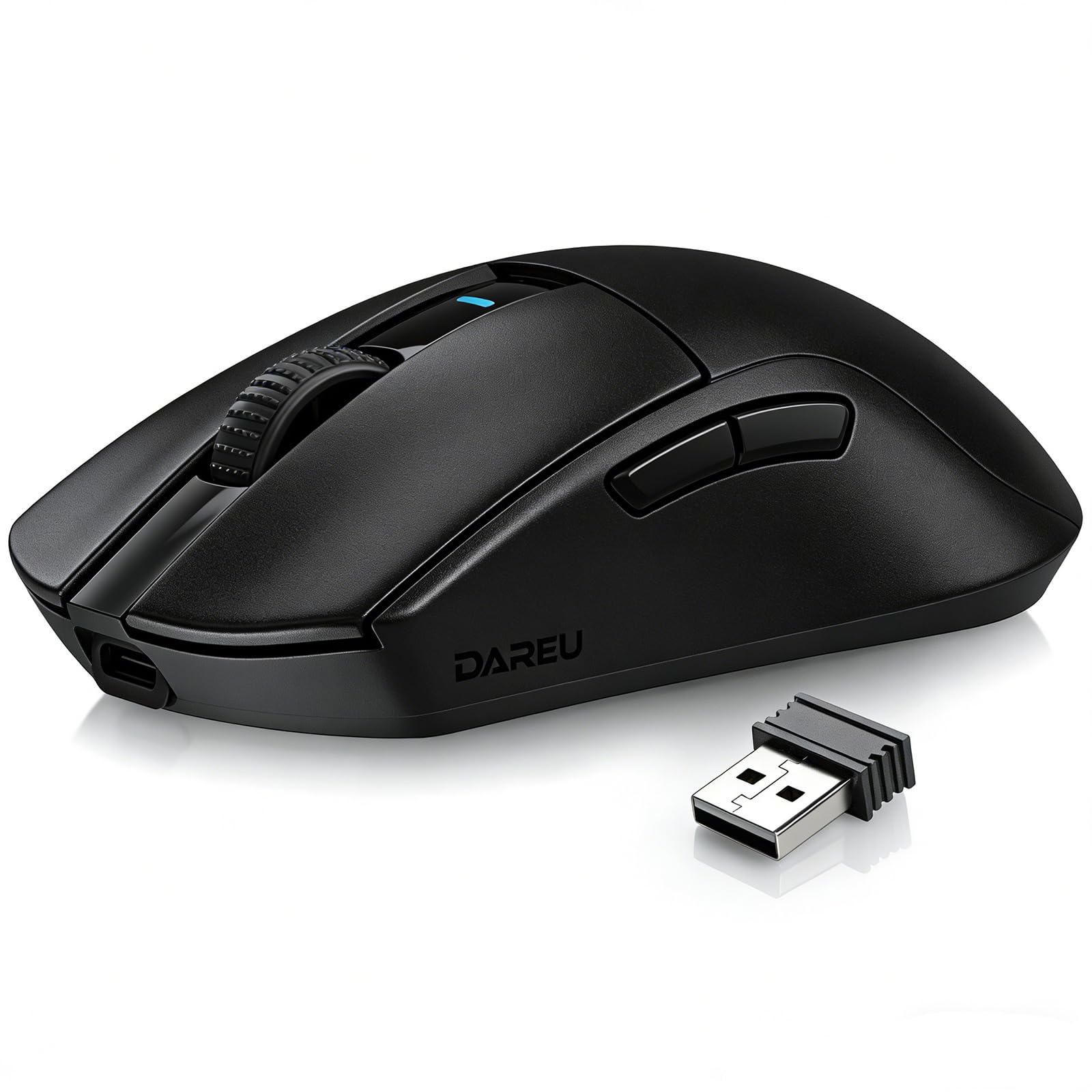
Image: The DAREU A950GM Wireless Gaming Mouse, showcasing its sleek black design and key features like lightweight design, tri-mode connectivity, high DPI, fast charge, Huano switches, and PAW3395 sensor.
Persediaan
Kandungan Pakej
Pastikan semua item ada dalam pakej:
- 1 x DAREU A950GM Mouse
- 1 x Kabel Jenis-C
- 1 x Penerima USB
- 1 x Manual Pengguna Bahasa Inggeris

Image: Contents of the DAREU A950GM package, including the mouse, Type-C cable, USB receiver, user manual, and packaging box.
Pengecasan Awal
Before first use, it is recommended to fully charge the mouse. Connect the provided Type-C cable to the mouse and a USB power source. A full charge typically takes 30-40 minutes for the 500mAh battery, providing up to 128 hours of use (16 days in 2.4G mode, 32 days in BT5.1 mode, based on 4 hours of connection per day).

Image: The DAREU A950GM mouse indicating its fast charge capability and battery life in different modes.
Mod Kesambungan
The DAREU A950GM supports three connection modes: 2.4GHz Wireless, Bluetooth (BT5.1), and Wired (USB-C).
- Mod Wayarles 2.4GHz:
- Locate the USB receiver stored in the bottom of the mouse.
- Palamkan penerima USB ke dalam port USB yang tersedia pada komputer anda.
- Slide the switch on the bottom of the mouse to the '2.4G' position. The mouse will automatically connect.
- Mod Bluetooth:
- Slide the switch on the bottom of the mouse to the 'BT' position.
- On your device (PC, laptop, smartphone, tablet), open Bluetooth settings and search for new devices.
- Select 'DAREU A950GM' from the list to pair.
- Mod Berwayar:
- Connect the provided Type-C cable to the mouse and the other end to a USB port on your computer.
- Tetikus akan berfungsi sebagai tetikus berwayar dan mengecas secara serentak.
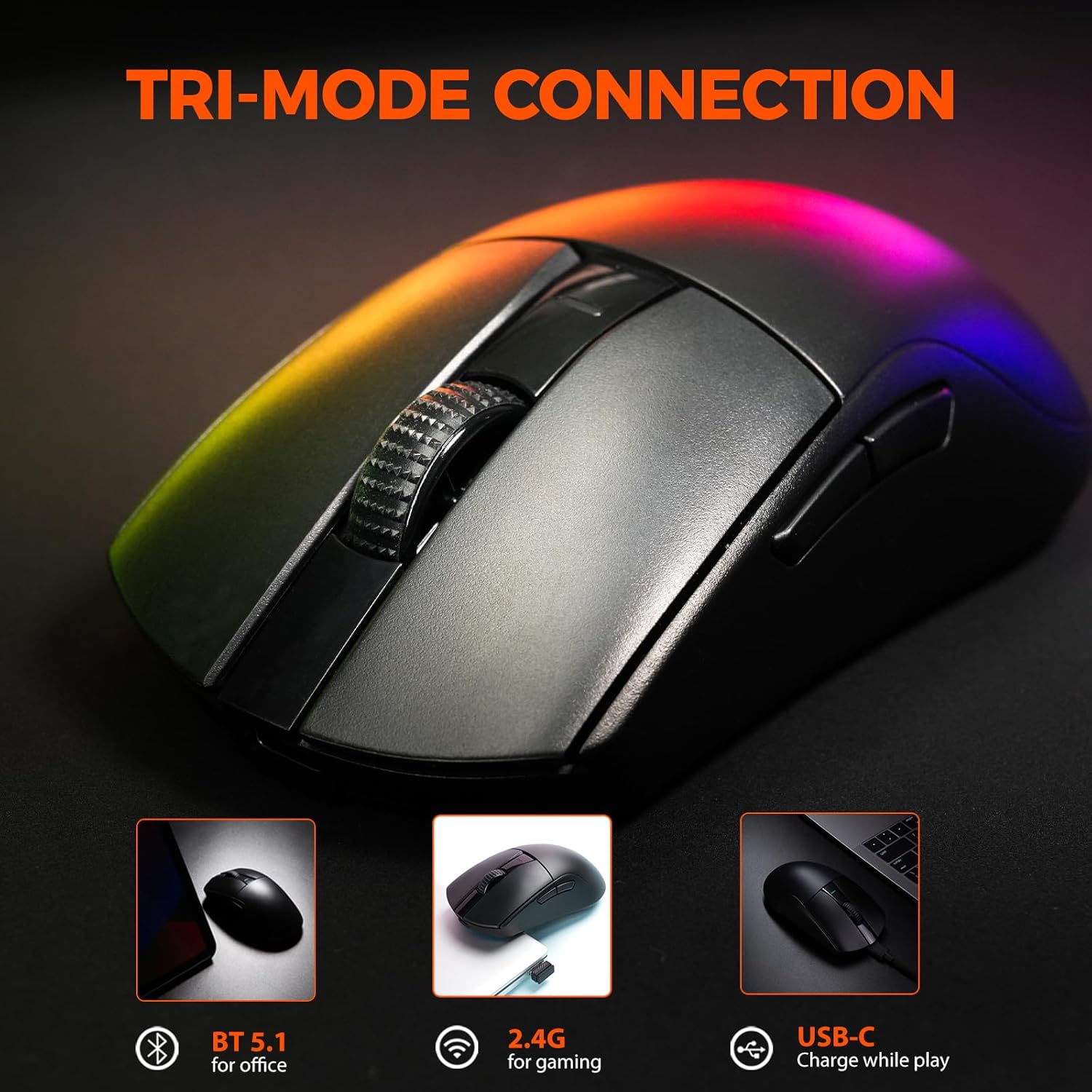
Image: The DAREU A950GM mouse demonstrating its tri-mode connectivity options: Bluetooth for office, 2.4G for gaming, and USB-C for charging while playing.
Pemasangan Perisian
For advanced customization of buttons, macros, polling rate, and DPI settings, DAREU provides dual software support:
- Web-based Driver: Access the DAREU official webtapak untuk a web-based configuration tool. No installation is required.
- Perisian Komputer: Download and install the dedicated DAREU e-sports driver software for your operating system (Windows 7 or later, macOS).
Customized settings are saved via the mouse's onboard memory.

Image: Screenshot of the DAREU all-in-one driver software interface, showing options for button customization, macro management, DPI settings, and battery level.
Arahan Operasi
Fungsi Butang
The DAREU A950GM features 5 programmable buttons:
- Butang Klik Kiri
- Butang Klik Kanan
- Roda Skrol (Boleh Diklik)
- Side Button 1 (Forward)
- Side Button 2 (Backward)
These buttons can be customized using the DAREU software to assign various functions, shortcuts, or macros.
Pelarasan DPI
The mouse features an advanced PAW3395 optical sensor with adjustable sensitivity up to 26,000 DPI. The DPI button is located on the bottom of the mouse. Press this button to cycle through preset DPI levels. The current DPI setting is often indicated by an LED color change above the scroll wheel.

Image: The underside of the DAREU A950GM mouse, highlighting the PAW3395 optical sensor and its specifications (26000 DPI, 650 IPS, 50g Acceleration).
Penukaran Mod
To switch between 2.4GHz, Bluetooth, and Off modes, use the physical switch located on the bottom of the mouse. For wired mode, simply connect the USB-C cable.

Image: The bottom of the DAREU A950GM mouse, showing the 2.4G/OFF/BT switch, DPI button, USB receiver storage, PTFE feet, and Type-C interface. Serial number: A950GMW250901750.
Penyelenggaraan
Pembersihan
To maintain optimal performance, regularly clean your mouse. Use a soft, dry cloth to wipe the surface. For stubborn dirt, a slightly damp kain boleh digunakan, memastikan tiada kelembapan memasuki komponen dalaman. Elakkan bahan kimia yang keras atau bahan yang melelas.
PBT Buttons and Huano Micro Switches
The DAREU A950GM features durable PBT buttons designed to resist fading and oil buildup. The Huano micro switches are rated for up to 100 million clicks, ensuring long-lasting and consistent performance. No specific user maintenance is required for these components beyond general cleaning.
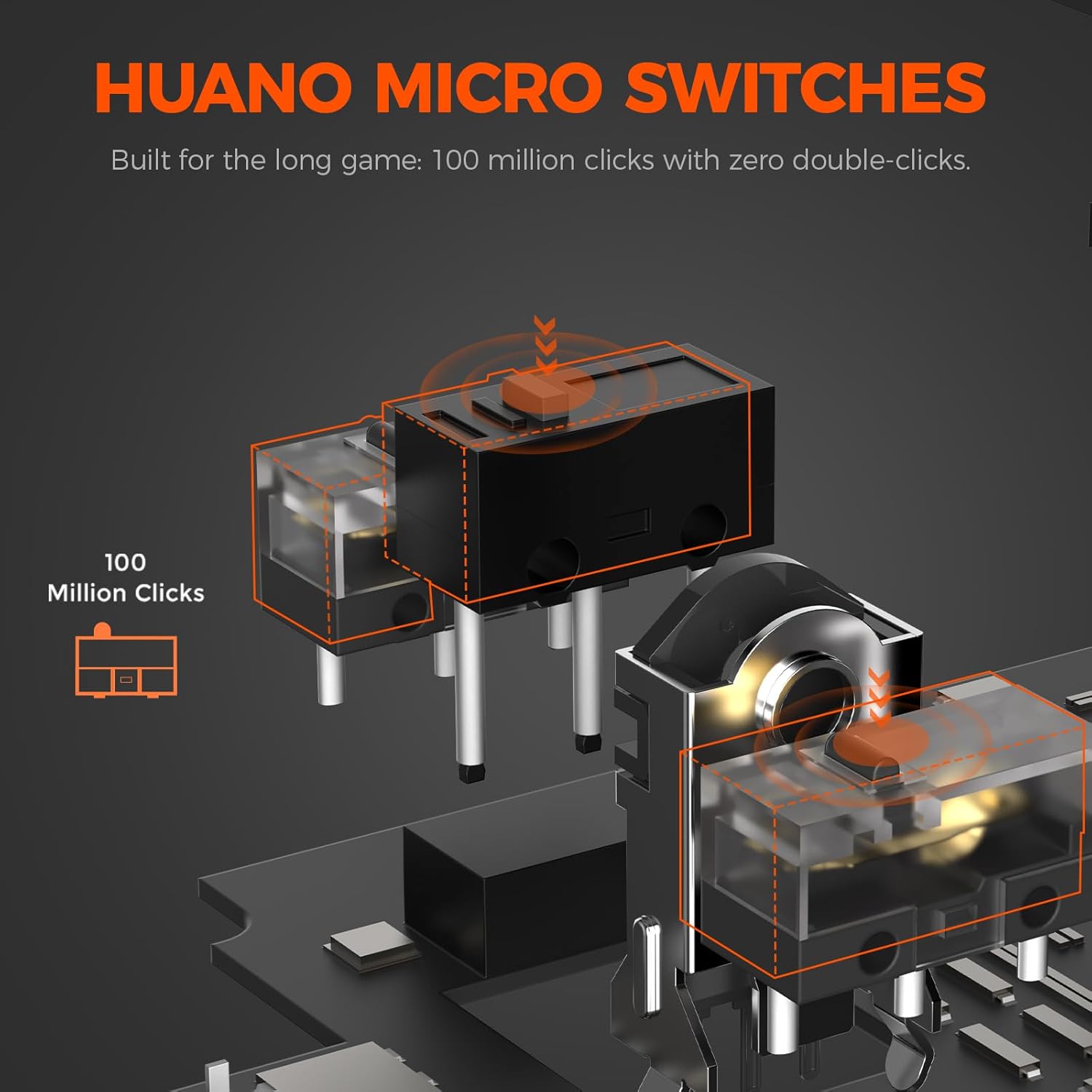
Imej: Meletup view illustrating the Huano micro switches within the DAREU A950GM mouse, highlighting their 100 million click lifespan.
Menyelesaikan masalah
Isu Ketersambungan
- Tetikus tidak bersambung melalui Bluetooth: Ensure the mouse is in 'BT' mode and your device's Bluetooth is enabled and discoverable. Try re-pairing the mouse from your device's Bluetooth settings.
- Lag or intermittent connection in wireless modes: Ensure the USB receiver is plugged into a direct USB port, not a hub. Minimize interference from other wireless devices. If issues persist, try wired mode.
- 2.4GHz receiver not recognized: Ensure the receiver is fully inserted into the USB port. Try a different USB port.
Isu Pemacu/Perisian
- Perisian tidak mengesan tetikus: Ensure the mouse is connected to your computer (preferably in wired or 2.4GHz mode for initial setup). Restart the software and/or your computer.
- Settings not saving: Ensure you are using only one instance of the DAREU software (either web-based or desktop app) at a time to avoid conflicts.
DPI Button Placement
The DPI adjustment button is located on the bottom of the mouse. This design choice means on-the-fly DPI changes during gameplay may require lifting the mouse. For frequent DPI adjustments, consider pre-setting preferred DPI stages via the software.
Spesifikasi
| Ciri | Perincian |
|---|---|
| Jenama | DAREU |
| Nama Model | A950GM |
| warna | Hitam |
| Teknologi Ketersambungan | USB/BT/2.4G Hz |
| Teknologi Pengesanan Pergerakan | Optik (Sensor PAW3395) |
| Mouse Maximum Sensitivity | 26000 DPI |
| IPS Speed | 650IPS |
| Pecutan | 50g |
| Kadar Mengundi | 1000 Hz |
| Kuantiti Butang | 5 Butang Boleh Aturcara |
| Suis Mikro | Huano (100 Million Clicks) |
| Kapasiti Bateri | Polimer Lithium 500mAh |
| Purata Hayat Bateri | Up to 128 hours (BT5.1 mode), 65 hours (2.4G mode) |
| Masa Mengecas | 30-40 minutes (fast charge) |
| Berat Barang | 60 g |
| Dimensi Item (L x W x H) | 122.8 x 64 x 39 mm |
| Peranti Serasi | PC, Laptop, Mac, Gaming Console, Smartphone, Tablet |
| Sokongan Sistem Pengendalian | Windows 7 or later, macOS, Android |
| Komponen yang Disertakan | Mouse, Type-C cable, USB receiver, English user manual |
Video Produk
Video: An official DAREU GAMING video showcasing the DAREU A950GM Wireless Gaming Mouse, highlighting its PAW3395 sensor and black color variant.
Video: An official DAREU GAMING video demonstrating the DAREU A950GM Wireless Gaming Mouse in use.
Waranti
The DAREU A950GM Wireless Gaming Mouse comes with a WARANTI 1 TAHUN dari tarikh pembelian. Sila simpan bukti pembelian anda untuk tuntutan jaminan. Jaminan ini meliputi kecacatan dan kerosakan pembuatan di bawah penggunaan biasa. Ia tidak meliputi kerosakan yang disebabkan oleh salah guna, kemalangan, pengubahsuaian tanpa kebenaran atau haus dan lusuh biasa.
Sokongan
For further assistance, technical support, or warranty inquiries, please visit the official DAREU website or contact DAREU customer service. Refer to the packaging or the DAREU webtapak untuk maklumat hubungan terkini.
Anda juga boleh melawat DAREU Store on Amazon untuk mendapatkan lebih banyak maklumat produk dan sumber sokongan.