
1. Produk Lebihview
The Cuifati 50000mAh Solar Power Bank is a robust and versatile portable charging solution designed for outdoor enthusiasts and emergency preparedness. Featuring a high-capacity battery and solar charging capabilities, it ensures your devices remain powered in various environments.
Ciri-ciri Utama:
- Kapasiti 50,000mAh yang besar: Provides multiple recharges for smartphones, tablets, and other USB-powered devices.
- Keupayaan Pengecasan Suria: Allows for emergency recharging using sunlight, ideal for off-grid situations.
- Crush-Proof Aluminum Alloy Casing: Durable exterior offers protection against impacts and aids in heat dissipation.
- Integrated LED Campdalam Cahaya: Features high-brightness LED with constant, breathing, and SOS flashing modes for illumination and emergency signaling.
- Pengecasan Pantas Serbaguna: Supports USB-A, Type-C, and QC Fast Charging protocols for efficient power delivery to a wide range of digital devices.
- Sistem Multi-Perlindungan: Built-in safeguards against overcharge, overvoltage, overcurrent, overpower, overdischarge, and temperature fluctuations.

Imej 1.1: Depan view of the Cuifati Solar Power Bank, showcasing the integrated solar panel.

Imej 1.2: Sisi view displaying the various charging ports and the LED light panel.
2. Persediaan dan Penggunaan Awal
2.1 Mengecas Power Bank
Before first use, fully charge the power bank using a wall adapter to ensure optimal battery performance. Solar charging is primarily for emergency use and maintaining charge, not for rapid full charging.
- Via USB Wall Adapter: Connect the included USB charging cable (or a compatible Type-C cable) to the power bank's input port and plug the other end into a USB wall adapter (not included). The indicator lights will show charging progress.
- Melalui Panel Suria: Place the power bank in direct sunlight. The solar indicator light will illuminate, indicating that solar charging is active. For best results, ensure the solar panel is clean and unobstructed.

Imej 2.1: Atas view of the power bank, showing the solar panel and a USB charging cable.
2.2 Menyemak Tahap Bateri
Tekan butang kuasa sekali untuk view paras bateri semasa yang ditunjukkan oleh lampu LED.
3. Arahan Operasi
3.1 Mengecas Peranti Luaran
Connect your device's charging cable to one of the power bank's output ports (USB-A or Type-C). The power bank will automatically begin charging your device. If charging does not start, press the power button once.
3.2 Using the LED CampCahaya
The integrated LED light offers multiple modes for various situations.
- Hidupkan/Matikan: Long press the power button to turn the LED light on or off.
- Mod Kitaran: Once the light is on, short press the power button to cycle through the modes: Constant Brightness > Breathing Light > SOS Flashing > Burst Flash.

Image 3.1: The power bank demonstrating its LED bright light feature, useful for camping atau kecemasan.
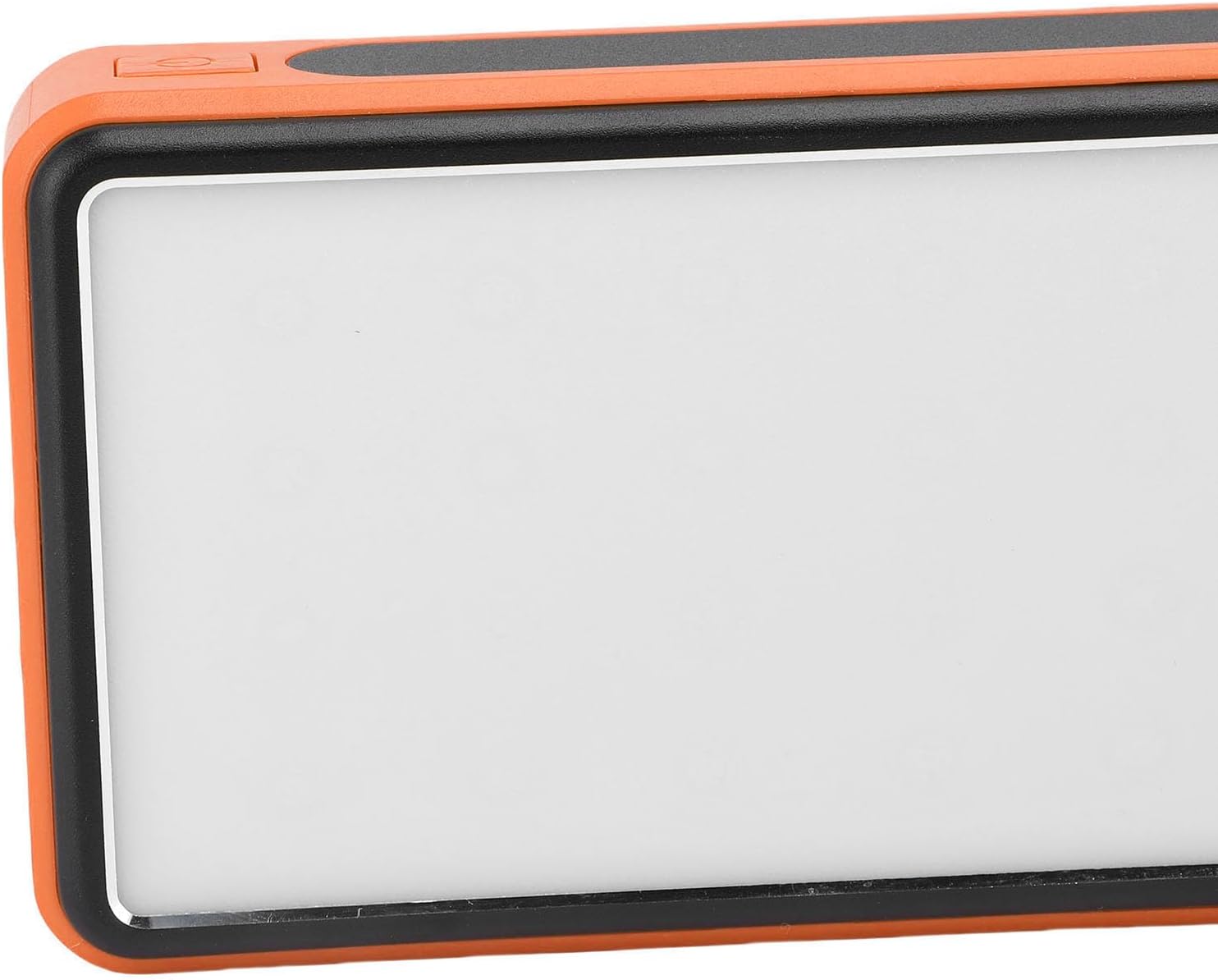
Imej 3.2: Sisi view highlighting the power button used for operating the device and LED light.
4. Penyelenggaraan dan Penjagaan
- Pembersihan: Wipe the power bank with a soft, dry cloth. Avoid using harsh chemicals or abrasive materials. Ensure the solar panel is clean for efficient charging.
- Storan: Store the power bank in a cool, dry place away from direct sunlight and extreme temperatures. For long-term storage, charge the power bank to about 50-75% every 3-6 months to preserve battery health.
- Keadaan Persekitaran: While crush-proof, avoid intentional drops or impacts. Do not expose to water or high humidity.

Image 4.1: Icons representing the power bank's multiple protection features, including overcharge, overvoltage, and temperature prevention.
5. Penyelesaian masalah
- Bank kuasa tidak dicas: Ensure the charging cable is securely connected to both the power bank and the power source. Try a different cable or wall adapter. For solar charging, ensure direct sunlight and a clean solar panel.
- Peranti tidak dicas dari power bank: Ensure the power bank has sufficient charge. Press the power button once to activate output. Try a different USB port or charging cable.
- Lampu LED tidak berfungsi: Long press the power button to turn it on. If it still doesn't work, ensure the power bank has sufficient charge.
- Pengecasan perlahan: Ensure you are using a fast-charging compatible cable and your device supports fast charging. Solar charging is inherently slower than wall charging.
6. Spesifikasi
| Ciri | Spesifikasi |
|---|---|
| Kapasiti Bateri | 50,000mAh |
| Peranti Serasi | Smartphones, Tablets, USB-powered devices (including some laptops) |
| Protokol Pengecasan | USB-A, Type-C, QC Fast Charging |
| Mod Lampu LED | Constant, Breathing, SOS Flashing, Burst Flash |
| Casing Bahan | Aloi Aluminium |
| warna | Jingga |
| Dimensi Pakej | 19 x 13 x 5 cm |
| Berat badan | 552 gram |
| Negara Asal | China |
7. Maklumat Waranti
This Cuifati Solar Power Bank comes with a Waranti pengilang selama 2 tahun dari tarikh pembelian. Waranti ini melindungi kecacatan pada bahan dan mutu kerja di bawah penggunaan biasa. Ia tidak melindungi kerosakan yang disebabkan oleh penyalahgunaan, kemalangan, pengubahsuaian yang tidak dibenarkan atau haus dan lusuh biasa. Sila simpan bukti pembelian anda untuk tuntutan waranti.
8. Sokongan
For technical support, warranty claims, or further inquiries, please contact Cuifati customer service. Refer to the product packaging or the retailer's webtapak untuk maklumat hubungan yang paling terkini.
We recommend visiting the official Cuifati weblaman web untuk pendaftaran produk, Soalan Lazim dan sumber sokongan tambahan.