
pengenalan
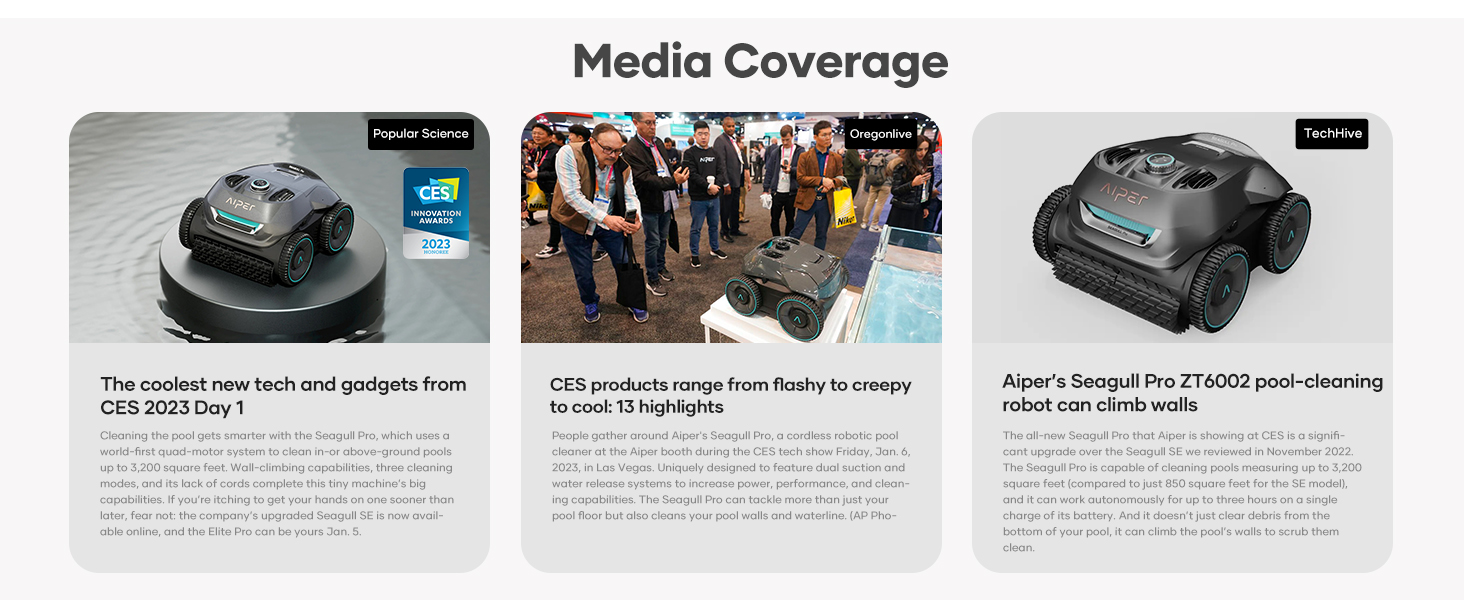
This manual provides essential information for the safe and efficient operation of your AIPER Cordless Robotic Pool Cleaner, Seagull Pro ZT6002. Designed for inground pools up to 1,600 sq.ft, this cleaner features WavePath Navigation, wall-climbing capabilities, and a powerful quad-motor system for thorough cleaning of the pool floor, walls, and waterline. Please read this manual carefully before use and retain it for future reference.

The AIPER Seagull Pro ZT6002 robotic pool cleaner is designed for comprehensive pool maintenance.
Persediaan
- Membuka kotak: Keluarkan semua komponen daripada pembungkusan dengan berhati-hati. Pastikan semua bahagian ada mengikut senarai pembungkusan.
- mengecas: Before first use, fully charge the robotic pool cleaner. The built-in 7,800mAh battery offers up to 150 minutes of continuous cleaning and fully recharges in approximately 3-6 hours. Connect the charger to the device and a power outlet. The LED indicator on the control dial will show charging status.

The robotic pool cleaner connected to its charger, indicating the charging process.
- Peletakan Awal: Once fully charged, slowly submerge the cleaner into the pool. Ensure it fills with water and sinks to the bottom.
This video demonstrates the AIPER robotic pool cleaner operating in a pool, showcasing its movement and cleaning capabilities.
Arahan Operasi
The Seagull Pro ZT6002 features an intuitive control dial for selecting cleaning modes and monitoring battery status.
Kaedah Pembersihan:
Rotate the control dial to select one of the three cleaning modes:
- Mod Automatik: The cleaner intelligently navigates to clean both the pool floor and walls. When the battery is above 50%, it prioritizes floor cleaning in an 'S' pattern. Below 50% battery, it switches to wall and waterline cleaning in an 'N' pattern.
- Floor Only Mode: Focuses solely on cleaning the pool floor.
- Wall Only Mode: Concentrates on scrubbing the pool walls and waterline.
The intuitive control dial allows selection of cleaning modes and displays battery status with different colors.
WavePath Navigation:
The advanced WavePath navigation system ensures efficient and thorough coverage of your pool. It adapts its cleaning pattern based on battery level to optimize cleaning performance.

WavePath Navigation technology uses different patterns for floor and wall cleaning depending on battery charge.
Penunjuk Bateri:
The LED ring around the control dial indicates the battery level:
- hijau: > 90% bateri
- Biru: Bateri 50-89%.
- Kuning: Bateri 10-49%.
- merah: Bateri <9%
Penyelenggaraan
Membersihkan Bakul Penapis:
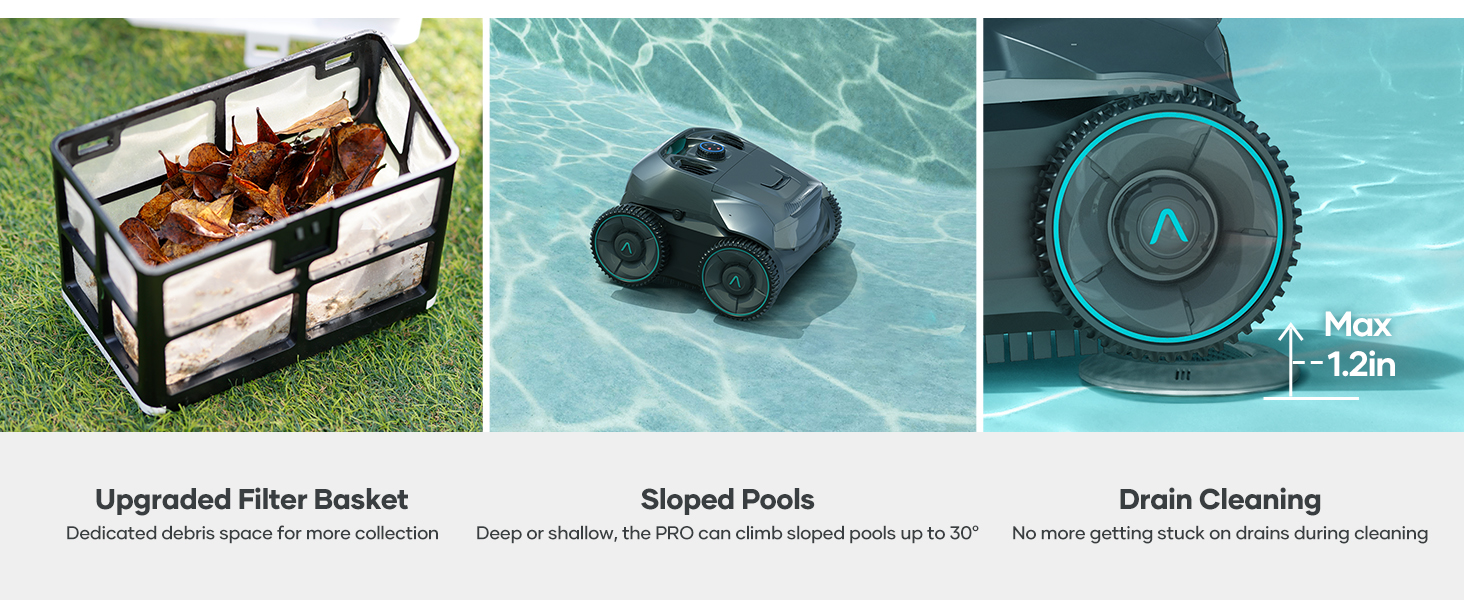
Regularly clean the filter basket to maintain optimal cleaning performance. The Seagull Pro ZT6002 features an easy-access top-load filter basket.
- Buka penutup atas pembersih.
- Lift out the filter basket using its handle.
- Empty any collected debris.
- Rinse the filter basket thoroughly with a hose until clean.
- Reinsert the clean filter basket and close the top cover securely.

The easy-access filter basket simplifies debris removal and cleaning.
Retrieving the Cleaner:
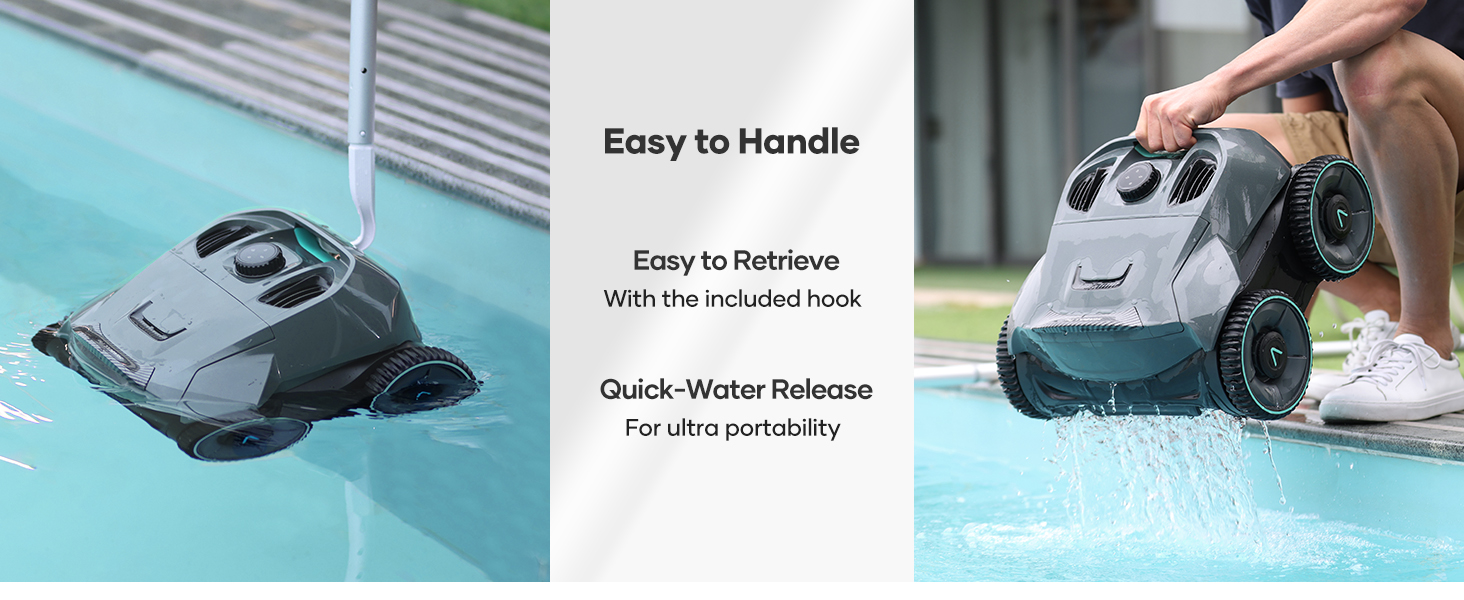
Use the included retrieval hook to safely remove the cleaner from the pool. This allows for quick water release and easy handling.
The cleaner can be easily retrieved from the pool using the provided hook, and its design allows for quick water drainage.
Menyelesaikan masalah
- Pembersih tidak bergerak: Ensure the battery is fully charged. Check for any obstructions in the wheels or brushes.
- Prestasi pembersihan yang lemah: Clean the filter basket. Ensure the pool water chemistry is balanced.
- Tukang bersih tidak memanjat dinding: Verify the Wall Only mode is selected or that the battery is below 50% in Automatic mode. Ensure the pool surface is not excessively slippery with algae.
- Device appears wet or repackaged: All AIPER machines undergo 100% water testing and re-sampling inspection before shipping to ensure proper functionality. This may result in the device appearing wet or repackaged, but it is not a used item.
AIPER products are water-tested before shipping, which may result in residual moisture or repackaging.
Spesifikasi
| Ciri | Perincian |
|---|---|
| Jenama | AIPER |
| Nama Model | Camar Pro |
| Nombor Model | ZT6002-RV |
| bahan | plastik |
| warna | Kelabu |
| Sumber Kuasa | Dikuasakan Bateri |
| Kapasiti Bateri | 7,800mAh (196.56 Watt Hours Lithium-Ion) |
| Masa jalan | Sehingga 150 minit |
| Masa Mengecas | 3-6 jam |
| Saiz Kolam Maksimum | Sehingga 1,600 kaki persegi |
| Sistem Navigasi | WavePath Navigation |
| Sistem Motor | Quad-Motor (up to 196W) |
| Kadar Penapisan | Up to 82 gallons per minute |
| Mod Pembersihan | Automatic, Floor, Wall |
| Ciri Khas | Wall-Climbing, Extended Runtime, Fully Wireless, Powerful Cleaning Suction |
Waranti dan Sokongan
Maklumat Waranti:
The AIPER Cordless Robotic Pool Cleaner Seagull Pro ZT6002 comes with a Waranti terhad 90 hari from the manufacturer. Please refer to your product packaging or the official AIPER webtapak untuk terma dan syarat jaminan penuh.
Sokongan Pelanggan:
For technical assistance, troubleshooting, or warranty claims, please contact AIPER customer support through their official website or the contact information provided in your product documentation. Ensure you have your model number (ZT6002) and proof of purchase available when contacting support.