
pengenalan
Thank you for choosing the Bewinner Mini Keychain Camera S160. This compact and portable digital camera is designed for capturing high-definition videos and photos with ease. Featuring 2K FHD video recording, 2MP photos, a 1.47-inch color screen, and built-in LED flash, it is ideal for travel vlogging and everyday use. Please read this manual thoroughly to understand the camera's functions and ensure optimal performance.

A child holding the Bewinner Mini Keychain Camera, illustrating its compact size and ease of use for capturing 2K video.
Kandungan Pakej
Upon opening your Bewinner Mini Keychain Camera S160 package, please verify that all the following items are included:
- Bewinner Mini Keychain Camera S160
- Hanging Buckle
- Rantai Gantung
- Manual Pengguna
- Kabel Pengecasan Jenis-C
Video demonstrating the unboxing and contents of the Bewinner Mini Keychain Camera, including the camera, square bead chain, and hanging buckle.
Produk Selesaiview
The Bewinner Mini Keychain Camera S160 is designed for portability and ease of use. Familiarize yourself with its key components:
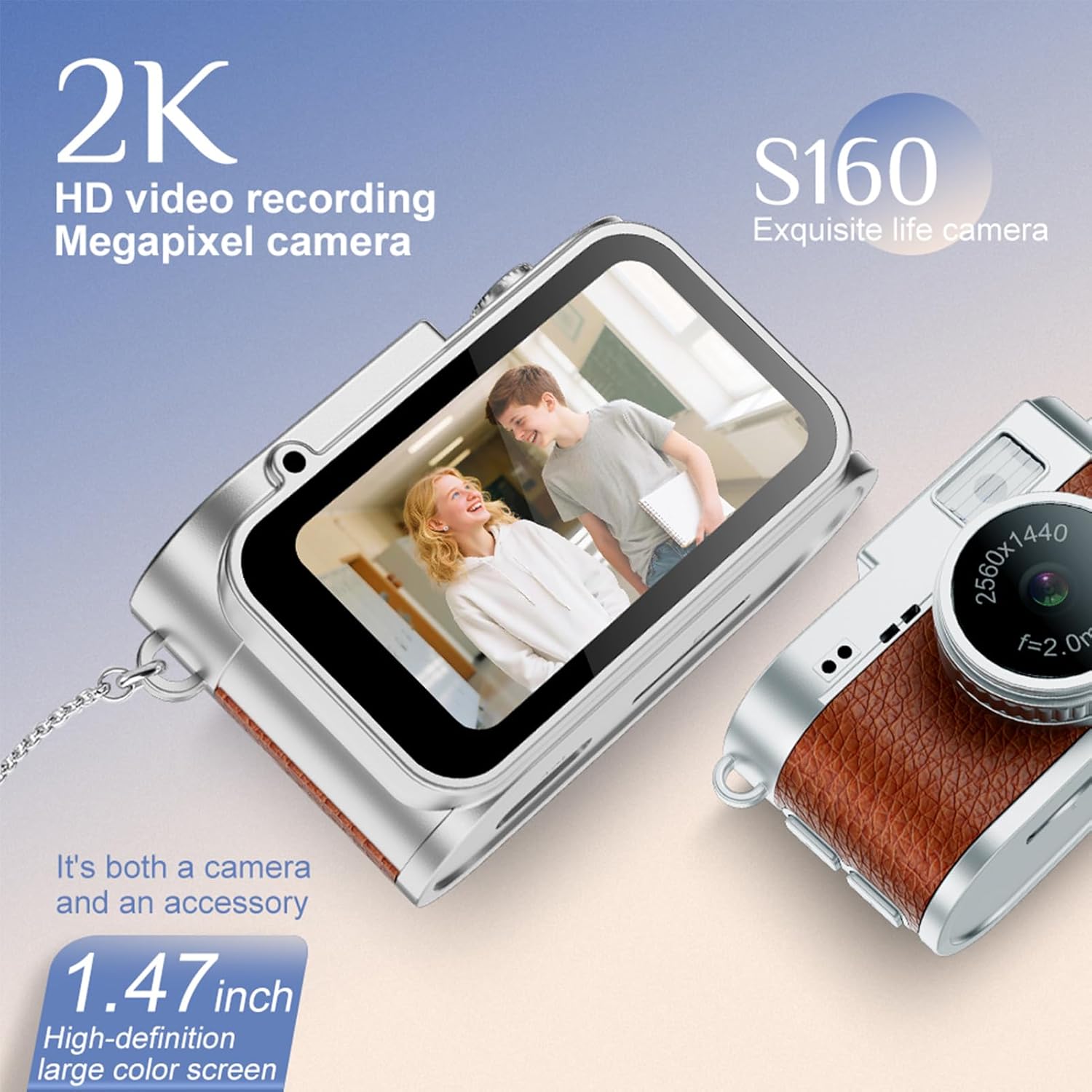
Depan view of the Bewinner Mini Keychain Camera, highlighting the 1.47-inch color screen and lens.
- Kanta: Captures 2K FHD video and 2MP photos.
- Skrin Warna 1.47 inci: Untuk masa nyata viewing dan main balik.
- Lampu Isi LED: Improves photo and video quality in low light.
- Butang Kawalan: Three buttons for easy mode selection and recording.
- Slot Kad MicroSD: Supports up to 128GB for storage.
- Pelabuhan Jenis-C: Untuk pengecasan dan pemindahan data.
- Gelung Gantung: For attaching the hanging buckle or chain.

Terperinci view of the Bewinner Mini Keychain Camera's 1.47-inch IPS color screen and lens, showing its video capabilities.
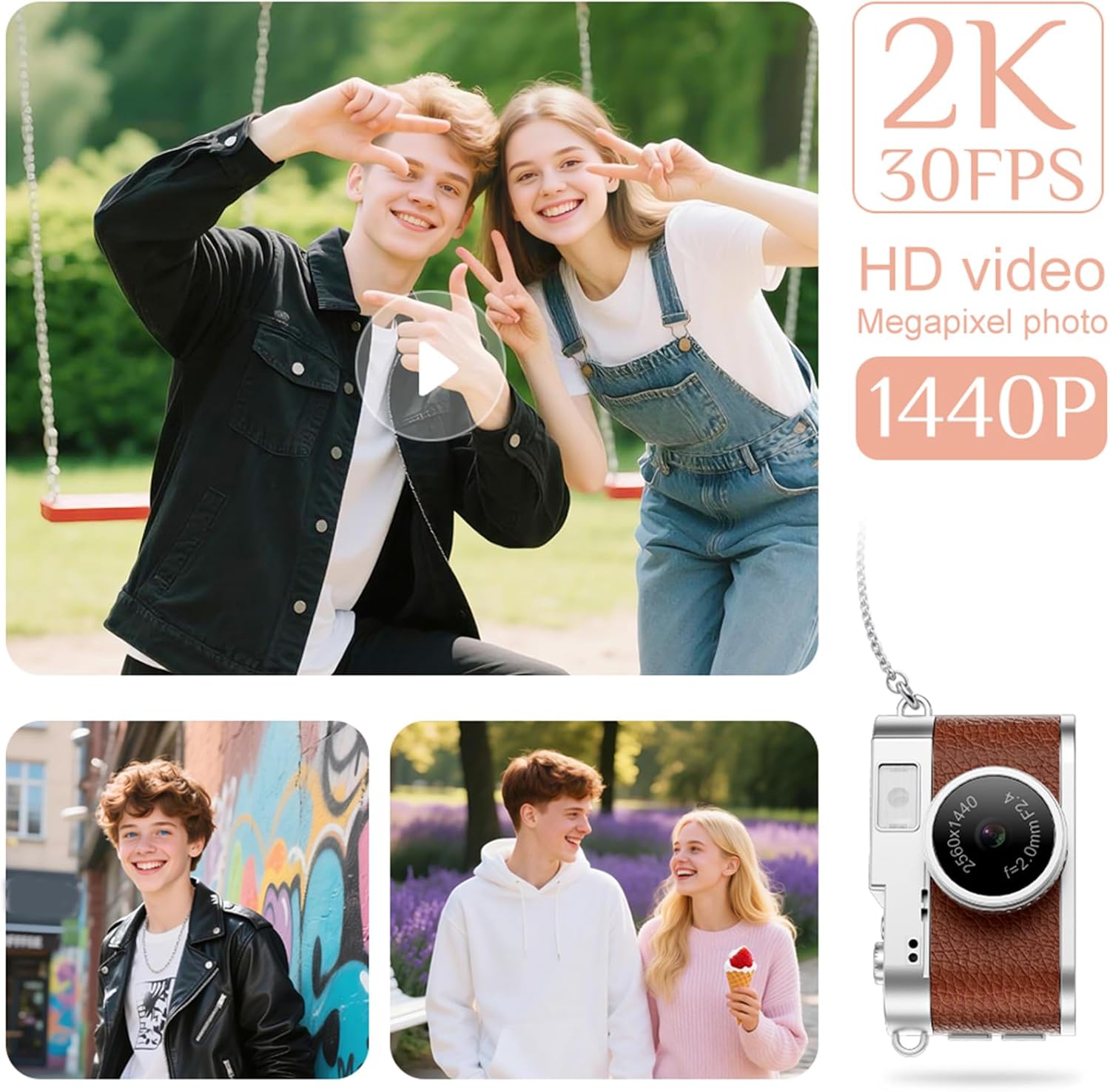
The Bewinner Mini Keychain Camera held in a hand, emphasizing its delicate and light design.
Persediaan
1. Mengecas Kamera
Before first use, fully charge the camera. Connect the provided Type-C charging cable to the camera's Type-C port and a power source (e.g., USB wall adapter, computer USB port). The charging indicator will show the charging status.
2. Memasukkan Kad Memori
The camera supports up to 128GB MicroSD cards (not included). Locate the MicroSD card slot on the side of the camera. Gently insert the MicroSD card with the gold contacts facing down until it clicks into place. To remove, push the card in again until it springs out.
Arahan Operasi
1. Hidupkan/Mati Kuasa
- Hidupkan kuasa: Press and hold the Power button for a few seconds until the screen lights up.
- Matikan: Tekan dan tahan butang Kuasa sekali lagi sehingga skrin dimatikan.
2. Mengambil Foto
- Ensure the camera is in photo mode (indicated by an icon on the screen). Use the mode button to switch if necessary.
- Frame your shot using the 1.47-inch color screen.
- Press the Shutter button to capture a 2MP photo.
- The camera offers four filter options. Refer to the on-screen menu to select your desired filter before taking a photo.
3. Merakam Video
- Tukar kamera ke mod rakaman video.
- Press the Record button to start recording 2560x1440 (30FPS) video.
- Tekan butang Rakam sekali lagi untuk menghentikan rakaman.
- The camera supports cycle recording, typically set to 3-minute segments.
4. Using the LED Fill Light
- The built-in LED fill light can be activated to improve visibility in low-light conditions.
- Access the camera settings via the menu to set the LED light to be constantly on or to activate it as needed.
5. ViewFoto dan Video
- Switch to playback mode using the mode button.
- Use the navigation buttons to browse through your captured photos and videos on the 1.47-inch color screen.

The Bewinner Mini Keychain Camera capturing moments, demonstrating its 2K video recording and photo capabilities.

The Bewinner Mini Keychain Camera displaying a captured image on its 1.47-inch IPS colorful screen.
6. File Pemindahan
- Untuk memindahkan files to an Android phone, connect the camera directly using an OTG adapter (not included).
- Alternatively, connect the camera to a computer using the Type-C cable. The camera will appear as a removable disk, allowing you to copy files.
Penyelenggaraan
- Pembersihan: Use a soft, dry cloth to clean the camera body. For the lens, use a specialized lens cleaning cloth and solution. Avoid harsh chemicals.
- Storan: Simpan kamera di tempat yang sejuk dan kering jauh dari cahaya matahari langsung dan suhu yang melampau.
- Penjagaan Bateri: Untuk memanjangkan hayat bateri, elakkan daripada menyahcas sepenuhnya bateri dengan kerap. Mengecasnya dengan kerap, walaupun tidak digunakan untuk tempoh yang lama.
- Kad Memori: Periodically back up your files and format the MicroSD card in the camera to maintain optimal performance.
Menyelesaikan masalah
| Isu | Kemungkinan Punca | Penyelesaian |
|---|---|---|
| Kamera tidak dihidupkan. | Bateri lemah; bateri rosak; masalah butang kuasa. | Charge the camera fully. Ensure the power button is pressed correctly. If issues persist, contact support. |
| Tidak boleh memindahkan files to phone/computer. | Incorrect cable; missing OTG adapter; driver issue. | Ensure you are using a compatible Type-C cable and, for Android, an OTG adapter. Try a different USB port or computer. |
| Kualiti imej/video yang lemah. | Low light; dirty lens; incorrect settings. | Activate the LED fill light. Clean the lens. Check camera settings for resolution and filter options. |
| Ralat kad memori. | Incompatible card; card full; corrupted card. | Use a MicroSD card up to 128GB. Format the card in the camera. Try a different memory card. |
Spesifikasi
| Ciri | Perincian |
|---|---|
| Nama Model | S160 |
| Saiz Kamera | Lebih kurang 45x27x28mm / 1.77x1.06x1.10 inci |
| Jenis Bateri | Bateri Polimer Litium Ion |
| Kapasiti Bateri | 180mAh |
| Tempoh Rakaman | lebih kurang 50 minit |
| Sokongan Kad Memori | Up to 128GB MicroSD Card (Small Memory Card) |
| Skrin | 1.47 Inch Color Screen (IPS) |
| Resolusi Video | 2560 x 1440 (30FPS) |
| Resolusi Foto | JPG 2MP |
| Sudut Kamera | 160° |
| Penapis | 4 Built-in Filter Options |
| Rakaman Kitaran | Default 3 Minutes |
| kilat | Built-in LED Fill Light (Support constant on) |
| Data Connection/Power | Pelabuhan Jenis-C |
| Peranti Serasi | Telefon pintar (untuk file transfer via OTG) |
| Tahap Ketahanan Air | Bukan Tahan Air |
Waranti dan Sokongan
Bewinner products come with a standard manufacturer's warranty. For specific warranty details, please refer to the warranty card included in your package or visit the official Bewinner website. If you encounter any issues or have questions regarding your Mini Keychain Camera S160, please contact Bewinner customer support through the retailer where you purchased the product or via the contact information provided on the official webtapak.
Sila simpan bukti pembelian anda untuk tuntutan waranti.