pengenalan
Terima kasih kerana membeliasing the Intempo LED Blaze Speaker. This manual provides important information regarding the safe operation, setup, and maintenance of your speaker. Please read this manual thoroughly before use and retain it for future reference.
The Intempo LED Blaze Speaker is designed to deliver powerful audio with 100W PMPO output, featuring Bluetooth connectivity, five LED color modes, and a built-in karaoke function with an included microphone. It offers up to 10 hours of playback on a single charge, making it suitable for various indoor and outdoor settings.
Arahan Keselamatan
- Baca semua arahan dengan teliti sebelum mengendalikan pembesar suara.
- Jauhkan pembesar suara daripada air, kelembapan dan suhu yang melampau.
- Jangan cuba membuka, membaiki atau mengubah suai pembesar suara. Ini akan membatalkan jaminan.
- Use only the charging cable provided or a compatible charger with the specified voltage (DC5V).
- Pastikan pembesar suara diletakkan di atas permukaan yang stabil untuk mengelakkan terjatuh secara tidak sengaja.
- Avoid prolonged exposure to very high volume levels to prevent hearing damage.
- Jauhkan daripada kanak-kanak.
Kandungan Pakej
Sila tandai kotak untuk item berikut:
- 1 x Intempo LED Blaze Speaker
- 1 x Wired Karaoke Microphone
- 1 x Kabel Pengecasan (USB)
- Manual Arahan (dokumen ini)

Image: The Intempo LED Blaze Speaker shown within its retail packaging, highlighting its features and included microphone.
Produk Selesaiview
Familiarize yourself with the various parts and controls of your Intempo LED Blaze Speaker.

Imej: Atas view of the speaker's control panel, indicating the mobile phone stand, volume control dial, and microphone input with an included microphone.

Imej: A terperinci view of the speaker's top control panel, showing buttons for mode, TWS, LED, microphone volume, EQ, record, and playback controls around a central volume knob.

Image: Top rear view of the speaker, displaying the DC5V charging port, TF card slot, USB port, AUX input, microphone input, and the power switch (OFF/ON).
Fungsi Panel Kawalan:
- Port DC5V: Untuk mengecas pembesar suara.
- Slot KAD TF: Masukkan kad TF (MicroSD) untuk main balik muzik.
- Port USB: Insert a USB drive for music playback.
- Input AUX: Sambungkan peranti audio luaran melalui kabel audio 3.5mm.
- Input MIC: Sambungkan mikrofon berwayar.
- Suis MATI/HIDUP: Power the speaker on or off.
- Butang MOD: Switch between Bluetooth, TF Card, USB, and AUX modes.
- Butang TWS: Activate True Wireless Stereo pairing (for connecting two Blaze speakers).
- Butang LED: Cycle through LED light modes or turn them off.
- Butang MIC: Laraskan kelantangan mikrofon.
- Butang EQ: Pilih pratetap penyama.
- Butang REC: Record audio (requires a storage device).
- Dail Kelantangan: Adjust the main speaker volume.
- Kawalan Main Semula: Main/Jeda, Trek Sebelumnya, Trek Seterusnya.
Persediaan
Pengecasan Awal:
- Before first use, fully charge the speaker. Connect the provided USB charging cable to the DC5V port on the speaker and the other end to a USB power adapter (not included) or a computer's USB port.
- Lampu penunjuk pengecasan akan menyala. Ia akan padam atau berubah warna setelah dicas sepenuhnya.
- Pengecasan penuh biasanya mengambil masa beberapa jam.
Menghidupkan/Mematikan:
- To turn on the speaker, slide the MATI/HIDUP bertukar kepada ON position. You will hear an audible prompt.
- To turn off the speaker, slide the MATI/HIDUP bertukar kepada DIMATIKAN kedudukan.
Arahan Operasi
Pairing Bluetooth:
- Turn on the speaker. It will automatically enter Bluetooth pairing mode, indicated by a flashing LED or an audible prompt.
- Pada peranti mudah alih anda (telefon pintar, tablet, dll.), dayakan Bluetooth dan cari peranti yang tersedia.
- Select "Intempo Blaze" from the list of devices.
- Once paired, the speaker will indicate a successful connection, and the LED will stop flashing (or change pattern).
- You can now play audio from your device through the speaker. The effective range is up to 25 meters.
Mod Lampu LED:
The speaker features five LED color modes that react to your music, creating a dynamic visual experience.
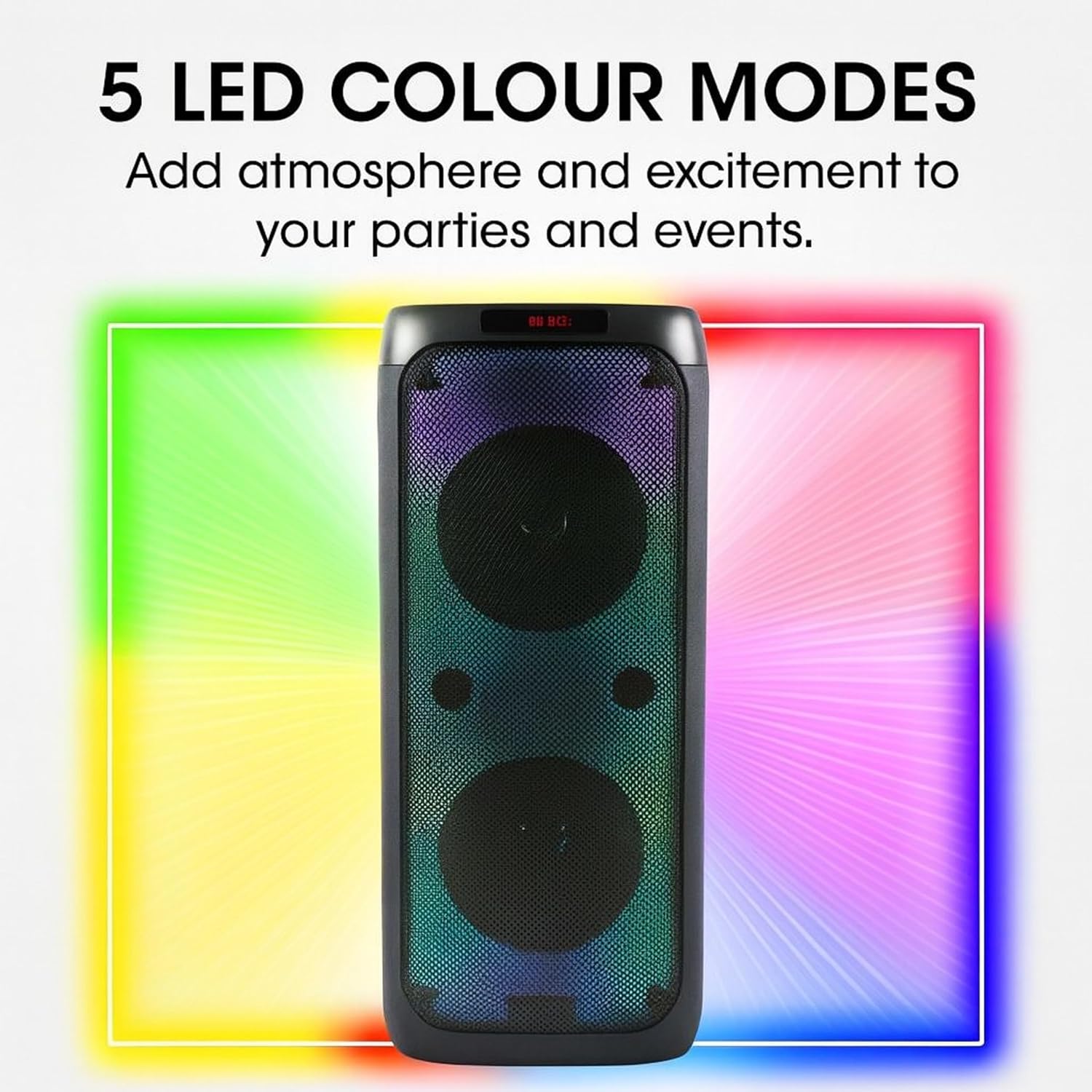
Image: The Intempo LED Blaze Speaker with a graphic overlay highlighting its capability of 5 LED colour modes, designed to add atmosphere.
- Tekan ke LED button on the control panel to cycle through the available light modes.
- Terus tekan LED butang untuk mematikan lampu.
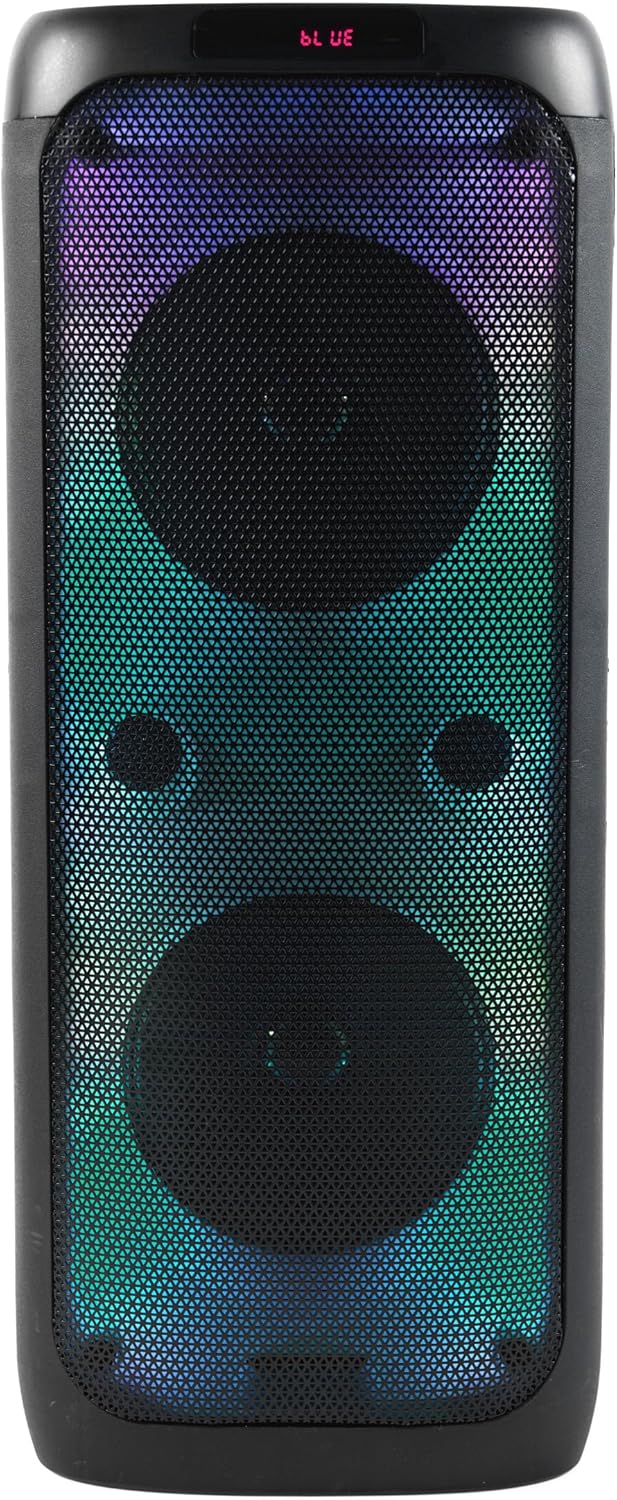
Imej: Depan view of the Intempo LED Blaze Speaker, showcasing its vibrant multi-color LED lights active behind the speaker grilles.

Imej: Depan view of the Intempo LED Blaze Speaker, displaying a dynamic rainbow-colored LED light pattern.
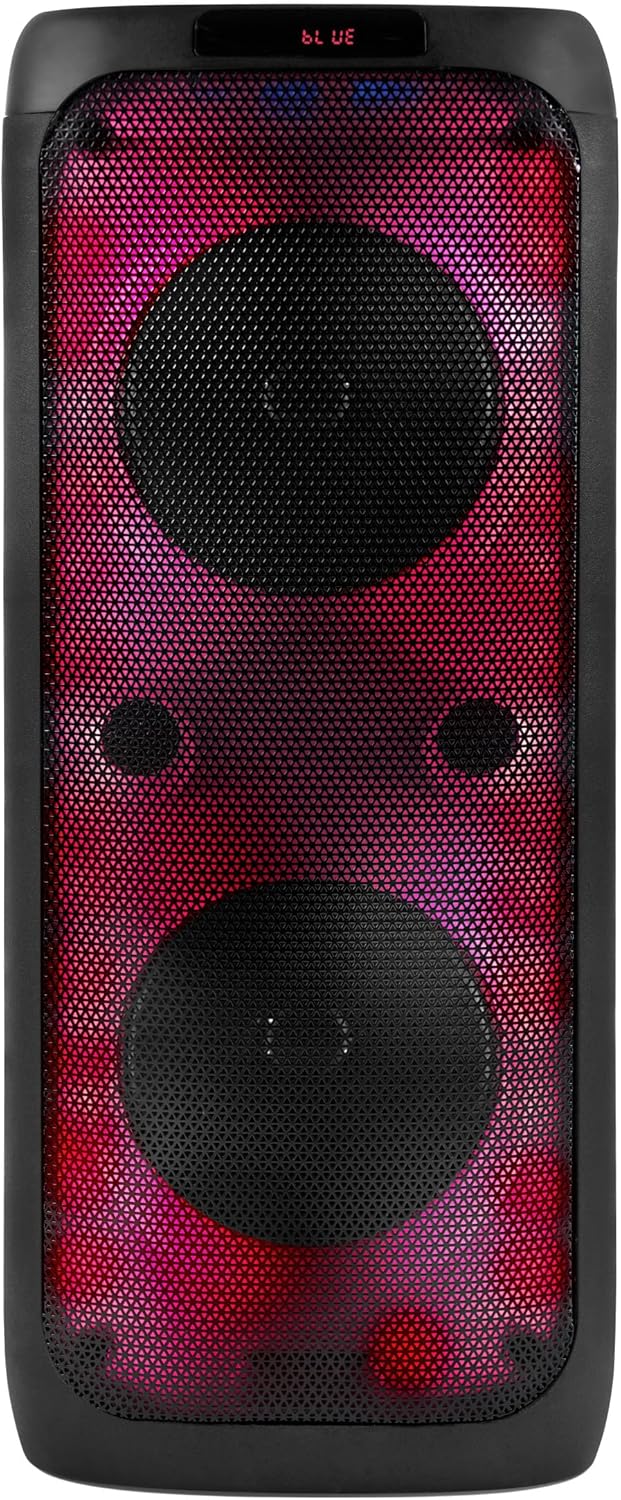
Imej: Depan view of the Intempo LED Blaze Speaker, illuminated with a striking red and purple LED light combination.
Fungsi Karaoke:
- Connect the included wired microphone to the Input MIC port on the speaker's control panel.
- Laraskan kelantangan mikrofon menggunakan MIC button or dedicated control if available.
- Play music via Bluetooth, USB, TF card, or AUX, and sing along.
Menggunakan Pendirian Telefon:
The integrated phone stand allows you to conveniently place your smartphone or tablet while using the speaker.
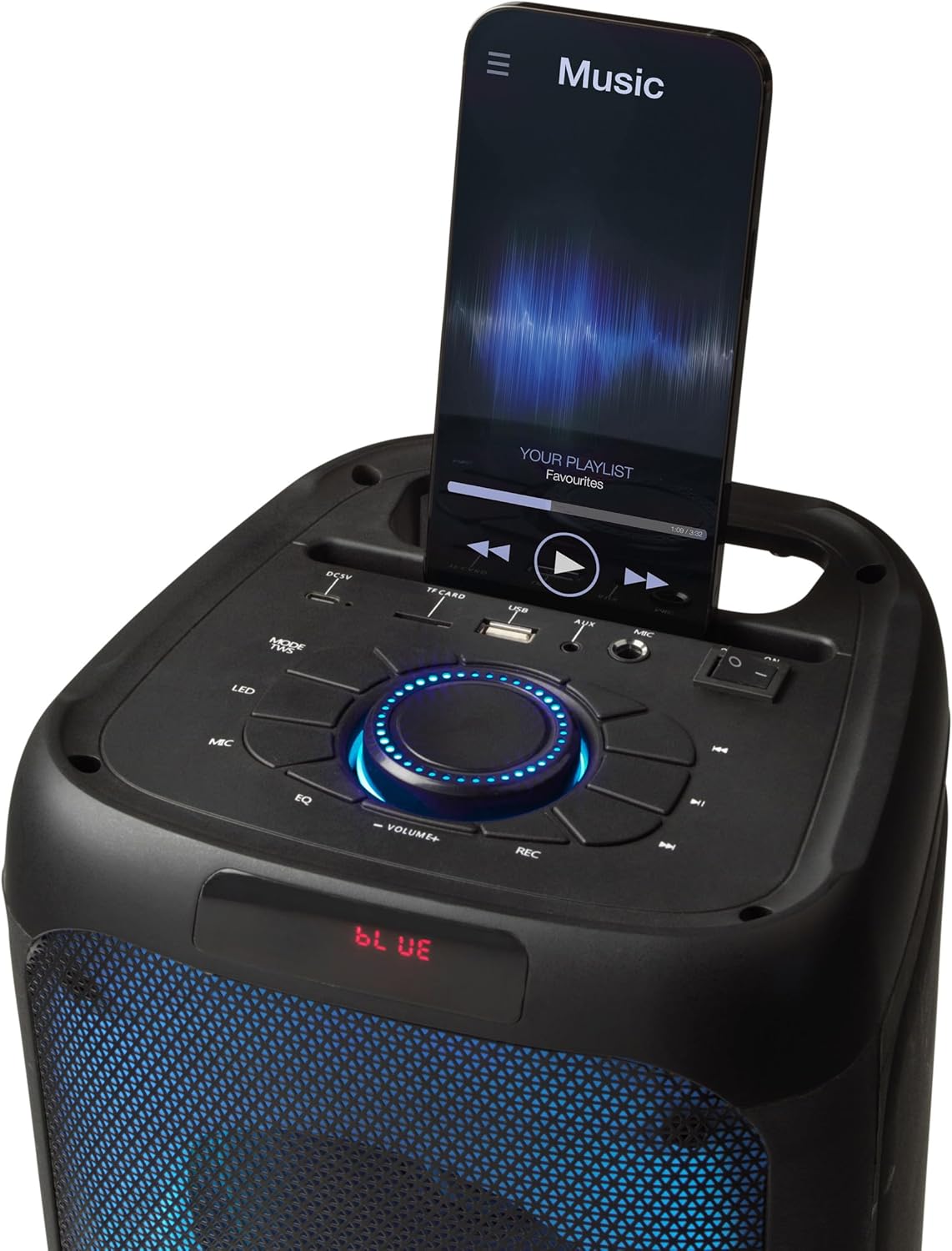
Image: The top panel of the Intempo LED Blaze Speaker, showing a smartphone securely placed in the integrated mobile phone stand, displaying a music application.
Main balik Kad USB/TF:
- Masukkan pemacu USB atau kad TF (MicroSD) yang mengandungi audio MP3 files ke pelabuhan masing-masing.
- Tekan ke MODE button to switch to USB or TF Card mode. The speaker will automatically begin playing music.
- Gunakan kawalan main balik (Main/Jeda, Trek Sebelumnya/Seterusnya) untuk mengurus muzik anda.
Input AUX:
- Sambungkan satu hujung kabel audio 3.5mm (tidak disertakan) ke Input AUX port pada pembesar suara.
- Sambungkan hujung kabel audio yang satu lagi ke bicu fon kepala atau output audio peranti luaran anda.
- Tekan ke MODE butang untuk bertukar kepada mod AUX.
- Kawal main balik dan kelantangan daripada peranti luaran anda.
Kawalan Kelantangan:
- Rotate the central Dail Kelantangan mengikut arah jam untuk meningkatkan kelantangan dan lawan arah jam untuk mengurangkan kelantangan.
Mengecas Speaker
The Intempo LED Blaze Speaker is equipped with a 3000 mAh rechargeable battery, providing up to 10 hours of continuous playback.
- When the battery is low, the speaker may emit an audible warning or the LED indicator may change.
- Connect the USB charging cable to the DC5V port on the speaker and to a suitable USB power source.
- Allow the speaker to charge fully before disconnecting.
- Do not leave the speaker charging unattended for extended periods.
Penyelenggaraan
- Pembersihan: Use a soft, dry cloth to clean the exterior of the speaker. Do not use abrasive cleaners, solvents, or harsh chemicals.
- Storan: Apabila tidak digunakan untuk tempoh yang lama, simpan pembesar suara di tempat yang sejuk dan kering, jauh dari cahaya matahari langsung dan suhu yang melampau.
- Penjagaan Bateri: Untuk memanjangkan hayat bateri, elakkan daripada menyahcas sepenuhnya bateri dengan kerap. Cas pembesar suara dengan kerap, walaupun tidak digunakan.
Menyelesaikan masalah
| Masalah | Kemungkinan Punca | Penyelesaian |
|---|---|---|
| Speaker tidak dihidupkan. | Bateri habis. | Cas pembesar suara sepenuhnya. |
| Tiada bunyi. | Kelantangan terlalu rendah; mod yang salah dipilih; peranti tidak disambungkan. | Increase volume; press MODE button to select correct input; ensure Bluetooth device is paired or AUX/USB/TF is properly connected. |
| Peranti Bluetooth tidak boleh berpasangan. | Speaker not in pairing mode; device too far; Bluetooth not enabled on device. | Ensure speaker is on and in Bluetooth mode; move device closer; enable Bluetooth on your device and search again. |
| Mikrofon tidak berfungsi. | Microphone not connected properly; microphone volume too low. | Ensure microphone is fully plugged into the MIC input; adjust microphone volume using the MIC button. |
Spesifikasi
| Ciri | Spesifikasi |
|---|---|
| Nombor Model | EE7515 |
| Jenama | INTEMPO |
| Kuasa Keluaran Pembesar Suara | PMPO 100W |
| Teknologi Ketersambungan | Bluetooth |
| Julat Bluetooth | Sehingga 25 meter |
| Kapasiti Bateri | 3000 mAh |
| Masa Main Semula | Sehingga 10 jam |
| Mod LED | 5 Mod Warna |
| Input | USB, TF Card, AUX (3.5mm), Microphone (6.35mm) |
| Dimensi (L x W x H) | 25.5 x 25.5 x 53.4 cm |
| Berat badan | 4.36 kg |
| bahan | Logam, Plastik |
| Sumber Kuasa | Battery Powered (1 Non-standard Battery, included) |
Waranti dan Sokongan
This product is covered by a manufacturer's warranty. Please refer to the warranty card included with your purchase or contact the retailer for specific warranty terms and conditions.
For technical support, troubleshooting assistance beyond this manual, or inquiries regarding replacement parts, please contact Intempo customer service or your point of purchase.