Produk Selesaiview
The DIERYA DK68 is a 60% compact mechanical keyboard designed for versatility and performance. It features triple-mode connectivity, allowing seamless switching between Bluetooth 5.0, 2.4GHz wireless, and USB-C wired connections. Equipped with clicky blue mechanical switches and vibrant RGB backlighting, it offers a responsive and customizable typing experience for both gaming and office use.

Figure 1: DIERYA DK68 Wireless Mechanical Keyboard showcasing its compact design and RGB lighting.
Kandungan Pakej
Pastikan semua item ada dalam pakej:
- DIERYA DK68 Wireless Mechanical Keyboard
- Kabel USB-C ke USB-A
- Penarik Kekunci
- Penerima USB 2.4GHz (disimpan dalam petak belakang papan kekunci)
- Manual Pengguna (dokumen ini)
Persediaan dan Ketersambungan
The DK68 keyboard supports three connection modes: USB-C wired, 2.4GHz wireless, and Bluetooth 5.0. Choose the mode that best suits your needs.
1. Mod Berwayar USB-C
- Sambungkan kabel USB-C yang disediakan ke port USB-C papan kekunci.
- Sambungkan hujung kabel USB-A ke port USB yang tersedia pada komputer anda.
- Papan kekunci akan dikenali secara automatik dan sedia untuk digunakan.
2. Mod Tanpa Wayar 2.4GHz
- Cari penerima USB 2.4GHz di dalam petak di bahagian belakang papan kekunci.
- Tanggalkan penerima dan pasangkannya ke port USB yang tersedia pada komputer anda.
- Turn on the keyboard using the switch located on the back.
- Papan kekunci sepatutnya bersambung secara automatik ke penerima. Jika tidak, tekan Fn + G (labeled '2.4G' on the key) to activate 2.4GHz pairing mode.

Figure 2: Triple-mode connectivity options including 2.4GHz wireless.
3. Mod Bluetooth 5.0
Papan kekunci boleh disambungkan kepada sehingga tiga peranti Bluetooth.
- Turn on the keyboard using the switch on the back.
- Tekan dan tahan Fn+Z (labeled 'BT1'), Fn + X (labeled 'BT2'), or Fn + C (labeled 'BT3') for 3-5 seconds until the corresponding key's backlight flashes rapidly. This indicates pairing mode.
- On your device (PC, laptop, tablet, phone), enable Bluetooth and search for "DIERYA DK68".
- Select the keyboard to pair. The key's backlight will stop flashing once connected.
- Untuk bertukar antara peranti Bluetooth yang dipasangkan, hanya tekan Fn + Z/X/C.

Figure 3: Bluetooth connectivity for multiple devices.
Arahan Operasi
Kawalan Lampu Belakang RGB
The DK68 features 20 built-in RGB lighting effects and 16.8 million customizable colors. Use the following key combinations to control the lighting:
- Fn + Backspace: Turn backlighting On/Off.
- Fn + Shift: Switch light colors.
- Fn + Enter: Switch light modes (20 dynamic RGB modes).
- Fn + Anak Panah Atas: Tingkatkan kecerahan.
- Fn + Anak Panah Bawah: Decrease brightness.
- Fn + Anak Panah Kiri: Decrease light speed.
- Fn + Anak Panah Kanan: Increase light speed.

Figure 4: RGB lighting control key combinations for the DK68 keyboard.
Key Customization and Macros
The DIERYA DK68 supports full key anti-ghosting and N-Key Rollover (NKRO) for accurate input. For advanced customization, including key remapping, macro programming, and additional lighting effects, dedicated software is available. Please refer to the official DIERYA weblaman web untuk muat turun dan arahan perisian.

Figure 5: Full N-Key Rollover and software customization capabilities.
Suis Biru Mekanikal
The keyboard is equipped with clicky blue mechanical switches, providing a distinct tactile bump and an audible click with each keystroke. These switches are ideal for users who prefer clear feedback and a satisfying typing experience. They feature a medium 60gf actuation force (±15gf) and 2.3mm travel (±0.6mm), with a lifespan of 50 million clicks.

Rajah 6: Terperinci view of mechanical blue switches and their specifications.
Penyelenggaraan
Pengurusan Bateri
The keyboard is powered by a 3000mAh lithium battery. To charge, connect the keyboard via the USB-C cable to a power source. The keyboard can be used while charging.
- Usage Time (Backlighting On): Sehingga 12 jam.
- Usage Time (Backlighting Off): Sehingga 333 jam.
- Mod Tidur Auto: The keyboard enters auto-sleep mode after 3 minutes of inactivity to conserve power.
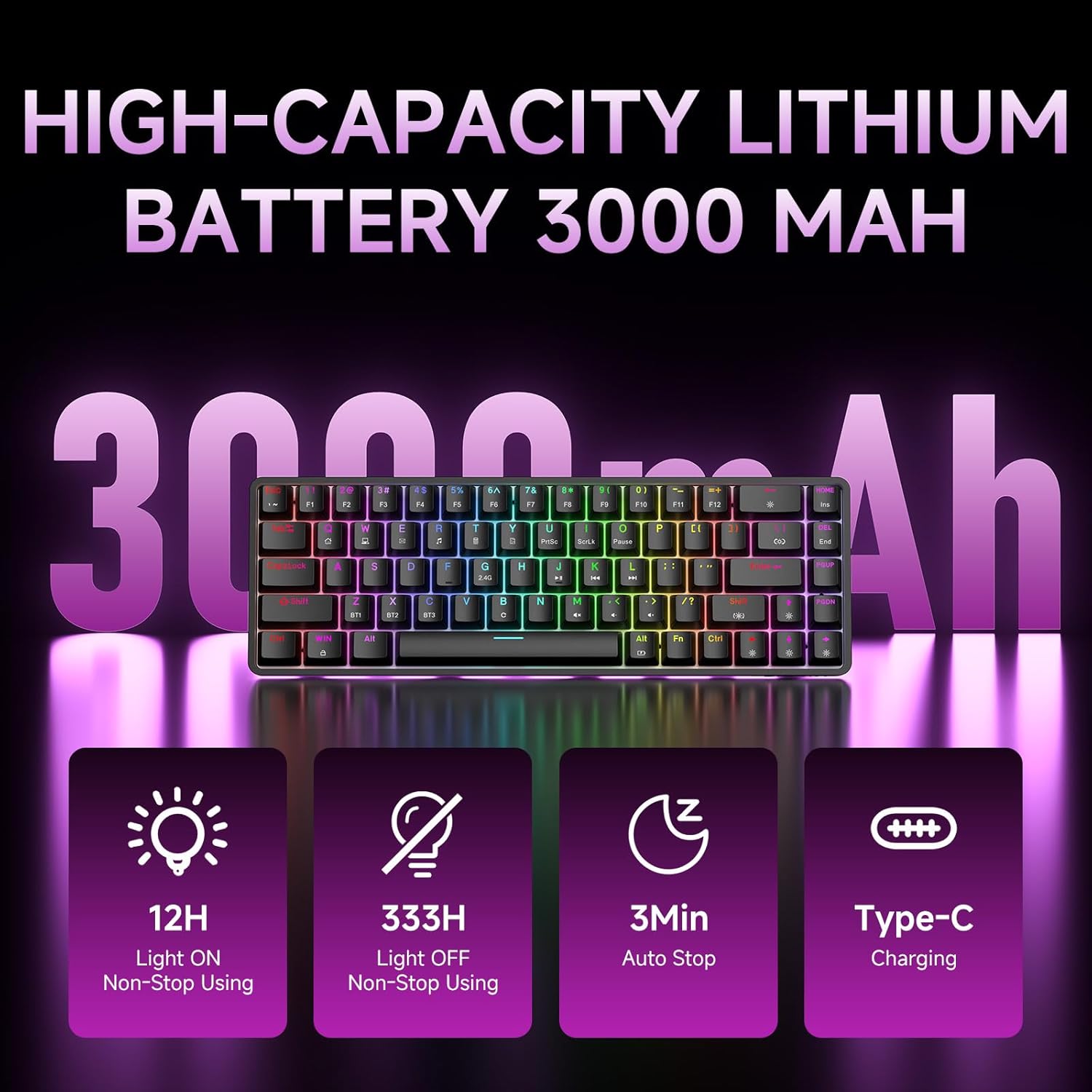
Figure 7: Battery capacity and power-saving features of the DK68.
Pembersihan dan Penjagaan
- Use the provided keycap puller to carefully remove keycaps for cleaning.
- Clean the keyboard surface with a soft, damp kain. Elakkan kelembapan berlebihan.
- Jangan gunakan bahan kimia atau pembersih kasar.
- Pastikan papan kekunci dimatikan sebelum membersihkannya.
Menyelesaikan masalah
- Papan kekunci tidak bertindak balas:
- Check the power switch on the back of the keyboard.
- Ensure the correct connection mode (wired, 2.4GHz, or Bluetooth) is selected.
- Untuk 2.4GHz, pastikan penerima USB dipasang dengan selamat.
- For Bluetooth, ensure the keyboard is paired and selected on your device. Try re-pairing if necessary.
- If using wired mode, try a different USB port or cable.
- Lampu latar tidak berfungsi:
- Tekan Fn + Backspace to toggle the backlighting.
- Check battery level; low battery may disable backlighting.
- Kunci tidak mendaftar:
- Pastikan papan kekunci disambungkan dan dihidupkan dengan betul.
- If specific keys are not working, try removing and re-seating their keycaps.
Spesifikasi
| Ciri | Perincian |
|---|---|
| Nombor Model | DK68 |
| Teknologi Ketersambungan | Tanpa Wayar 2.4GHz, Bluetooth 5.0, Berwayar USB-C |
| Jenis Suis | Suis Mekanikal Biru Clicky |
| Reka Letak Kekunci | 68 Kekunci (60% Susun Atur) |
| Pencahayaan latar | RGB (16.8 Million Colors, 20 Effects) |
| Kapasiti Bateri | Polimer Lithium 3000mAh |
| Peranti Serasi | Konsol Permainan, Komputer Riba, PC, Tablet |
| Anti-Ghosting | Full Key Anti-Ghosting & NKRO |
| bahan | plastik |
| Berat Barang | 1.76 paun (lebih kurang 800g) |
| Dimensi Pakej | 14.33 x 4.37 x 1.73 inci |

Figure 8: Keyboard dimensions and compact 68-key layout.
Waranti dan Sokongan
For warranty information and technical support, please refer to the documentation included with your product or visit the official DIERYA website. Amazon's return policy for this product is 30 days from the date of receipt.