
pengenalan
Thank you for choosing the TECKNET TK-HS049 Hybrid Active Noise Cancelling Headphones. These headphones are designed to provide a superior audio experience with advanced noise cancellation, long battery life, and versatile connectivity. This manual will guide you through the setup, operation, and maintenance of your new headphones.
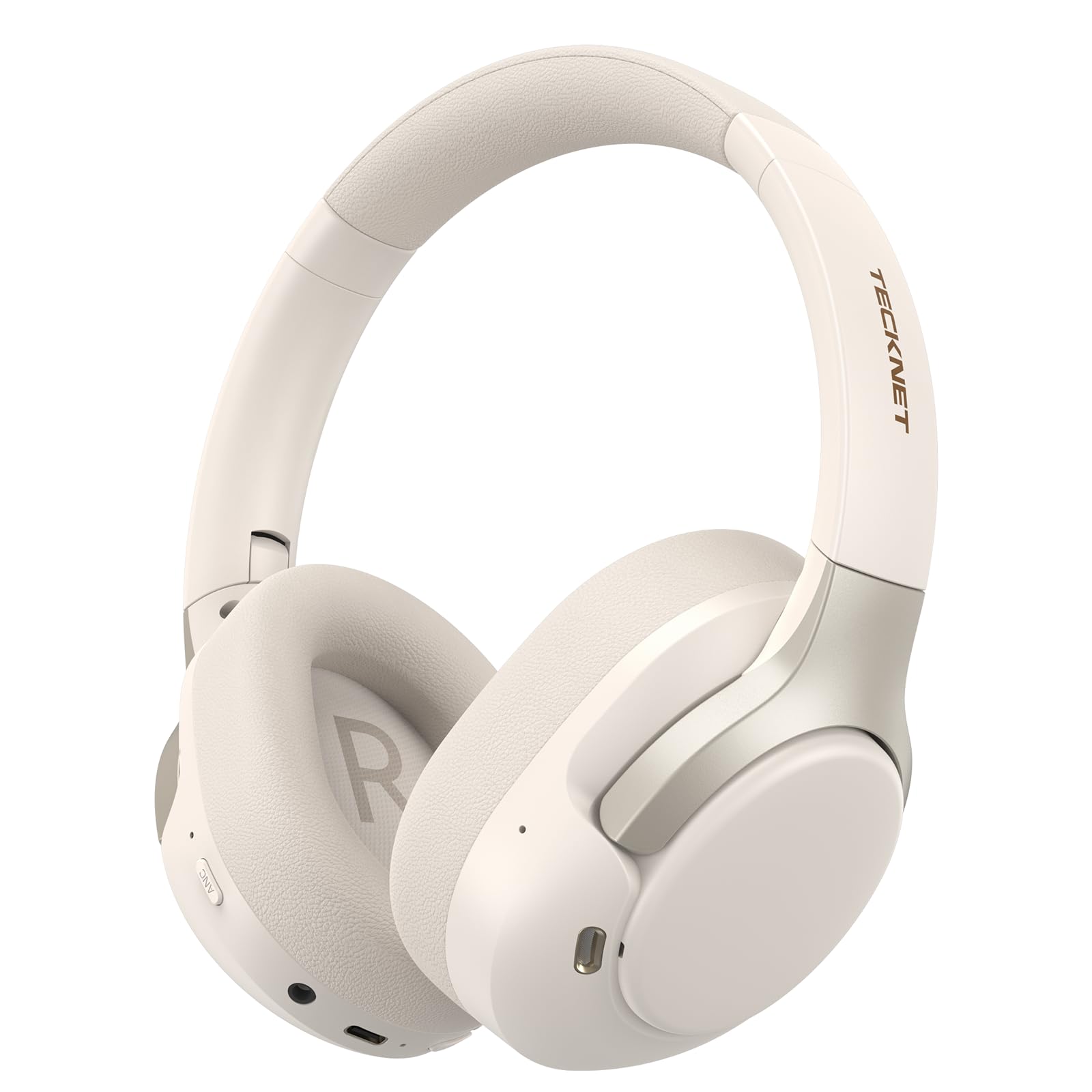
Image: TECKNET TK-HS049 Hybrid Active Noise Cancelling Headphones.
Apa yang ada dalam Kotak
- 1 x TECKNET TK-HS049 ANC Headphones
- Kabel Audio 1 x 3.5mm
- 1 x Manual Pengguna
- 1 x Kabel Pengecas Jenis-C

Image: Contents of the product packaging.
Produk Selesaiview
Familiarize yourself with the various components and controls of your TECKNET TK-HS049 headphones.
Imej: Sisi view of the headphones highlighting control buttons and ports.
Komponen Utama:
- Butang Kuasa: Digunakan untuk menghidupkan/mematikan fon kepala dan untuk pemasangan Bluetooth.
- Butang Naik Kelantangan/Trek Seterusnya: Meningkatkan kelantangan atau melangkau ke trek seterusnya.
- Kelantangan Turun/Butang Trek Sebelumnya: Mengurangkan kelantangan atau pergi ke trek sebelumnya.
- Butang pelbagai fungsi: Mainkan/jeda muzik, jawab/tamatkan panggilan.
- Butang ANC: Togol mod Pembatalan Bunyi Aktif.
- Port Pengecasan Jenis-C: Untuk mengecas fon kepala.
- Bicu Audio 3.5mm: Untuk sambungan audio berwayar.
- mikrofon: Untuk panggilan dan arahan suara.
Persediaan
1. Mengecas Fon Kepala
Before first use, fully charge your headphones. Connect the supplied Type-C charging cable to the charging port on the headphones and the other end to a USB power source (e.g., wall adapter, computer USB port).
- Penunjuk LED akan menunjukkan status pengecasan.
- Pengecasan penuh biasanya mengambil masa kira-kira 2-3 jam.
2. Hidupkan/Mati Kuasa
- Hidupkan kuasa: Press and hold the Power button for 3 seconds until the LED indicator flashes blue.
- Matikan: Press and hold the Power button for 3 seconds until the LED indicator flashes red and then turns off.
3. Berpasangan Bluetooth
Untuk menyambungkan fon kepala anda ke peranti melalui Bluetooth:
- Pastikan fon kepala dimatikan.
- Press and hold the Power button for 5 seconds until the LED indicator flashes red and blue alternately, indicating pairing mode.
- Pada peranti anda (telefon pintar, tablet, komputer riba), dayakan Bluetooth dan cari peranti yang tersedia.
- Select "TECKNET TK-HS049" from the list of devices.
- Setelah disambungkan, penunjuk LED akan berkelip biru perlahan.
4. Sambungan Dwi Peranti
The headphones support simultaneous connection to two Bluetooth devices, allowing seamless switching between them.
- Pair the headphones with the first device (e.g., smartphone) as described above.
- Lumpuhkan Bluetooth pada peranti pertama. Fon kepala akan memasuki semula mod berpasangan.
- Pasangkan fon kepala dengan peranti kedua (cth., komputer riba).
- Dayakan semula Bluetooth pada peranti pertama. Fon kepala harus bersambung secara automatik ke kedua-dua peranti.
- To switch audio, simply play media on the desired device.

Image: Dual device connection setup.
5. Sambungan Berwayar
For devices without Bluetooth or when battery is low, use the included 3.5mm audio cable.
- Palamkan satu hujung kabel audio 3.5mm ke dalam bicu audio fon kepala.
- Palamkan hujung yang satu lagi ke dalam output audio 3.5mm peranti anda.
- Note: Some headphone functions (e.g., ANC, EQ modes) may be limited or unavailable in wired mode without power.

Image: Wired connection via 3.5mm audio jack.
Beroperasi
1. Mod Pembatalan Bunyi Aktif (ANC).
Press the ANC button to cycle through the available noise cancellation modes:
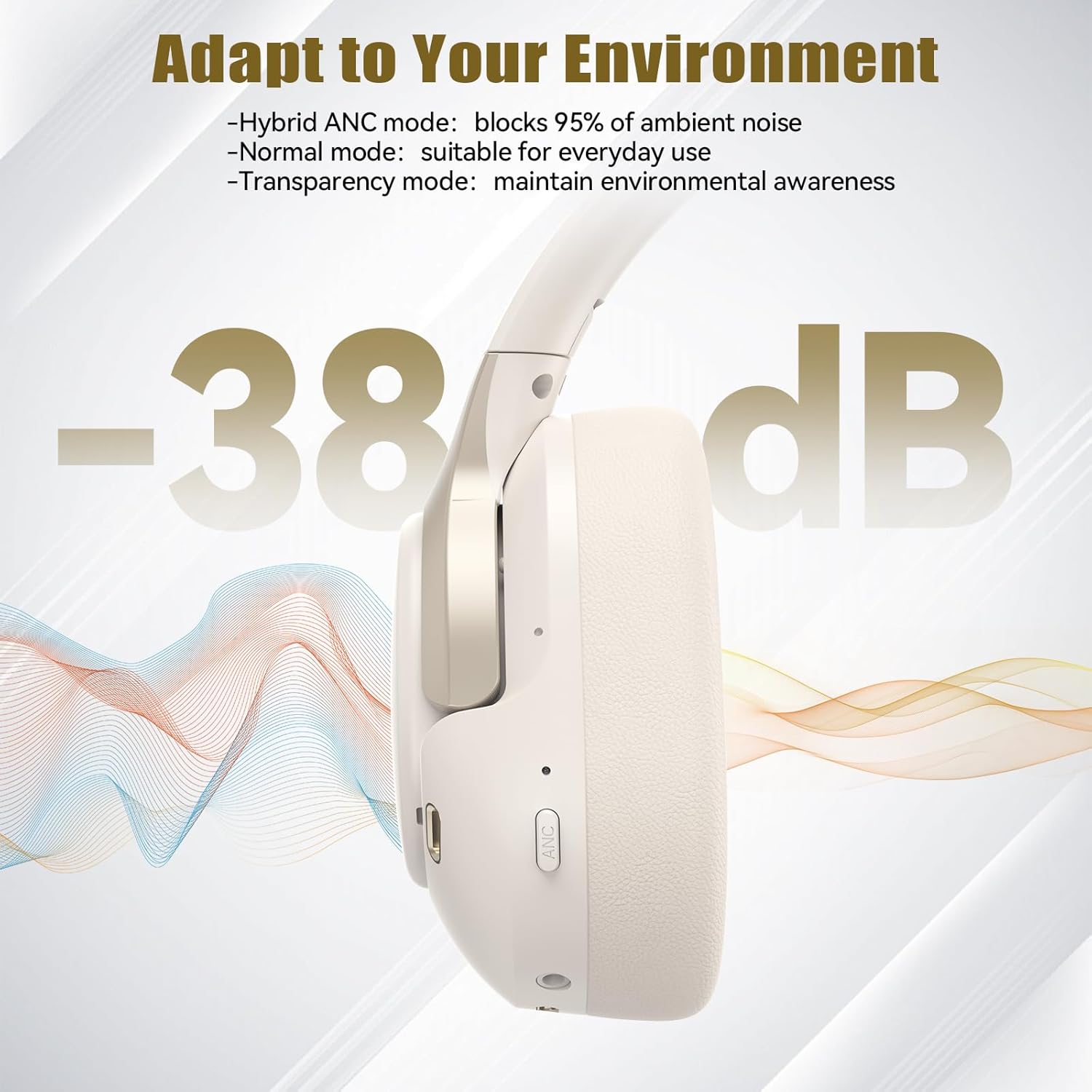
- Hybrid ANC Mode: Blocks up to 35dB-38dB of ambient noise, ideal for travel or noisy environments.
- Mod Biasa: ANC is off, suitable for everyday use where some environmental awareness is desired.
- Mod Ketelusan: Allows ambient sounds to pass through, enhancing awareness of your surroundings.

Image: Hybrid Active Noise Cancellation in action.
2. Main balik Muzik
- Main/Jeda: Tekan butang Pelbagai fungsi sekali.
- Lagu Seterusnya: Tekan dan tahan butang Naik Kelantangan.
- Trek Sebelumnya: Tekan dan tahan butang Kurangkan Kelantangan.
- Kelantangan: Tekan butang Kelantangan Naik sebentar.
- Perlahankan suara: Tekan butang Kelantangan Turun sebentar.
3. Pengurusan Panggilan
- Jawab/Tamatkan Panggilan: Tekan butang Pelbagai fungsi sekali.
- Tolak Panggilan: Tekan dan tahan butang Berbilang fungsi selama 2 saat.
- Pembantu Suara: Double-press the Multi-function button to activate your device's voice assistant.
4. EQ Music Modes
The headphones feature 6 EQ music modes to optimize your listening experience for different genres. Press the EQ button (if available, or refer to specific button on your model) to cycle through these modes:
- menari
- Rock
- Klasik
- Vokal
- Bass
- Lembut

Image: Cycling through 6 EQ music modes.
Penyelenggaraan
To ensure the longevity and optimal performance of your TECKNET TK-HS049 headphones, follow these maintenance guidelines:
- Pembersihan: Gunakan kain lembut dan kering untuk membersihkan penutup telinga dan ikat kepala. Jangan gunakan pembersih atau pelarut yang kasar.
- Storan: When not in use, store the headphones in a cool, dry place, preferably in a protective case to prevent dust and damage.
- Elakkan Kelembapan: Although the headphones have a waterproof rating, avoid prolonged exposure to water or high humidity. Do not submerge them.
- mengecas: Only use the provided Type-C cable for charging. Avoid overcharging the battery.
- Suhu: Jangan dedahkan fon kepala kepada suhu yang melampau (panas atau sejuk).
Menyelesaikan masalah
If you encounter any issues with your headphones, refer to the following common problems and solutions:
| Masalah | Penyelesaian |
|---|---|
| Fon kepala tidak dapat dihidupkan. | Ensure the headphones are charged. Connect to a power source and try again after a few minutes. |
| Tidak boleh berpasangan melalui Bluetooth. | Make sure the headphones are in pairing mode (LED flashing red/blue). Disable and re-enable Bluetooth on your device. Ensure no other devices are connected. |
| Tiada bunyi atau kelantangan rendah. | Check volume levels on both headphones and your connected device. Ensure the headphones are properly paired. Try playing audio from a different source. |
| ANC tidak berkesan. | Pastikan mod ANC diaktifkan. Pastikan penutup telinga membentuk kedap yang baik di sekeliling telinga anda. ANC paling berkesan terhadap bunyi frekuensi rendah dan berterusan. |
| Mikrofon tidak berfungsi. | Ensure the headphones are connected via Bluetooth. Check microphone settings on your device. |
Spesifikasi
Detailed technical specifications for the TECKNET TK-HS049 headphones:
| Ciri | Perincian |
|---|---|
| Nombor Model | TK-HS049 |
| Teknologi Ketersambungan | Wayarles (Bluetooth), Berwayar (Bicu 3.5mm) |
| Versi Bluetooth | 6.0 |
| Kawalan Bunyi | Pembatalan Bunyi Hibrid (sehingga 38dB) |
| Jenis Pemandu | Pemacu Dinamik 40mm |
| Julat Kekerapan | 20Hz - 20,000Hz (supports up to 40kHz for high-resolution audio) |
| Hayat Bateri (ANC Hidup) | Sehingga 40 jam (pada volum 60%) |
| Hayat Bateri (ANC Mati) | Sehingga 70 jam |
| Kaedah Kawalan | Butang Fizikal |
| Penempatan Telinga | Atas Telinga |
| bahan | Fabric, Silicone, Memory Foam (earcups) |
| Tahap Ketahanan Air | Kalis air |
| Mikrofon | 4 ENC Microphones |
| Mod EQ | 6 Presets (Dance, Rock, Classical, Vocal, Bass, Soft) |

Image: Battery life overview.

Image: 40mm dynamic drivers for premium audio.

Image: Comfort features including memory foam earcups and adjustable headband.
Waranti dan Sokongan
TECKNET TK-HS049 headphones come with a Waranti 36 bulan. If you encounter any problems during product use, please contact our professional customer service team for assistance. You can typically find contact information on the TECKNET official webtapak atau melalui platform pembelian anda.