
ropelux HW-06
ropelux HW-06 Rechargeable Hand Warmers Instruction Manual
Brand: ropelux | Model: HW-06
1. Produk Lebihview
The ropelux HW-06 Rechargeable Hand Warmers are designed to provide portable and consistent warmth in cold conditions. Featuring an ultra-slim and lightweight design, these hand warmers are equipped with dual 3200mAh batteries, offering up to 13 hours of heat. They provide three adjustable temperature settings and rapid heating in just 5 seconds. A smart display allows for easy monitoring of battery life and heat levels. Certified for safety, these hand warmers are ideal for outdoor activities, daily commutes, and anyone seeking reliable warmth.

Image: ropelux HW-06 Rechargeable Hand Warmers
2. Bermula
2.1. Mengecas Peranti
Before first use, fully charge your ropelux HW-06 Hand Warmers. Connect the provided USB charging cable to the charging port on each hand warmer and to a compatible 5V power source. The charging time is approximately 4-4.5 hours. The smart display will indicate the charging status.
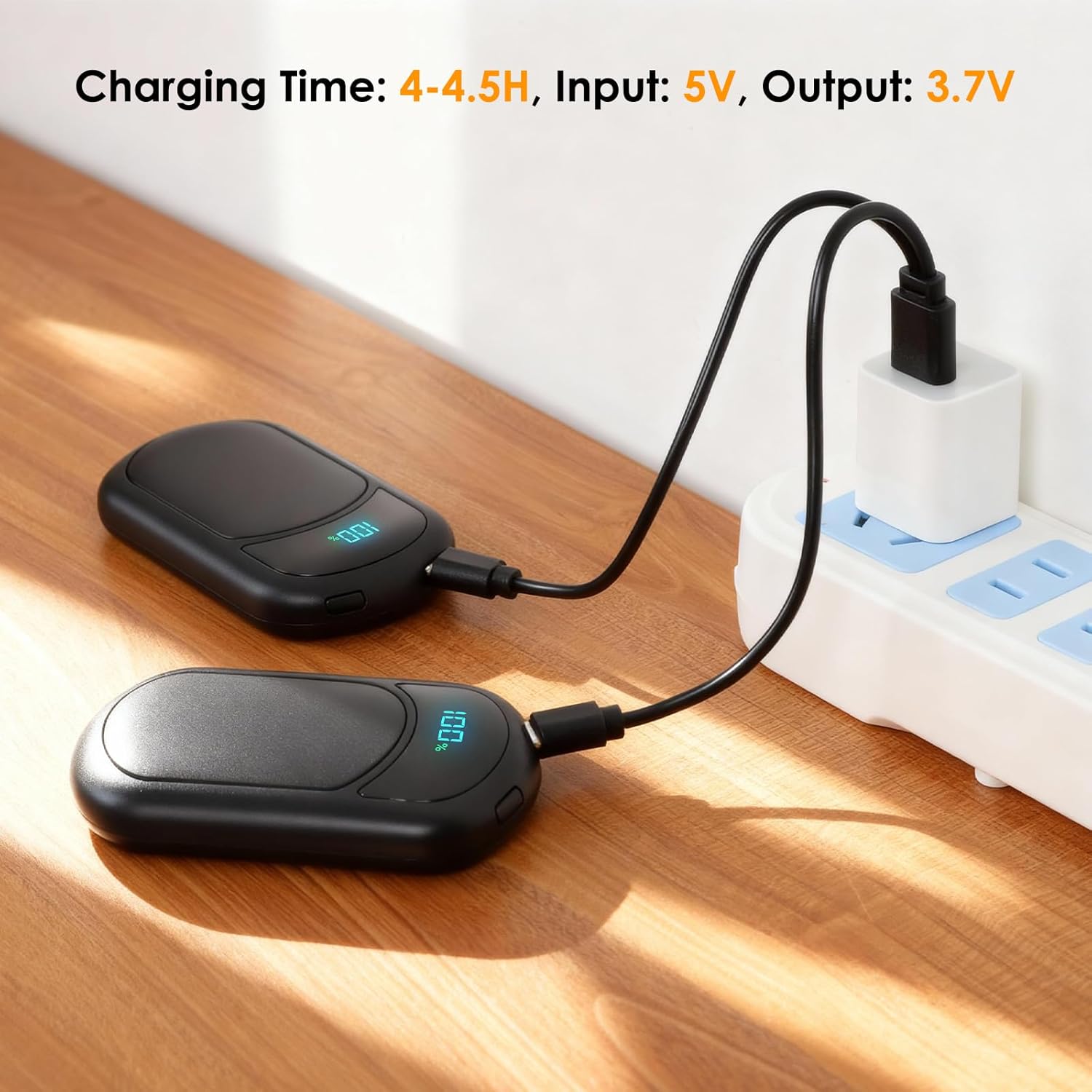
Image: Charging the Hand Warmers
2.2. Mudah Alih dan Penyimpanan
The hand warmers are designed to be ultra-slim and portable, fitting easily into gloves, pockets, or purses. They can be connected together for convenient storage and to prevent loss.
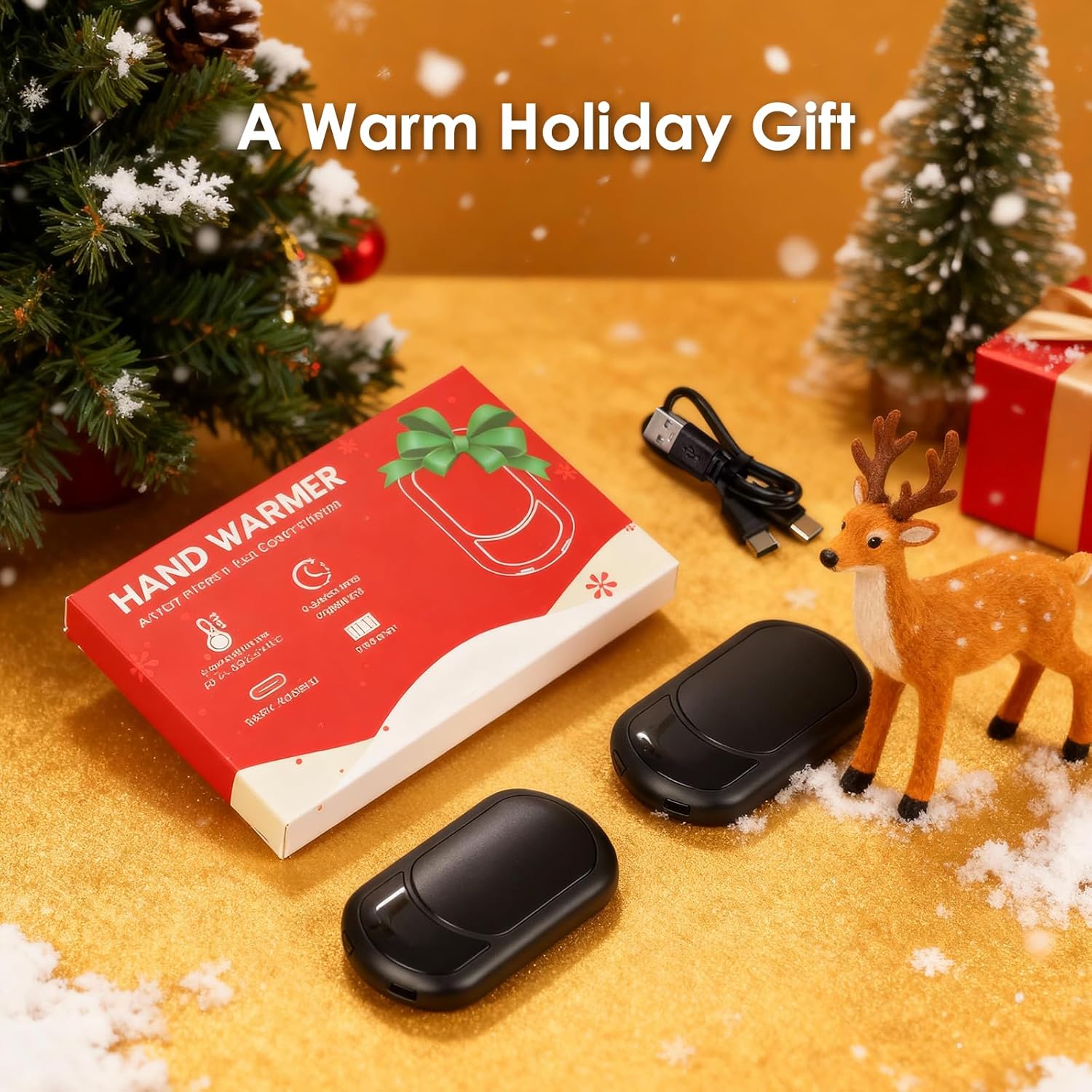
Image: Connected Hand Warmers for Storage
3. Arahan Operasi
3.1. Hidupkan/Mati Kuasa
- To turn ON: Long-press the power button for a few seconds. The device will vibrate and the display will light up.
- To turn OFF: Long-press the power button again until the device powers down.
3.2. Melaraskan Tetapan Haba
The ropelux HW-06 offers three heat settings:
- Rendah: 41–45°C (106–113°F) - Up to 13 hours of heat.
- Sederhana: 46–50°C (114–122°F) - Up to 11 hours of heat.
- Tinggi: 51–55°C (123–131°F) - Up to 9 hours of heat.
To cycle through the heat settings, short-press the power button. Each press will advance to the next heat level. The display will show the current temperature.

Image: Three Heat Level Options
3.3. Checking Battery Level and Temperature Unit
- The built-in screen automatically cycles between displaying the current heat level and the remaining battery percentage.
- To toggle between Fahrenheit (°F) and Celsius (°C) temperature units, double-tap the power button.
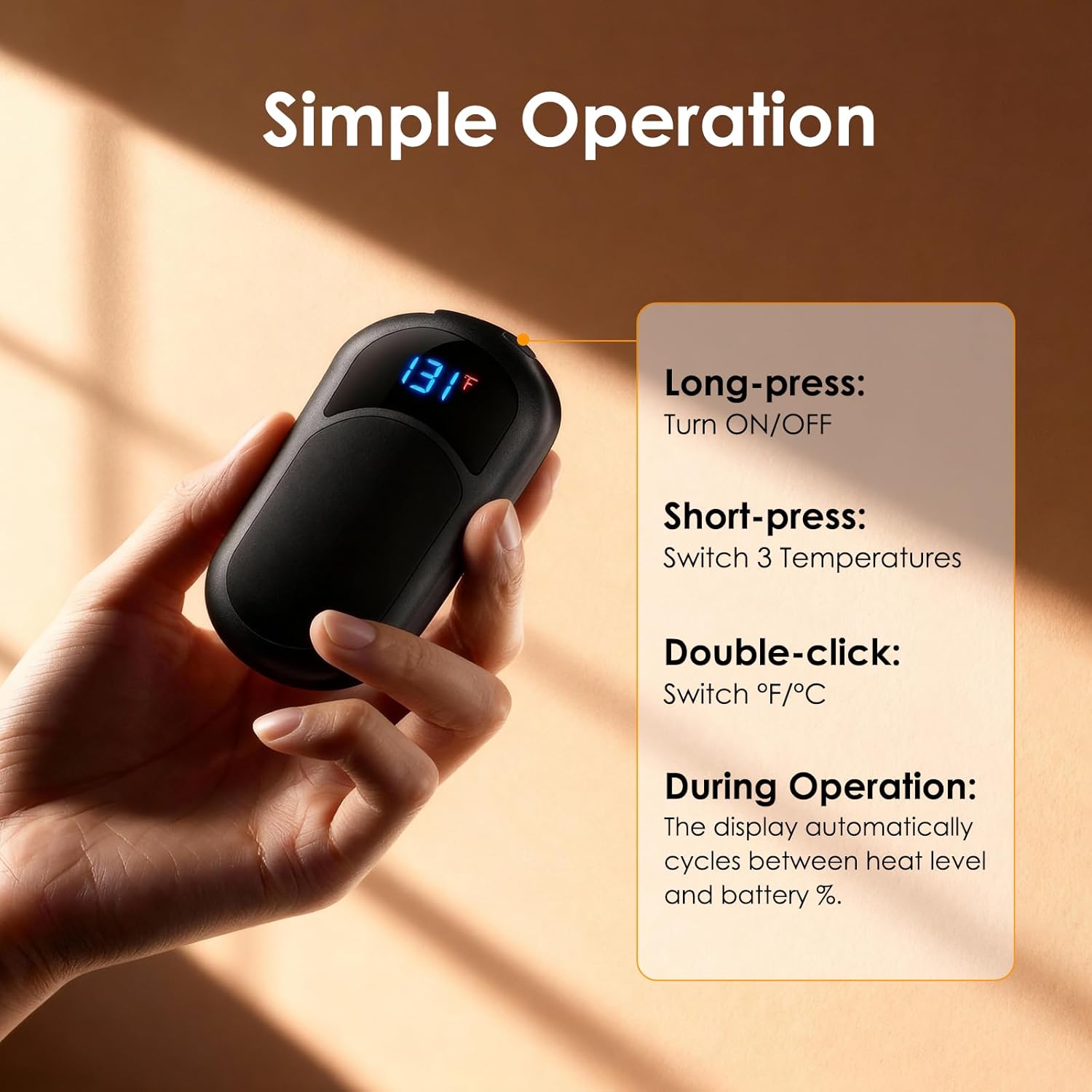
Image: Simple Operation Guide
4. Penjagaan dan Penyelenggaraan
- Pembersihan: Wipe the surface of the hand warmers with a soft, dry cloth. Do not use abrasive cleaners or immerse in water.
- Storan: When not in use, store the hand warmers in a cool, dry place. Ensure they are fully charged before long-term storage to maintain battery health.
- Penjagaan Bateri: To prolong battery life, avoid completely draining the battery frequently. Recharge when the battery level is low.
5. Penyelesaian masalah
- Peranti tidak dihidupkan:
- Ensure the device is sufficiently charged. Connect to a power source and allow it to charge for at least 30 minutes before attempting to power on again.
- Perform a long-press on the power button (3-5 seconds) to ensure it's not a short press.
- Device not heating up:
- Check the battery level. If low, recharge the device.
- Ensure the heat setting is activated by short-pressing the power button to cycle through the heat levels.
- Peranti tidak dicas:
- Verify that the charging cable is securely connected to both the hand warmer and the power source.
- Try using a different USB cable or power adapter to rule out a faulty accessory.
6. Spesifikasi Teknikal
| Jenama | ropelux |
| Nombor Model | HW-06 |
| Dimensi Produk | 9.5 x 5.4 x 1.49 cm |
| Berat Barang | 190 g |
| Kapasiti Bateri | Dual 3200mAh (Total 6400mAh) Lithium-Polymer |
| Tetapan Haba | 3 Levels (41-55°C / 106-131°F) |
| Max Heat Duration | Sehingga 13 jam (pada tetapan rendah) |
| Masa Mengecas | 4-4.5 Jam |
| bahan | plastik |
| Sijil Keselamatan | FCC, UL499 (Built-in smart chip with overcharge, overheat, overvoltage, perlindungan arus lebih) |
7. Waranti dan Sokongan
For warranty information and customer support, please refer to the product packaging or contact ropelux customer service directly. Keep your purchase receipt for any warranty claims.
Ask a question about this manual
Ask about setup, troubleshooting, compatibility, parts, safety, or missing instructions. Manuals+ will review the question and use this page’s manual context to help answer it.