1. Pengenalan
Thank you for choosing the Wipro GD208 Automatic Electric Dry Iron. This appliance is designed for efficient and effective ironing, providing wrinkle-free results for various fabric types. With its 1200 Watt power, German Weilburger double-coated soleplate, and user-friendly features, the GD208 ensures a smooth and convenient ironing experience. Please read this manual carefully before using the iron and keep it for future reference.
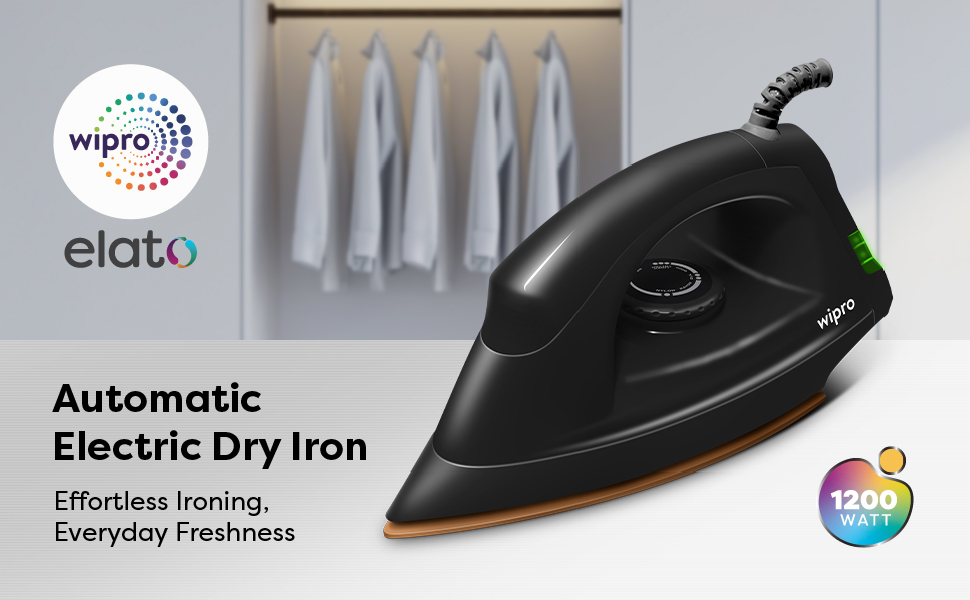
Image 1.1: The Wipro GD208 Automatic Electric Dry Iron, highlighting its 1200W power and lightweight design for everyday ironing.
2. Arahan Keselamatan Penting
Apabila menggunakan peralatan elektrik, langkah berjaga-jaga keselamatan asas hendaklah sentiasa diikuti untuk mengurangkan risiko kebakaran, kejutan elektrik dan kecederaan diri.
- Baca semua arahan sebelum digunakan.
- Do not leave the iron unattended while it is connected to the power supply or on an ironing board.
- Always unplug the iron from the electrical outlet when filling with water (for steam irons, not applicable for dry iron), emptying, or when not in use.
- Jangan kendalikan sebarang perkakas dengan kord atau palam yang rosak, atau selepas perkakas tidak berfungsi atau terjatuh atau rosak dalam apa jua cara.
- Untuk melindungi daripada risiko kejutan elektrik, jangan rendam besi ke dalam air atau cecair lain.
- Pengawasan rapi diperlukan apabila sebarang perkakas digunakan oleh atau berhampiran kanak-kanak.
- Seterika mesti digunakan dan diletakkan di atas permukaan yang stabil.
- The iron is not intended for use by persons (including children) with reduced physical, sensory or mental capabilities, or lack of experience and knowledge, unless they have been given supervision or instruction concerning use of the iron by a person responsible for their safety.
- Jauhkan seterika dan kordnya daripada jangkauan kanak-kanak berumur kurang daripada 8 tahun apabila ia bertenaga atau menyejukkan.
3. Produk Lebihview
The Wipro GD208 Dry Iron is engineered for performance and durability. Familiarize yourself with its key components and features.
Ciri-ciri Utama:
- Kuasa 1200 Watt: Ensures quick heat-up and strong heat output for efficient ironing.
- German Weilburger Double-Coated Soleplate: Provides a scratch-resistant, non-stick surface for smooth gliding and antibacterial properties for hygienic ironing.
- Large LED Indicator: Clearly signals when the iron is heating up or has reached the desired temperature.
- Kawalan Termostat Boleh Laras: Allows selection of appropriate temperature for various fabric types.
- Tali Pusing 360°: Offers flexible movement and prevents tangling during use.
- Reka bentuk ringan: For comfortable handling and effortless ironing.
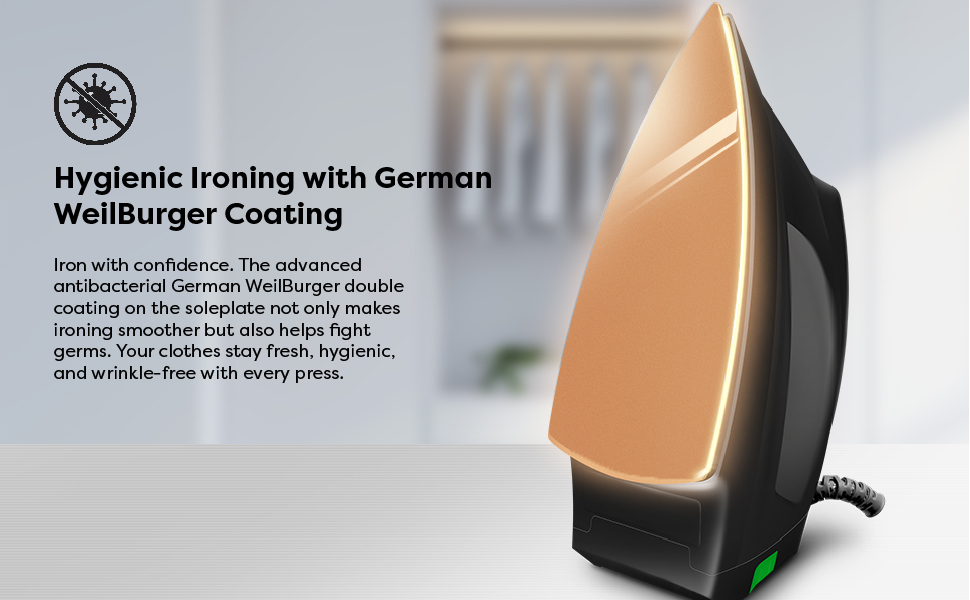
Image 3.1: The German WeilBurger double-coated soleplate ensures germ-free and quick heating for efficient ironing.
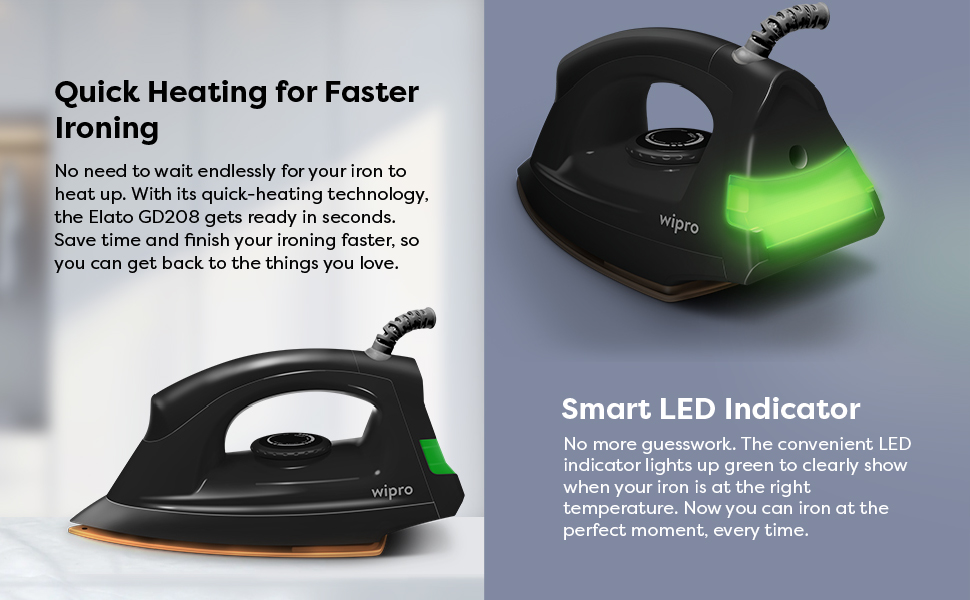
Image 3.2: The smart LED indicator illuminates when the iron is ready, complementing its powerful 1200W performance.
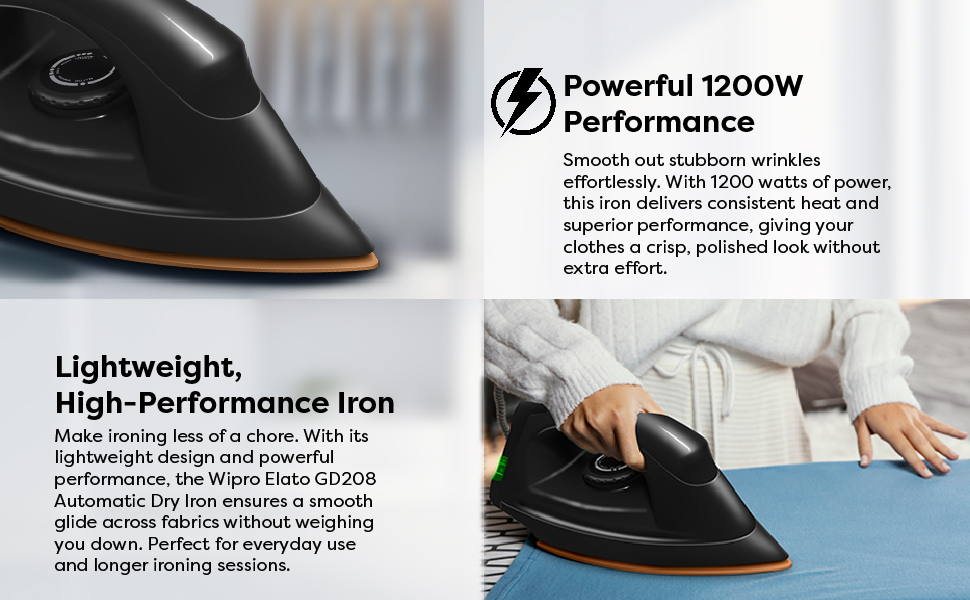
Image 3.3: The 360° swivel cord provides flexibility, while the 5 fabric settings dial allows custom heat levels for various materials.
4. Persediaan
Before first use, ensure the iron is clean and free from any packaging materials.
- Unpack the iron and all its components.
- Check the iron for any visible damage. If damaged, do not use it and contact customer support.
- Pastikan voltan salur keluar kuasa andatage matches the specifications on the iron's rating label.
- Place the iron on a stable, heat-resistant surface, such as an ironing board.
5. Arahan Operasi
Follow these steps for safe and effective ironing:
- Sediakan Pakaian: Ensure clothes are clean and sorted by fabric type. Ironing clothes requiring lower temperatures first is recommended.
- Tetapkan Suhu: Turn the thermostat dial to the desired temperature setting according to the fabric type. Refer to the fabric guide on the dial or garment care labels.
- Sambungkan Kuasa: Plug the iron into a suitable electrical outlet. The LED indicator will light up, indicating the iron is heating.
- Tunggu Petunjuk Sedia: Once the iron reaches the set temperature, the LED indicator will change color or turn off (depending on the model) to signal it is ready for use.
- Menyeterika: Begin ironing your garments. The smooth soleplate will glide easily over fabrics.
- Finish Ironing: When finished, turn the thermostat dial to the 'Min' or 'Off' position and unplug the iron from the power outlet.
- Sejukkan Diri: Benarkan seterika sejuk sepenuhnya sebelum disimpan.

Image 5.1: Demonstrating the Wipro GD208 Dry Iron in use, smoothly pressing a shirt.

Imej 5.2: Gambar jarak dekat view of the Wipro GD208 Dry Iron's soleplate gliding effortlessly across fabric.
Video: Wipro GD208 Electric Dry Iron Overview
Video 5.1: This video provides a visual guide to the Wipro GD208 Automatic Electric Dry Iron, showcasing its features, setup, and smooth operation for various fabrics.
6. Penyelenggaraan dan Penjagaan
Proper maintenance ensures the longevity and performance of your Wipro GD208 Dry Iron.
- Membersihkan Tapak: After the iron has cooled down, wipe the soleplate with a damp cloth. For stubborn stains, use a non-abrasive iron cleaner. Do not use abrasive scourers or chemical cleaners.
- Membersihkan Badan: Lap bahagian luar casing dengan lembut, damp kain. Jangan gunakan detergen atau pelarut yang keras.
- Storan: Store the iron vertically on its heel rest in a dry, safe place once it has completely cooled down. Ensure the cord is neatly wrapped and not tightly coiled around the iron.
7. Penyelesaian masalah
If you encounter any issues with your iron, refer to the following common problems and solutions:
| Masalah | Kemungkinan Punca | Penyelesaian |
|---|---|---|
| Besi tidak panas. | Not plugged in correctly; Power outlet fault; Thermostat set to 'Off' or 'Min'. | Check plug connection; Test outlet with another appliance; Adjust thermostat to a higher setting. |
| Penunjuk LED tidak menyala. | No power supply; Faulty indicator light. | Check power supply; If iron heats but light doesn't work, contact service. |
| Iron not gliding smoothly. | Soleplate is dirty; Temperature too low for fabric. | Clean the soleplate as per maintenance instructions; Increase temperature setting. |
| Clothes sticking to the soleplate. | Soleplate residue; Temperature too high for fabric. | Clean the soleplate; Reduce temperature setting. |
If the problem persists after trying these solutions, please contact Wipro customer support.
8. Spesifikasi
| Jenama | Wipro |
| Nama Model | Wipro Elato GD 208 Dry Iron |
| Nombor Model Item | EJ128120 |
| Wattage | 1200 Watt |
| Ciri Khas | Auto Shutoff, Even Heat Distribution, Lightweight, Power Indicator Light |
| warna | Hitam |
| Dimensi Produk | 27L x 12W Sentimeter |
| Penggunaan yang Disyorkan | Home, All Fabric Types |
| Bahan Asas | Keluli Tahan Karat |
| Berat Barang | 760 g |
| Negara Asal | India |
| Komponen yang Disertakan | 1 Unit of Wipro GD208 Automatic Electric Dry Iron |
9. Waranti dan Sokongan
The Wipro GD208 Automatic Electric Dry Iron comes with a Waranti pengilang 2 tahun dari tarikh pembelian. Waranti ini meliputi kecacatan pembuatan di bawah keadaan penggunaan biasa.
For warranty claims, technical support, or any product-related queries, please contact Wipro customer service.
Pendaftaran Waranti:
To register your product for warranty, you can scan the QR code below or visit the official Wipro warranty registration page.

Image 9.1: Scan this QR code to register your Wipro product for warranty.
Alternatively, register online: Wipro Warranty Registration