
1. Pengenalan
This manual provides essential instructions for the safe and efficient operation of your Smart Tech 43UH02V 4K UHD Smart TV. Please read this manual thoroughly before using the television and retain it for future reference.
The Smart Tech 43UH02V is a 43-inch (108 cm) 4K UHD LED Smart TV featuring Whale OS. It offers a resolution of 3840x2160 pixels, HDR10 support, and integrated applications like Netflix, YouTube, and Prime Video. Connectivity options include 3 HDMI ports, 2 USB ports, Ethernet, Wi-Fi, and optical output. The TV also supports Chromecast and voice control.
2. Maklumat Keselamatan
Patuhi langkah keselamatan berikut untuk mengelakkan kerosakan dan memastikan operasi selamat:
- Jangan dedahkan TV kepada hujan atau lembapan.
- Jangan menyekat bukaan pengudaraan.
- Pastikan pembumian yang betul untuk kord kuasa.
- Lindungi kord kuasa daripada berjalan atau tersepit.
- Cabut palam TV semasa ribut petir atau apabila tidak digunakan untuk tempoh yang lama.
- Rujuk semua servis kepada kakitangan perkhidmatan yang berkelayakan.
3. Kandungan Pakej
Sahkan bahawa semua item terdapat dalam pakej:
- Smart Tech 43UH02V 4K UHD Smart TV
- Kabel Kuasa
- Alat Kawalan Jauh (memerlukan 2 bateri AAA, tidak selalu disertakan)
- Komponen Stand TV
- Manual Pengguna (dokumen ini)
4. Persediaan
4.1 Memasang Stand
Carefully place the TV screen-down on a soft, flat surface to prevent damage. Attach the stand components to the designated slots on the bottom of the TV using the provided screws. Ensure the stand is securely fastened before placing the TV upright.
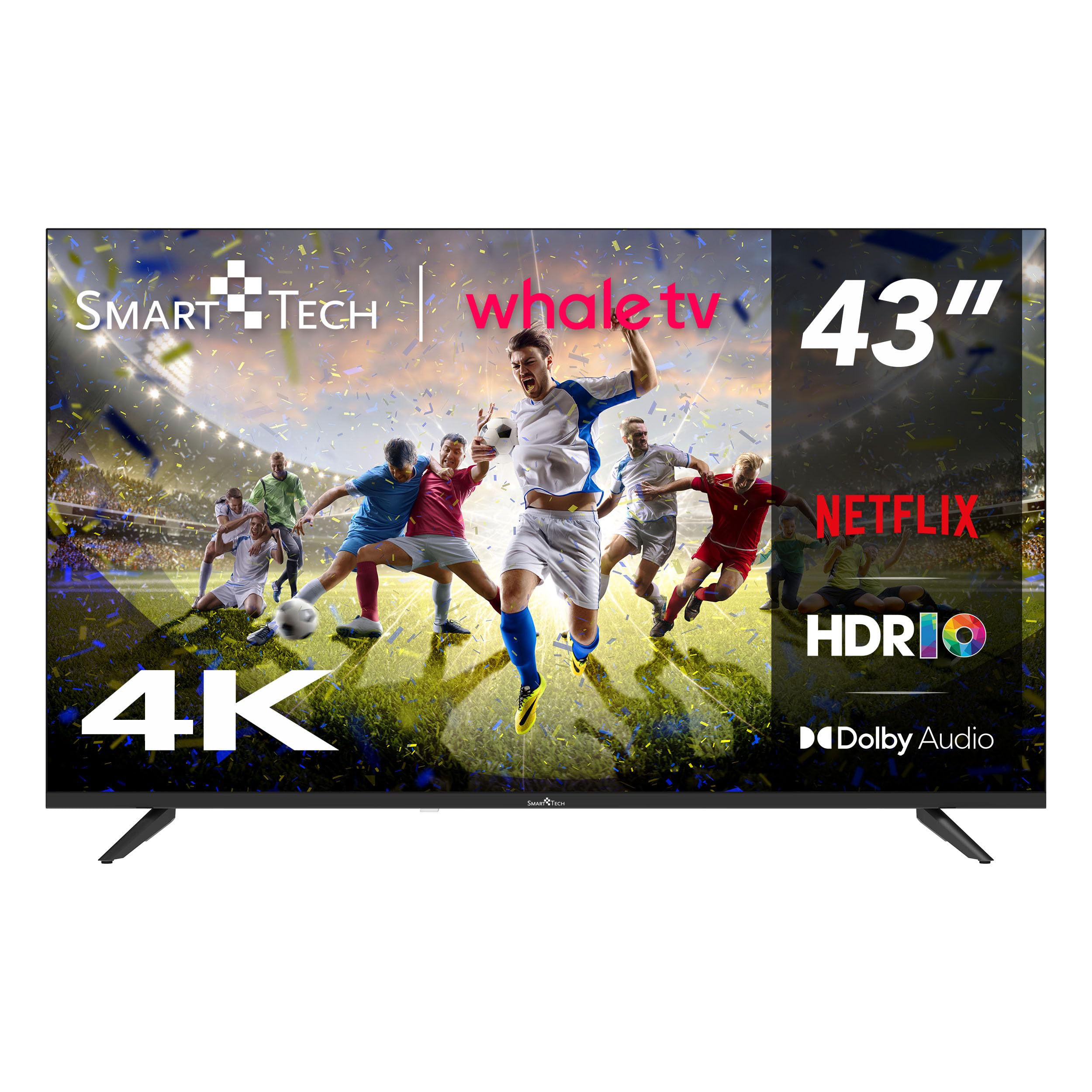
Imej: Depan view of the Smart Tech 43UH02V TV with its stand attached, ready for use.
4.2 Pemasangan Dinding (Pilihan)
If you choose to wall mount your TV, remove the stand. Use a VESA-compatible wall mount kit (sold separately) that matches the TV's VESA mounting pattern. Follow the instructions provided with your wall mount kit. Professional installation is recommended for wall mounting.

Image: Smart Tech 43UH02V TV displayed on a wooden table, illustrating its placement in a living space.
4.3 Kuasa Penyambung
Sambungkan kabel kuasa ke input kuasa TV dan kemudian ke saluran keluar dinding. Pastikan alur keluar kuasa mudah diakses.
4.4 Menyambung Peranti Luaran
TV anda dilengkapi dengan berbilang port untuk menyambungkan peranti luaran:
- Port HDMI (x3): Untuk peranti audio dan video definisi tinggi seperti pemain Blu-ray, konsol permainan atau kotak set atas.
- Port USB (x2): Untuk menyambungkan peranti storan USB untuk memainkan media files atau untuk kemas kini perisian.
- Pelabuhan Ethernet: Untuk sambungan internet berwayar.
- Output Optik: Untuk menyambung ke sistem audio luaran.

Imej: Side profile of the Smart Tech 43UH02V TV, highlighting the various input/output ports for connectivity.
4.5 Kuasa Awal Hidup dan Sambungan Rangkaian
After connecting power, press the power button on the remote control or TV. Follow the on-screen instructions for initial setup, including language selection, time zone, and network connection. You can connect to the internet via Wi-Fi or an Ethernet cable.
5. Arahan Operasi
5.1 Alat Kawalan Jauh
Insert 2 AAA batteries into the remote control. The remote allows you to navigate the TV's interface, adjust volume, change channels, and access smart features directly.

Image: The Smart Tech TV remote control, featuring dedicated buttons for quick access to popular applications like Netflix, YouTube, Disney+, and Prime Video.
5.2 Smart TV Features (Whale OS)
Your TV runs on Whale OS, providing a fluid and intuitive interface. Access pre-installed applications such as Netflix, YouTube, and Prime Video directly from the home screen. Navigate using the remote control's directional pad and OK button.
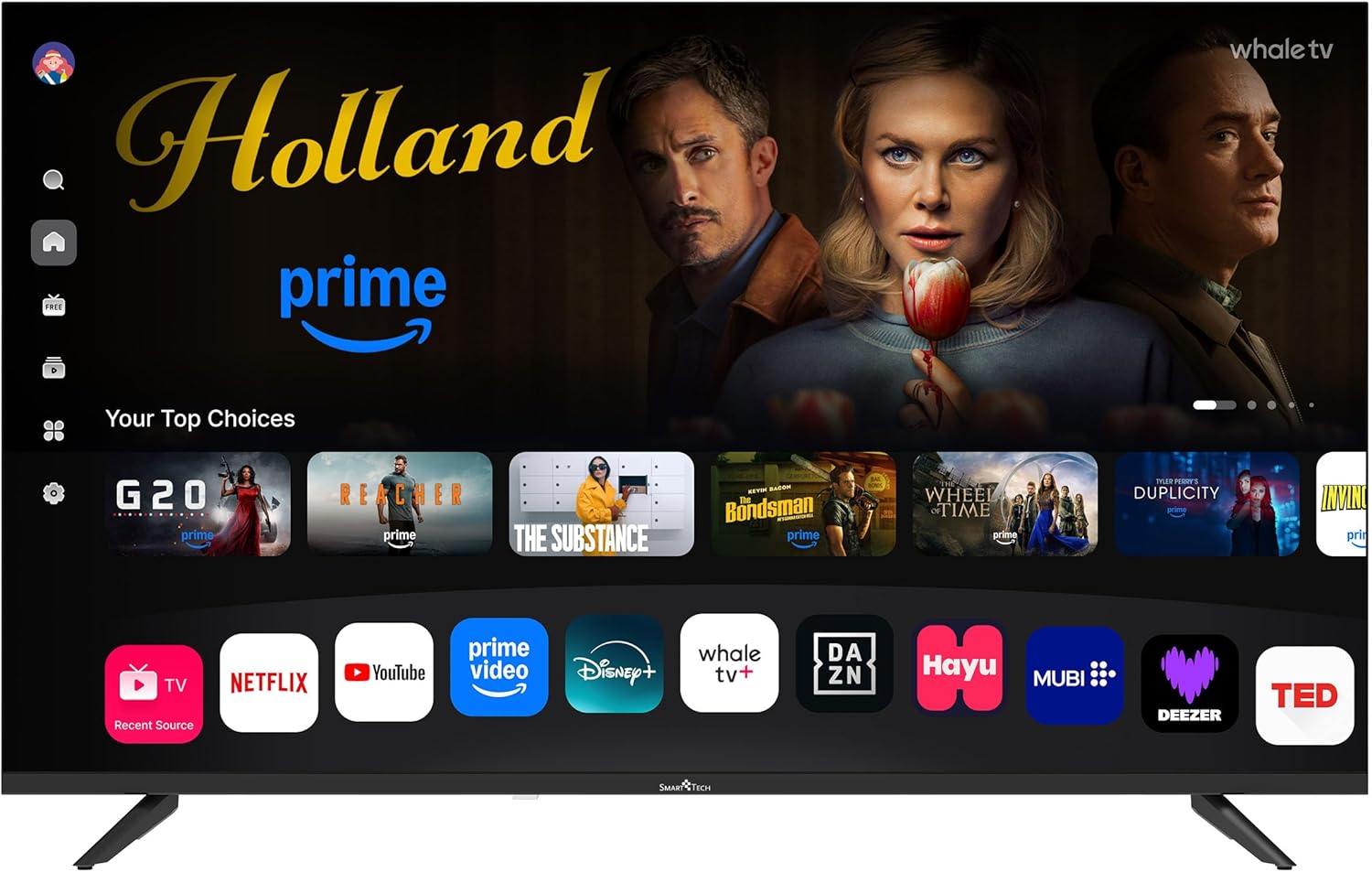
Image: The Whale OS smart TV interface, displaying various streaming service icons including Netflix, Prime Video, Disney+, and YouTube, along with content recommendations.
5.3 Pemilihan Sumber Input
To switch between connected devices (e.g., HDMI 1, USB), press the "Source" or "Input" button on your remote control and select the desired input from the on-screen menu.
5.4 Chromecast / Miracast
The TV includes integrated Chromecast functionality, allowing you to cast content from compatible mobile devices or computers directly to your TV. Miracast is also supported for screen mirroring.
5.5 Kawalan Suara
Utilize the voice control feature via the remote control to search for content, open applications, or control TV functions hands-free.
6. Penyelenggaraan
6.1 Membersihkan Skrin
Lap skrin perlahan-lahan dengan kain lembut yang tidak berbulu. Untuk tanda degil, sedikit dampen kain dengan air atau pembersih skrin khusus. Jangan sembur cecair terus ke skrin.
6.2 Membersihkan Badan TV
Gunakan kain lembut dan kering untuk mengelap cermin TVasing. Elakkan menggunakan pembersih atau pelarut yang kasar.
6.3 Kemas Kini Perisian
TV anda mungkin menerima kemas kini perisian untuk meningkatkan prestasi dan menambah ciri baharu. Pastikan TV anda disambungkan ke Internet untuk menerima kemas kini ini. Anda biasanya boleh menyemak kemas kini dalam menu tetapan TV.
7. Penyelesaian masalah
Jika anda menghadapi masalah dengan TV anda, rujuk kepada penyelesaian biasa berikut:
- Tiada Kuasa: Check if the power cable is securely connected and the outlet is functioning. Try a different outlet.
- Tiada Gambar/Bunyi: Pastikan sumber input yang betul dipilih. Semak sambungan kabel ke peranti luaran.
- Alat Kawalan Jauh Tidak Berfungsi: Gantikan bateri. Pastikan tiada halangan antara alat kawalan jauh dan penderia IR TV.
- Isu Sambungan Rangkaian: Restart your router and modem. Reconnect the TV to the Wi-Fi network or check the Ethernet cable.
- Isu Kualiti Gambar: Adjust picture settings (brightness, contrast, sharpness) in the TV menu. Ensure the content source is high quality.
Untuk bantuan lanjut, hubungi sokongan pelanggan.
8. Spesifikasi

Image: Technical drawing showing the dimensions of the Smart Tech 43UH02V TV, including width, height, and depth in millimeters.
| Jenama | Smart Tech |
| Nombor Model | 43UH02V |
| Saiz Skrin | 43 Inci (108 cm) |
| Teknologi Paparan | LED |
| Resolusi | 4K UHD (3840x2160 pixels) |
| Kadar Segar Semula | 60 Hz |
| Sistem Operasi | Whale OS |
| Ciri Khas | Miracast, HDR10, Voice Control, Chromecast Built-in |
| Ketersambungan | Wi-Fi, Ethernet, 3x HDMI, 2x USB |
| Audio | 2x 10W Speakers, Dolby Digital+ |
| warna | Hitam |
| Dimensi Produk (WxDxH) | 95 cm x 23 cm x 60 cm (lebih kurang) |
| Penggunaan Kuasa (SDR) | 50 kWj/1000j |
| Penggunaan Kuasa (HDR) | 51 kWj/1000j |

Image: Visual comparison illustrating the difference between Full HD (1920x1080px) and Ultra HD (3840x2160px) resolutions, highlighting the superior detail of 4K UHD.

Imej: Tayangan kolajcasing key features of the Smart Tech TV, including 4K resolution, HDR10, Triple Tuner, Bezel-less design, and Hotel Mode.
9. Waranti dan Sokongan
Ketersediaan Alat Ganti: Spare parts for this product are guaranteed to be available for 11 years from the date of purchase.
For technical support or warranty claims, please contact your retailer or the manufacturer directly. Refer to the contact information provided with your purchase documentation.
Pangkalan Data EPREL: For detailed product information and energy efficiency data, you can visit the European Product Registry for Energy Labelling (EPREL) database using the following link: https://eprel.ec.europa.eu/qr/2335800

Image: The EPREL energy label for the Smart Tech TV, showing energy efficiency class F for both SDR and HDR content, along with power consumption figures and screen dimensions.