
zhizhi P91
zhizhi P91 Smartwatch User Manual
Model: P91
1. Pengenalan
Welcome to the user manual for your new zhizhi P91 Smartwatch. This guide provides essential information for setting up, operating, and maintaining your device. The zhizhi P91 is a versatile smartwatch designed for daily use, offering Bluetooth call functionality, comprehensive health monitoring, and various sports modes. Please read this manual carefully to ensure optimal performance and longevity of your smartwatch.

Image: The zhizhi P91 Smartwatch featuring a black mesh strap and a vibrant display showing time, steps, calories, and heart rate.
2. Persediaan
2.1 Kandungan Pakej
Sebelum anda memulakan, sila sahkan bahawa semua item terdapat dalam pakej anda:
- zhizhi P91 Smartwatch
- Kabel Pengecasan
- Manual Pengguna
- Additional Strap (if included in your specific model)

Image: An illustration showing the zhizhi P91 Smartwatch, two interchangeable straps, a USB charging cable, and the instruction manual.
2.2 Mengecas Jam Pintar
Connect the provided charging cable to the charging port on the back of the smartwatch and plug the USB end into a power adapter (not included) or a computer's USB port. The watch will display a charging indicator. A full charge typically takes approximately 2 hours.
2.3 Pemasangan Apl dan Berpasangan
- Scan the QR code in the manual or on the watch screen, or search for the companion app (e.g., 'FitCloudPro' or similar, refer to your specific manual for the exact app name) in your smartphone's app store (App Store for iOS, Google Play Store for Android).
- Muat turun dan pasang apl.
- Pastikan Bluetooth didayakan pada telefon pintar anda.
- Open the app and follow the on-screen instructions to create an account and pair your smartwatch.
- During pairing, confirm the connection request on both your phone and the smartwatch.
3. Arahan Operasi
3.1 Navigasi Asas
The zhizhi P91 Smartwatch features a 1.85-inch HD touch screen for intuitive navigation.
- Leret ke atas/bawah: Tatal melalui menu dan pemberitahuan.
- Leret Kiri/Kanan: Akses fungsi atau widget pantas.
- Ketik: Pilih item atau sahkan tindakan.
- Tekan Butang Sisi: Kembali ke skrin utama atau hidupkan/matikan kuasa.

Image: The zhizhi P91 Smartwatch showcasing its 1.85-inch HD touch screen with multiple customizable watch faces, including personal photos and digital designs.
3.2 Fungsi Panggilan Bluetooth
Once paired, you can make and receive calls directly from your smartwatch.
- Membuat Panggilan: Akses pad dail atau senarai kenalan pada jam tangan untuk memulakan panggilan.
- Menerima Panggilan: When a call comes in, the watch will display the caller ID. Tap to answer or decline.

Image: The zhizhi P91 Smartwatch displaying an incoming call and message notifications from various social media applications.
3.3 Pemberitahuan Pintar
Receive notifications from social media apps (e.g., Facebook, WhatsApp, Instagram, Twitter) and other applications directly on your watch. Notifications are accompanied by a vibration alert.
4. Pemantauan Kesihatan
The zhizhi P91 Smartwatch is equipped with optical sensors for continuous health tracking. Note: This device is not a medical instrument. Health data is for reference only and should not be used for medical diagnosis.
- Pemantauan Denyut Jantung: Menjejaki kadar denyutan jantung anda secara berterusan sepanjang hari.
- Pemantauan Oksigen Darah (SpO2): Mengukur tahap oksigen darah anda.
- Penjejakan Tidur: Analyzes sleep quality, including deep sleep, light sleep, and wake-up times.
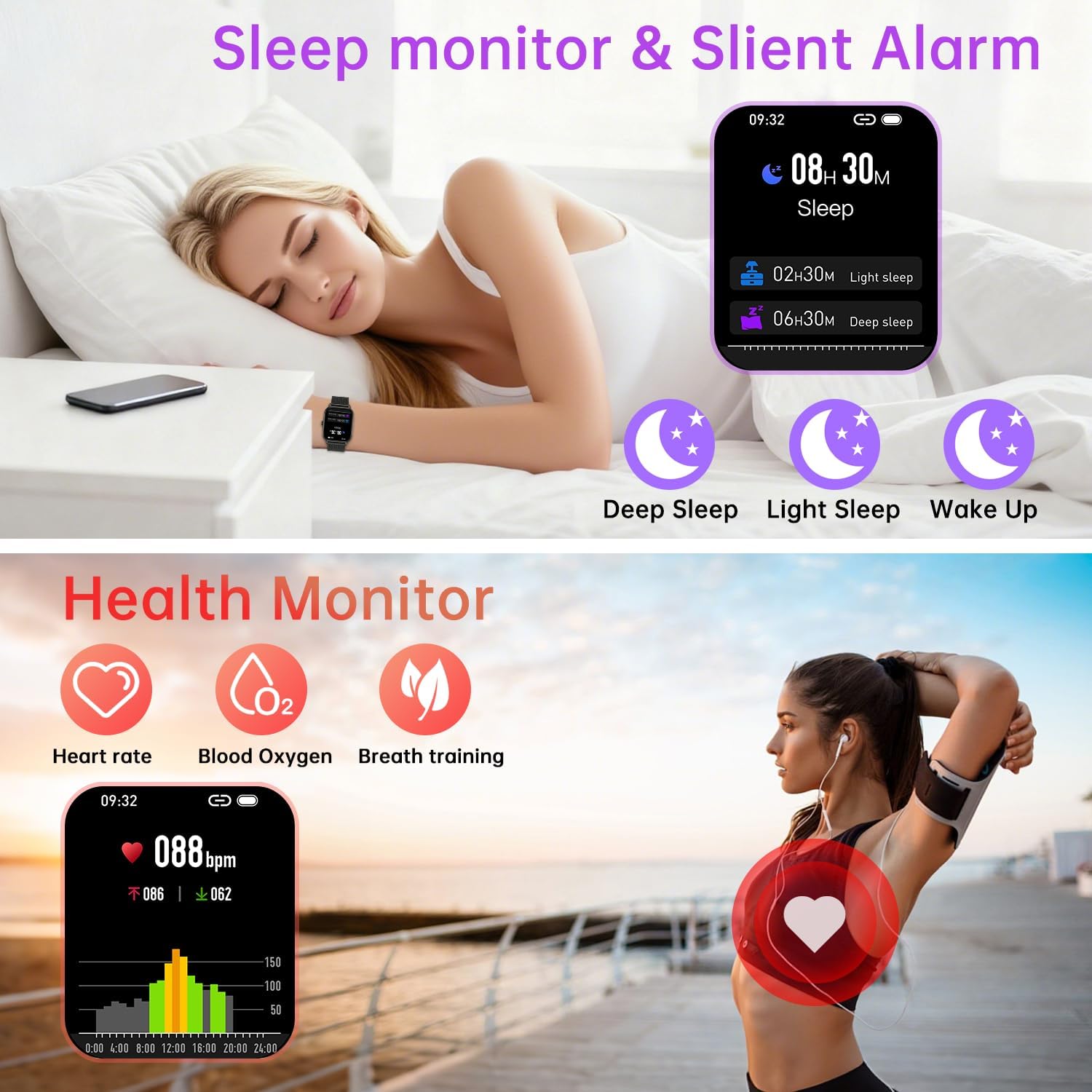
Image: The zhizhi P91 Smartwatch showing detailed sleep analysis (deep, light, wake-up) and health monitoring icons for heart rate, blood oxygen, and breath training.
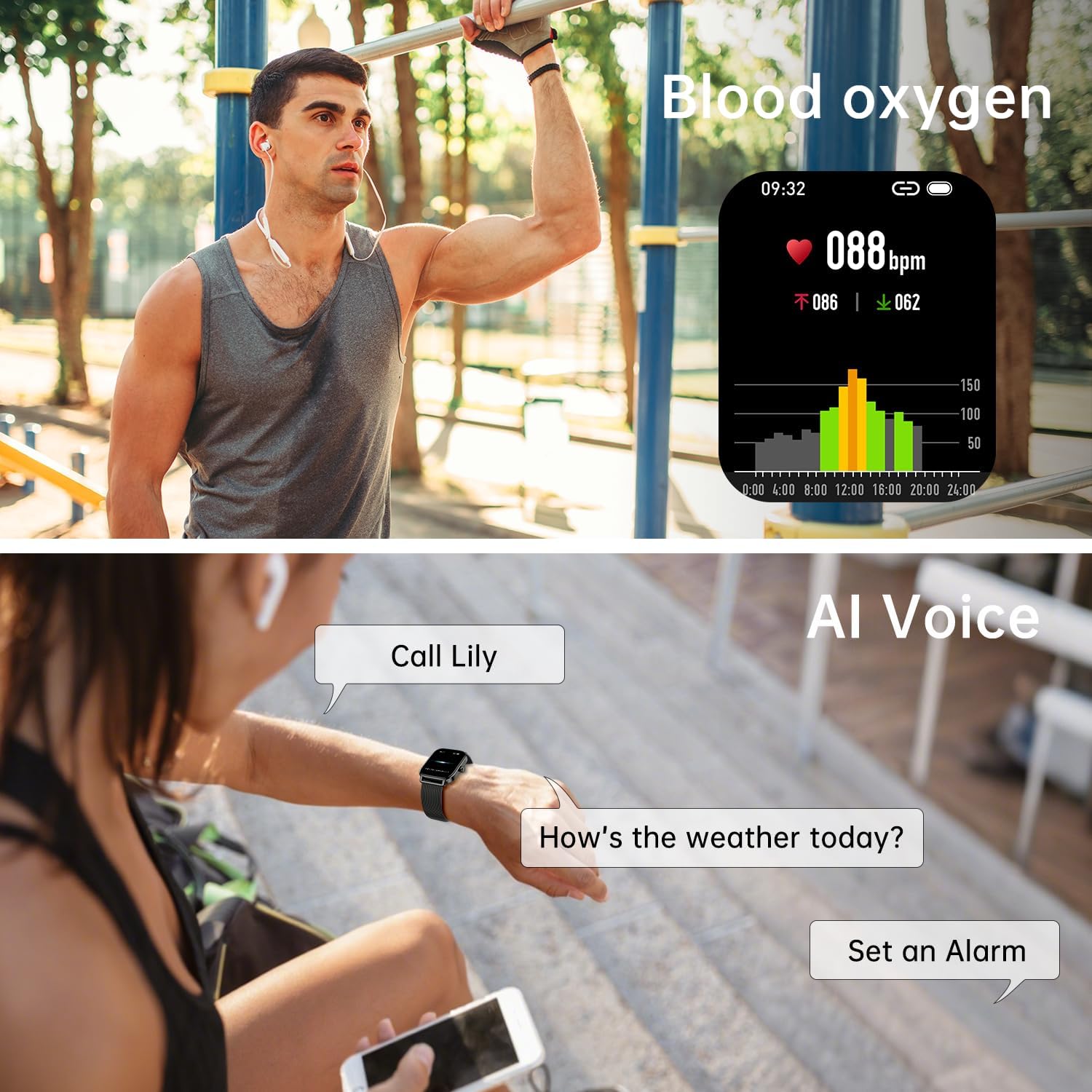
Image: The zhizhi P91 Smartwatch showing blood oxygen saturation (SpO2) data and a user interacting with the AI voice assistant.
5. Mod Sukan
The smartwatch supports over 120 sports modes, including running, cycling, hiking, yoga, skiing, and more. It tracks key metrics such as steps, calories burned, distance, and activity time to help you optimize your workouts.

Image: The zhizhi P91 Smartwatch showing activity data (steps, calories, BPM) alongside images of people engaged in various sports like running, cycling, and swimming.
5.1 Rintangan Air (IPX8)
The device is IPX8 water-resistant, making it suitable for daily activities like hand washing, rain, and swimming. Avoid hot water, saunas, or diving, as extreme temperatures or high-pressure water may compromise the seal.
6. Ciri Pintar
Beyond health and fitness tracking, the zhizhi P91 offers a range of practical smart features:
- Kawalan Muzik: Play, pause, skip tracks on your smartphone directly from the watch.
- Kawalan Kamera: Gunakan jam tangan anda sebagai pengatup jauh untuk kamera telefon anda.
- Pembantu Suara: Activate your phone's voice assistant (e.g., Siri, Google Assistant) via the watch.
- Ramalan cuaca: Dapatkan kemas kini cuaca masa nyata.
- Jam randik & Penggera: Fungsi penting dalam menjaga masa.
- Cari Telefon: Cari telefon pintar anda yang salah letak.
- Penjejakan Kitaran Haid: Pantau dan ramalkan kitaran haid.
- Peringatan Minuman: Receive alerts to stay hydrated.

Image: The zhizhi P91 Smartwatch displaying interfaces for music playback control, remote camera activation, current weather conditions, and a stopwatch.

Image: The zhizhi P91 Smartwatch illustrating additional convenience features such as alarm settings, menstrual cycle tracking, and a hydration reminder.
7. Penyelenggaraan
7.1 Pembersihan
Regularly clean your smartwatch and strap to prevent skin irritation and maintain functionality. Use a soft, damp kain untuk mengelap skrin dan tali. Elakkan bahan kimia yang keras atau bahan yang melelas.
7.2 Penjagaan Bateri
To prolong battery life, avoid fully discharging the battery frequently. Charge the device when the battery level is low. Store the device in a cool, dry place if not used for extended periods.
8. Penyelesaian masalah
- Peranti tidak dihidupkan: Pastikan peranti dicas sepenuhnya. Sambungkannya ke pengecas selama sekurang-kurangnya 30 minit.
- Tidak boleh berpasangan dengan telefon pintar:
- Pastikan Bluetooth didayakan pada telefon dan jam tangan anda.
- Pastikan jam tangan berada dalam julat telefon anda.
- Mulakan semula kedua-dua jam tangan dan telefon anda.
- Semak sama ada apl dikemas kini kepada versi terkini.
- Data kesihatan tidak tepat: Ensure the watch is worn snugly on your wrist, not too tight or too loose. Clean the sensors regularly. Remember, this is not a medical device.
- Pemberitahuan tidak muncul: Check app permissions on your smartphone to ensure the companion app has access to notifications. Verify notification settings within the smartwatch app.
9. Spesifikasi
| Ciri | Perincian |
|---|---|
| Model | P91 |
| Jenama | zhizhi |
| Saiz Paparan | 1.85 Inci |
| Resolusi Paparan | 240*284 piksel |
| Jenis Paparan | LCD |
| Ketersambungan | Bluetooth |
| Tahan Air | IPX8 |
| Hayat Bateri (Purata) | 7 Days (typical use), 30 Days (standby) |
| Komposisi Bateri | Polimer Litium |
| Peranti Serasi | Smartphones (Android 5.0+, iOS 9.0+) |
| Berat badan | 150 g |
10. Waranti dan Sokongan
For warranty information or technical support, please refer to the documentation included with your purchase or contact the retailer/manufacturer directly. Keep your proof of purchase for any warranty claims.
Ask a question about this manual
Ask about setup, troubleshooting, compatibility, parts, safety, or missing instructions. Manuals+ will review the question and use this page’s manual context to help answer it.