
1. Pengenalan
This manual provides detailed instructions for the installation, operation, and maintenance of your ALITOVE Permanent Outdoor LED Strip Lights. These 100FT (30M) RGB IC LED strip lights are designed for outdoor use, featuring IP67 waterproofing, 24V low voltage operation, and smart control via app or remote. Each strip incorporates an IC chip, allowing for multiple colors to be displayed simultaneously, enhancing dynamic lighting effects.
2. Maklumat Keselamatan
- Bekalan Kuasa: Use only the provided 24V adapter. Connecting to an incorrect voltage boleh merosakkan produk dan menimbulkan risiko keselamatan.
- Kalis air: The LED strip lights are IP67 waterproof, suitable for outdoor environments. Ensure all connections to the power adapter and controller are secure and protected from direct water exposure if not rated for it.
- Pemasangan: Do not install the lights in areas where they may be submerged in water for extended periods. Avoid piercing or damaging the strip during installation.
- Memotong: The LED strip can be cut only at designated cut marks (every 20cm). Cutting at other points will damage the strip and void the warranty.
- haba: Do not cover the LED strips with materials that could trap heat, as this may reduce their lifespan.
- Kanak-kanak: Jauhkan produk dan komponennya daripada kanak-kanak.
3. Kandungan Pakej
Sahkan bahawa semua item yang disenaraikan di bawah disertakan dalam pakej anda:
- 1 x 100ft (30M) LED Strip Light
- Penyesuai Kuasa 1 x 24V
- 1 x Pengawal LED
- 90 x Klip Pemasangan
- 180 x Skru
Nota: This product does not include adhesive backing. Mounting clips and screws are provided for secure installation.

4. Arahan Persediaan
- Rancang Susun Atur Anda: Before installation, unroll the LED strip and plan the desired path. Ensure the length is sufficient for your application.
- Memasang Jalur: Use the provided mounting clips and screws to secure the LED strip to your desired surface. Space the clips evenly to ensure the strip is held firmly. The strip is flexible and can be bent to fit corners and contours.
- Sambungkan Pengawal: Connect the LED strip to the LED controller. Ensure the connectors are aligned correctly and securely fastened.
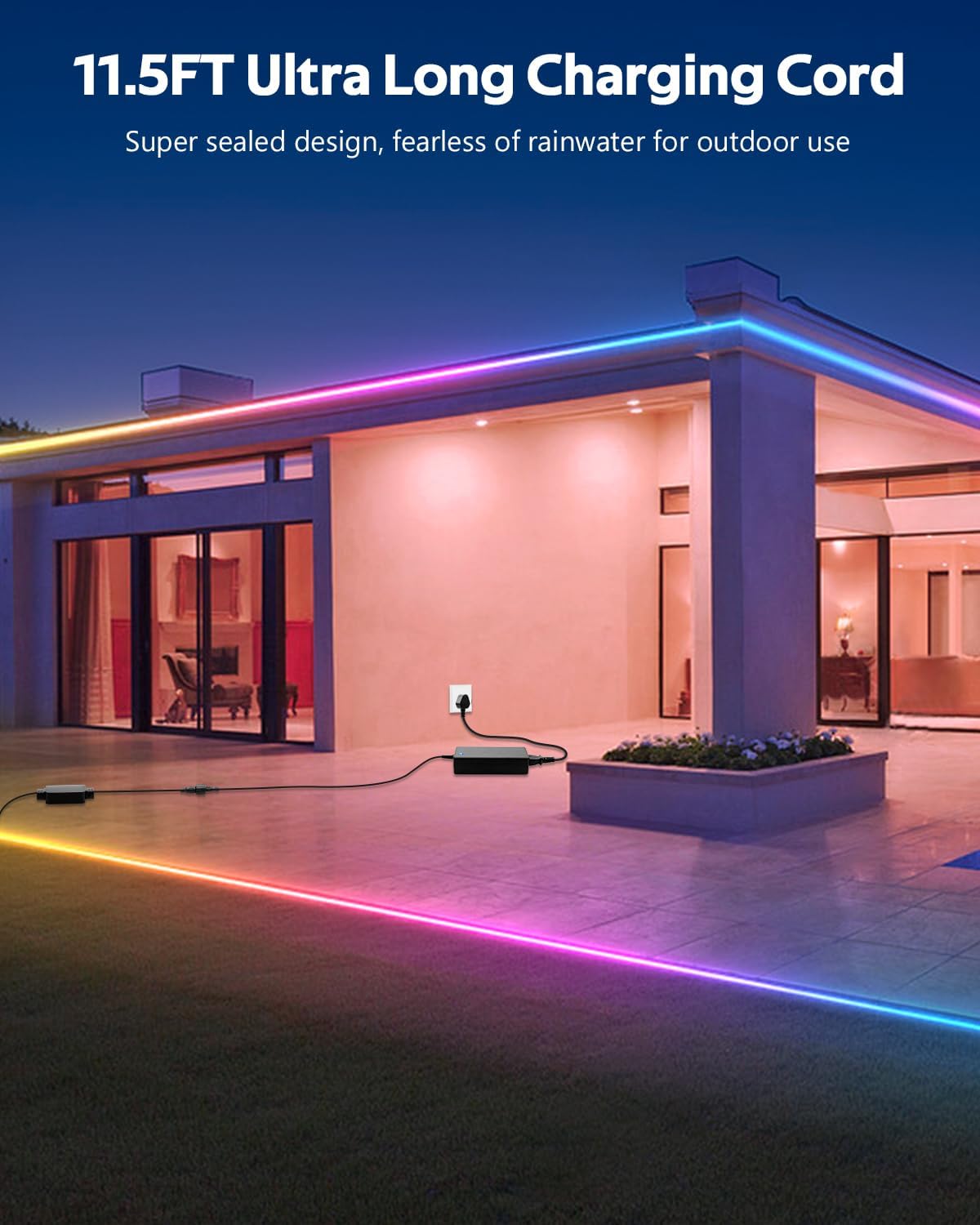
- Sambungkan Penyesuai Kuasa: Connect the 24V power adapter to the LED controller. The product includes an 11.5FT (3.5M) ultra-long charging cord, allowing for flexible power placement without space limitations.
- Pasangkan: Plug the power adapter into a suitable outdoor-rated power outlet.
5. Arahan Operasi
Your ALITOVE LED Strip Lights can be controlled using either the included remote control or the dedicated smartphone application.
5.1. App Control (Magic Lantern)
For full functionality and customization, download the "Magic Lantern" app on your smartphone.
- Muat turun Apl: Cari untuk "Magic Lantern" in your device's app store and install it.
- Dayakan Bluetooth: Pastikan Bluetooth didayakan pada telefon pintar anda.
- Sambungkan ke Lampu: Open the "Magic Lantern" app. The app should automatically detect and connect to your LED strip lights via Bluetooth. If not, follow the in-app instructions to pair.
- Ciri Kawalan: Dalam apl, anda boleh:
- Select from 16 million static colors.
- Choose from 213 dynamic lighting scenes.
- Adjust brightness and speed of dynamic effects.
- Customize colors and create your own lighting designs.

5.2. Alat Kawalan Jauh
Alat kawalan jauh yang disertakan menyediakan akses mudah kepada fungsi asas.
- Butang Kuasa: Hidupkan/Mati lampu.
- Pilihan Warna: Directly select various static colors.
- Pemilihan Mod: Cycle through pre-programmed dynamic lighting modes.
- Pelarasan Kecerahan: Meningkatkan atau mengurangkan keamatan cahaya.
- Pelarasan Kelajuan: Laraskan kelajuan kesan pencahayaan dinamik.

5.3. Music Sync Function
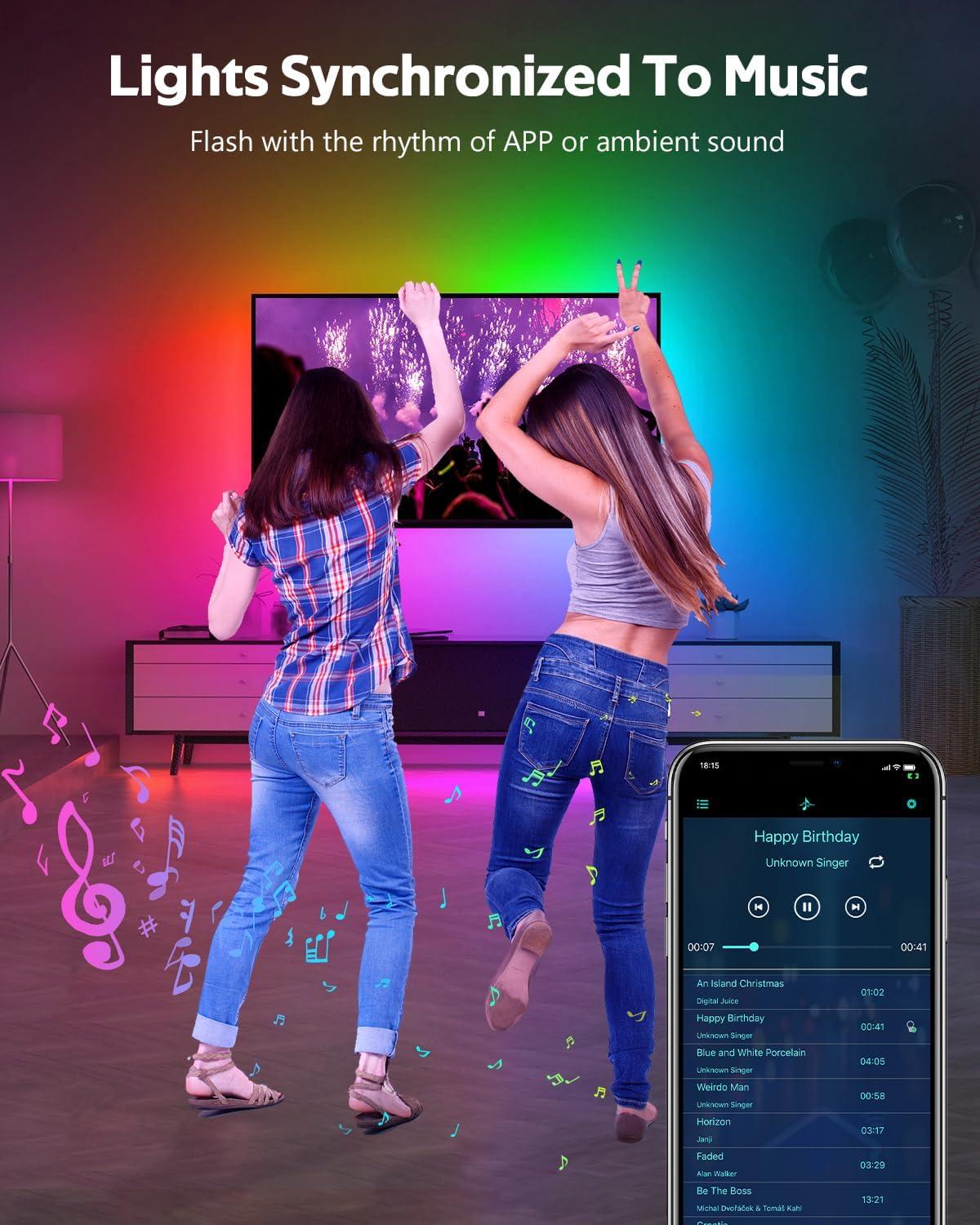
The built-in microphone allows the lights to synchronize with music or ambient sounds.
- Pengaktifan: Activate the music sync mode via the "Magic Lantern" app or the remote control (if available).
- Peletakan Mikrofon: For optimal response, ensure the controller's microphone is placed close to the sound source.
- App Music Playback: The app also supports music playback, allowing the lights to respond directly to the music played through your device.
5.4. Fungsi Pemasaan
Set schedules for your lights to turn on or off automatically using the "Magic Lantern" app.
- Access Timing: Navigate to the timing or schedule section within the app.
- Tetapkan Jadual: Configure specific times for the lights to activate or deactivate.

6. Penyelenggaraan
- Pembersihan: Gently wipe the LED strip with a soft, damp cloth to remove dust or dirt. Do not use harsh chemicals or abrasive cleaners.
- Semakan Sambungan: Periodically inspect all connections (strip to controller, controller to adapter) to ensure they are secure and free from corrosion or damage.
- Integriti Kalis Air: While IP67 rated, avoid prolonged exposure to extreme weather conditions if possible. Ensure no cuts or damage compromise the waterproof sealing.
- Storan: If storing the lights for an extended period, ensure they are clean, dry, and coiled loosely to prevent damage.
7. Penyelesaian masalah
| Masalah | Kemungkinan Punca | Penyelesaian |
|---|---|---|
| Lampu tidak menyala. | Tiada kuasa, sambungan longgar, penyesuai/pengawal rosak. | Periksa soket kuasa. Pastikan semua sambungan selamat. Uji dengan sumber kuasa lain jika boleh. |
| Alat kawalan jauh tidak berfungsi. | Bateri habis, jarak jauh di luar julat, sensor IR tersekat. | Replace remote battery. Ensure remote is pointed at the controller. Remove any obstructions. |
| Apl tidak boleh bersambung ke lampu. | Bluetooth off, app not paired, interference. | Ensure Bluetooth is enabled on your phone. Restart the app and try pairing again. Move closer to the controller. |
| Lampu malap atau tidak konsisten. | Power supply issue, voltage drop (unlikely with 24V system), damaged section. | Ensure the power adapter is functioning correctly. Check for physical damage to the strip. |
| Penyegerakan muzik tidak responsif. | Microphone too far from sound, low volume. | Move the controller closer to the sound source. Increase music volume. |
8. Spesifikasi
| Ciri | Spesifikasi |
|---|---|
| Nombor Model | WS2811-30M-FGY30-24V |
| Panjang | 100FT (30 Meter) |
| Jenis LED | RGB IC LED (Addressable) |
| Ketumpatan LED | 30 LEDs/Meter |
| Voltage | 24V DC |
| Wattage | 81 Watt (Maksimum) |
| Penilaian Kalis Air | IP67 |
| Kaedah Kawalan | Bluetooth App ("Magic Lantern"), Remote Control |
| Ciri Khas | Music Sync, Timing Function, Dimmable, Flexible |
| Kehidupan Purata | 50,000 Jam |
| Penggunaan Dalaman/Luar | Luar |
9. Waranti dan Sokongan
For warranty information and technical support, please refer to the ALITOVE official webtapak atau hubungi perkhidmatan pelanggan mereka secara langsung. Simpan resit pembelian anda sebagai bukti pembelian.