
1. Produk Lebihview
The AJAZZ AJ139 V2 MC is a versatile tri-mode gaming mouse designed for precision and responsiveness. It features a PAW3311 sensor for accurate tracking, a 1000Hz return rate for smooth performance, and a long-lasting 500mAh battery. Its compact and lightweight design makes it suitable for extended use and portability.
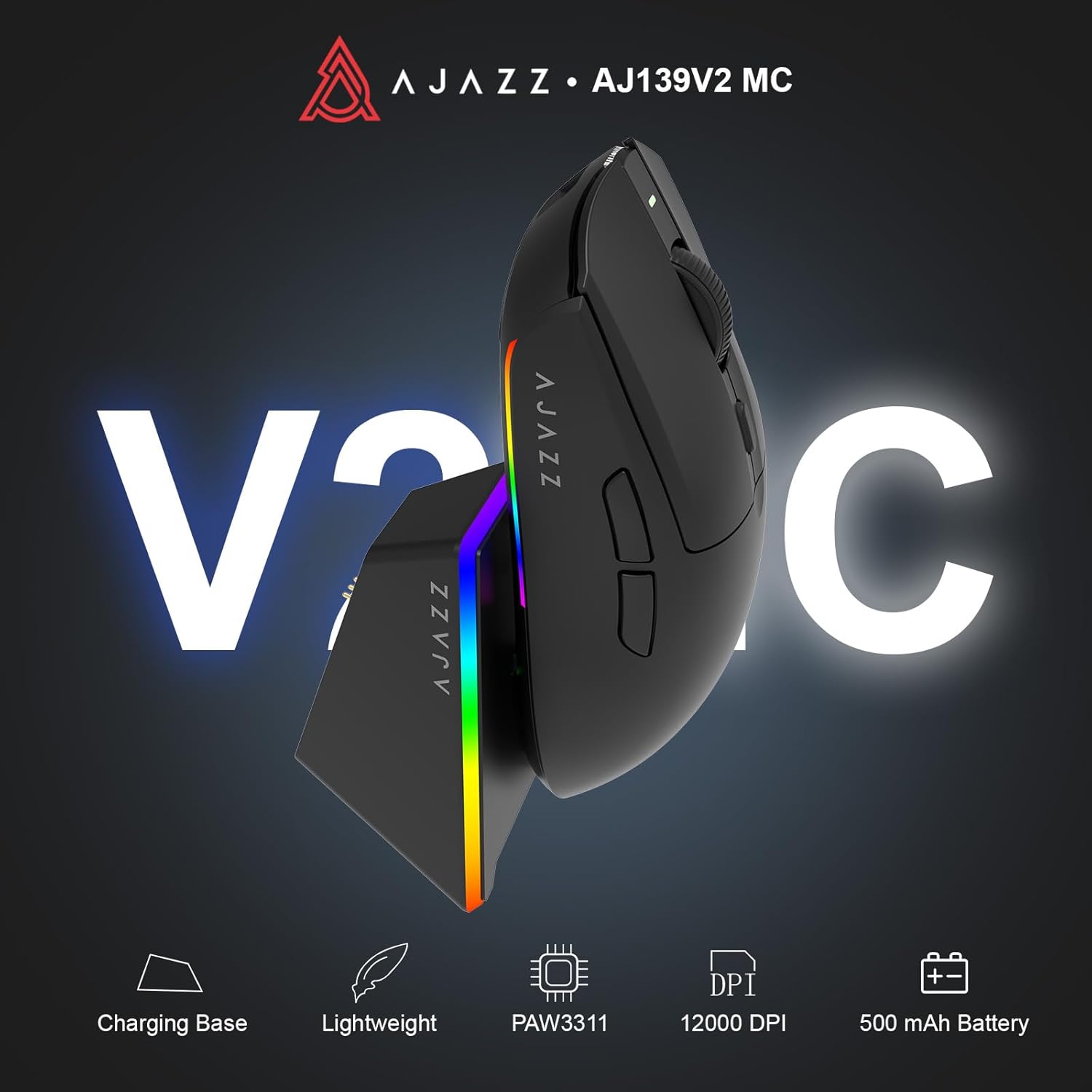
Figure 1.1: AJAZZ AJ139 V2 MC Gaming Mouse and Charging Dock.
Video 1.1: Tamatview of the AJAZZ AJ139 V2 MC Gaming Mouse, highlighting its features and design.
2. Kandungan Pakej
Pastikan semua item ada dalam pakej:
- AJAZZ AJ139 V2 MC Gaming Mouse
- Dok Pengecasan
- Kabel Pengecas USB-C
- 2.4G USB Receiver (Dongle)
- Manual Pengguna
3. Ciri-ciri Utama
- PAW3311 Sensor Technology: Equipped with the PAW3311 sensor, this mouse ensures precise tracking and accurate cursor control for optimal performance.
- High 1000Hz Return Rate: Experience smooth and responsive performance with a 1000Hz return rate, enhancing your gaming or work experience.
- Bateri 500mAh Tahan Lama: The integrated 500mAh battery provides extended power, ensuring uninterrupted use for prolonged periods.
- Kesambungan Tri-Mod: Supports versatile connectivity options including Wired, 2.4G Wireless, and Bluetooth, adapting to various devices and setups.
- Reka bentuk padat dan ringan: Weighing approximately 66 grams, the mouse features a compact design for easy portability and comfortable use during long sessions.
- Pencahayaan RGB yang boleh disesuaikan: Features integrated RGB lighting for personalized aesthetics.

Rajah 3.1: Terperinci view of the PAW3311 sensor technology.
Video 3.1: Demonstration of the mouse's 500mAh battery life.

Figure 3.2: The lightweight design of the AJAZZ AJ139 V2 MC mouse.
4. Panduan Persediaan
4.1. Menyambung Tetikus
The AJAZZ AJ139 V2 MC offers three connection modes:
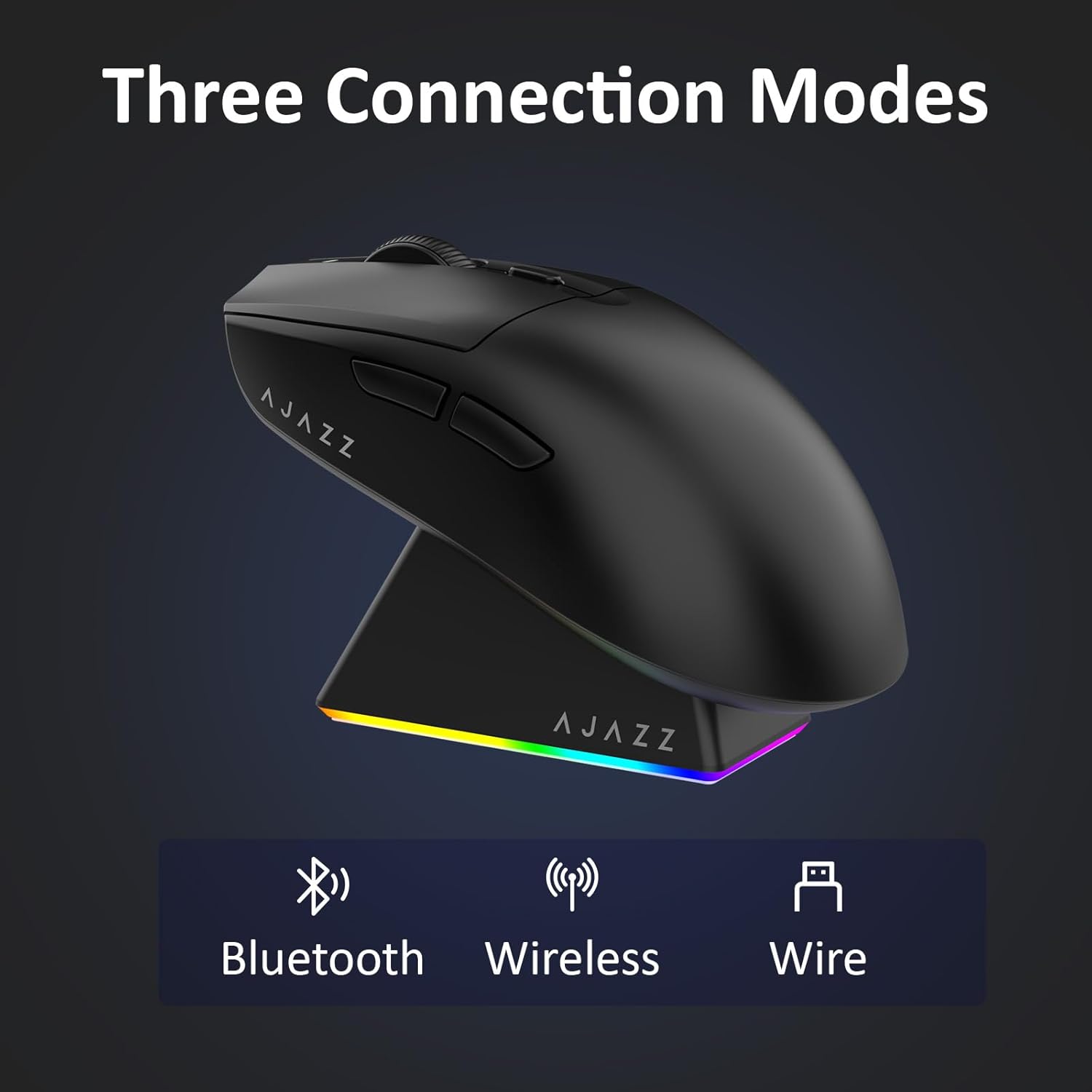
Figure 4.1: Visual representation of the three connection modes.
- Mod Wayarles 2.4G:
- Cari penerima USB 2.4G yang disimpan di dalam petak di bahagian bawah tetikus.
- Palamkan penerima USB ke dalam port USB yang tersedia pada komputer anda.
- Slide the switch on the bottom of the mouse to the '2.4G' position. The mouse will automatically connect.
- Mod Bluetooth:
- Slide the switch on the bottom of the mouse to the 'BT' position.
- On your device, open Bluetooth settings and search for new devices.
- Select 'AJAZZ AJ139 V2 MC' from the list to pair.
- Mod Berwayar:
- Connect the USB-C charging cable to the mouse and the other end to your computer's USB port.
- Tetikus akan berfungsi sebagai peranti berwayar dan dicas secara serentak.
4.2. Mengecas Tetikus
The mouse can be charged using the included charging dock or directly via the USB-C cable.
- Menggunakan Dok Pengecasan:
- Connect the USB-C charging cable to the charging dock and then to a power source (e.g., computer USB port, USB wall adapter).
- Place the mouse onto the charging dock, aligning the magnetic contacts. The RGB lighting on the dock and mouse will indicate charging status.
- Pengecasan USB-C Terus:
- Connect the USB-C charging cable directly to the mouse and a power source.
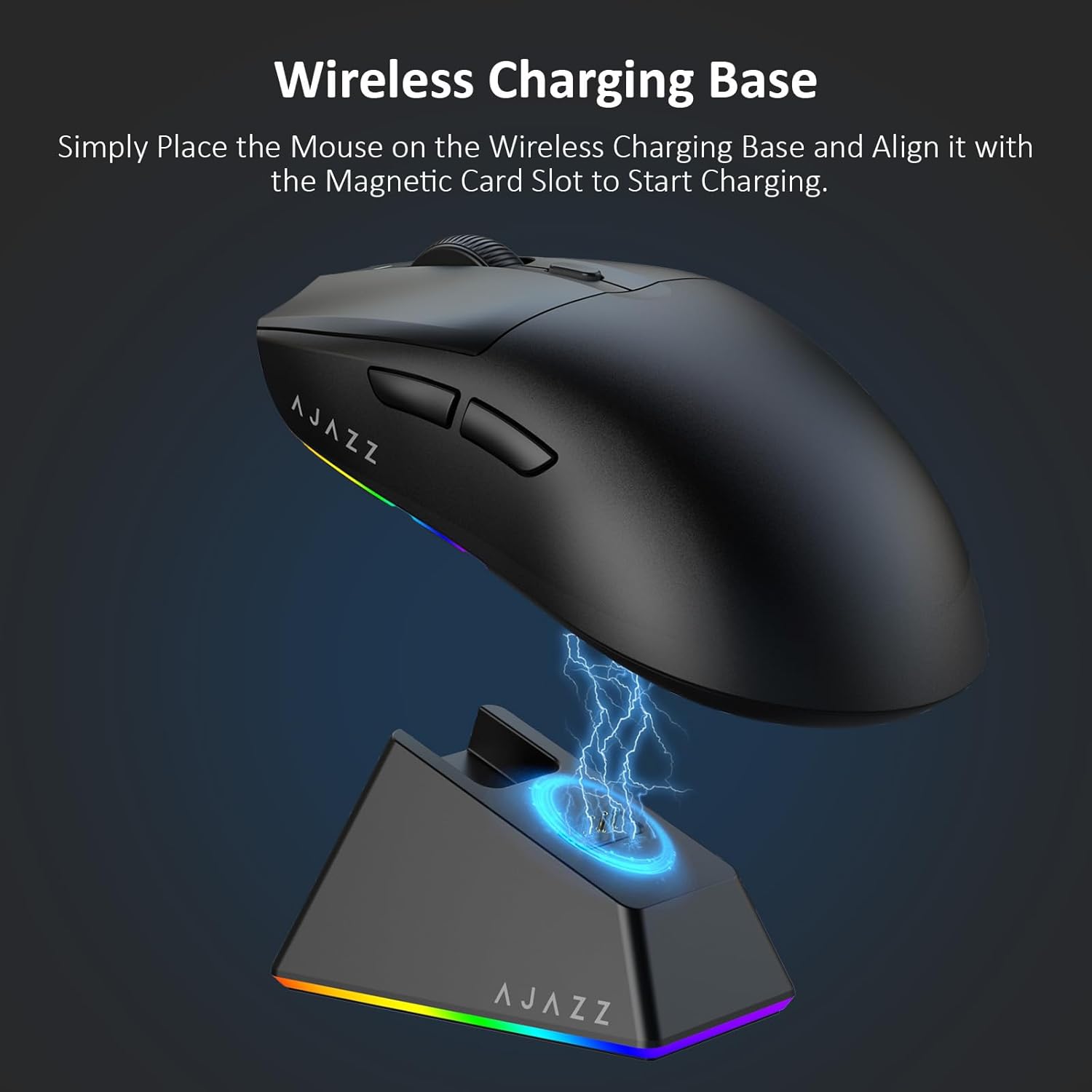
Figure 4.2: The mouse being charged on its wireless charging base.
5. Arahan Operasi
5.1. Pelarasan DPI
The mouse features a dedicated DPI adjustment button on its underside, allowing you to cycle through different sensitivity levels. Press the button to change the DPI setting to suit your preference.
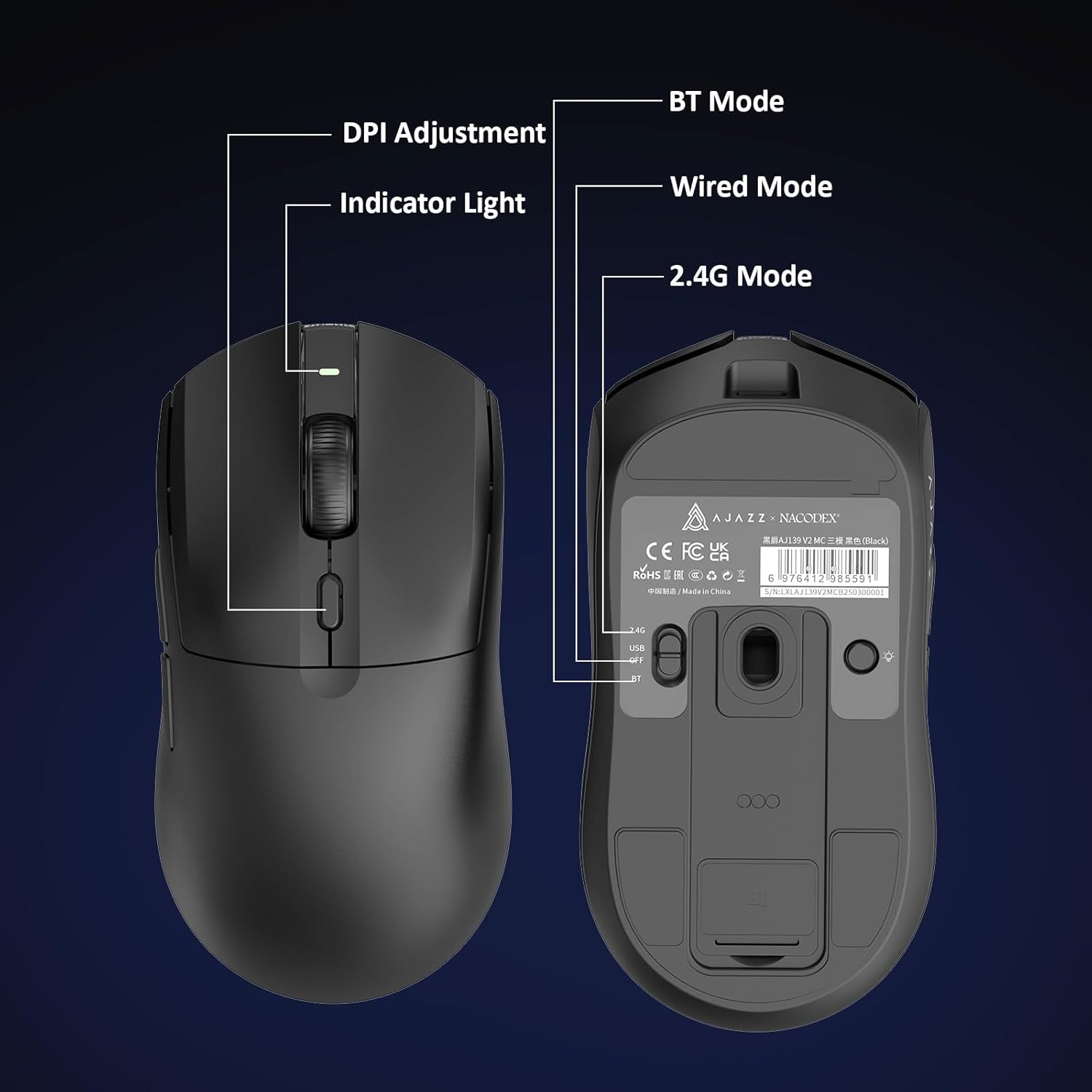
Figure 5.1: Location of the DPI adjustment button and connection mode switch on the mouse underside.
5.2. Fungsi Butang
The mouse is equipped with 6 programmable buttons:
- Butang Klik Kiri
- Butang Klik Kanan
- Roda Skrol (Boleh Diklik)
- DPI Adjustment Button (on underside)
- Two Side Buttons (typically for forward/backward navigation)
For advanced customization of button functions and macros, please refer to the official AJAZZ software (downloadable from the manufacturer's webtapak).
5.3. Kawalan Pencahayaan RGB
The mouse and charging dock feature customizable RGB lighting. Specific controls for lighting modes and colors are typically managed through the official AJAZZ software. A dedicated light button on the underside of the mouse allows for basic cycling or turning off the lighting.
6. Penyelenggaraan
- Pembersihan: Gunakan kain lembut dan kering untuk membersihkan permukaan tetikus. Untuk kotoran degil, gunakan sedikit kainamp kain boleh digunakan, memastikan tiada kelembapan memasuki komponen dalaman.
- Penjagaan Sensor: Pastikan sensor optik di bahagian bawah tetikus bersih dan bebas daripada habuk atau serpihan untuk mengekalkan ketepatan penjejakan.
- Ketahanan Bateri: Untuk memanjangkan hayat bateri, elakkan daripada kerap mencas sepenuhnya tetikus. Caskannya apabila penunjuk bateri rendah.
7. Penyelesaian masalah
| Masalah | Penyelesaian yang Mungkin |
|---|---|
| Mouse not responding in 2.4G Wireless mode. | Ensure the 2.4G USB receiver is securely plugged into a USB port and the mouse switch is set to '2.4G'. Try a different USB port. |
| Mouse not pairing via Bluetooth. | Ensure the mouse switch is set to 'BT' and your device's Bluetooth is enabled and discoverable. Try unpairing and re-pairing the device. |
| Tetikus tidak dicas. | Verify the USB-C cable is properly connected to both the dock/mouse and the power source. Ensure the mouse is correctly seated on the charging dock's magnetic contacts. |
| Inconsistent tracking or cursor movement. | Clean the optical sensor on the underside of the mouse. Ensure you are using the mouse on a suitable surface (e.g., a mouse pad). |
| Pencahayaan RGB tidak berfungsi. | Check the mouse's software settings for lighting control. Ensure the mouse has sufficient battery charge. |
8. Spesifikasi Teknikal
| Ciri | Spesifikasi |
|---|---|
| Jenama | AJAZZ |
| Nama Model | Aj139 V2 MC |
| warna | V2 MC Black |
| Teknologi Ketersambungan | Bluetooth, USB, 2.4G Wireless |
| Teknologi Pengesanan Pergerakan | Optik (Sensor PAW3311) |
| Mouse Maximum Sensitivity | 12000 Dots per Inch (DPI) |
| Kadar Pulangan | 1000Hz |
| Kapasiti Bateri | 500mAh |
| Kuantiti Butang | 6 |
| Orientasi Tangan | Betul |
| Peranti Serasi | Komputer Desktop |
| Sistem Operasi | Windows |
| Julat | 10 meter |
| Berat Barang | 4 Auns (lebih kurang 113 gram) |
| Dimensi Item L x W | 5"P x 2.5"L (lebih kurang 12.7cm x 6.35cm) |
| Ciri Hiasan | Pencahayaan RGB |
| Bahan Kepungan | plastik |
| Selesai | Matte |
9. Waranti dan Sokongan
This product comes with a standard manufacturer's warranty. For detailed warranty information, please refer to the official AJAZZ webtapak atau hubungi peruncit anda.
For technical support, troubleshooting assistance, or any product-related inquiries, please visit the AJAZZ official support page or contact their customer service team.
Sumber Dalam Talian:
AJAZZ Official Store