pengenalan
Thank you for choosing the SWGOTA 4G Kids Smartwatch T40. This device is designed to provide communication, safety, and entertainment for children, while offering peace of mind for parents. It features 4G connectivity for video calls, real-time GPS tracking, an SOS emergency button, and various educational and practical functions. Please read this manual carefully to ensure proper use and optimal performance of your smartwatch.
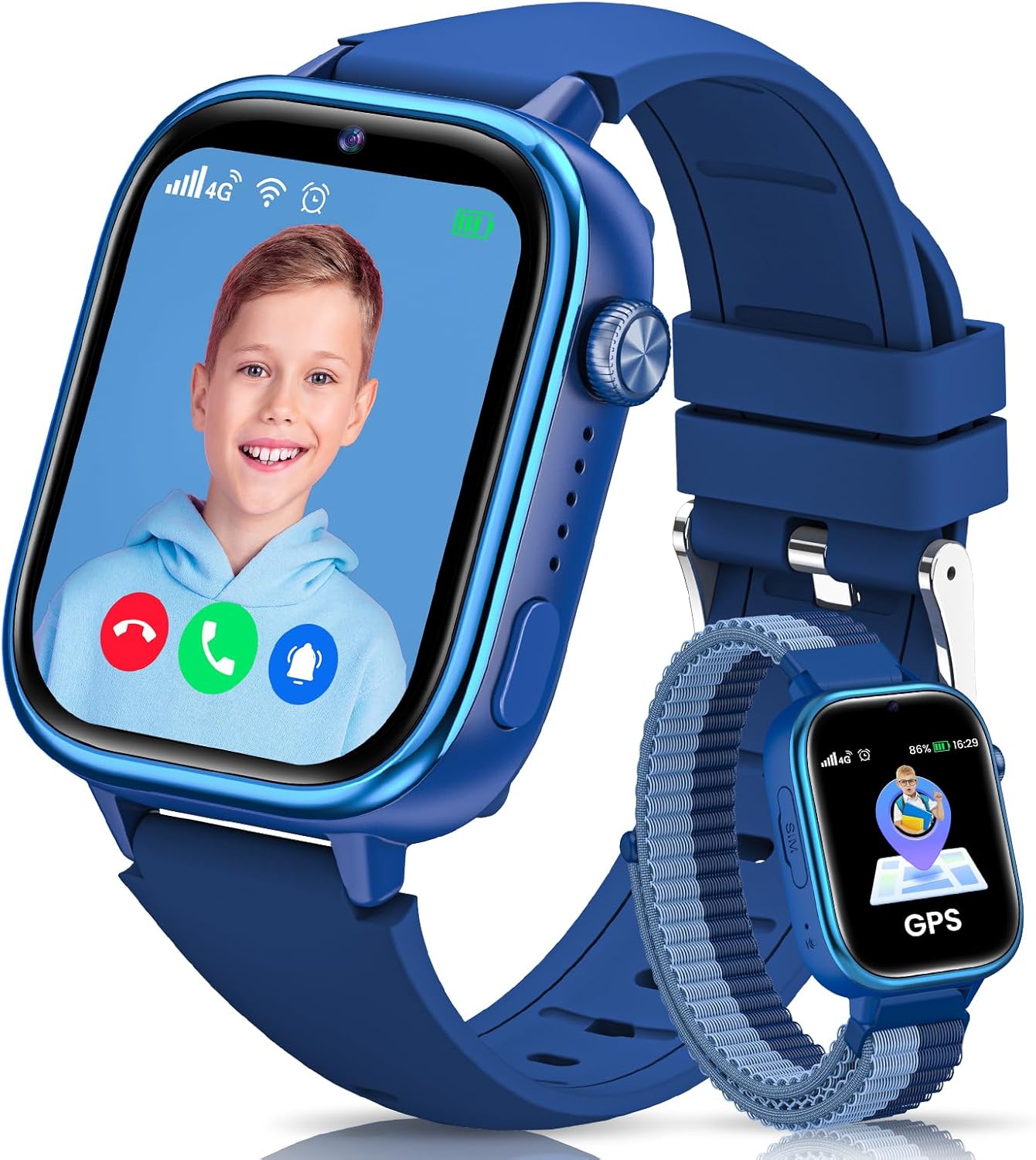
Image: The SWGOTA 4G Kids Smartwatch T40, featuring a video call in progress on its screen, alongside a smaller watch displaying a GPS icon.
Kandungan Pakej
Sila tandai kotak untuk item berikut:
- Jam tangan pintar (1 unit)
- Tali Silikon (1 unit)
- Nylon Strap (1 unit)
- Tempered Glass Screen Protectors (2 units)
- Replacement Ear Extensions (1 pair)
- Ear Removal Tool (1 unit)
- SIM Card Ejector Tool (1 unit)
- Kabel Pengecas USB (1 unit)
- Manual Pengguna (dokumen ini)

Image: A visual representation of all items included in the smartwatch package, such as the watch, two different straps, screen protectors, tools, and a charging cable.
Panduan Persediaan
1. Mengecas Peranti
Before first use, fully charge the smartwatch. Connect the magnetic USB charging cable to the charging port on the back of the watch and to a standard USB power adapter (not included). The watch display will indicate charging status.
2. Pemasangan Kad SIM
The SWGOTA T40 requires a Nano SIM card for 4G connectivity. Ensure the SIM card is activated and supports 4G networks. Use the provided SIM ejector tool to open the SIM card slot on the side of the watch. Insert the Nano SIM card with the gold contacts facing up, then close the tray securely.

Image: A diagram illustrating the correct type of SIM card (Nano SIM) and how to insert it into the smartwatch.
3. Pemasangan Apl dan Berpasangan
To manage the smartwatch features, parents need to install the 'Setracker2' application on their smartphone.
- Download 'Setracker2' from your smartphone's app store (iOS or Android) or scan the QR code provided in the watch packaging.
- Buka aplikasi, daftar akaun dan log masuk.
- In the app, select 'Add Device' and scan the 15-digit IMEI barcode found on the back of the watch or in its settings.
- Follow the on-screen prompts to complete the pairing process. Ensure the watch has network signal for successful connection.

Image: A visual guide detailing the steps to download the Setracker2 app, register, scan the IMEI, and connect the smartwatch.
Key Features & Operating Instructions
1. 4G HD Video Calls & Voice Communication
The smartwatch supports smooth HD video calls, voice calls, and voice chat via its 4G connectivity. Parents can manage up to 15 frequent contacts through the Setracker2 app and block unknown calls.
- Panggilan video: Initiate video calls directly from the watch to pre-approved contacts.
- Panggilan Telefon: Make and receive standard phone calls.
- Sembang Suara: Send and receive short voice messages, similar to instant messaging.
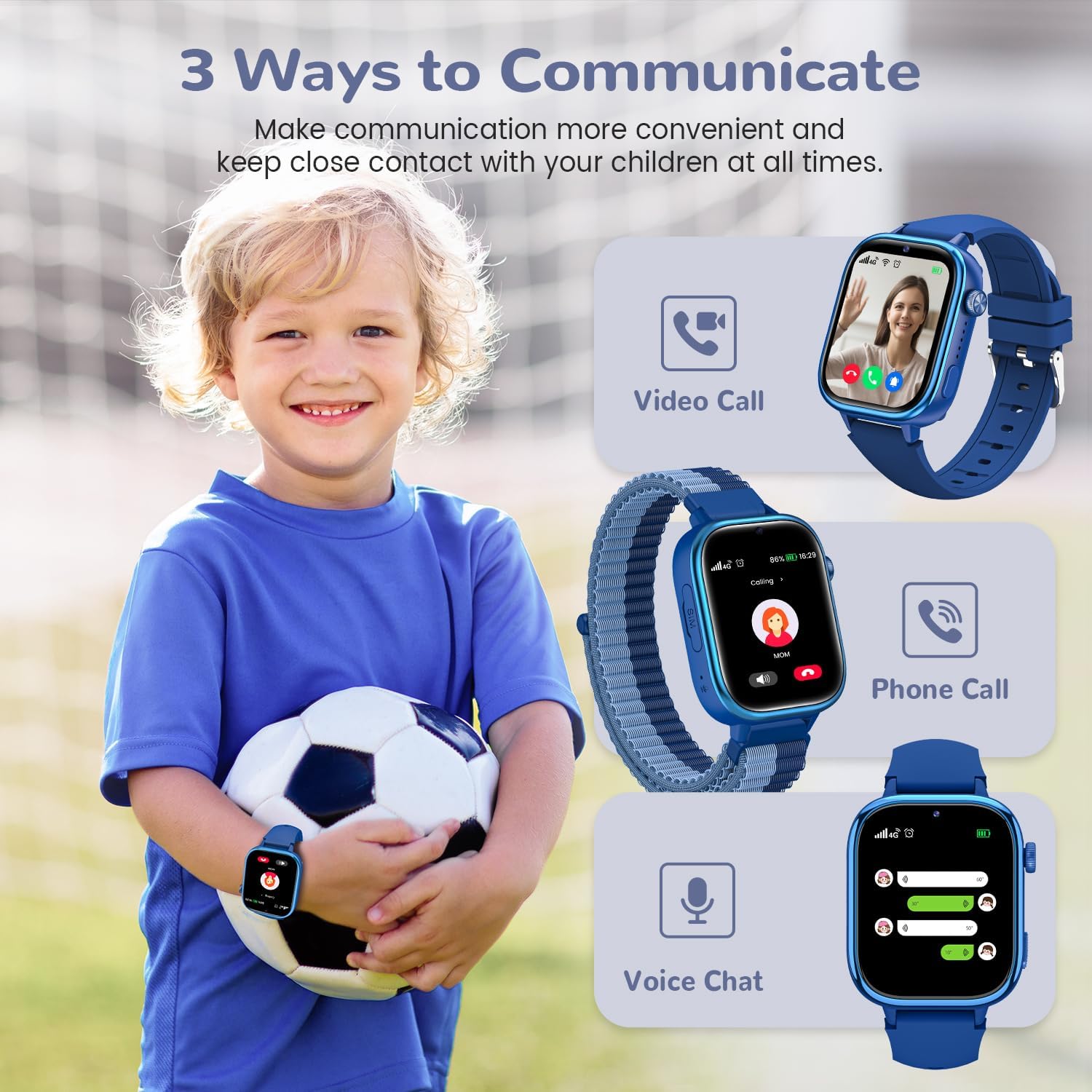
Image: A child with the smartwatch, demonstrating the three communication methods: video call, phone call, and voice chat.

Image: An illustration of a child making an HD video call to their mother using the smartwatch.

Image: The smartwatch showing an incoming voice call, emphasizing the phone call function.

Image: The smartwatch displaying a voice chat interface, allowing for sending and receiving audio messages.
2. Real-time Location Tracking & Safe Zones
Utilizing GPS and LBS positioning systems, parents can monitor their child's location in real-time via the Setracker2 app. Customizable safe zones can be set, triggering alerts if the child enters or exits these predefined areas. Three map modes are available for enhanced accuracy.

Image: A smartphone displaying a map with real-time location tracking, highlighting features like Real-time Location, Safe Zone, History Footprint, and 4G connectivity.

Image: A smartphone screen showing the Setracker2 app's map interface, illustrating historical footprints and safe zone settings.
3. Fungsi Kecemasan SOS
In an emergency, the child can press and hold the SOS button for 2 seconds. The smartwatch will automatically and repeatedly dial up to 3 pre-set emergency contacts until a call is answered, ensuring immediate assistance.

Image: A visual representation of the SOS emergency function, showing a child activating the SOS button and the watch cycling through emergency contacts.

Image: The smartwatch screen showing an active SOS alert, with additional icons for pedometer, unknown call rejection, camera, and photo album.
4. School Mode
Parents can set up to three customizable time periods for School Mode via the app. When active, the watch will only display the time and block all incoming messages and calls, minimizing distractions during class and promoting concentration.

Image: Children in a classroom, with the smartwatch displaying a shield icon, indicating School Mode is active to prevent distractions.

Image: A child in a classroom, with the smartwatch displaying the time and options to disable dialing and applications during school mode.
5. Educational Games
The smartwatch includes 7 educational games designed to enhance reaction speed, logical thinking, and creativity. These games offer a balanced approach to learning and relaxation, encouraging autonomous learning.

Image: The smartwatch screen showing a list of available games, along with other utility functions like stopwatch, alarm, watch face selection, and calculator.
6. Pedometer & Heart Rewards
An integrated pedometer tracks daily activity, encouraging children to stay active. Parents can send