
MESWAO MES-B3 Pro
MESWAO 15.6 Inch Android Tablet User Manual
Model: MES-B3 Pro
pengenalan
Thank you for choosing the MESWAO 15.6 Inch Android Tablet, Model MES-B3 Pro. This tablet is designed to provide a powerful and immersive experience with its large display, robust performance, and long-lasting battery. This manual provides essential information for setting up, operating, maintaining, and troubleshooting your device to ensure optimal performance and longevity.
Apa yang ada dalam Kotak
Sila sahkan bahawa semua item terdapat dalam pakej:
- 1x MESWAO 15.6 inch Android Tablet
- 1x Penyesuai Kuasa
- 1x Kabel Jenis-C
- 1x Type-C to USB Adapter
- 1x Stuck Pin (for SIM/SD card tray)

Image: The MESWAO 15.6 Inch Android Tablet displayed with its power adapter, Type-C cable, Type-C to USB adapter, and stuck pin.
Persediaan
1. Pengecasan Awal
Before first use, fully charge your tablet. Connect the Type-C cable to the tablet's charging port and the power adapter. Plug the adapter into a wall outlet. The tablet supports 30W fast charging.

Image: The MESWAO tablet connected to a 30W fast charger, displaying charging status.
2. Menghidupkan/Mematikan
- Untuk Menghidupkan: Press and hold the Power button located on the side of the tablet until the MESWAO logo appears.
- Untuk Mematikan: Tekan dan tahan butang Kuasa, kemudian pilih "Matikan" daripada pilihan pada skrin.
- Untuk Mulakan Semula: Tekan dan tahan butang Kuasa, kemudian pilih "Mulakan Semula" daripada pilihan pada skrin.
3. Wizard Persediaan Awal
Upon first power-on, follow the on-screen instructions to complete the initial setup:
- Pilih bahasa pilihan anda.
- Sambung ke rangkaian Wi-Fi.
- Log masuk dengan akaun Google anda atau buat yang baharu.
- Sediakan kunci skrin (PIN, corak, kata laluan).
- Review dan menerima terma dan syarat.
4. Memasukkan Kad MicroSD
The tablet supports MicroSDXC cards up to 1TB for expanded storage.
- Cari dulang kad SIM/SD di sisi tablet.
- Insert the provided stuck pin into the small hole next to the tray to eject it.
- Place the MicroSD card into the designated slot on the tray, ensuring correct orientation.
- Tolak dulang kembali ke dalam tablet dengan lembut sehingga ia terpasang dengan klik di tempatnya.
Arahan Operasi
1. Navigasi Asas (Android 14)
Your MESWAO tablet runs on Android 14, offering a clean and intuitive user interface. Use touch gestures for navigation:
- Ketik: Pilih item atau buka apl.
- Leret: Scroll through pages, menus, or content.
- Cubit-untuk-Zum: Zum masuk atau keluar pada imej dan web muka surat.
- Tekan lama: Akses menu kontekstual atau alihkan ikon aplikasi.
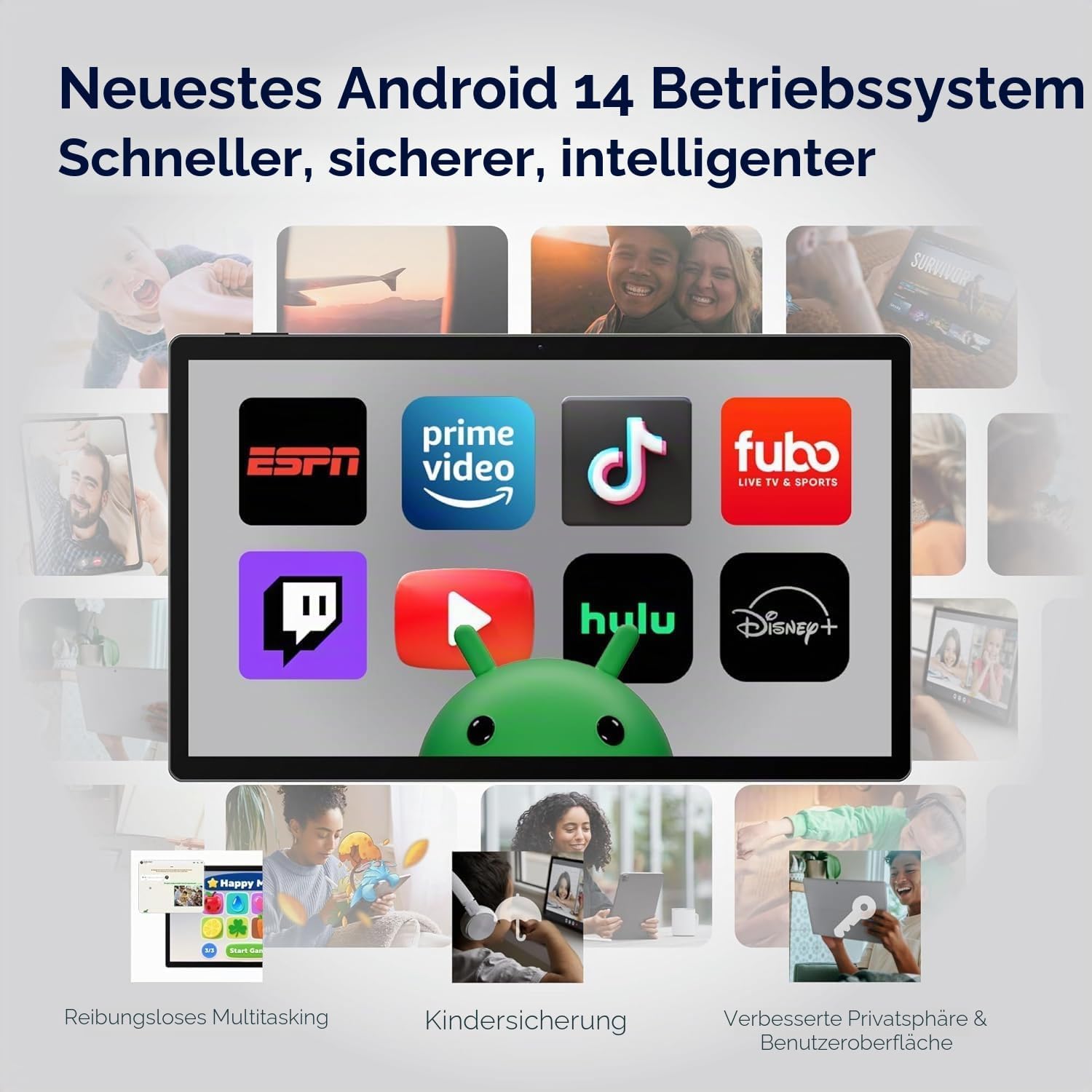
Image: The MESWAO tablet screen showing the Android 14 operating system with popular streaming and productivity applications.
2. Wi-Fi dan Kesambungan Bluetooth
- Wi-Fi: Pergi ke Tetapan > Rangkaian & Internet > Wi-Fi. Turn Wi-Fi on and select your desired network. Enter the password if prompted. The tablet supports 2.4G and 5G Wi-Fi.
- Bluetooth: Pergi ke Tetapan> Peranti yang disambungkan> Pilihan sambungan> Bluetooth. Turn Bluetooth on and pair with compatible devices like headphones or keyboards. The tablet features Bluetooth 5.0.
3. Penggunaan Kamera
Tablet ini dilengkapi dengan kamera belakang 32MP dan kamera hadapan 5MP.
- Buka apl Kamera daripada skrin utama atau laci apl anda.
- Tap the shutter button to take photos.
- Bertukar antara kamera hadapan dan belakang menggunakan ikon togol kamera.
- Select video mode to record videos in FHD 1080p resolution.
4. Audio dan Multimedia
Experience immersive audio with the tablet's quad-speaker system. You can also connect external audio devices:
- USB-C Audio: Connect USB-C headphones or adapters to the Type-C port.
- Audio Bluetooth: Pair Bluetooth headphones or speakers as described above.

Image: The MESWAO tablet highlighting its quad-speaker system and various connectivity ports.
5. Pengurusan Storan
Your tablet comes with 256GB of internal storage, expandable up to 1TB via a MicroSD card. To manage storage:
- Pergi ke Tetapan > Storan kepada view penggunaan storan dan mengosongkan ruang.
- Bergerak files to the MicroSD card to optimize internal storage.

Image: The MESWAO tablet illustrating its 256GB internal storage and the option for 1TB expandable storage.
6. Wireless Screen Casting
Share your tablet's screen wirelessly to a compatible smart TV or monitor for presentations, movies, or fitness applications.
- Ensure your tablet and the display device are connected to the same Wi-Fi network.
- Pergi ke Settings > Connected devices > Connection preferences > Cast.
- Select your desired display device from the list to begin casting.
Penyelenggaraan
1. Membersihkan Tablet Anda
- Gunakan kain lembut dan tidak berbulu untuk membersihkan skrin dan badan.
- Untuk calitan degil, sedikit dampen kain dengan air atau pembersih skrin.
- Elakkan menggunakan bahan kimia yang keras, bahan yang melelas atau kelembapan berlebihan.
2. Penjagaan Bateri
Untuk memaksimumkan jangka hayat bateri 12000mAh anda:
- Elakkan suhu yang melampau.
- Jangan biarkan bateri habis sepenuhnya dengan kerap.
- Gunakan pengecas yang disediakan untuk pengecasan yang optimum.
3. Kemas Kini Perisian
Regularly check for and install system updates to ensure your tablet has the latest features, security patches, and performance improvements.
- Pergi ke Tetapan > Sistem > Kemas kini sistem.
- Ikut arahan pada skrin untuk memuat turun dan memasang sebarang kemas kini yang tersedia.
Menyelesaikan masalah
If you encounter issues with your MESWAO tablet, refer to the following common solutions:
| Masalah | Penyelesaian |
|---|---|
| Tablet tidak dihidupkan. | Ensure the tablet is sufficiently charged. Connect it to the power adapter and wait a few minutes before attempting to power on again. |
| Isu sambungan Wi-Fi. | Check if Wi-Fi is enabled in Settings. Restart your router and the tablet. Ensure you are within range of the Wi-Fi signal. |
| Aplikasi ranap atau beku. | Tutup dan buka semula apl. Kosongkan cache apl (Tetapan > Apl > [Nama Apl] > Storan & cache > Kosongkan cache). Restart the tablet. |
| Prestasi perlahan. | Tutup aplikasi latar belakang yang tidak diperlukan. Kosongkan cache dan sementara files. Consider uninstalling unused apps. Ensure sufficient free storage space. |
| Skrin sentuh tidak bertindak balas. | Restart the tablet. If the issue persists, ensure the screen is clean and free of debris. |
Spesifikasi
| Ciri | Perincian |
|---|---|
| Jenama | MESWAO |
| Nama Model | MES-B3 Pro |
| Sistem Operasi | Android 14 |
| Pemproses | MediaTek Helio G99 Octa-Core (up to 2.2 GHz) |
| RAM | 8 GB |
| Storan Dalaman | 256 GB |
| Storan Boleh Dikembangkan | Up to 1 TB (MicroSDXC) |
| Saiz Paparan | 15.6 Inci |
| Resolusi Paparan | 1920 x 1080 Pixels (IPS HD Display) |
| Kadar Segar Semula | 60 Hz |
| Kamera Belakang | 32 MP |
| Kamera Depan | 5 MP |
| Resolusi Tangkapan Video | FHD 1080p |
| Kapasiti Bateri | 12000 mAh |
| Hayat Bateri (Purata) | 10 Jam |
| Mengecas | 30W Fast Charging (Type-C) |
| Ketersambungan | Wi-Fi (802.11ac, 2.4G/5G), Bluetooth 5.0, USB 3.1 Type-C |
| Sokongan Format Audio | APE, M4A, MIDI, OGG, MP3, MP2, AMR, AWB, WAV, FLAC, 3GP (AAC, WMA with license) |
| Dimensi (L x W x D) | 36.9L x 22.3W x 0.9D cm |
| Berat badan | 1100 Gram |
Waranti dan Sokongan
1. Jaminan Produk
The MESWAO 15.6 Inch Android Tablet comes with a Waranti Setahun, covering manufacturing defects. Please retain your proof of purchase for warranty claims.
2. Sokongan Pelanggan
For any questions, technical assistance, or warranty claims, please contact MESWAO customer support. We offer 24-hour customer support and have local after-sales centers in EU/US/UP regions to provide responsive service.
- Sokongan Pelanggan 24 Jam: Pasukan sokongan kami sedia membantu anda.
- Local Service Centers: Located in Europe, the US, and other regions for convenient local care.
- Responsive Resolution: Issues reported are typically addressed within 24 hours, leading to problem resolution or replacement.

Image: Visual representation of MESWAO's customer support, including 12-month warranty, 24-hour support, and local service centers.
Ask a question about this manual
Ask about setup, troubleshooting, compatibility, parts, safety, or missing instructions. Manuals+ will review the question and use this page’s manual context to help answer it.