
pengenalan
This manual provides detailed instructions for the setup, operation, and maintenance of your Jectse 5G Mobile Hotspot. Please read this manual thoroughly before using the device to ensure proper functionality and to maximize your user experience. Keep this manual for future reference.
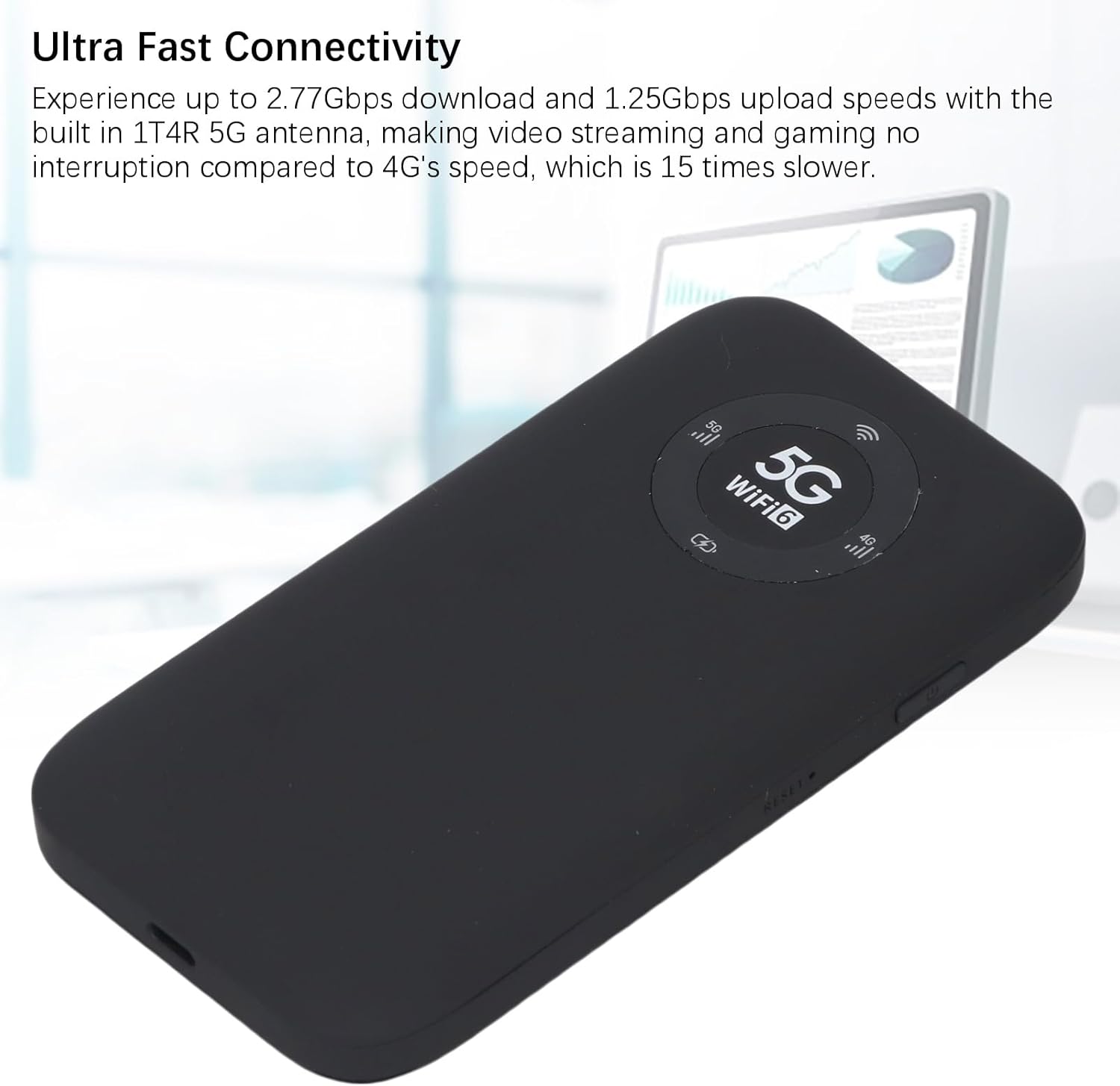
Image: The Jectse 5G Mobile Hotspot, a compact and portable device designed for high-speed 5G and WiFi 6 connectivity.
Produk Selesaiview
Ciri-ciri Utama
- Ultra-Fast 5G Connectivity: Supports up to 2.77Gbps download and 1.25Gbps upload speeds with a built-in 1T4R 5G antenna.
- Extensive Network Band Support: Compatible with multiple 5G NR bands (FDD: N1, N3, N28; TDD: N41, N78) and 4G bands (TDD LTE: B34, 38, 39, 40, 41; FDD LTE: B1, B3, B5, B8), and 3G band B1.
- WiFi Dwi-Jalur 6: Offers 2.4GHz and 5.8GHz WiFi connectivity (802.11 a/b/g/n/ac/ax protocols) for up to 16 devices simultaneously.
- Bateri Tahan Lama: Equipped with a 7100mAh Li-Ion battery for extended use.
- Reka Bentuk Teguh: Features an IP67 rating, making it drop-proof, dust-proof, and rain-proof.
- Paparan LED Mesra Pengguna: Provides information on data usage, signal strength, WiFi credentials, and device settings.
- Slot Kad SIM: Supports SIM card compatibility for ease of setup (SIM card not included).
Kandungan Pakej
Pakej produk termasuk:
- 1 x Jectse 5G Mobile Hotspot
- 1 x Kabel USB (Jenis-C)
- 1 x Manual Pengguna (dokumen ini)
- 1 x SIM Card Eject Pin

Image: The Jectse 5G Mobile Hotspot device shown alongside its included USB-C charging cable and a SIM card eject pin.
Panduan Persediaan
1. Pemasangan Kad SIM
- Pastikan peranti dimatikan.
- Locate the SIM card slot on the side of the hotspot.
- Insert the provided SIM eject pin into the small hole next to the SIM card tray. Press gently until the tray pops out.
- Place your activated Nano-SIM card into the tray with the gold contacts facing down and the notched corner aligned correctly.
- Tolak dulang kad SIM kembali ke dalam slot dengan berhati-hati sehingga ia berbunyi klik di tempatnya.
2. Mengecas Peranti
- Connect the USB-C cable to the charging port on the hotspot.
- Sambungkan hujung kabel USB yang satu lagi ke penyesuai kuasa USB yang serasi (tidak disertakan) atau port USB komputer.
- The LED indicator on the device will show charging status. A full charge is recommended before first use.
3. Menghidupkan/Mematikan
- Untuk Menghidupkan: Press and hold the Power button (usually located on the side) for a few seconds until the screen or LED indicators light up.
- Untuk Mematikan: Press and hold the Power button until the device prompts you to power off or the indicators turn off.
Arahan Operasi
1. Connecting Devices to the Hotspot
- Ensure the Jectse 5G Mobile Hotspot is powered on.
- On your WiFi-enabled device (smartphone, laptop, tablet), open the WiFi settings.
- Scan for available WiFi networks.
- Select the network name (SSID) displayed on your hotspot's screen or indicated in the manual.
- Enter the WiFi password (Key) displayed on the hotspot's screen or in the manual.
- Once connected, your device will have internet access through the hotspot. Up to 16 devices can be connected simultaneously.

Image: The Jectse 5G Mobile Hotspot showing its display with 5G and WiFi 6 indicators, ready for device connection.
2. Memahami Penunjuk LED
The device features an LED light display that provides essential information:
- Kekuatan Isyarat: Indicates the strength of the 5G/4G cellular signal.
- Tahap Bateri: Shows the current battery charge status.
- Status WiFi: Confirms if WiFi is active and broadcasting.
- Penggunaan Data: May display current data consumption (check device interface for details).
- Jenis Rangkaian: Indicates whether the device is connected to a 5G or 4G network.
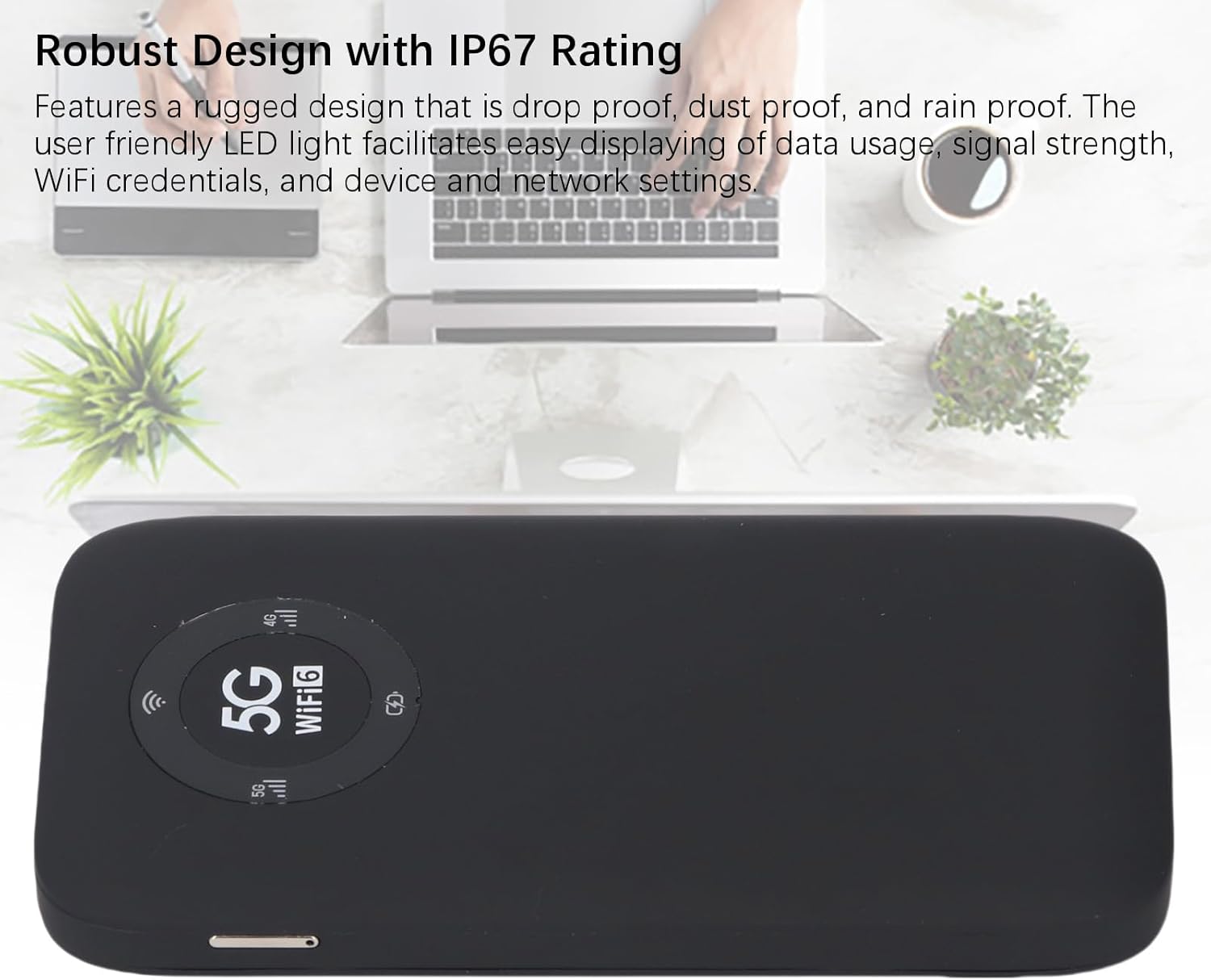
Image: A close-up of the Jectse 5G Mobile Hotspot's LED display, highlighting the 5G and WiFi 6 indicators, along with signal and battery icons.
3. Mengakses Web Management Interface (if applicable)
For advanced settings and configuration, you may access the device's web antara muka pengurusan:
- Connect your computer or smartphone to the hotspot's WiFi network.
- Buka a web browser and enter the default IP address (e.g., 192.168.0.1 or 192.168.1.1). This address is usually found on a sticker inside the SIM card slot or in the quick start guide.
- Enter the default username and password (also typically found on the device sticker or in documentation).
- daripada web interface, you can manage WiFi settings, change passwords, view connected devices, and monitor data usage.
Penyelenggaraan
Penjagaan Bateri
- Elakkan mendedahkan peranti kepada suhu yang melampau (di bawah 0°C atau melebihi 45°C).
- Jangan biarkan peranti dalam keadaan nyahcas sepenuhnya untuk tempoh yang lama.
- Untuk penyimpanan jangka panjang, cas bateri kepada kira-kira 50-70%.
- Gunakan hanya kabel USB yang disediakan untuk mengecas.
Pembersihan
- Wipe the device with a soft, dry, lint-free cloth.
- Jangan gunakan pembersih cecair, aerosol atau pelarut.
- Pastikan semua port bebas daripada habuk dan serpihan.
Menyelesaikan masalah
| Masalah | Kemungkinan Punca | Penyelesaian |
|---|---|---|
| Tiada Sambungan Internet |
|
|
| Tidak Dapat Menyambung ke WiFi |
|
|
| Peranti Tidak Dihidupkan |
|
|
Spesifikasi
| Ciri | Perincian |
|---|---|
| Nombor Model | Jectses1yn2px9gw-11 |
| Dimensi | Approx. 136x72x16mm (5.35x2.83x0.63in) |
| Berat badan | 10.6 auns |
| Bateri | 7100mAh Li-Ion Battery (Built-in) |
| Ingatan | LPDDR4X 4GB RAM, NAND 2GB ROM |
| Port Pengecasan | USB-C |
| Jenis Kad SIM | Nano-SIM (Not Included) |
| Rangkaian Selular | 3GPP Rel.15, 5G NR (SA/NSA, Sub 6G), LTE Category 18 |
| Jalur 5G NR | FDD: N1, N3, N28; TDD: N41, N78 |
| Jalur 4G | FDD: B1, B3, B5, B8; TDD: B34, B38, B39, B40, B41 |
| Jalur 3G | B1 |
| Jalur WiFi | WiFi6 2.4GHz, 5.8GHz |
| Protokol WiFi | 802.11 a, b, g, n, ac, ax |
| Max WiFi Connections | Up to 16 Devices Simultaneously |
| NR Download Rate | 2.77Gbps (DL) |
| NR Upload Rate | 1.25Gbps (UL) |
| Penarafan IP | IP67 (Drop-proof, Dust-proof, Rain-proof) |
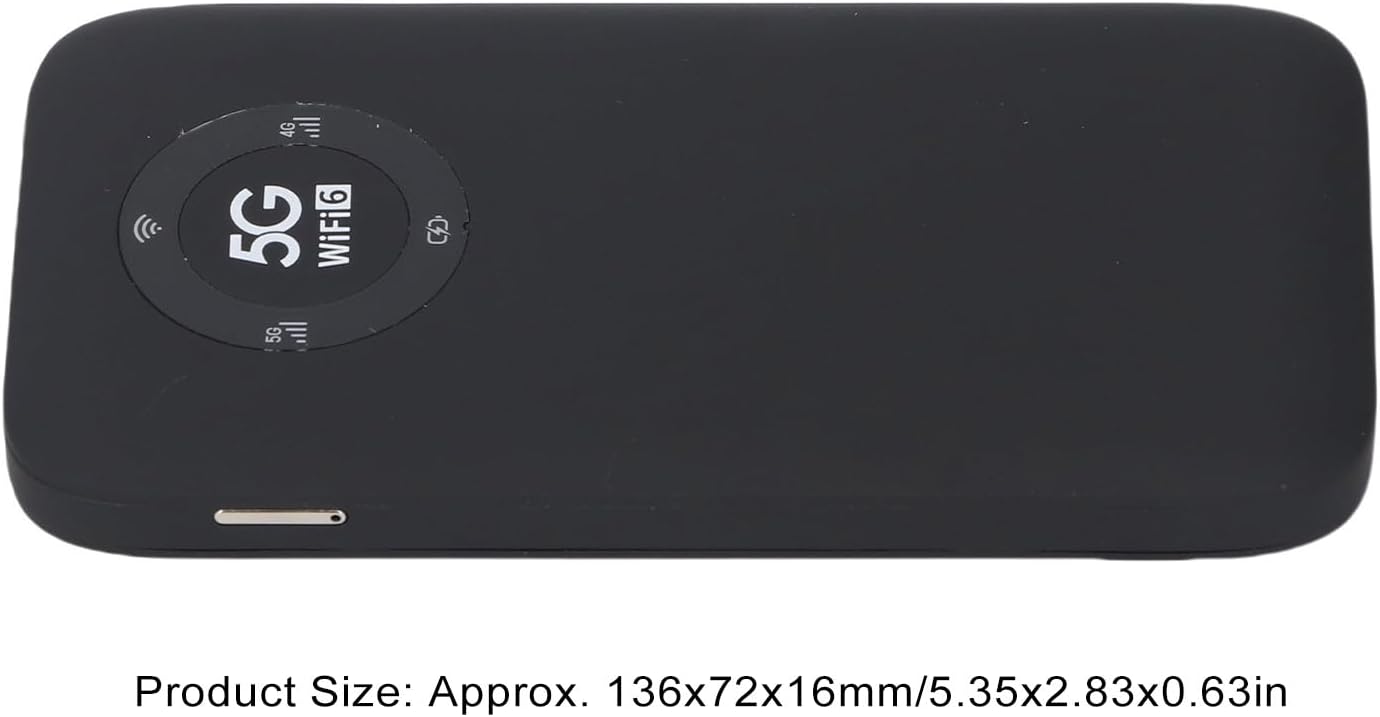
Image: The Jectse 5G Mobile Hotspot, illustrating its compact size with approximate dimensions of 136x72x16mm.
Nota Penting
- Sebelum pembelianasing, ensure that your local network signal frequency band and the SIM card frequency band are compatible with the supported frequency bands of this product.
- This product does not support use in South America, Japan, and South Korea regions.
Waranti dan Sokongan
For warranty information and technical support, please refer to the documentation provided with your purchase or contact Jectse customer service through their official channels. Specific warranty terms may vary by region and retailer.
Anda boleh melawat Jectse Store on Amazon untuk maklumat lanjut atau menghubungi sokongan.