
pengenalan
The SmailWolf RS8 is an ultra-light gaming mouse designed for high performance and versatility. It features a 1000Hz polling rate, multiple connectivity options (Bluetooth, 2.4GHz wireless, and wired USB), and customizable RGB lighting. This manual provides instructions for setup, operation, maintenance, and troubleshooting.
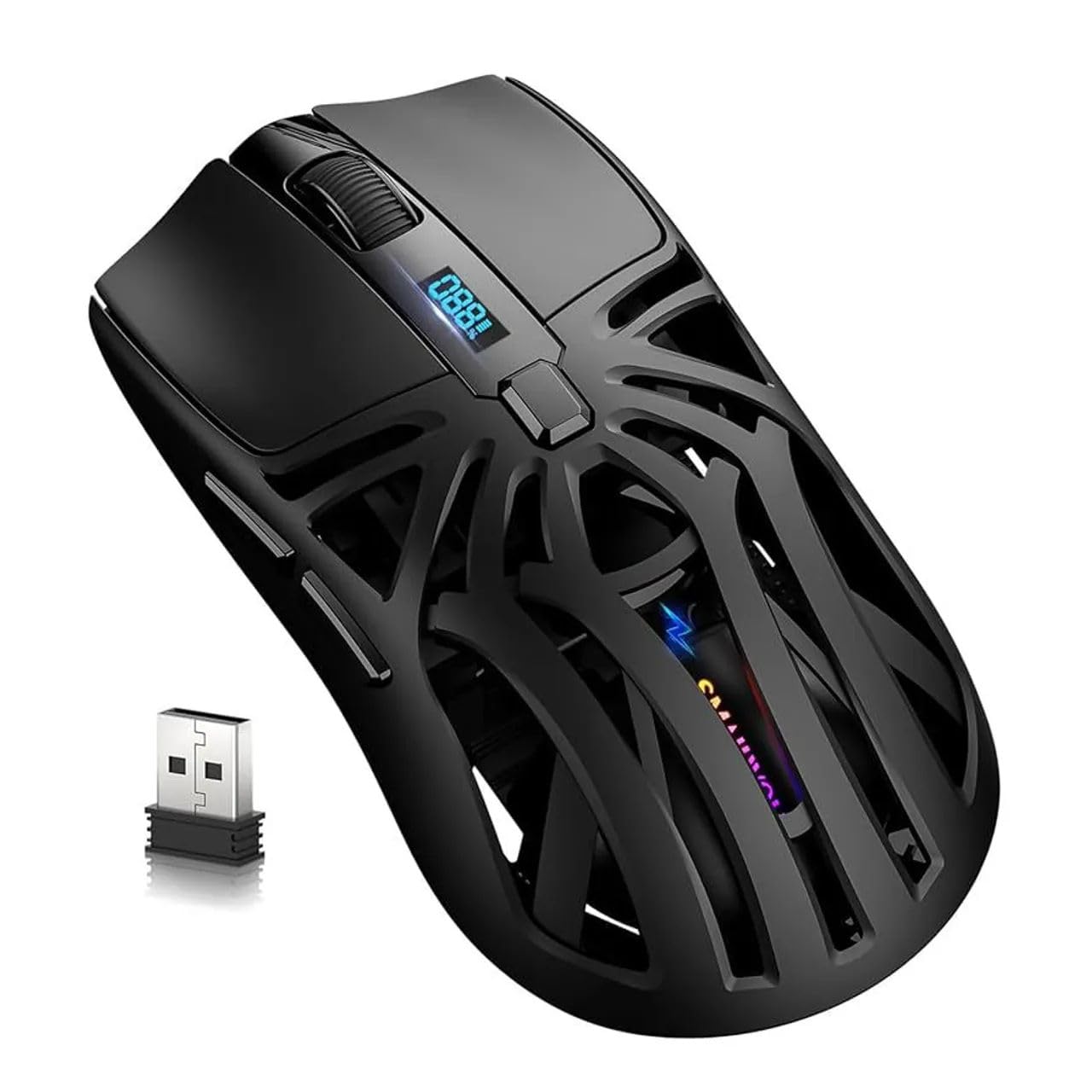
Imej: Atas view of the SmailWolf RS8 gaming mouse, highlighting its ergonomic design and central digital display.
Persediaan
Kandungan Pakej
Ensure the following items are included in your package: SmailWolf RS8 Gaming Mouse, USB Receiver, USB Charging Cable.
Mengecas Tetikus
Connect the USB charging cable to the mouse's charging port and to a USB power source. The digital display will indicate the battery level.
Pilihan Kesambungan
The SmailWolf RS8 supports three connection modes: 2.4GHz wireless, Bluetooth, and wired USB.

Image: Underside of the SmailWolf RS8 mouse, showing the mode switches and the compartment for the USB receiver.
Sambungan Tanpa Wayar 2.4GHz
- Locate the USB receiver stored in the compartment on the underside of the mouse.
- Palamkan penerima USB ke dalam port USB yang tersedia pada komputer anda.
- Switch the mode selector on the bottom of the mouse to the 2.4G position.
- Tetikus harus bersambung secara automatik ke komputer anda.
Sambungan Bluetooth
- Switch the mode selector on the bottom of the mouse to the Bluetooth position.
- Pada komputer anda, pergi ke tetapan Bluetooth dan cari peranti baharu.
- Select "SmailWolf RS8" from the list of available devices to pair.
- The mouse should connect and be ready for use.
Sambungan USB Berwayar
- Connect the USB charging cable to the mouse and to a USB port on your computer.
- Tetikus akan berfungsi sebagai tetikus berwayar dan juga akan dicas secara serentak.
Arahan Operasi
Pelarasan DPI
The SmailWolf RS8 features six-speed DPI adjustment, with a maximum sensitivity of 12000 DPI. Use the dedicated DPI button (usually located behind the scroll wheel) to cycle through the preset DPI levels (e.g., 1200, 1600, 3200, 6400, 10000, 12000). The digital display may show the current DPI setting.
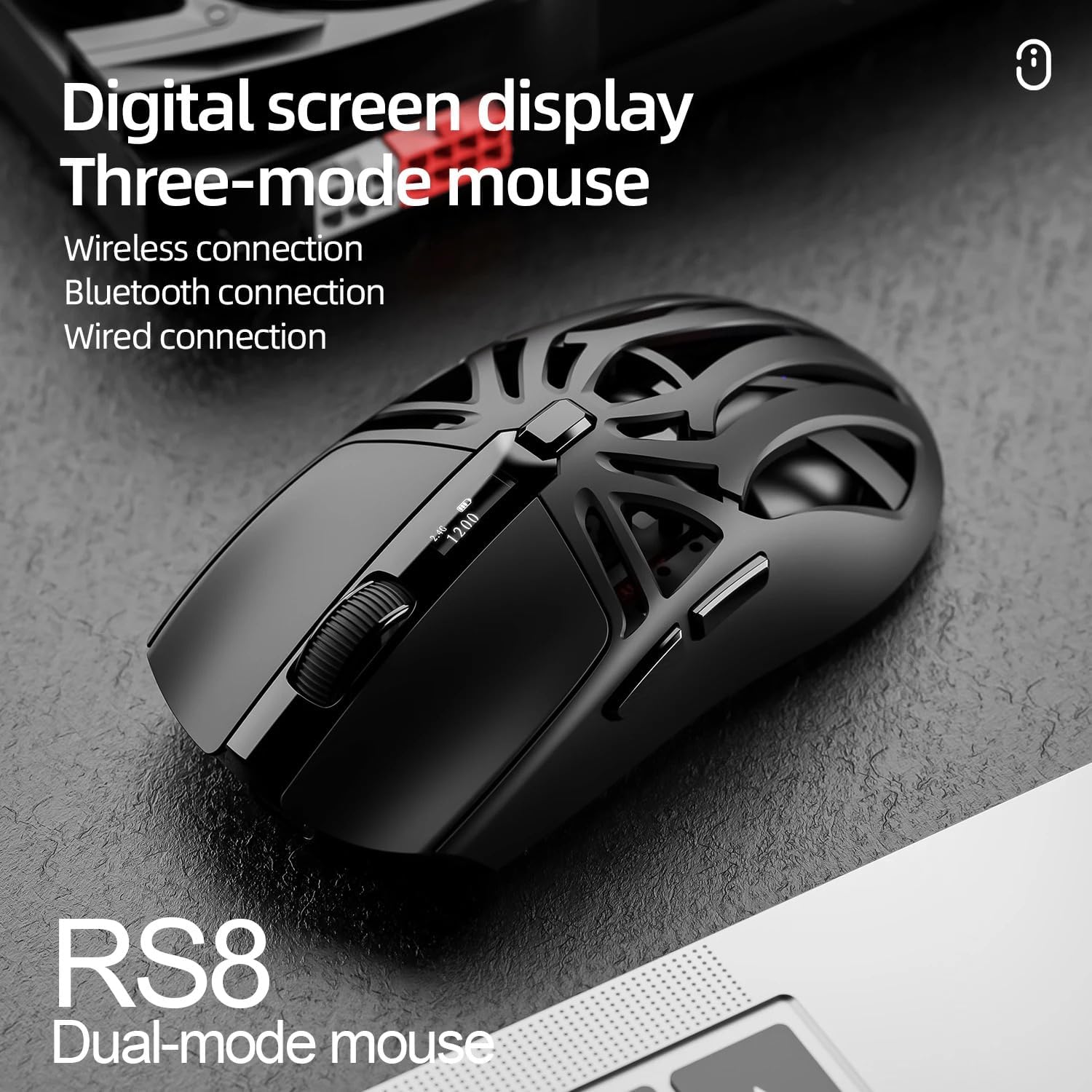
Image: SmailWolf RS8 mouse displaying DPI settings on its digital screen.
RGB Lighting Configuration
The mouse features customizable RGB lighting with 16.8 million colors. Specific buttons or software (if available) can be used to change lighting modes and colors. Refer to the manufacturer's website for any available software.

Image: Detail of the SmailWolf RS8 mouse showcasing its RGB lighting effect.
Fungsi Butang
The mouse has 6 programmable buttons. Default functions include:
- Klik Kiri
- Klik Kanan
- Scroll Wheel (Click and Scroll)
- Butang Kitaran DPI
- Forward Button (Side)
- Back Button (Side)
For advanced customization, check if dedicated software is available from the manufacturer.
Penyelenggaraan
Pembersihan
Untuk membersihkan tetikus, gunakan kain lembut dan kering. Untuk kotoran degil, sedikit dampLap kain dengan air atau larutan pembersih yang lembut. Elakkan menggunakan bahan kimia yang keras atau bahan yang melelas.
Penjagaan Bateri
To prolong battery life, avoid fully discharging the mouse frequently. Charge the mouse when the battery indicator is low. If storing the mouse for an extended period, charge it to approximately 50% and store in a cool, dry place.
Menyelesaikan masalah
Tetikus Tidak Membalas
- Pastikan tetikus dicas.
- Check the connection mode (2.4GHz, Bluetooth, or wired).
- Untuk 2.4GHz, pastikan penerima USB dipasang dengan selamat. Cuba port USB yang lain.
- For Bluetooth, ensure Bluetooth is enabled on your computer and the mouse is paired correctly. Try re-pairing.
- For wired, ensure the USB cable is securely connected.
- Mulakan semula komputer anda.
Sambungan Terputus-putus
- Gerakkan tetikus lebih dekat dengan penerima USB atau peranti Bluetooth.
- Elakkan gangguan daripada peranti wayarles lain.
- Ensure the mouse battery is not low.
DPI Tidak Berubah
- Press the DPI button firmly.
- Ensure the mouse is powered on and connected.
Spesifikasi
- model: SmailWolf RS8
- Ketersambungan: Bluetooth, 2.4GHz Wireless, USB Wired (Tri-mode)
- Kepekaan DPI: Up to 12000 DPI (6 adjustable levels)
- Kadar Pengundian: 1000 Hz
- Butang: 6
- Berat: 49 Grams (Ultra-light)
- Dimensi (L x W): 12 cm x 6.5 cm
- Pencahayaan: RGB (16.8 juta warna)
- Keserasian Sistem Pengendalian: Windows (Windows 10 minimum)
- Penggunaan yang Disyorkan: Permainan
- Bahan: plastik
- warna: Hitam
- Sumber Kuasa: Built-in rechargeable battery (charged via USB)
- Sensor Optik: ya
- Orientasi: tangan kanan
- Negara Asal: Brazil
Waranti dan Sokongan
This product is manufactured by HYPEDFLOW. For warranty information or technical support, please refer to the retailer or manufacturer's official website. The product description indicates that specific warranty details may be provided by the seller or local regulations.
Pengeluar: HYPEDFLOW