
pengenalan
This manual provides detailed instructions for the installation, operation, and maintenance of your TONGVEO 4K AI PTZ Camera. This camera is designed for professional video applications, offering 4K resolution, 20X optical zoom, and advanced AI auto-tracking capabilities. Please read this manual thoroughly before using the product to ensure proper and safe operation.
Maklumat Keselamatan
- Pastikan kamera dipasang di lokasi yang stabil untuk mengelakkan terjatuh.
- Gunakan hanya penyesuai kuasa yang dibekalkan bersama kamera.
- Do not expose the camera to moisture or extreme temperatures.
- Avoid direct exposure of the lens to strong light sources to prevent damage.
- Jangan cuba membuka atau mengubah suai kamera. Rujuk semua servis kepada kakitangan yang berkelayakan.
Kandungan Pakej
Sila semak kandungan pakej semasa membuka kotak. Jika ada item yang hilang atau rosak, hubungi sokongan pelanggan.
- TONGVEO 4K AI PTZ Camera
- Penyesuai Kuasa
- Alat Kawalan Jauh
- Wall Mount Bracket (includes)
- Kabel USB
- Manual Pengguna (dokumen ini)
Ciri-ciri Produk
4K Video & 20X Optical Zoom

The camera delivers crystal-clear 4K (3840x2160) video at 30 frames per second, combined with a powerful 20X optical zoom and 16X digital zoom for detailed image capture from a distance. The Field of View (FOV) is 63 degrees.
AI Auto-Tracking
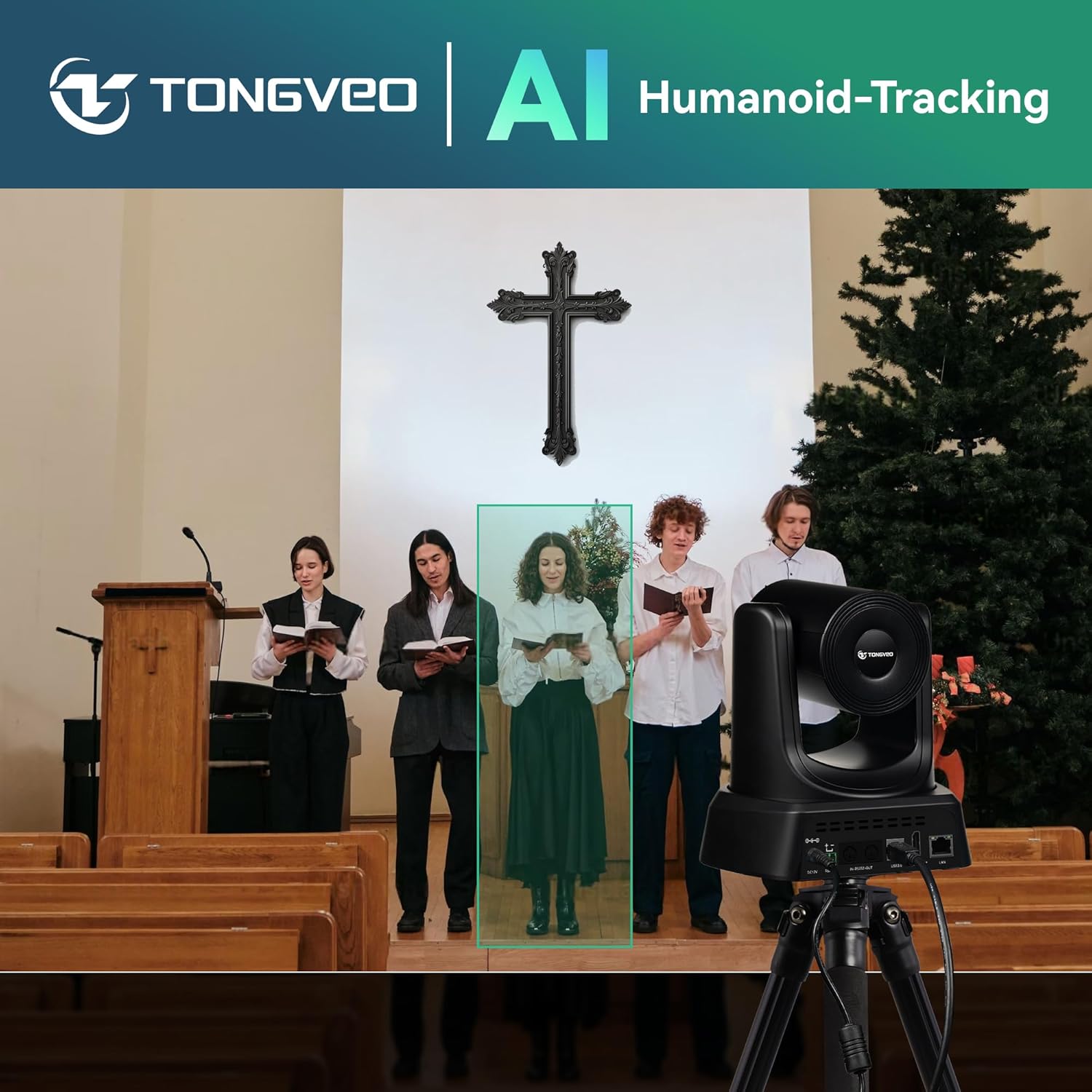
Equipped with advanced AI face and body recognition, the camera automatically tracks speakers, ensuring they remain centered in the frame for smooth and professional video output.
Ketersambungan Serbaguna

Connect the camera via HDMI, USB3.0, LAN, or Power over Ethernet (PoE). No additional drivers are required for most setups, ensuring plug-and-play functionality.
Smooth Pan/Tilt Movement

The camera offers precise and smooth pan (350°) and tilt (180°) movements, allowing for comprehensive coverage of your environment.
Persediaan
1. Pemasangan Fizikal

The camera supports multiple installation methods:
- Pemasangan Dinding: Use the included bracket to securely mount the camera to a wall.
- Lekapan Siling: An optional ceiling mount can be used for overhead installation.
- Lekapan Tripod: The camera can be placed on a standard tripod for portable or temporary setups.
Ensure the mounting surface is sturdy enough to support the camera's weight and that the camera has a clear line of sight to the desired area.
2. Menyambungkan Kamera
- Sambungan Kuasa: Connect the power adapter to the DC12V port on the camera and plug it into a power outlet.
- Output Video:
- HDMI: Connect an HDMI cable from the camera's HDMI port to a display or capture device.
- USB3.0: Connect a USB3.0 cable from the camera's USB3.0 port to a computer for video conferencing or streaming.
- LAN/PoE: Connect an Ethernet cable to the LAN port. If using Power over Ethernet (PoE), ensure your network switch or injector supports PoE to power the camera and transmit data simultaneously.
- Sambungan Kawalan (Pilihan): For advanced control, connect an RS485 cable to a compatible control system or use the LAN connection for IP control.
Once connected, the camera will power on. The status indicator light will illuminate.
Arahan Operasi
1. Kawalan Kamera Asas

The camera can be controlled using the included remote control, dedicated software, or an optional joystick controller.
- Kuali/Condongkan: Use the directional buttons on the remote or software interface to move the camera horizontally (pan) and vertically (tilt).
- Zum: Use the zoom in/out buttons to adjust the optical and digital zoom levels.
- Fokus: The camera features auto-focus. Manual focus adjustment may be available via software.
2. Penjejakan Automatik AI
To activate AI auto-tracking:
- Ensure the camera is powered on and connected.
- Press the "Tracking" button on the remote control or enable the feature through the camera's software interface.
- The camera will automatically detect and follow a person within its field of view.
- To disable tracking, press the "Tracking" button again.
3. Pengurusan Pratetap
The camera allows you to save and recall specific pan, tilt, and zoom positions as presets.
- Menetapkan Pratetap: Position the camera to the desired view. Press the "SET" button on the remote, then press a number button (e.g., 1-9) to save the preset.
- Mengimbas semula Pratetap: Press the corresponding number button (e.g., 1-9) to quickly move the camera to the saved position.
4. Keserasian Perisian
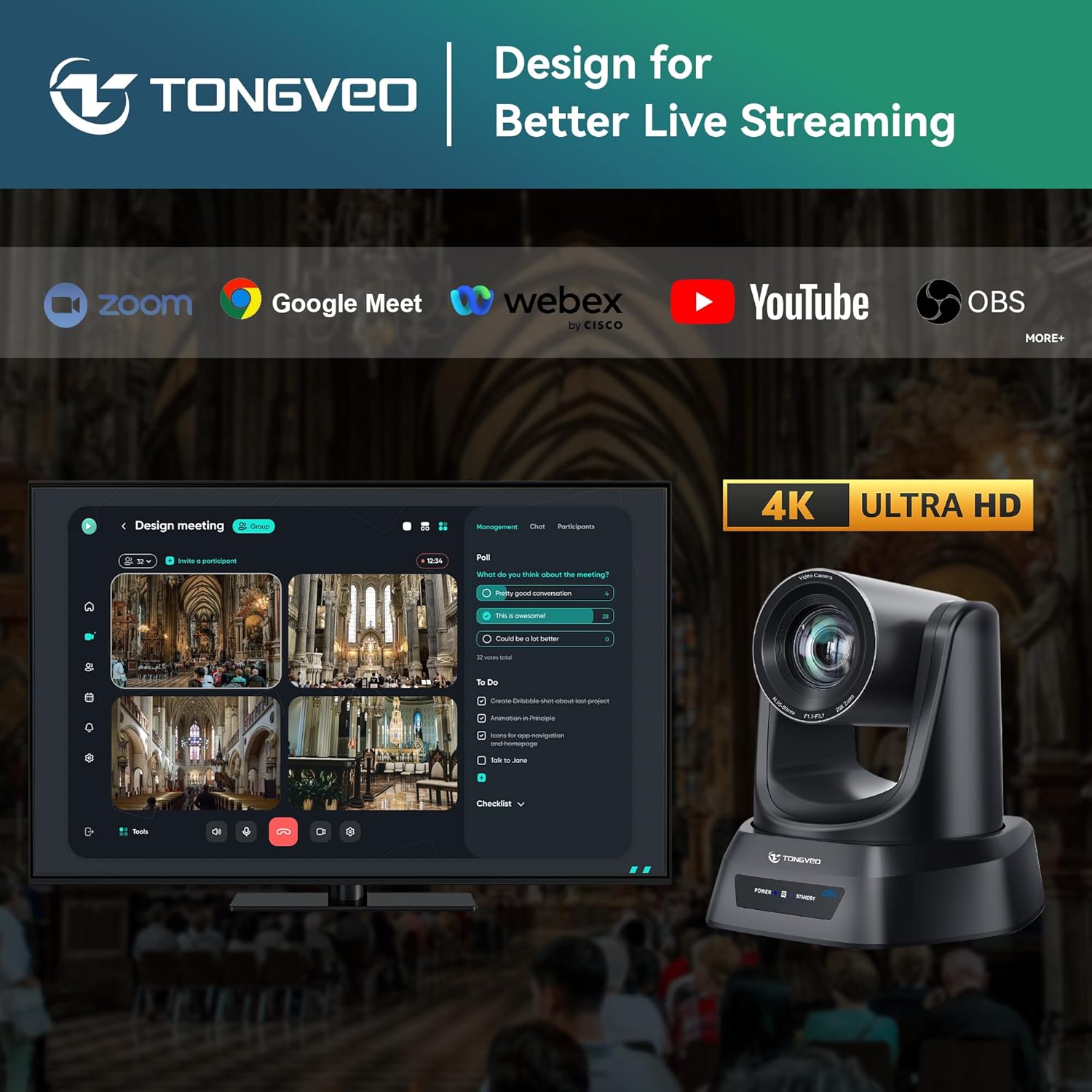
The TONGVEO 4K AI PTZ Camera is compatible with popular video conferencing and streaming platforms:
- Zoom Meetings
- Google Meet
- Webbekas oleh Cisco
- YouTube Live
- OBS Studio
- And other UVC/UAC compliant applications.
Select the TONGVEO camera as your video input device within your chosen software settings.
Penyelenggaraan
- Pembersihan: Use a soft, dry cloth to clean the camera body. For the lens, use a specialized lens cleaning cloth and solution. Do not use harsh chemicals.
- Storan: Apabila tidak digunakan untuk tempoh yang lama, simpan kamera di persekitaran yang kering dan bebas habuk.
- Kemas kini Firmware: Periodically check the TONGVEO official webtapak untuk kemas kini perisian tegar bagi memastikan prestasi optimum dan akses kepada ciri baharu.
Menyelesaikan masalah
| Masalah | Kemungkinan Punca | Penyelesaian |
|---|---|---|
| Tiada kuasa | Penyesuai kuasa tidak disambungkan atau rosak. | Check power connections. Ensure the power outlet is functional. |
| Tiada output video | Incorrect cable connection; input source not selected on display; software not recognizing camera. | Verify HDMI/USB/LAN cable connections. Select correct input on display. Ensure camera is selected as video source in software. |
| Auto-tracking not working | Feature not enabled; subject too far or obscured; poor lighting. | Ensure AI tracking is enabled. Position subject within optimal range. Improve lighting conditions. |
| Alat kawalan jauh tidak bertindak balas | Batteries low or depleted; line of sight blocked. | Replace remote control batteries. Ensure no obstructions between remote and camera. |
Spesifikasi
| Jenama | TONGVEO |
| Model | 4K/AI 20X Zoom |
| Resolusi Tangkapan Video | 4K (3840x2160) |
| Zum Optik | 20X |
| Zum Digital | 16X |
| Teknologi Penderia Foto | CMOS |
| Panjang Fokus Maksimum | 109.98 Milimeter |
| Apertur Maksimum | 3.5 Milimeter |
| Teknologi Ketersambungan | Ethernet, HDMI, USB3.0 |
| Format Tangkapan Video | MP4 |
| Format Audio yang Disokong | AAC, MP3, PCM |
Waranti dan Sokongan
TONGVEO provides professional and efficient after-sales support for this product. For warranty information, technical assistance, or service inquiries, please refer to the contact information provided on the official TONGVEO webtapak atau dokumentasi pembelian anda.
Untuk bantuan lanjut, lawati TONGVEO Store on Amazon.