
1. Pengenalan
Terima kasih kerana membeliasing the WSTER WS-1965 Bluetooth Replica Speaker. This portable speaker combines a unique retro rocket car design with modern audio technology, offering HD sound, TWS pairing, LED party lights, FM radio, USB/TF card playback, and a built-in microphone for hands-free calls. Please read this manual carefully to ensure proper operation and to fully enjoy the features of your new speaker.
2. Kandungan Pakej
- WSTER WS-1965 Bluetooth Replica Speaker
- Kabel Kuasa
- Panduan Mula Pantas
3. Produk Lebihview
The WS-1965 speaker is designed to resemble a classic rocket car, featuring detailed aesthetics and integrated controls. Below is an overview of its key components and dimensions.

Rajah 3.1: Depan view of the WSTER WS-1965 Bluetooth Replica Speaker.

Figure 3.2: Dimensions of the WSTER WS-1965 Bluetooth Replica Speaker. The speaker measures approximately 10.75 inches (27.3 cm) in length, 4.17 inches (10.6 cm) in width, and 3.15 inches (8 cm) in height.
Kawalan dan Pelabuhan:
- Butang Kuasa: Typically located on the device, used for turning the speaker on/off and mode switching.
- Butang Main/Jeda: Controls music playback and call answering/ending.
- Butang Naik Kelantangan/Trek Seterusnya: Tekan sebentar untuk trek seterusnya, tekan lama untuk meningkatkan kelantangan.
- Kelantangan Turun/Butang Trek Sebelumnya: Tekan sebentar untuk trek sebelumnya, tekan lama untuk menurunkan kelantangan.
- Port USB: Untuk main balik pemacu USB.
- Slot Kad TF: Untuk main balik kad TF (MicroSD).
- Input AUX: Untuk sambungan audio berwayar.
- Port Pengecasan: For connecting the power cable to charge the device.
4. Persediaan
4.1 Mengecas Speaker
Before first use, fully charge the speaker. Connect the provided power cable to the charging port on the speaker and the other end to a compatible USB power adapter (not included). The charging indicator will show the charging status and turn off or change color once fully charged.
4.2 Hidupkan/Mati Kuasa
- Untuk Menghidupkan: Press and hold the Power button for a few seconds until you hear an audible prompt or see the display light up.
- Untuk Mematikan: Press and hold the Power button again for a few seconds until you hear an audible prompt or the display turns off.
5. Arahan Operasi
5.1 Berpasangan Bluetooth
Untuk menyambungkan pembesar suara anda ke peranti yang didayakan Bluetooth:
- Ensure the speaker is powered on and in Bluetooth mode. If not, briefly press the Power/Mode button to switch to Bluetooth mode (indicated by "BLUE" on the display).
- Pada peranti mudah alih anda, dayakan Bluetooth dan cari peranti yang tersedia.
- Pilih "WS-1965" daripada senarai peranti.
- Once connected, you will hear an audible confirmation, and the display will show "BLUE" or a similar indicator.
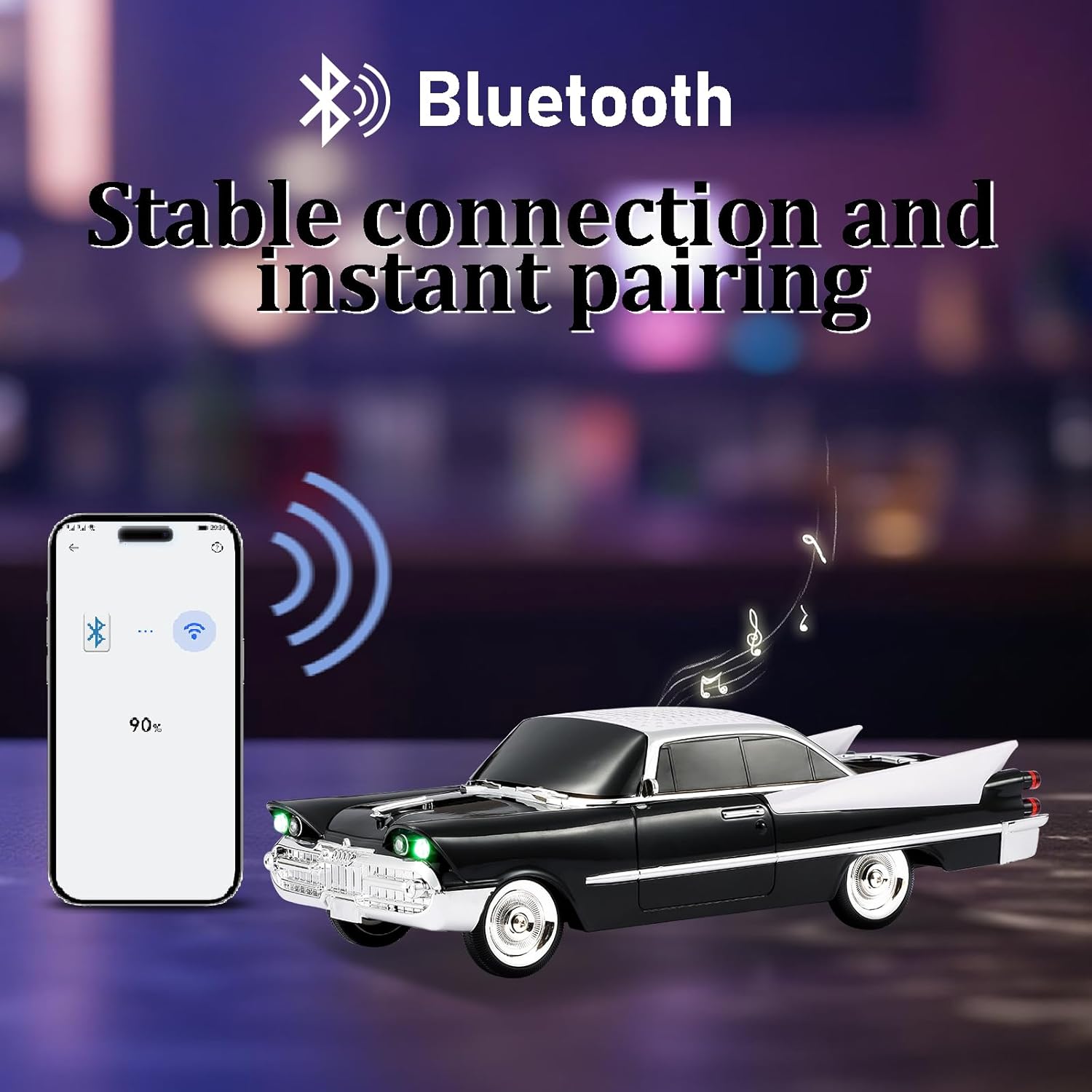
Figure 5.1: Bluetooth connection process.
5.2 TWS (Stereo Wayarles Sejati) Berpasangan
To pair two WS-1965 speakers for a stereo sound experience:
- Ensure both WS-1965 speakers are powered on and in Bluetooth mode, but not connected to any other device.
- On one of the speakers (this will be the primary speaker), double-click the Play/Pause button. You will hear a "beep" sound.
- Kedua-dua pembesar suara akan mencari dan berpasangan secara automatik antara satu sama lain. Sebaik sahaja berpasangan, anda akan mendengar bunyi pengesahan.
- Sekarang, sambungkan peranti mudah alih anda ke pembesar suara utama melalui Bluetooth seperti yang diterangkan dalam bahagian 5.1. Kedua-dua pembesar suara akan memainkan audio dalam stereo.
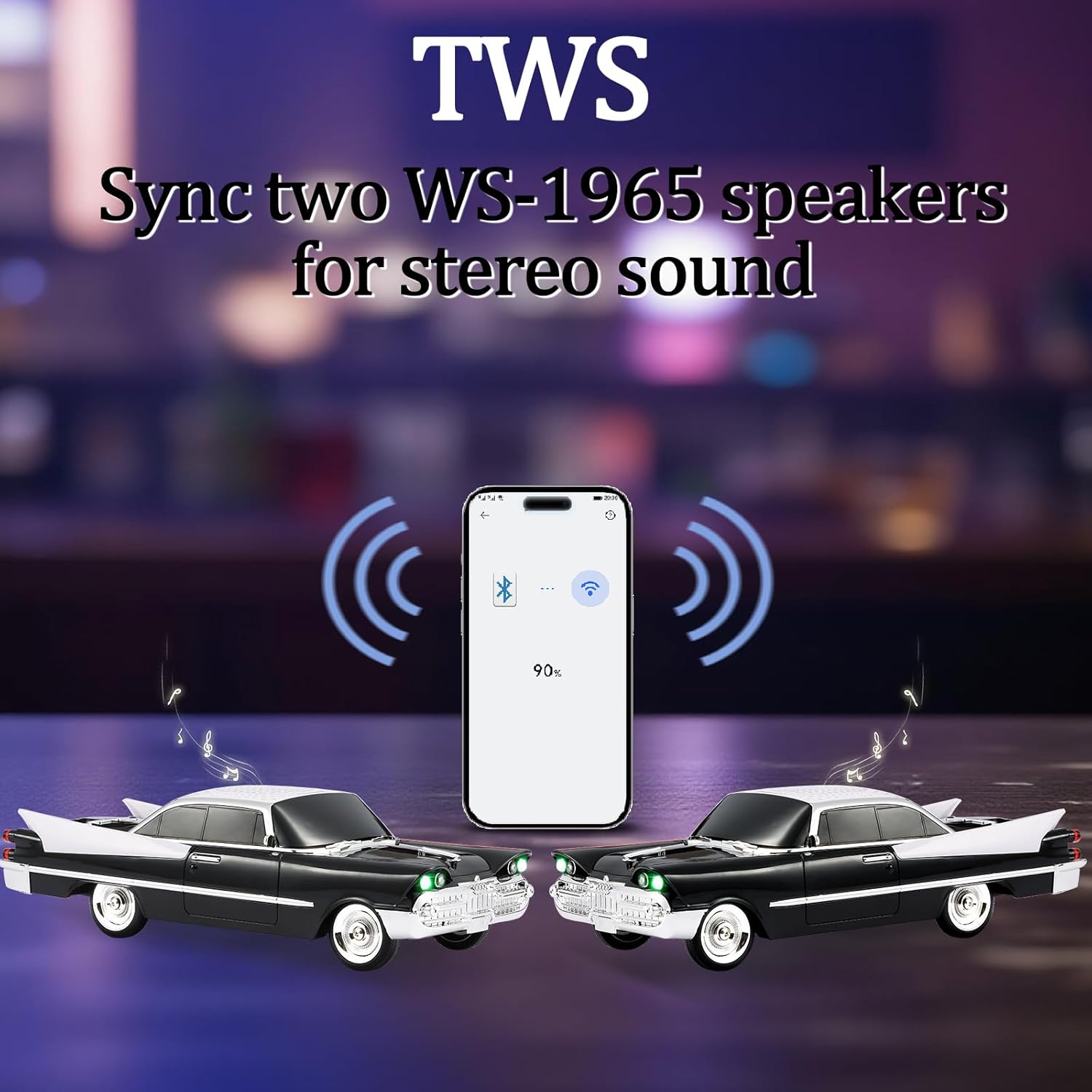
Figure 5.2: TWS pairing of two WS-1965 speakers.
Mod Radio 5.3 FM
Untuk menggunakan fungsi radio FM:
- Briefly press the Power/Mode button repeatedly until the speaker enters FM Radio mode (indicated by "FM" on the display).
- To automatically search and save available stations, press and hold the Play/Pause button. The speaker will scan and store stations.
- Once scanning is complete, use the Previous Track and Next Track buttons to navigate through the saved stations.
5.4 Main Semula Kad USB/TF
To play music from a USB drive or TF (MicroSD) card:
- Insert a USB drive into the USB port or a TF card into the TF card slot.
- The speaker will automatically switch to USB or TF card playback mode and begin playing music.
- Gunakan butang Main/Jeda, Trek Sebelumnya dan Trek Berikutnya untuk mengawal main balik.
5.5 Panggilan Bebas Tangan
Apabila disambungkan ke telefon anda melalui Bluetooth, pembesar suara menyokong panggilan bebas tangan:
- Jawab Panggilan: Briefly press the Play/Pause button when a call comes in.
- Tamatkan Panggilan: Briefly press the Play/Pause button during a call.
- Tolak Panggilan: Tekan dan tahan butang Main/Jeda apabila panggilan masuk.
5.6 Lampu Parti LED
The speaker features built-in LED party lights that activate automatically during playback, enhancing the audio experience with visual effects.

Figure 5.3: Speaker with active LED lights.
6. Penyelenggaraan
- Jauhkan pembesar suara daripada air, kelembapan dan suhu yang melampau.
- Bersihkan pembesar suara dengan kain lembut dan kering. Jangan gunakan pembersih atau pelarut yang melelas.
- Simpan pembesar suara di tempat yang sejuk dan kering apabila tidak digunakan untuk tempoh yang lama.
- Elakkan daripada menjatuhkan atau menundukkan pembesar suara kepada impak yang kuat.
7. Penyelesaian masalah
| Masalah | Kemungkinan Punca | Penyelesaian |
|---|---|---|
| Speaker tidak dihidupkan. | Bateri lemah atau tiada cas. | Cas pembesar suara sepenuhnya. |
| Tiada bunyi. | Volume too low; device not paired; incorrect mode. | Increase volume on speaker and connected device. Ensure proper Bluetooth pairing or switch to correct input mode (USB, TF, AUX). |
| Gandingan Bluetooth gagal. | Speaker too far from device; Bluetooth not enabled; interference. | Move devices closer. Ensure Bluetooth is on for both. Restart speaker and device. |
| Penerimaan radio FM yang lemah. | Isyarat lemah; gangguan persekitaran. | Relocate the speaker to an area with better signal. Extend any external antenna if available. |
8. Spesifikasi
| Ciri | Perincian |
|---|---|
| Nama Model | WS-1965 |
| Jenama | WSTER |
| Jenis Pembesar Suara | Pembesar suara mudah alih |
| bahan | Akrilonitril Butadiena Stirena (ABS) |
| Dimensi Produk | 10.75"D x 4.17"W x 3.15"H |
| Berat Barang | 607.6 Gram (1.34 paun) |
| Teknologi Komunikasi Tanpa Wayar | Bluetooth |
| Versi Bluetooth | 5.4 |
| Kuasa Output Maksimum Pembesar Suara | 10 Watt |
| Respons Kekerapan | 18 KHz |
| Mod Keluaran Audio | Stereo |
| Ciri Khas | Bluetooth Connection, Built-in Microphone, FM Radio, LED Light, TWS |
| Bateri | 1 Bateri Bukan Standard (termasuk) |
9. Video Produk Rasmi
Watch these official videos for visual guidance on operating your WSTER WS-1965 speaker.
WSTER WS-1965 Bluetooth Replica Speaker Overview
Video ini memberikan gambaran umumview and demonstration of the WSTER WS-1965 Bluetooth Replica Speaker, showcasing reka bentuk dan ciri-cirinya.
WSTER Speaker Instructions (Part 1)
Detailed instructions on how to operate the WSTER speaker, covering various functions and modes.
WSTER Speaker Instructions (Part 2)
Further instructional content for the WSTER speaker, demonstrating advanced features and usage scenarios.
10. Waranti dan Sokongan
For warranty information and customer support, please refer to the contact details provided in your Quick Start Guide or visit the official WSTER webtapak. Simpan resit pembelian anda sebagai bukti pembelian untuk sebarang tuntutan waranti.
Untuk sokongan tambahan, anda boleh melawati WSTER Store on Amazon.