1. Pengenalan
This manual provides detailed instructions for the ETOE Google TV Streaming Device. This device transforms any compatible TV into a smart TV, offering access to a wide range of streaming services, apps, and smart features powered by Google TV. Please read this manual thoroughly before use to ensure proper setup and operation.

Image: The ETOE Google TV Streaming Device connected to a television, showcasing its streaming capabilities.
2. Kandungan Pakej
Sahkan bahawa semua item terdapat dalam pakej anda:
- ETOE Google TV Streaming Device (T2 Stick) x1
- Alat kawalan jauh x1
- Power Cable (Micro USB) x1
- HDMI Extension Cable x1
- Manual Pengguna x1
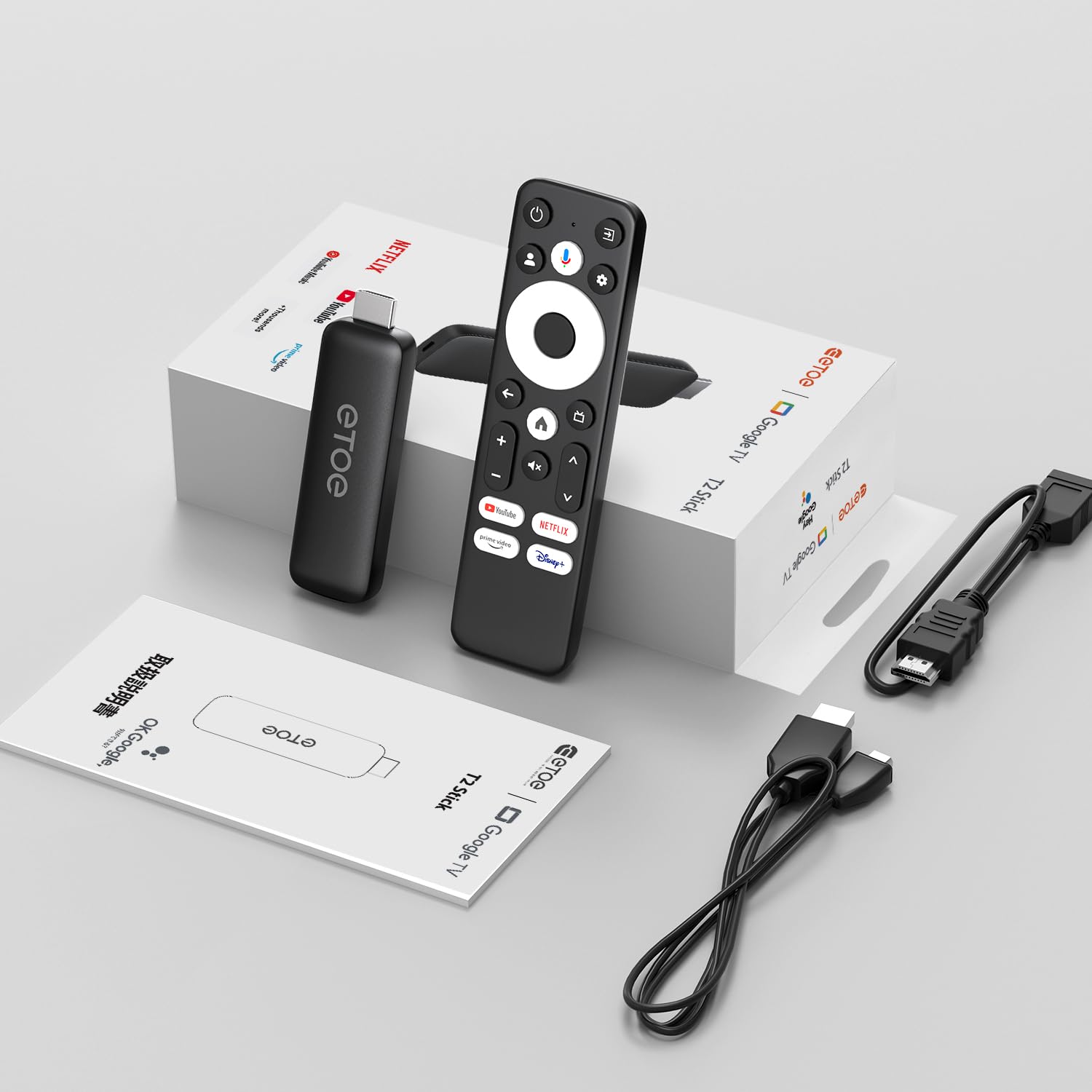
Image: All components included in the ETOE Google TV Streaming Device package.
3. Panduan Persediaan
Follow these steps to set up your ETOE Google TV Streaming Device:
3.1. Sambungkan Peranti
- Sambungan Kuasa: Connect one end of the USB cable to the TV stick and the other end to a power adapter (not included). Plug the power adapter into a nearby power outlet. Alternatively, you can connect the USB cable directly to a USB port on your TV or monitor for power.
- Sambungan HDMI: Insert the TV stick into an available HDMI port on your television. If the HDMI port is difficult to access, use the included HDMI extension cable.
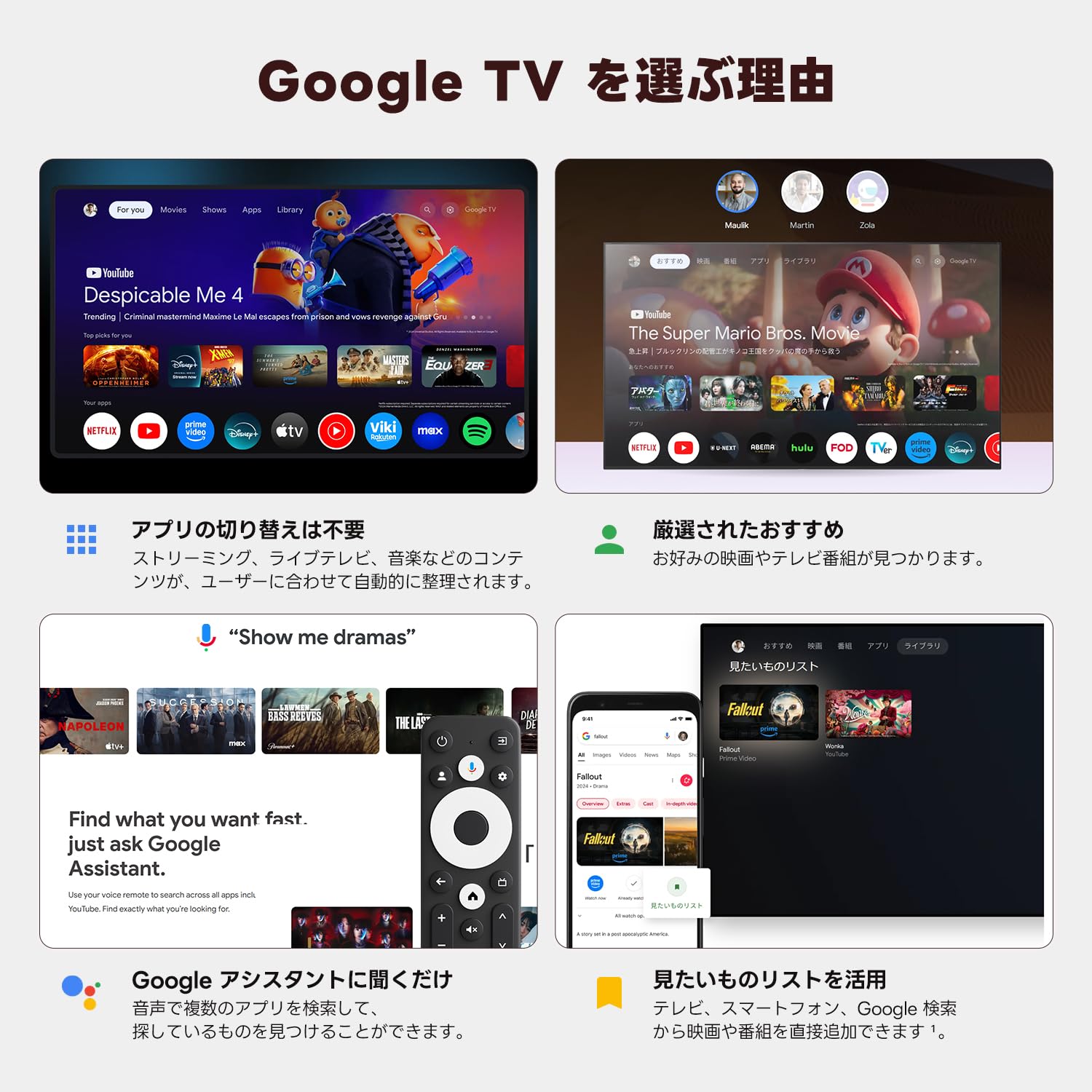
Image: Connection diagram for the ETOE Google TV Streaming Device.
3.2. Persediaan Awal dan Pemasangan Jauh
Turn on your TV and select the correct HDMI input. The device will boot up, and you will see a welcome screen. Follow the on-screen instructions to complete the initial setup, which includes pairing your remote control.
To pair the remote, press and hold the Rumah dan belakang buttons simultaneously for approximately 5 seconds, or until the LED on the remote blinks green. Keep the remote within 3 feet of the streaming device during pairing.
3.3. Video Guide: Unboxing and Setup
Video: A short demonstration of unboxing the ETOE Google TV Streaming Device and performing the initial setup steps, including remote pairing and language selection.
4. Arahan Operasi
Once set up, navigate the Google TV interface using your remote control.
4.1. Menavigasi Antara Muka
- Use the directional pad (D-pad) on the remote to move between menu items.
- Tekan ke Pusat butang untuk memilih item.
- Tekan ke belakang butang untuk kembali ke skrin sebelumnya.
- Tekan ke Rumah button to go to the Google TV home screen.
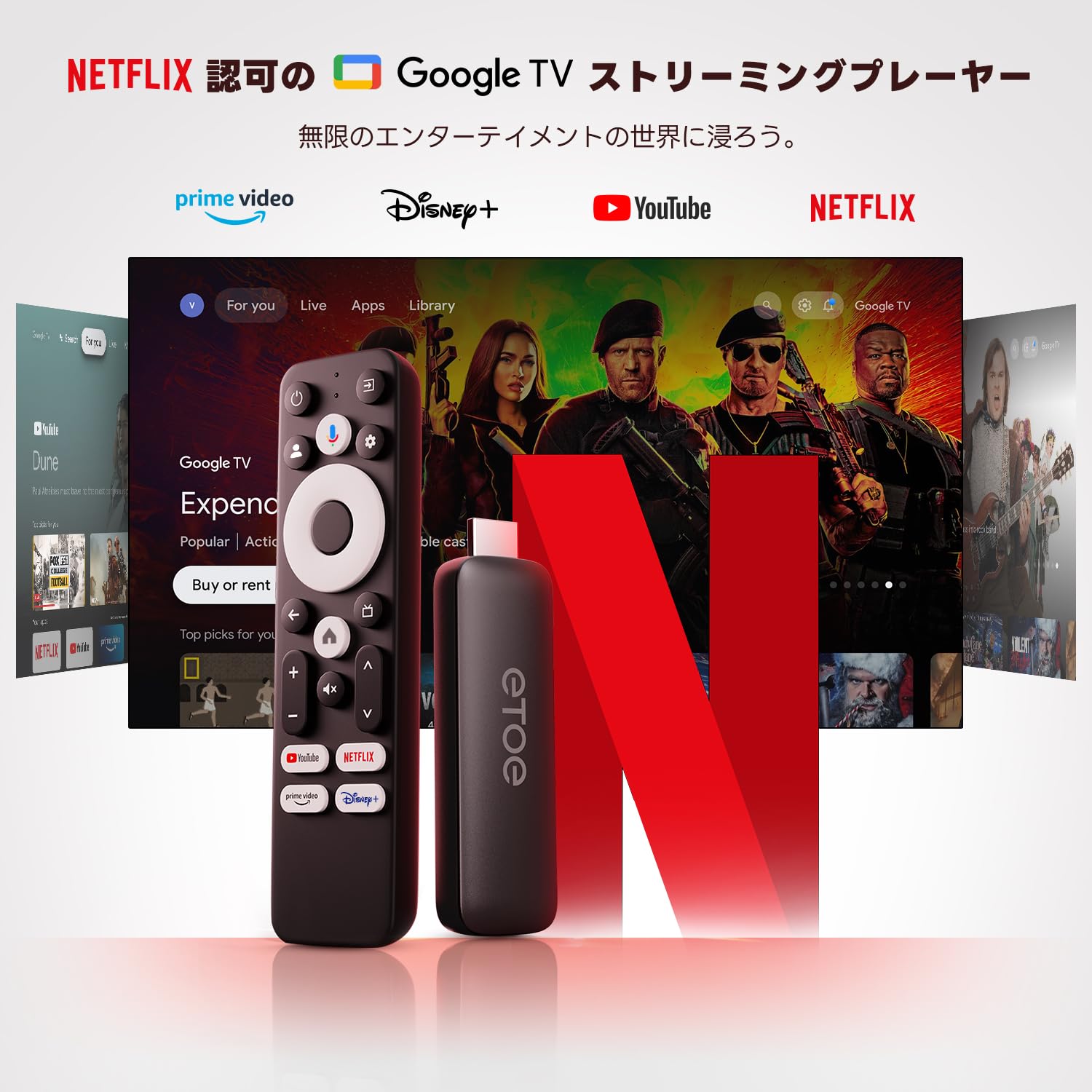
Image: The ETOE Google TV interface with the remote control.
4.2. Kawalan Suara dengan Google Assistant
The ETOE Google TV Streaming Device supports Google Assistant for hands-free control. Press the Pembantu Google button on your remote or say "OK Google" (if enabled) to activate voice commands.
- Cari untuk filem dan rancangan TV.
- Buka aplikasi.
- Control playback (play, pause, skip).
- Laraskan kelantangan.
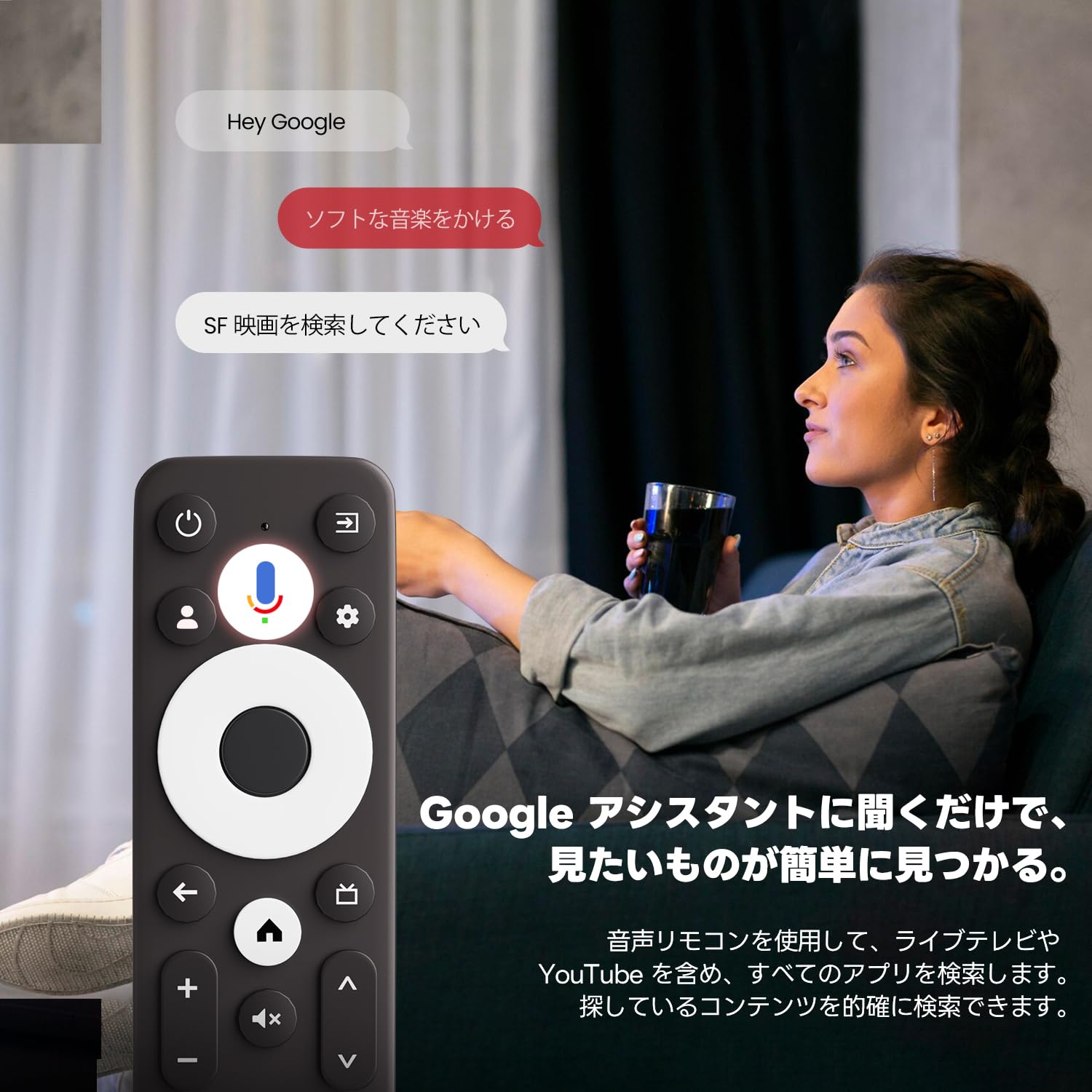
Image: Using voice commands with the ETOE Google TV remote.
4.3. Aplikasi Penstriman
Access a vast library of content from popular streaming services like Netflix, YouTube, Prime Video, Disney+, and many more. The Google TV interface organizes content from all your subscriptions, making it easy to discover new shows and movies.
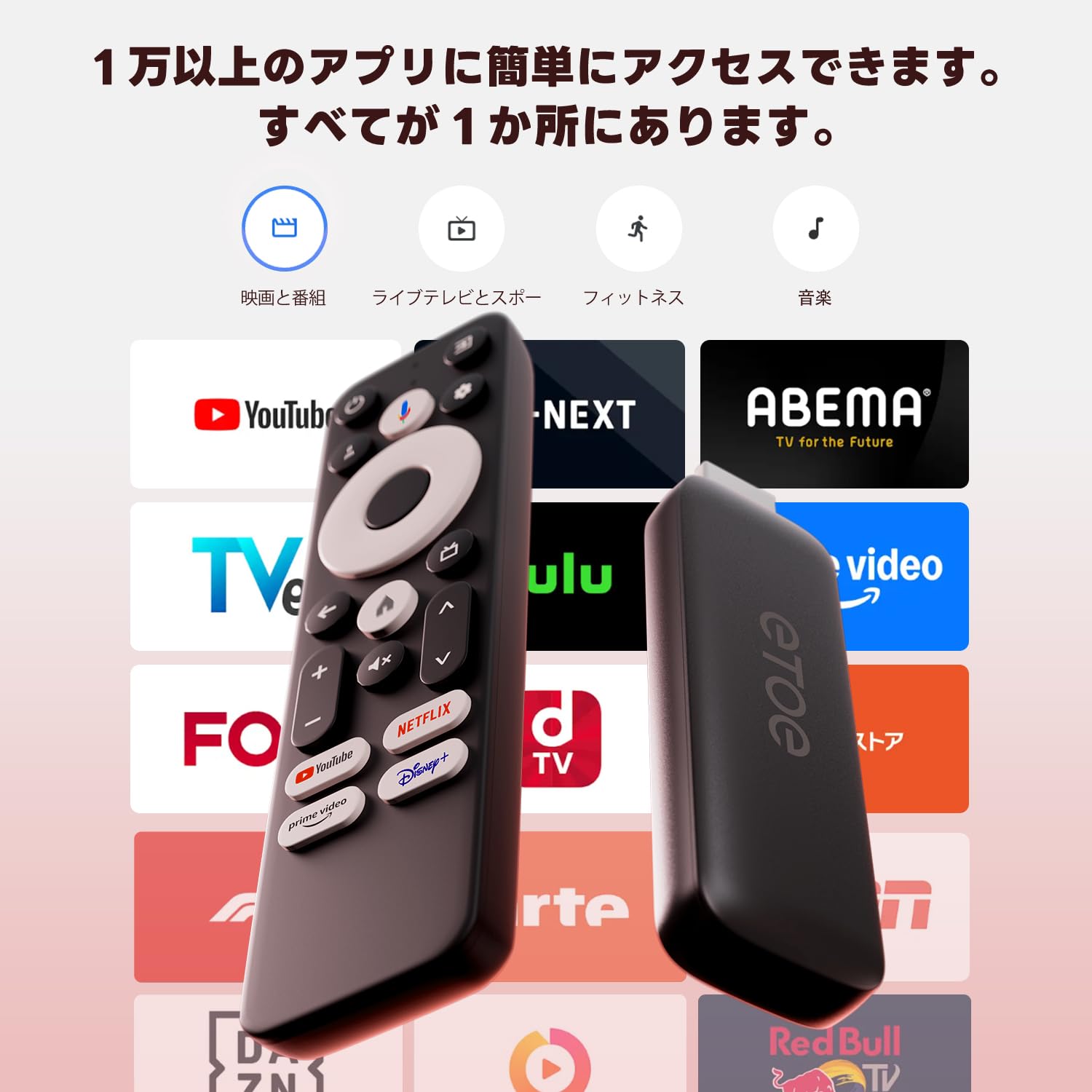
Imej: Selesaiview of popular streaming applications accessible on the device.
4.4. Google Cast / Screen Mirroring
The device supports Google Cast, allowing you to mirror content from your smartphone or tablet directly to your TV screen. This feature is ideal for sharing photos, videos, or presentations.
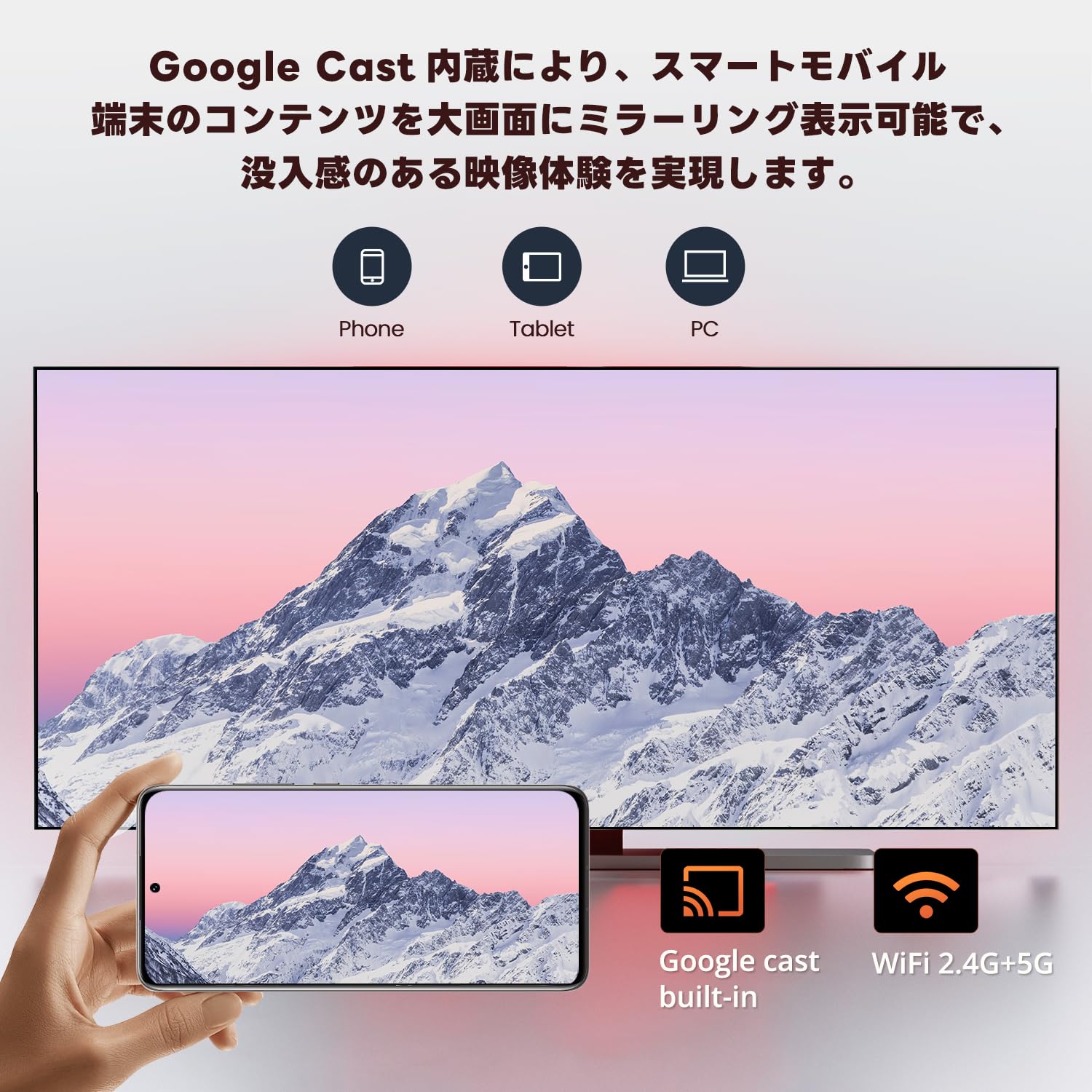
Image: Smartphone screen mirroring to a TV using Google Cast.
5. Ciri-ciri
The ETOE Google TV Streaming Device offers a range of features designed to enhance your entertainment experience:
- Official Google TV: Access over 700,000 movies and TV episodes from various streaming services.
- Full HD 1080p Output: Enjoy vivid and clear images with 1080p resolution support.
- Wi-Fi Dwi-jalur (2.4G & 5G): Ensures stable and fast wireless connectivity for smooth streaming.
- Bluetooth 5.0: Connect wireless accessories such as headphones or game controllers.
- Pembantu Google: Use voice commands for search, playback control, and more.
- Google Cast Built-in: Easily cast content from your mobile devices to your TV.
- Cadangan Peribadi: Google TV learns your preferences and suggests content tailored to you.
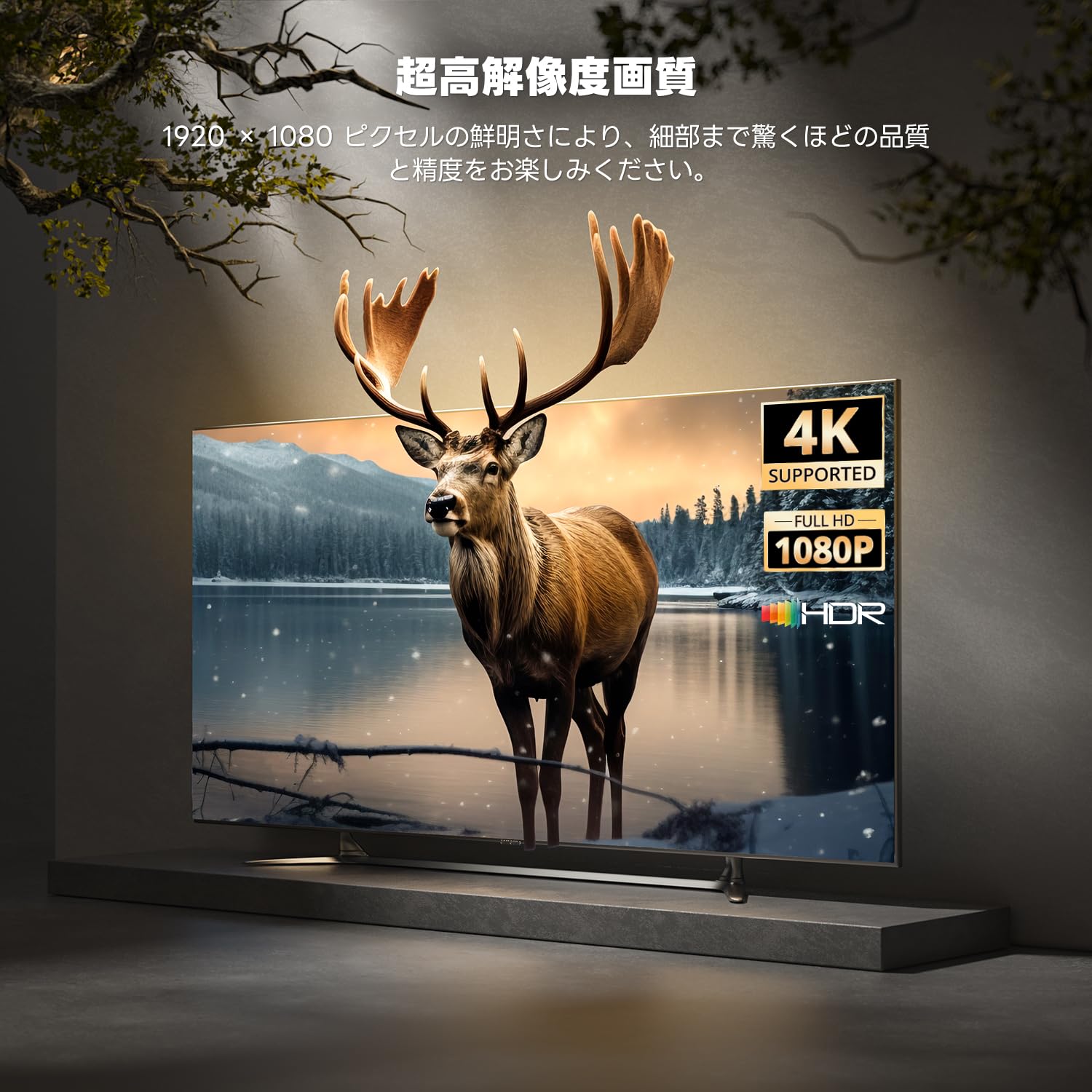
Image: High-resolution display capabilities of the device.
6. Penyelenggaraan
To ensure the longevity and optimal performance of your ETOE Google TV Streaming Device, follow these maintenance guidelines:
- Pembersihan: Gunakan kain lembut dan kering untuk membersihkan peranti. Jangan gunakan pembersih cecair atau semburan aerosol.
- Pengudaraan: Pastikan peranti diletakkan di kawasan yang mempunyai pengudaraan yang baik untuk mengelakkan pemanasan melampau. Jangan tutup peranti.
- Storan: When not in use for extended periods, disconnect the device from power and store it in a cool, dry place.
- Kemas Kini Perisian: Keep the device's software updated to the latest version for improved performance and security. Updates are typically managed automatically by Google TV.
7. Penyelesaian masalah
If you encounter issues with your ETOE Google TV Streaming Device, refer to the following common problems and solutions:
| Masalah | Penyelesaian yang Mungkin |
|---|---|
| Tiada kuasa/Peranti tidak boleh dihidupkan | Ensure the power cable is securely connected to the device and a working power outlet. Try a different power adapter or USB port. |
| Tiada isyarat di TV | Verify the HDMI cable is securely connected to both the device and the TV. Ensure your TV is set to the correct HDMI input. Try a different HDMI port or cable. |
| Jauh tidak bertindak balas | Check the remote's batteries and replace if necessary. Re-pair the remote by holding the Home and Back buttons for 5 seconds. |
| Isu sambungan Wi-Fi | Restart your Wi-Fi router. Go to the device's Wi-Fi settings and reconnect to your network. Ensure the device is within range of your router. |
| Aplikasi membeku atau ranap | Restart the application. Clear the app's cache and data in the device settings. If the problem persists, uninstall and reinstall the app. |
| Kualiti video yang teruk | Check your internet connection speed. Ensure your TV supports the resolution being streamed. Adjust video quality settings within the streaming app if available. |
8. Spesifikasi
Key technical specifications for the ETOE Google TV Streaming Device (Model D2861):
- Jenama: ETOE
- Nombor Model: D2861
- Faktor Bentuk: Batang TV
- warna: Hitam
- Teknologi Ketersambungan: Wi-Fi (2.4G & 5G), Bluetooth 5.0
- Jenis Penyambung: HDMI
- Resolusi Output Video: 1080p (1920x1080)
- Codec Video: H.264, H.265/HEVC
- Berat produk: 190 g
- Dimensi Pakej: 19.3 x 9.1 x 4.6 cm
9. Waranti dan Sokongan
ETOE provides a 12-month warranty and 30-day return policy for this product. For any initial defects or compatibility issues, please contact customer support. Japanese language support is available, and manufacturer warranty ensures comprehensive post-purchase assistance.
For further assistance, please visit the official ETOE store or contact customer support through the provided channels.
- Kedai Rasmi: ETOE Official Store on Amazon.co.jp