
1. Persediaan
1.1 Membuka kotak
Carefully unpack your HONOR Choice Watch 2i. The package should contain the following items:
- Jam Tangan Pilihan HONOR 2i
- Kabel Pengecasan
- Manual Pengguna (dokumen ini)
1.2 Mengecas Jam Tangan
Before initial use, fully charge your HONOR Choice Watch 2i. Connect the magnetic charging cable to the charging contacts on the back of the watch and plug the USB end into a power adapter (not included) or a computer's USB port. The watch features a 330mAh battery, providing up to 14 days of typical usage on a single charge.
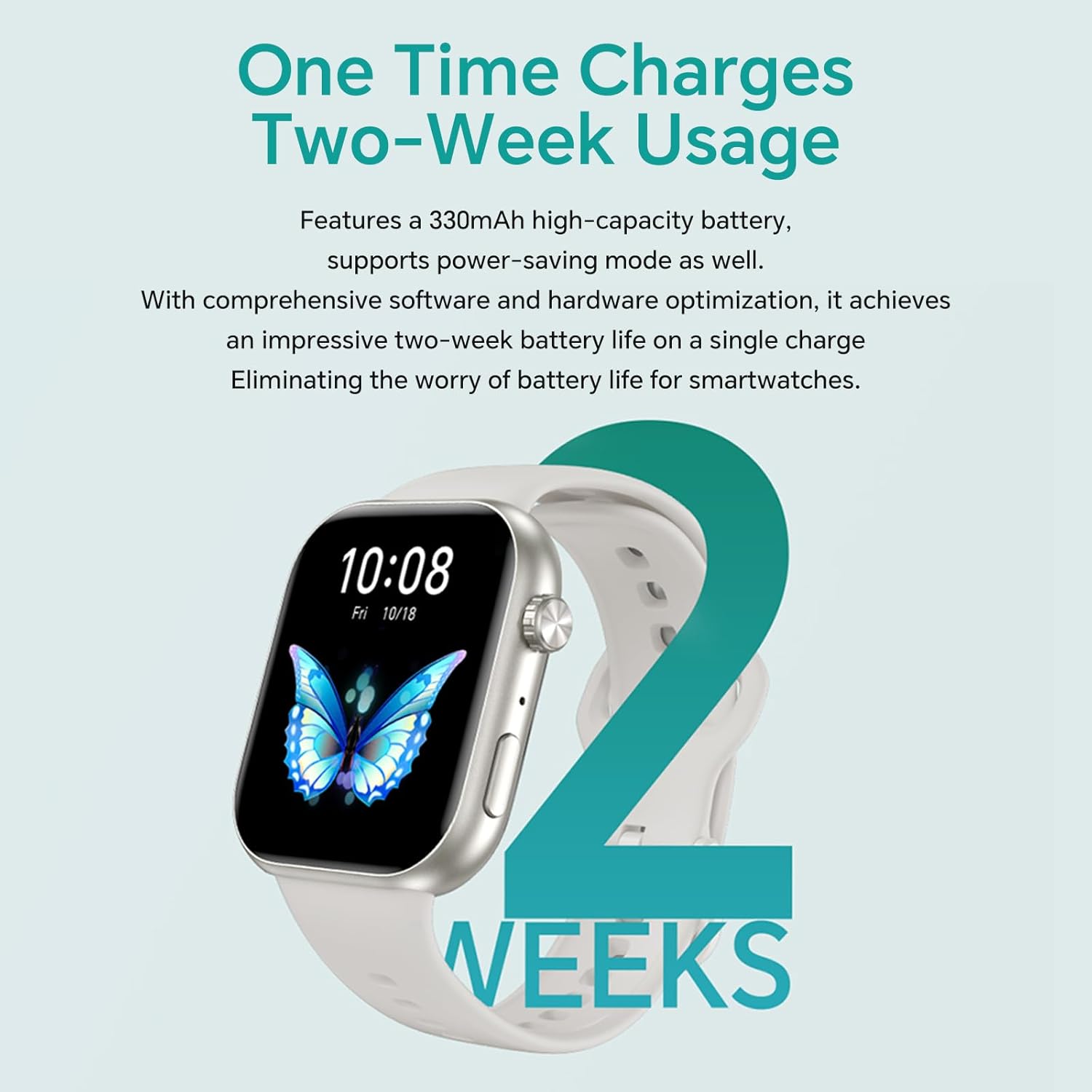
Image: The HONOR Choice Watch 2i connected to its magnetic charger, illustrating its two-week battery life capability.
1.3 Hidupkan/Mati Kuasa
- Hidupkan kuasa: Tekan dan tahan butang sisi sehingga logo HONOR muncul.
- Matikan: Press and hold the side button, then select 'Power Off' from the options on the screen.
1.4 Pemasangan Apl dan Berpasangan
To unlock the full functionality of your HONOR Choice Watch 2i, download and install the HONOR Health App on your smartphone.
- Scan the QR code in the quick start guide or search for "HONOR Health" in your smartphone's app store (compatible with Android and iOS).
- Open the HONOR Health App and create an account or log in.
- Pastikan Bluetooth didayakan pada telefon pintar anda.
- Dalam aplikasi, navigasi ke 'Peranti' dan pilih 'Tambah Peranti'.
- Select your HONOR Choice Watch 2i from the list of available devices.
- Follow the on-screen prompts on both your phone and watch to complete the pairing process.
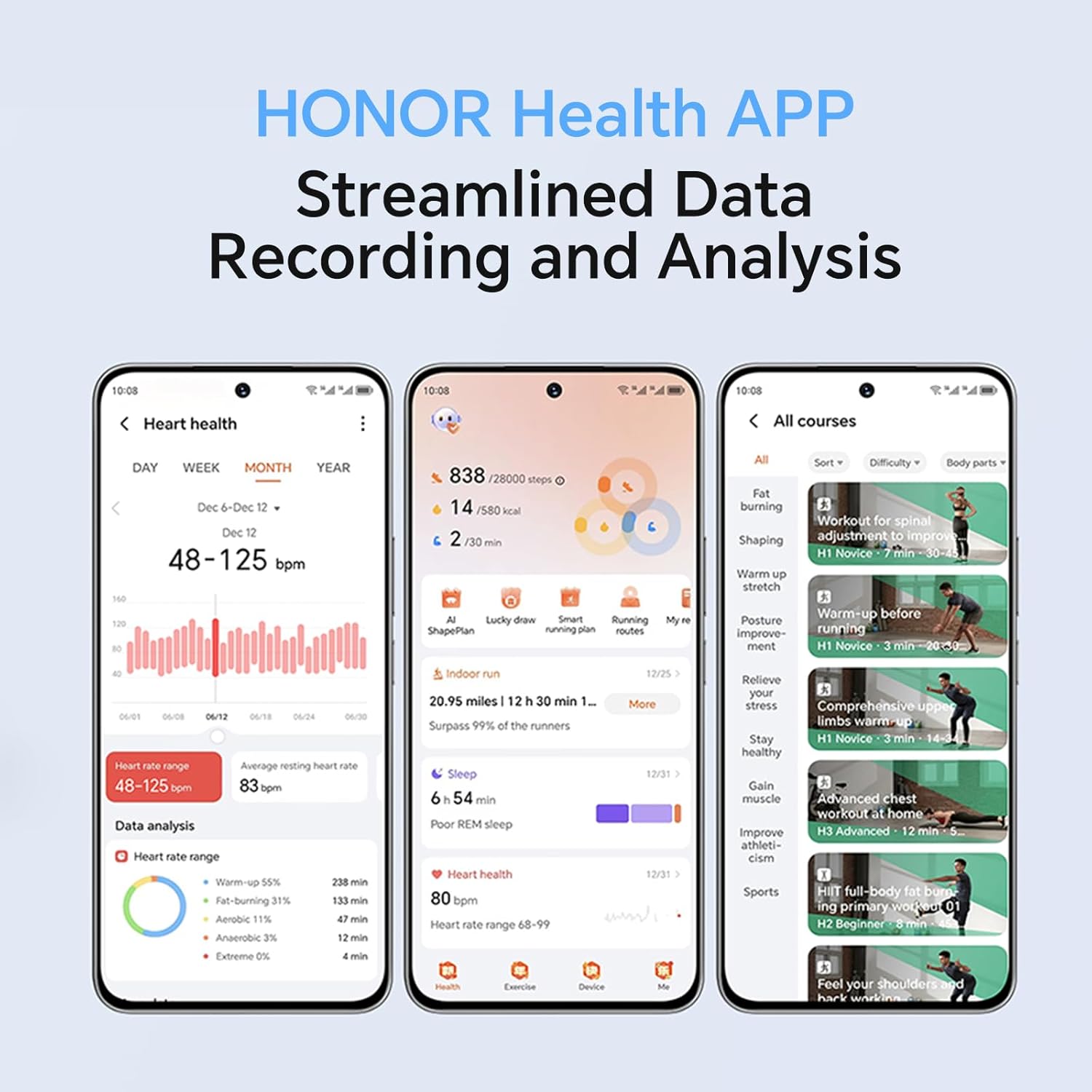
Image: The HONOR Health App interface, demonstrating streamlined data recording and analysis for health and fitness tracking.
2. Mengendalikan Jam Tangan
2.1 Paparan dan Navigasi
The HONOR Choice Watch 2i features a 1.85-inch high-resolution AMOLED screen, offering vibrant colors and sharp contrast. Navigate the watch using touch gestures and the physical buttons.
- Leret ke atas/bawah: Tatal melalui pemberitahuan atau tetapan pantas.
- Leret Kiri/Kanan: Akses widget seperti kadar denyutan jantung, cuaca atau ringkasan aktiviti.
- Ketik: Pilih item atau buka aplikasi.
- Butang Sisi: Press to return to the home screen or open the app list. Press and hold for power options.
- Mahkota: Rotate the independent crown for scrolling through menus or adjusting settings.

Imej: Tamatview of the HONOR Choice Watch 2i's top features, highlighting its 1.85-inch AMOLED screen and Bluetooth calling capabilities.

Image: Details of the watch's metallic texture middle frame, independent crown, and buttons, illustrating the ease of changing straps.
2.2 Panggilan Bluetooth
The watch allows you to make and answer calls directly from your wrist when connected to your smartphone via Bluetooth. You can manage frequent contacts through the HONOR Health App for seamless communication.
- Menjawab Panggilan: Apabila panggilan masuk, ketik ikon jawapan hijau pada skrin jam tangan.
- Membuat Panggilan: Akses senarai pendail atau kenalan pada jam tangan anda untuk memulakan panggilan.
- Balasan Mesej Pantas: If you cannot answer a call, use the quick message reply feature to send a pre-set text message directly from the watch.
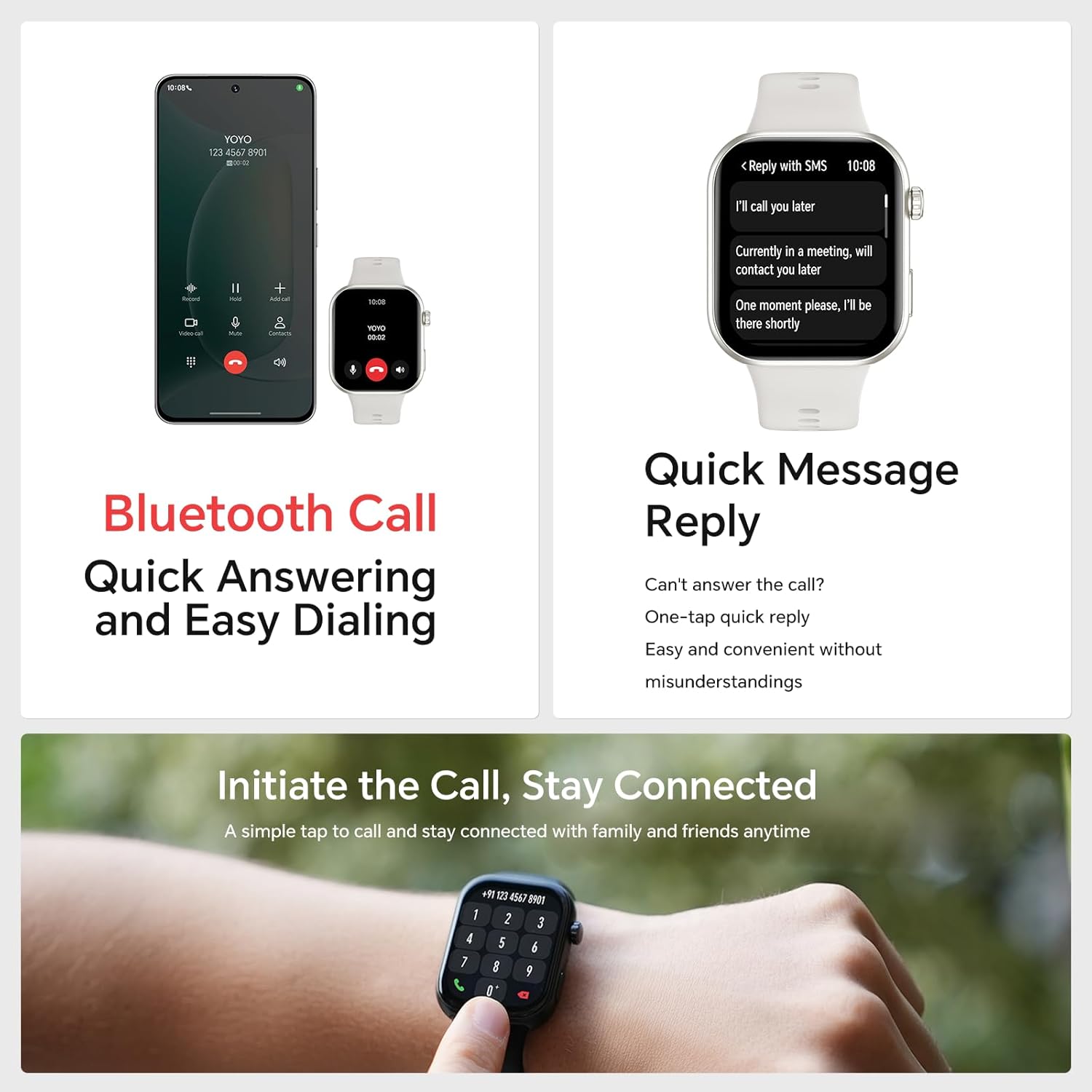
Image: The watch's Bluetooth call interface and quick message reply options for convenient communication.
2.3 Pemantauan Kesihatan
The HONOR Choice Watch 2i provides 24/7 health monitoring, tracking various metrics to help you understand your well-being.
- Kadar Jantung: Continuously monitors your heart rate. Alerts can be set for abnormal readings.
- SpO2: Mengukur tahap ketepuan oksigen darah.
- Kualiti Tidur: Jejak tidur stages (deep, light, REM) and provides detailed analysis in the app.
- Tahap Tekanan: Monitors stress throughout the day and offers breathing exercises to help manage it.
- Penjejakan Kitaran Haid: Membantu mengesan dan meramalkan kitaran haid.

Image: The watch's health monitoring features, including heart rate, SpO2, and sleep tracking, providing comprehensive health insights.
2.4 Mod Latihan
The watch supports over 109 exercise modes. For outdoor activities, it can synchronize with your smartphone's GPS for route mapping and performance tracking.
- Memulakan Senaman: Navigate to the 'Workout' app on your watch, select your desired activity, and tap 'Start'.
- Data Penjejakan: During workouts, the watch displays real-time data such as duration, distance, calories burned, and heart rate.
- Penjejakan GPS: For outdoor activities, ensure your phone's GPS is active and connected to the watch for accurate route mapping.
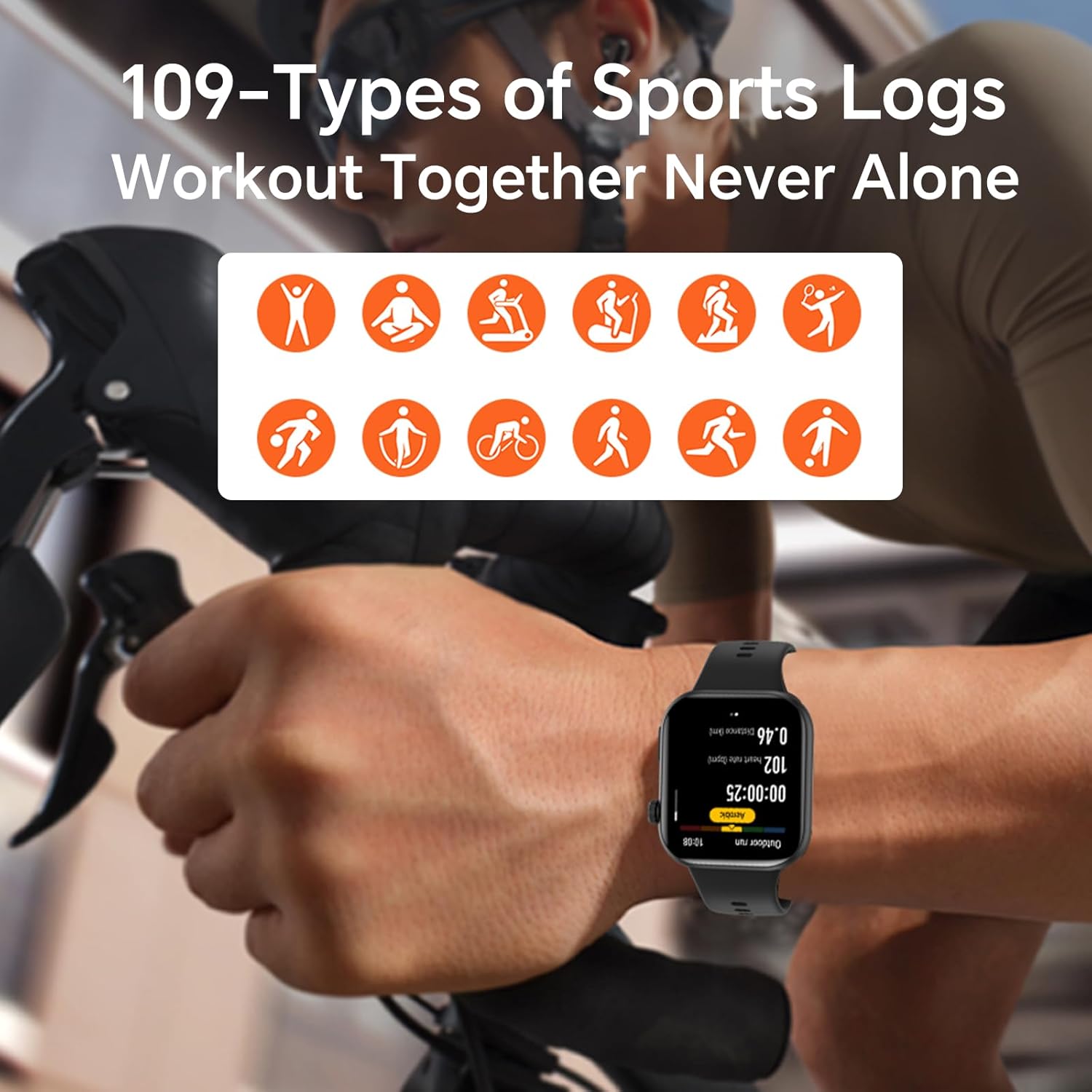
Image: The HONOR Choice Watch 2i tracking a cycling workout, showcasing its support for over 109 types of sports activities.
3. Penyelenggaraan
3.1 Cleaning the Watch
Untuk mengekalkan penampilan dan kefungsian jam tangan anda:
- Lap skrin jam tangan dan badan dengan kain lembut dan tidak berbulu.
- Jika perlu, dampen the cloth slightly with water. Avoid using harsh chemicals, abrasive cleaners, or solvents.
- Bersihkan kenalan pengecas secara berkala untuk memastikan pengecasan yang betul.
3.2 Tahan Air
The HONOR Choice Watch 2i has an IP68 water resistance rating, meaning it is protected against dust ingress and can withstand immersion in water up to 1.5 meters for 30 minutes. It is suitable for daily use, such as hand washing or light rain. However, it is not recommended for diving, hot showers, saunas, or high-speed water sports.
3.3 Penjagaan Bateri
To prolong the battery life of your watch:
- Elakkan daripada mendedahkan jam tangan kepada suhu yang melampau.
- Cas jam tangan dengan kerap, tetapi elakkan membiarkannya dicas sepenuhnya atau habis sepenuhnya untuk tempoh yang lama.
- Disable unnecessary features like always-on display or continuous heart rate monitoring if not needed.
4. Penyelesaian masalah
If you encounter issues with your HONOR Choice Watch 2i, refer to the following common solutions:
| Masalah | Penyelesaian yang Mungkin |
|---|---|
| Jam tangan tidak boleh dihidupkan | Ensure the watch is fully charged. Press and hold the side button for at least 10 seconds to force a restart. |
| Tidak dapat dipasangkan dengan telefon pintar | Ensure Bluetooth is enabled on your phone. Restart both the watch and phone. Try unpairing and re-pairing through the HONOR Health App. |
| Bacaan kesihatan yang tidak tepat | Ensure the watch is worn snugly on your wrist, not too tight or too loose. Clean the sensor on the back of the watch. Update the watch firmware via the app. |
| Hayat bateri pendek | Check for excessive background app usage. Disable features like always-on display or continuous SpO2 monitoring if not essential. Reduce screen brightness. |
| Pemberitahuan tidak diterima | Ensure the watch is connected to your phone. Check notification permissions in the HONOR Health App and your phone's settings. Disable 'Do Not Disturb' mode on both devices. |
5. Spesifikasi
Below are the technical specifications for the HONOR Choice Watch 2i:
| Ciri | Spesifikasi |
|---|---|
| Jenama | KEHORMATAN |
| Nama Model | Jam Tangan Pilihan HONOR 2i |
| Sistem Operasi | OS Lite |
| Saiz Skrin | 1.85 Inci |
| Jenis Paparan | AMOLED |
| Resolusi | 390 x 390 Piksel |
| Teknologi Ketersambungan | Bluetooth |
| Kapasiti Bateri | 330 Miliamp jam |
| Hayat Bateri Biasa | Sehingga 14 Hari |
| Tahap Ketahanan Air | IP68 (kalis air) |
| Berat Barang | 0.1 Kilogram |
| GPS Geotagging Functionality | GPS Melalui Telefon Pintar |
| Pemantauan Kesihatan | Heart Rate, SpO2, Sleep, Stress, Menstrual Cycle |
| Mod Latihan | 109+ Modes |
6. Maklumat Waranti
The HONOR Choice Watch 2i comes with a 1-year seller warranty. This warranty covers manufacturing defects and malfunctions under normal use. It does not cover damage caused by misuse, accidents, unauthorized modifications, or normal wear and tear. Please retain your proof of purchase for warranty claims.
7. Sokongan
For further assistance, technical support, or detailed product information, please visit the official HONOR website or contact HONOR customer service. You can typically find contact details on the HONOR website or within the HONOR Health App.
Sumber Dalam Talian:
- PENGHORMATAN Rasmi Webtapak: www.hihonor.com
- HONOR Health App (available on App Store and Google Play Store)