
pengenalan
Thank you for choosing the RadioShack Wireless Gaming Earbuds, Model 3304452. These earbuds are designed to provide a high-quality audio experience for gaming and everyday use, featuring Bluetooth 5.3 connectivity, low-latency gaming mode, and environmental noise-cancelling microphones. Please read this manual carefully to ensure proper use and maintenance of your device.

Image: The RadioShack Wireless Gaming Earbuds in their open charging case, showcasing the sleek black design and LED light strip on the case.
Apa yang ada dalam Kotak
Carefully unpack your new RadioShack Wireless Gaming Earbuds. Ensure all items listed below are present and in good condition.
- 1x Wireless Gaming Earbuds
- 1x Kabel Pengecas Jenis-C
- 1x Manual Pengguna

Image: A graphic listing the contents of the product box: Wireless gaming earbuds, Type-C cable, and user manual, each with a checkmark.
Produk Selesaiview
Familiarize yourself with the key features and components of your earbuds.
Ciri-ciri Utama:
- Bluetooth 5.3: Provides stable and efficient wireless connection.
- Low-Latency Gaming Mode: Minimizes audio delay for synchronized gaming.
- Environmental Noise-Cancelling (ENC) Microphones: Enhances voice clarity during calls.
- Hayat Bateri yang Panjang: Up to 22.5 hours of use with the charging case.
- Pengecasan Cepat Jenis-C: Mengecas penuh dalam masa lebih kurang 1.5 jam.
- Sarung Pengecas LED: Compact case with LED accents for visual feedback.

Image: A graphic highlighting key features: Up to 22 hours play time, 32 ft wireless range, Built-in LED light, Compatible with Bluetooth 5.3, and 1.5 hours charging time.
Microphone System:
The earbuds feature dual environmental noise-cancelling microphones to ensure clear voice pickup, reducing background noise during calls and in-game communication.

Image: A close-up diagram of an earbud indicating the location of noise-canceling microphones and clear voice pickup points.
Persediaan
1. Mengecas Fon telinga dan Sarung:
- Letakkan fon telinga ke dalam bekas pengecasan.
- Connect the Type-C charging cable to the charging port on the case and plug the other end into a USB power source (e.g., wall adapter, computer USB port).
- Penunjuk LED pada bekas akan menyala untuk menunjukkan status pengecasan. Pengecasan penuh mengambil masa kira-kira 1.5 jam.
- Setelah dicas sepenuhnya, cabut kabel pengecasan.
2. Berpasangan dengan Peranti:
- Pastikan fon telinga dicas.
- Open the charging case. The earbuds will automatically enter pairing mode, indicated by flashing LED lights on the earbuds.
- On your device (smartphone, tablet, computer, gaming console), go to the Bluetooth settings.
- Cari untuk available devices and select "RadioShack 3304452" (or similar name) from the list.
- Setelah disambungkan, LED fon telinga akan berhenti berkelip. Anda kini bersedia untuk menggunakan fon telinga anda.
- Jika pemasangan gagal, tutup bekas, tunggu beberapa saat dan ulangi langkah-langkah tersebut.
Arahan Operasi
Hidupkan/Mati Kuasa:
- Hidupkan kuasa: Buka bekas pengecasan, atau tekan dan tahan kawasan kawalan sentuh pada kedua-dua fon telinga selama 3 saat.
- Matikan: Letakkan fon telinga kembali ke dalam bekas pengecasan dan tutup penutup, atau tekan dan tahan kawasan kawalan sentuh pada kedua-dua fon telinga selama 5 saat.
Main Balik Muzik:
- Main/Jeda: Ketik kawasan kawalan sentuh pada mana-mana fon telinga sekali.
- Lagu Seterusnya: Ketik dua kali pada fon telinga kanan.
- Trek Sebelumnya: Ketik dua kali pada fon telinga kiri.
- Kelantangan: Ketik tiga kali pada fon telinga kanan.
- Perlahankan suara: Ketik tiga kali pada fon telinga kiri.
Pengurusan Panggilan:
- Jawab/Tamatkan Panggilan: Ketik kawasan kawalan sentuh pada mana-mana fon telinga sekali.
- Tolak Panggilan: Tekan dan tahan kawasan kawalan sentuh pada salah satu fon telinga selama 2 saat.
Mod Permainan:
Activate low-latency gaming mode for improved audio synchronization during gameplay.
- Aktifkan Mod Permainan: Press and hold the touch control area on the right earbud for 2 seconds. You will hear an audio prompt.
- Nyahaktifkan Mod Permainan: Press and hold the touch control area on the right earbud for 2 seconds again. You will hear an audio prompt confirming deactivation.
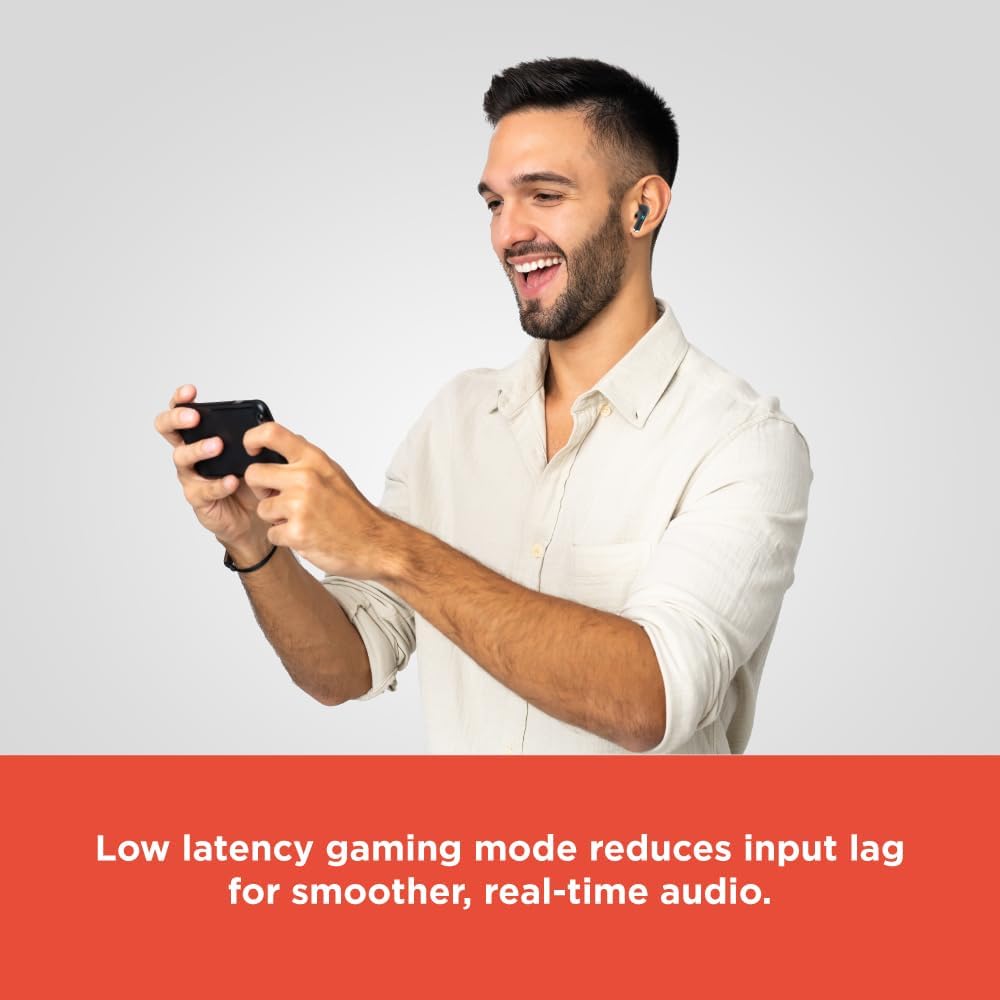
Image: A person smiling while playing a mobile game on a smartphone, wearing the RadioShack Wireless Gaming Earbuds. Text overlay states: "Low latency gaming mode reduces input lag for smoother, real-time audio."
Penyelenggaraan
Untuk memastikan jangka hayat dan prestasi optimum fon telinga anda, ikut garis panduan penyelenggaraan ini:
- Pembersihan: Gunakan kain lembut, kering, bebas serabut untuk membersihkan fon telinga dan bekas pengecas. Jangan gunakan bahan kimia yang keras atau bahan yang melelas.
- Storan: Apabila tidak digunakan, simpan fon telinga dalam bekas pengecasnya untuk melindunginya daripada habuk dan kerosakan.
- Elakkan Air: Fon telinga ini tidak kalis air. Elakkan pendedahan kepada air, kelembapan atau kelembapan berlebihan.
- Suhu: Jangan dedahkan fon telinga kepada suhu yang melampau (panas atau sejuk).
- mengecas: Hanya gunakan kabel Jenis-C yang disediakan atau kabel yang diperakui untuk pengecasan.
Menyelesaikan masalah
Jika anda menghadapi masalah dengan fon telinga anda, rujuk kepada penyelesaian biasa berikut:
| Masalah | Penyelesaian |
|---|---|
| Fon telinga tidak dihidupkan | Pastikan fon telinga dan bekas pengecas dicas sepenuhnya. |
| Tidak boleh berpasangan dengan peranti | Make sure Bluetooth is enabled on your device. Place earbuds in case, close, then reopen to re-enter pairing mode. Forget previous pairing on your device and try again. |
| Tiada bunyi dari fon telinga | Check device volume. Ensure earbuds are properly paired and connected. Try restarting your device. |
| Satu fon telinga tiada bunyi | Place both earbuds back into the charging case, close the lid, then reopen. This often re-syncs them. |
| Kualiti panggilan yang lemah | Ensure microphones are not obstructed. Move to an area with less background noise. |
Spesifikasi
Detailed technical specifications for the RadioShack Wireless Gaming Earbuds Model 3304452.
- Nama Model: Earbud Permainan
- Nombor Model: 3304452
- Teknologi Ketersambungan: Bluetooth 5.3
- Julat Tanpa Wayar: Sehingga 10 meter (32 kaki)
- Hayat Bateri: Hingga 22.5 jam (dengan cas pengecasan)
- Masa Pengecasan: Lebih kurang 1.5 jam (untuk cas penuh)
- Kawalan Bunyi: Environmental Noise Cancellation (for microphones)
- Bentuk alat dengar: Dalam telinga
- Peranti Serasi: Gaming Consoles, Mobile Devices, Computers
- Komponen yang Disertakan: Wireless Gaming Earbuds, Type-C Cable
- Berat Barang: 3.84 auns (0.24 paun)
- Dimensi Pakej: 5.31 x 3.62 x 1.42 inci

Image: A diagram showing the dimensions of the earbud charging case: Height 2.35 inches, width 1.79 inches, length 1.07 inches.
Waranti dan Sokongan
RadioShack products are designed for reliability and performance. For warranty information or technical support, please refer to the warranty card included with your purchase or visit the official RadioShack webtapak. Simpan bukti pembelian anda untuk sebarang tuntutan waranti.
For further assistance, you may contact RadioShack customer service through their official channels.