
pengenalan
This manual provides detailed instructions for the installation, operation, and maintenance of your Nexxt Solutions Smart Dual Lens PTZ Wi-Fi Outdoor Security Camera, model NHC-OP30DL. This camera features a dual-lens system for comprehensive surveillance, including a fixed wide-angle lens and a motorized pan-tilt-zoom (PTZ) lens. Key functionalities include 2K resolution, human detection, full-color night vision, two-way audio, an 80dB siren, and IP65 weather resistance. Please read this manual thoroughly before use to ensure proper setup and functionality.
Kandungan Pakej
Sahkan bahawa semua komponen terdapat dalam pakej:
- Nexxt Solutions Smart Dual Lens PTZ Wi-Fi Outdoor Security Camera (NHC-OP30DL)
- Penyesuai Kuasa
- Pendakap Pemasangan
- Skru dan Palam Dinding
- Manual Arahan
Panduan Persediaan
1. Pemasangan Fizikal
The camera is designed for outdoor use and can be wall-mounted. Select a location that provides optimal viewing coverage and has access to a power source. Ensure the mounting surface is sturdy enough to support the camera's weight.
- Attach the mounting bracket to the desired location using the provided screws and wall plugs.
- Securely attach the camera unit to the mounting bracket.
- Adjust the camera's angle as needed for initial positioning.

Image: Camera dimensions and mounting points. The camera measures approximately 8.7 inches in height, 5.5 inches in width, and 4.7 inches in depth.
2. Sambungan Kuasa
Connect the provided power adapter to the camera's power input port and then plug it into a standard electrical outlet. The camera will power on and initiate its startup sequence.
3. Pemasangan Aplikasi dan Sambungan Wi-Fi
- Muat turun Apl Laman Utama Nextxt daripada gedung aplikasi telefon pintar anda (tersedia untuk iOS dan Android).
- Daftar untuk akaun baharu atau log masuk jika anda sudah mempunyai akaun.
- Follow the in-app instructions to add your new camera. This typically involves scanning a QR code on the camera or manually selecting the device type.
- Connect the camera to your Wi-Fi network. The camera supports dual-band Wi-Fi (2.4GHz and 5GHz) for flexible connectivity. For areas with weak Wi-Fi signals, an RJ45 port is available for a wired Ethernet connection.
- Once connected, the camera's status indicator will confirm a successful connection, and you will be able to view the live feed in the app.
Arahan Operasi
1. Hidup View dan Kawalan PTZ
Access the live video feed through the Nexxt Home App. The camera features a dual-lens system: a fixed wide-angle lens for constant overview and a motorized PTZ (Pan-Tilt-Zoom) lens for dynamic tracking. Use the app's controls to pan (rotate horizontally up to 355°), tilt (rotate vertically up to 90°), and zoom the motorized lens to focus on specific areas.

Image: The motorized camera lens, capable of pan and tilt movements.
2. Human Detection and Tracking
The camera utilizes AI-driven human body filtering to distinguish human shapes from other moving objects, reducing false alerts. When a human is detected, the PTZ lens can automatically follow their movement, ensuring continuous surveillance of the subject. Configure detection zones and sensitivity settings within the Nexxt Home App.
3. Penglihatan Malam
The camera is equipped with powerful infrared (IR) LEDs and motion-activated floodlights to provide clear visibility in low-light conditions. It supports full-color night vision, allowing for detailed footage with accurate color representation even in complete darkness.
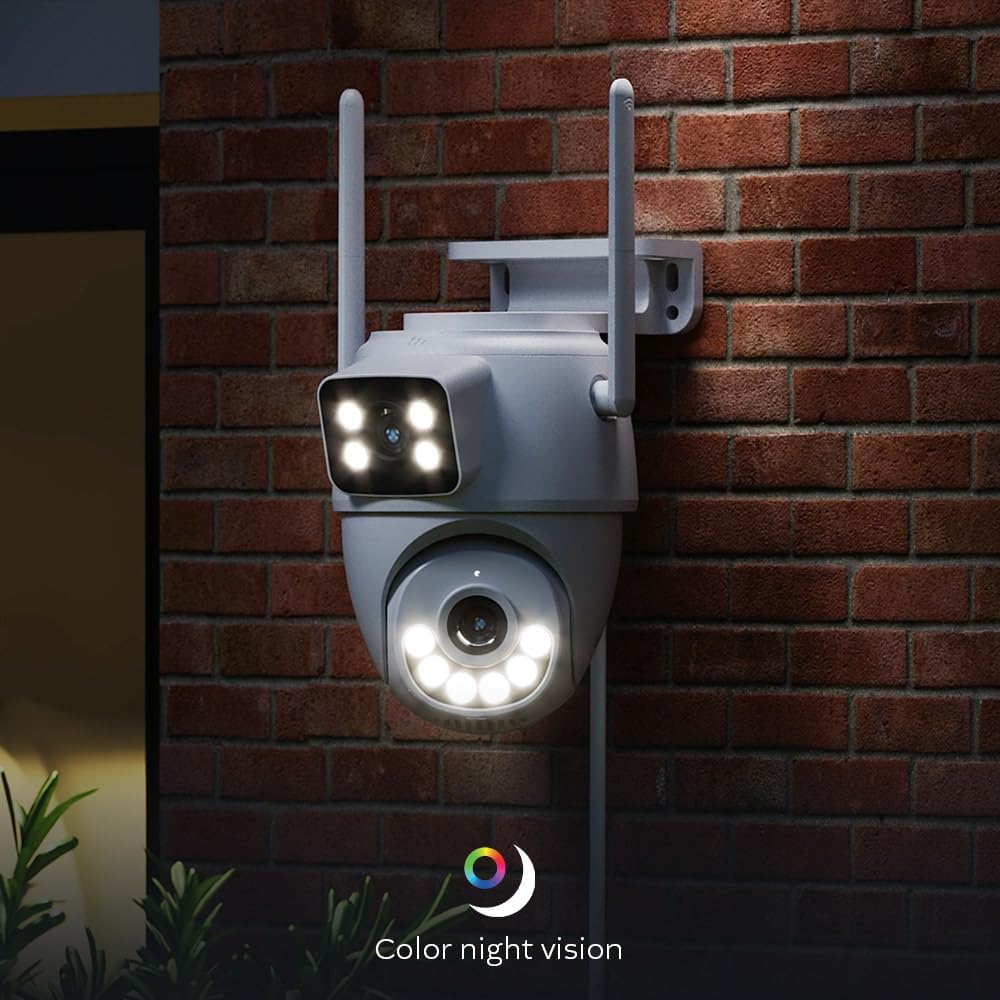
Image: Camera demonstrating color night vision capability in a dark environment.
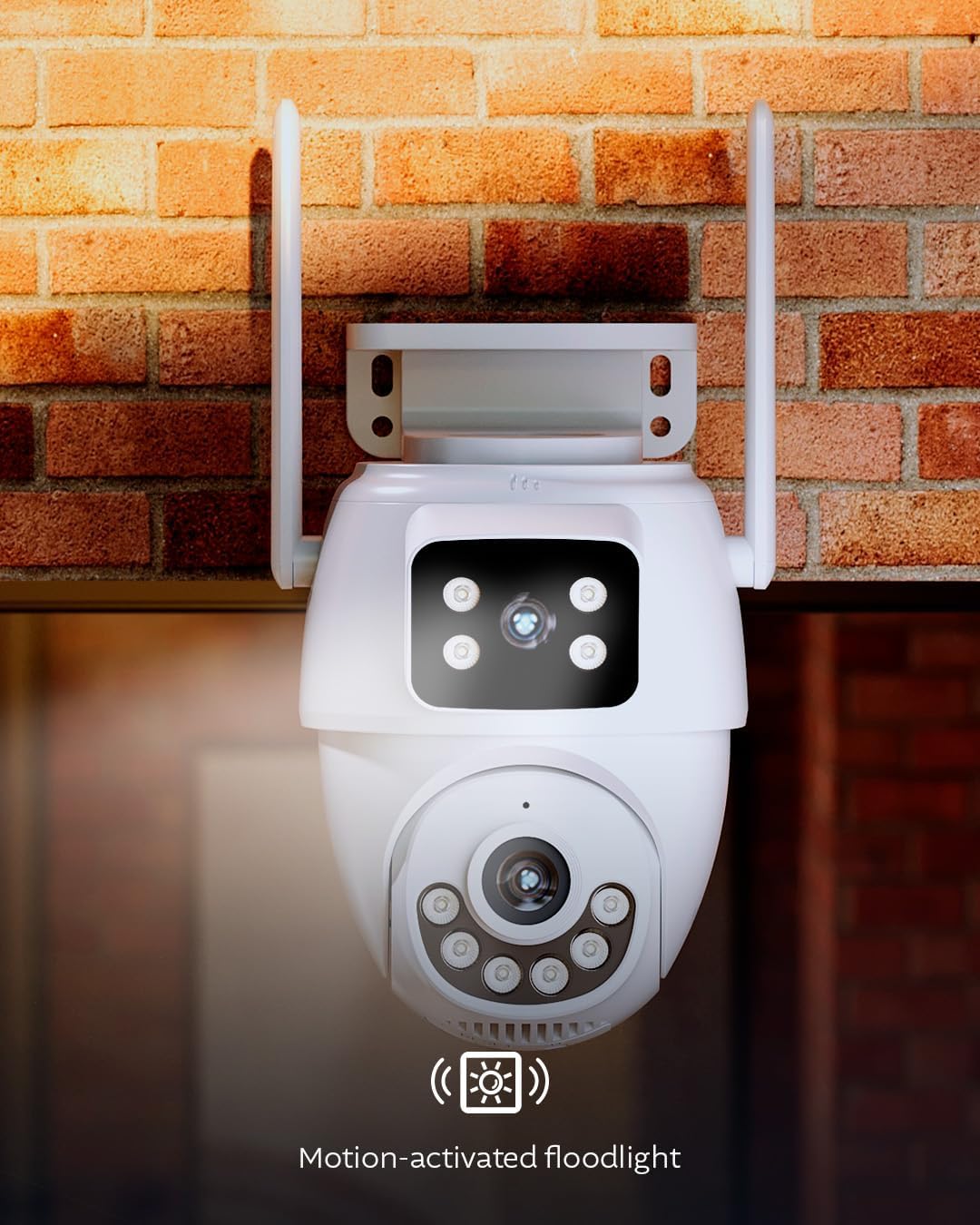
Image: Camera with its motion-activated floodlight illuminated, providing additional light.
4. Audio Dua Hala dan Siren
Utilize the built-in microphone and speaker for two-way communication. This allows you to speak to visitors or deter intruders remotely through the app. In case of an emergency or suspicious activity, you can manually activate the integrated 80dB siren from the app to alert others and deter unwanted guests.
5. Rakaman dan Penyimpanan
The camera supports two storage options for recorded footage:
- Kad MicroSD: Insert a microSD card (up to 128GB, not included) into the designated slot on the camera for local storage.
- Storan Awan: Optional cloud storage plans are available through the Nexxt Home App for secure, remote storage of your video recordings.
6. Integrasi Rumah Pintar
The camera is compatible with Amazon Alexa and Google Assistant, allowing for voice control and integration into your smart home ecosystem. It is also ONVIF compliant, enabling integration with existing Network Video Recorder (NVR) security systems.
Penyelenggaraan
- Pembersihan: Bersihkan kanta dan perumah kamera secara berkala dengan lembut, damp kain untuk menghilangkan habuk dan kotoran. Jangan gunakan bahan kimia yang keras atau pembersih yang kasar.
- Kemas kini Firmware: Ensure your camera's firmware is up to date through the Nexxt Home App to benefit from the latest features and security enhancements.
- Perlindungan Cuaca: The camera is IP65 weatherproof, designed to withstand rain and dust. However, avoid direct high-pressure water jets.

Image: Camera operating in rainy conditions, demonstrating its IP65 weather resistance.
Menyelesaikan masalah
| Masalah | Kemungkinan Punca | Penyelesaian |
|---|---|---|
| Kamera tidak dihidupkan | Tiada bekalan kuasa; penyesuai rosak | Check power connection; ensure outlet is working; try a different power adapter if available. |
| Tidak dapat menyambung ke Wi-Fi | Kata laluan Wi-Fi salah; kamera terlalu jauh dari penghala; masalah penghala | Verify Wi-Fi password; move camera closer to router or use RJ45 Ethernet connection; restart router; ensure 2.4GHz or 5GHz band is enabled. |
| Kualiti video yang teruk | Weak Wi-Fi signal; dirty lens; insufficient lighting | Improve Wi-Fi signal strength; clean the camera lens; ensure night vision settings are appropriate for ambient light. |
| Pengesanan gerakan tidak berfungsi | Detection settings incorrect; environmental interference | Check motion detection settings in the app; adjust sensitivity and detection zones; ensure no obstructions are blocking the view. |
Spesifikasi Teknikal
| Nama Model | NHC-OP30DL |
| Teknologi Ketersambungan | Tanpa Wayar (Wi-Fi), Berwayar (RJ45) |
| Kesambungan Wi-Fi | Dual-Band (2.4GHz / 5GHz) |
| Ciri Khas | Dual Lens, PTZ, Human Detection, Full-Color Night Vision, Two-Way Audio, 80dB Siren, Motion-Activated Floodlight |
| Penggunaan Dalaman/Luar | Luar (Kalis Cuaca IP65) |
| Peranti Serasi | Smartphone (Nexxt Home App), Amazon Alexa, Google Assistant, ONVIF NVRs |
| Sumber Kuasa | Elektrik Bertali |
| Resolusi Tangkapan Video | 2K (6MP Total Resolution) |
| Pilihan Storan | Kad MicroSD (sehingga 128GB), Storan Awan |
| Dimensi (L x W x H) | 8.7 x 5.5 x 4.7 inci |
Maklumat Waranti
The Nexxt Solutions Smart Dual Lens PTZ Wi-Fi Outdoor Security Camera (NHC-OP30DL) comes with a Waranti terhad 2 tahun from the date of purchase. This warranty covers manufacturing defects and malfunctions under normal use. For detailed warranty terms and conditions, please refer to the official Nexxt Solutions webtapak atau hubungi sokongan pelanggan.
Sokongan Pelanggan
For technical assistance, troubleshooting, or further inquiries regarding your Nexxt Solutions product, please visit the official Nexxt Solutions website or contact their customer support team. You can typically find contact information and FAQs within the Nexxt Home App or on the brand's webtapak.
Sumber Dalam Talian: www.nexxtsolutions.com