
pengenalan
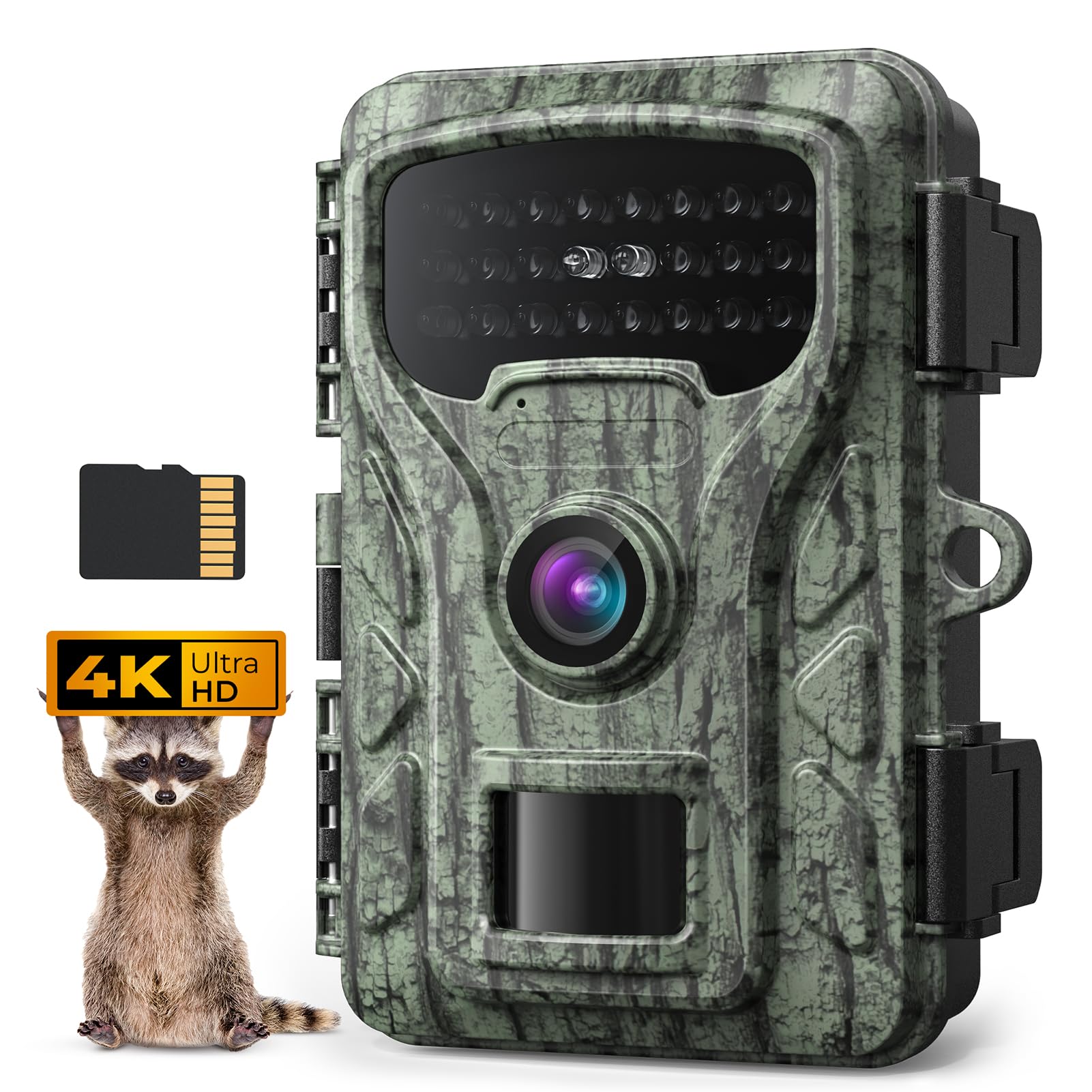
Thank you for choosing the Caytail 4K 48MP Wildlife Camera RF06. This manual provides detailed instructions for setting up, operating, and maintaining your camera to ensure optimal performance. Designed for observing wildlife, home security, hunting, and farm monitoring, this camera captures high-quality images and videos with advanced features like night vision and motion detection. Please read this manual thoroughly before use.
Kandungan Pakej
Sila sahkan bahawa semua item yang disenaraikan di bawah disertakan dalam pakej anda:
- Caytail 4K 48MP Wildlife Camera (RF06)
- Kad SD 64GB
- Tali Pemasangan
- Berdiri Pemasangan
- Kabel USB
- Manual Arahan
Produk Selesaiview
Familiarize yourself with the components of your Caytail RF06 camera.

Rajah 1: Caytail RF06 Wildlife Camera and its versatile applications. The image shows the camera mounted on a wooden surface with a security lock, alongside smaller panels illustrating its use for home security, hunting, wildlife monitoring, and farm monitoring.

Rajah 2: Dalaman view of the Caytail RF06 camera. This image displays the camera opened, showing the 2-inch LCD screen, navigation buttons (OK, Up, Down, Left, Right), the OFF/SETUP/ON switch, and the battery compartment designed for AA batteries. A note indicates that Wi-Fi is not supported and batteries are not included.
The camera features a robust, camouflage-patterned housing designed to blend into natural environments. When opened, it reveals a 2-inch LCD screen for easy menu navigation and viewing recordings, along with intuitive control buttons and a battery compartment.
Persediaan
1. Pemasangan Bateri
- Buka selak perumahan kamera.
- Cari petak bateri.
- Insert 8 AA batteries (not included) according to the polarity indicators (+/-). Ensure they are correctly oriented.
- Tutup penutup petak bateri dengan selamat.
2. Pemasangan Kad SD
- Dengan perumah kamera terbuka, cari slot kad SD.
- Insert the included 64GB SD card into the slot until it clicks into place. Ensure the card is inserted in the correct direction.
- Untuk mengalih keluar, tolak kad masuk perlahan-lahan sehingga ia mengklik, kemudian lepaskan dan ia akan dikeluarkan.
3. Memasang Kamera
The camera can be mounted using the provided strap or stand. Its natural camouflage design helps it blend into the environment.
- Using the Mounting Strap: Thread the strap through the slots on the back of the camera. Securely fasten the camera to a tree or pole at the desired height and angle.
- Using the Mounting Stand: Attach the camera to the stand using the screw thread at the bottom. Secure the stand to a wall or other flat surface using appropriate screws (not included).

Rajah 3: Camera mounted on a tree. This image shows the Caytail RF06 camera secured to a tree trunk with a mounting strap, demonstrating its discreet placement in a natural setting.
Arahan Operasi
1. Hidupkan/Mati Kuasa dan Pemilihan Mod
- MATI: Kamera dimatikan.
- PENYEDIAAN: Use this mode to access the menu, change settings, and view recordings on the LCD screen.
- ON: The camera is active and will begin recording based on your settings (motion detection, timer, etc.).
2. Navigasi dan Tetapan Menu
In SETUP mode, use the navigation buttons (Up, Down, Left, Right, OK) to browse the menu and adjust settings on the 2.0-inch LCD screen.
- Resolusi Video: Select 4K for high-definition video capture.
- Resolusi Foto: Choose 48MP for crystal-clear still images.
- Kelajuan Pencetus: The camera features a fast 0.4-second trigger speed to capture quick movements.
- Julat Pengesanan: The motion sensor has a detection range of up to 20 meters.
- Penglihatan Malam: Equipped with low luminous 850nm infrared LEDs for clear night vision without startling wildlife.
- Viewsudut: The camera offers a 60-degree detection angle for wide coverage.
- Ciri-ciri lain: Customize settings such as timer, time-lapse photography, customizable shooting times, photo watermark, and password protection.
Rajah 4: Night vision capability. This image demonstrates the camera's clear night vision, showing a deer in a dark environment, with infrared LEDs providing illumination up to 20 meters.

Rajah 5: Wide detection angle. The image illustrates the camera's 60-degree detection angle, covering a broad area, with a detection range of 20 meters (65 feet) over a field with cattle.
3. Viewrakaman
In SETUP mode, navigate to the playback menu to view captured photos and videos directly on the 2.0-inch LCD screen. You can also connect the camera to a computer via the USB cable to transfer files.
4. Rakaman Gelung
The included 64GB SD card supports loop recording. When the SD card is full, the camera will automatically overwrite the oldest recordings to ensure continuous operation without manual intervention.
5. Kesambungan Wi-Fi
Please note that this camera does not support Wi-Fi connectivity. All settings and viewing are done directly on the camera's LCD screen or by connecting to a computer.
Penyelenggaraan
Proper maintenance ensures the longevity and optimal performance of your wildlife camera.
- Pembersihan: Gently wipe the lens and camera housing with a soft, dry cloth. Avoid abrasive materials or harsh chemicals.
- Meterai Kalis Air: Ensure the camera's IP66 waterproof housing latches are securely closed to protect against moisture and severe weather.
- Pemeriksaan Bateri: Regularly check battery levels and replace them when low to prevent interruption of recordings.
- Storan: Apabila tidak digunakan untuk tempoh yang lama, keluarkan bateri dan simpan kamera di tempat yang sejuk dan kering.
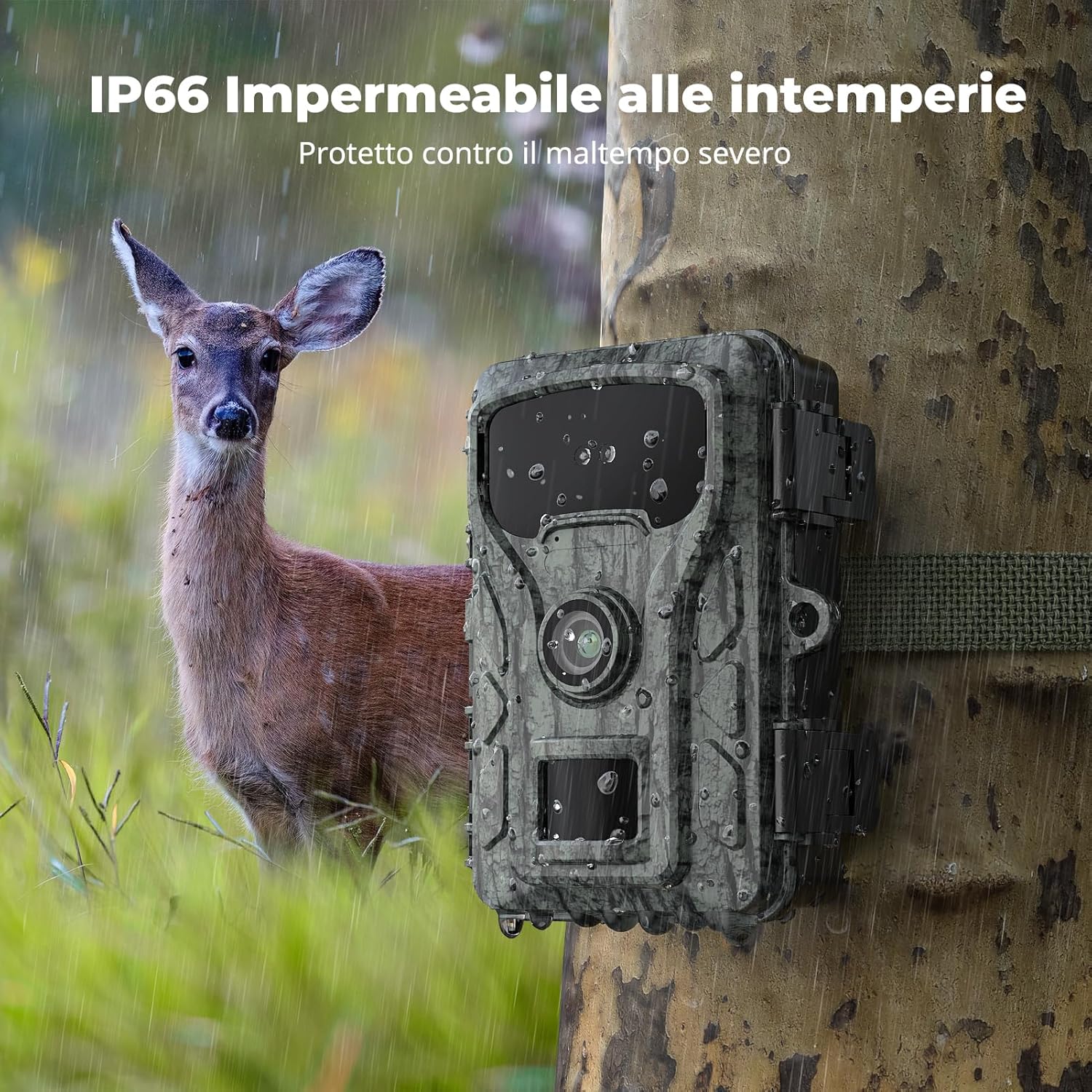
Rajah 6: IP66 Weatherproof design. This image shows the Caytail RF06 camera outdoors in the rain, emphasizing its IP66 rating for protection against severe weather conditions.
Menyelesaikan masalah
Jika anda menghadapi masalah dengan kamera anda, rujuk masalah dan penyelesaian biasa berikut:
- Kamera tidak dihidupkan: Check if batteries are inserted correctly and fully charged. Ensure the power switch is in the 'SETUP' or 'ON' position.
- Kualiti imej/video yang lemah: Clean the camera lens. Ensure the camera is not too far from the subject. Check resolution settings in the menu.
- No recordings: Verify the SD card is properly inserted and not full (though loop recording should prevent this). Check motion sensor sensitivity settings. Ensure the camera is in 'ON' mode.
- Hayat bateri pendek: Use high-quality alkaline or rechargeable AA batteries. Extreme cold weather can reduce battery performance.
- Motion sensor not triggering: Ensure there are no obstructions in front of the sensor. Adjust sensitivity settings.
If problems persist, please contact Caytail customer support for further assistance.
Spesifikasi
| Nombor Model | RF06 |
| Jenama | Caytail |
| Resolusi Tangkapan Video | 4K |
| Resolusi Foto | 48MP |
| Kecepatan Pencetus | 0.4 saat |
| Julat Penglihatan Malam | 20 Meter |
| Viewsudut | 60 Darjah |
| Penilaian Kalis Air | IP66 |
| Saiz Terpasang Memori Flash | 64 GB (Mikro SD) |
| Teknologi Ketersambungan | Wireless (No Wi-Fi support) |
| Bilangan LED IR | 22 (850nm) |
| Sumber Kuasa | 8 x Bateri AA (tidak termasuk) |
| bahan | plastik |
| Dimensi Item (L x W x H) | 40 x 65 x 80 milimeter |
| Berat Barang | 300 Gram |
Waranti dan Sokongan
For warranty information or technical support, please refer to the product packaging or contact your retailer. Keep your purchase receipt as proof of purchase. For further assistance, you may also visit the official Caytail webtapak atau hubungi bahagian perkhidmatan pelanggan mereka.