
1. Produk Lebihview
The Native Union Find It Card is an ultra-slim Bluetooth tracker designed to help you locate your valuables using the Apple Find My network. Its discreet design allows it to fit seamlessly into wallets, passport holders, or be attached to other items with the included keychain wire. Featuring a rechargeable battery with up to 6 months of life, it offers a high-volume alert to quickly pinpoint nearby items.
- Works with Apple Find My: Utilize Apple's Find My app to precisely locate your belongings.
- Ultra-Slim & Discreet Design: At just 1.7mm thick, it fits easily into wallets or passport holders.
- Long-Lasting & Wirelessly Rechargeable: Enjoy up to 6 months of battery life, rechargeable via Qi or MagSafe.
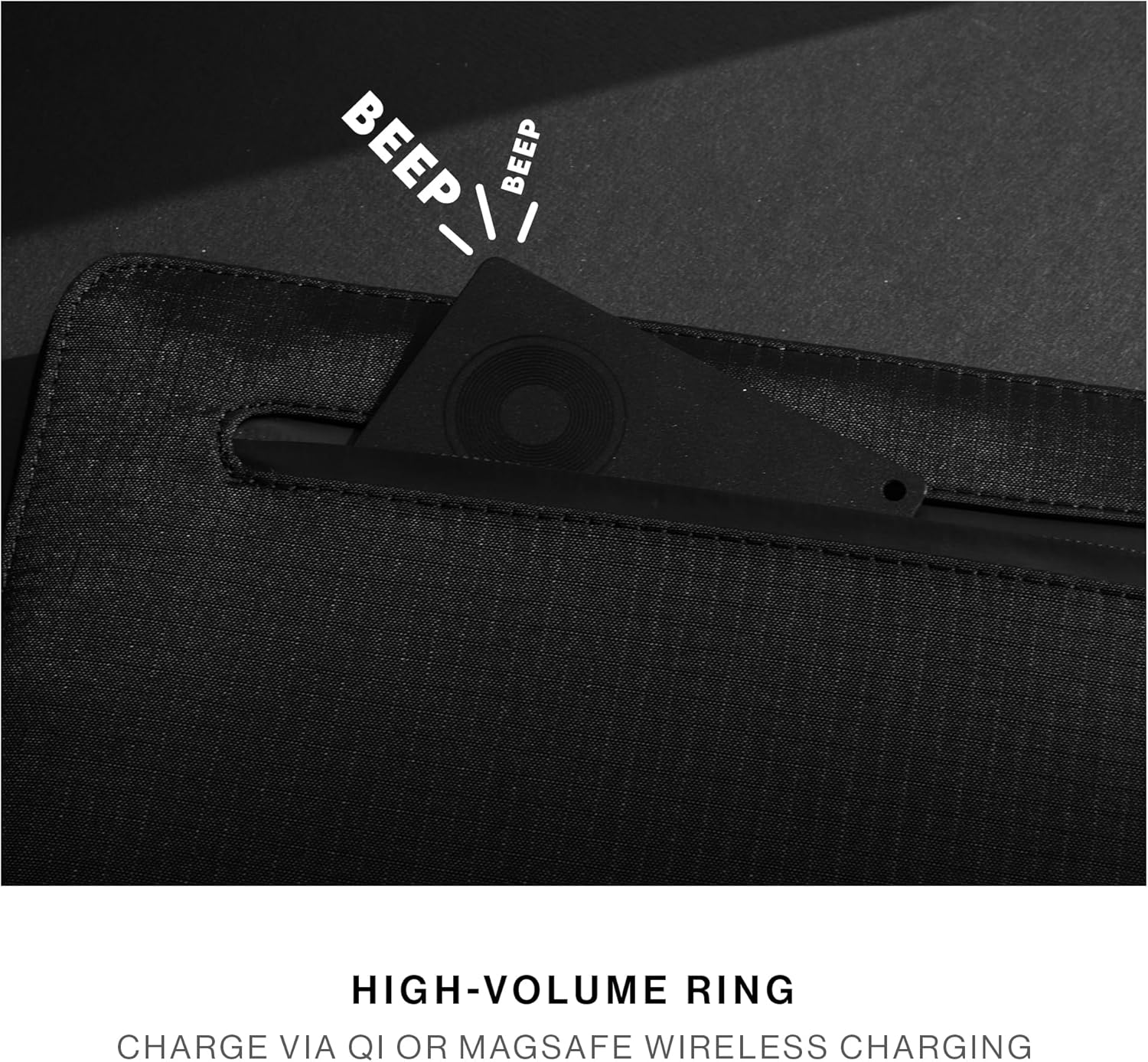
- High-Volume Ring: Quickly locate nearby items with a loud audible alert.
- Dibina untuk Kekal: Constructed from durable, water-repellent materials for daily wear and tear.
2. Bermula
2.1 Apa yang ada di dalam Kotak
- Native Union Find It Card (Model RHK51)
- Keychain Wire
- Manual Arahan
2.2 Charging the Find It Card
The Find It Card features a rechargeable battery designed to last up to 6 months on a single charge. To charge, place the card on any Qi or MagSafe compatible wireless charger. The LED indicator on the card will show charging status.

2.3 Berpasangan dengan Apple Find My
To pair your Find It Card with your Apple device, follow these steps:
- Ensure your Find It Card is charged.
- Buka Cari Saya aplikasi pada iPhone, iPad atau Mac anda.
- Ketik pada barang tab di bahagian bawah skrin.
- Ketik + (Add Item) and then select Item Disokong Lain.
- Press and hold the power button on the Find It Card for a few seconds until it beeps, indicating it's in pairing mode.
- Your device will detect the Find It Card. Follow the on-screen instructions to name your item and assign an emoji.
- Setelah disambungkan, ketik Selesai.

2.4 Attaching the Keychain Wire
The included metal keychain wire can be used to securely attach your Find It Card to items like luggage, keys, or bags. Simply thread the wire through the small hole on the card and secure it to your desired item.

3. Arahan Operasi
3.1 Mencari Barang Anda
Once paired, you can locate your Find It Card using the Apple Find My app:
- Buka Cari Saya apl.
- Pilih barang tab.
- Tap on your Find It Card from the list.
- You will see its last known location on a map.
- To locate it when nearby, tap Mainkan Bunyi to make the card emit a high-volume ring.
3.2 Left Behind Reminders
The Find It Card can notify you if you leave your item behind. This feature is configured within the Apple Find My app settings for your specific item.

4. Spesifikasi
| Ciri | Perincian |
|---|---|
| Dimensi Produk | 0.07" L x 0.07" W x 0.07" Th |
| Berat Barang | 1.76 auns |
| Nombor Model Item | RHK51 |
| Bateri | 1 Bateri Lithium Ion diperlukan. (termasuk) |
| Hayat Bateri | Sehingga 6 bulan |
| Mengecas | Qi or MagSafe wireless charging |
| Teknologi Ketersambungan | Bluetooth |
| bahan | Logam, Plastik |
| Keserasian | Rangkaian Cari Saya Apple (peranti iOS sahaja) |
5. Penjagaan dan Penyelenggaraan
To ensure the longevity and optimal performance of your Native Union Find It Card, please follow these guidelines:
- Pastikan peranti bersih dengan mengelapnya dengan kain lembut dan kering.
- Elakkan daripada mendedahkan peranti kepada suhu yang melampau atau cahaya matahari langsung untuk tempoh yang lama.
- While water-repellent, avoid submerging the device in water for extended periods.
- Recharge the device regularly, ideally every 6 months, to maintain battery health.
6. Penyelesaian masalah
If you encounter issues with your Native Union Find It Card, try the following:
- Peranti tidak berpasangan: Ensure the card is charged and within Bluetooth range of your Apple device. Try restarting both the card (by pressing and holding the power button) and your Apple device.
- No sound from card: Check the volume settings in the Find My app. Ensure the card is not obstructed by thick materials.
- Lokasi tidak tepat: Location accuracy depends on the density of Apple devices in the vicinity. In areas with fewer Apple devices, location updates may be less frequent or precise.
- Bateri tidak dicas: Ensure your wireless charger is functioning correctly and the card is placed properly on the charging surface.
7. Waranti dan Sokongan
The Native Union Find It Card comes with a manufacturer's warranty. For detailed information regarding warranty coverage, terms, and conditions, please refer to the warranty documentation included in your product packaging or visit the official Native Union webtapak.
For technical support, troubleshooting assistance, or any other inquiries, please contact Native Union customer service through their official webtapak atau maklumat hubungan yang diberikan dalam dokumentasi produk anda.
8. Video Produk Tamatview
Tonton video ini untuk lebih terperinciview of the Native Union Find It Card, including its features and how it compares to other trackers.