
1. Produk Lebihview
The aMagisn Bluetooth Wireless Remote Control is designed for seamless control of various action cameras and smartphones. It offers extended range, long battery life, and a durable, splash-resistant design, making it suitable for diverse shooting environments.
Kandungan Pakej
- Alat kawalan jauh x 1
- Kabel Pengecasan x 1
- Short Wrist Strap x 1
- Long Wrist Strap x 1
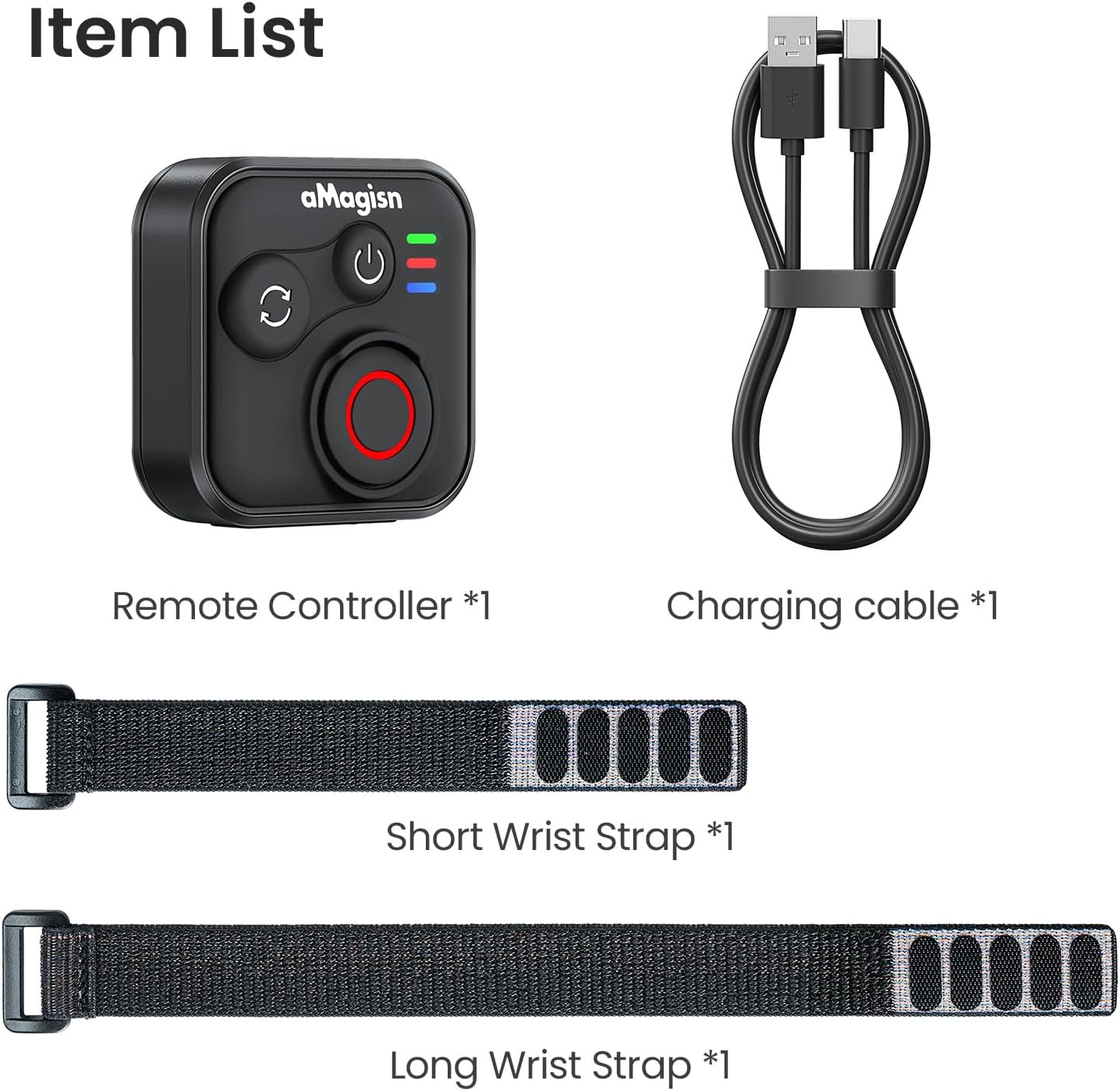
Image: Package contents including the remote, charging cable, and two wrist straps.
2. Spesifikasi
| Jenama | aMagisn |
| Nama Produk | Sports Camera Bluetooth Remote Control |
| Peranti Serasi | Insta360 series cameras, GoPro Hero series cameras, Android smartphones, iOS smartphones |
| bahan | Silikon ABS |
| Dimensi | 37.0 x 37.0 x 18.9 mm |
| Berat badan | 23g |
| Kapasiti Bateri | 3.7V / 120mAh Lithium-ion |
| Tempoh Pengecasan | Lebih kurang 3 jam |
| Input Pengecasan | 5V/100mA |
| Julat Maksimum | Up to 76 meters (device dependent) |

Image: Visual representation of the remote control's dimensions and key specifications.
3. Persediaan
Mengecas Alat Kawalan Jauh
Before first use, fully charge the remote control. Connect the provided charging cable to the USB-C port on the remote and to a standard USB power source. The charging indicator light will show the charging status.
Berpasangan dengan Peranti
The remote control supports pairing with Insta360 cameras, GoPro cameras, and iOS/Android smartphones.
- Hidupkan kuasa: Briefly press the Power Button to turn on the remote.
- Masukkan Mod Berpasangan: If pairing with a new device, perform an Ultra-long press on the Mode Switch Button to force the remote to re-pair. The light indicator will show alternating blue, red, and green flashes.
- Aktifkan Bluetooth pada Peranti: On your camera or smartphone, enable Bluetooth and search for available devices.
- Select Remote: Select the aMagisn remote from the list of found devices to complete the pairing process.
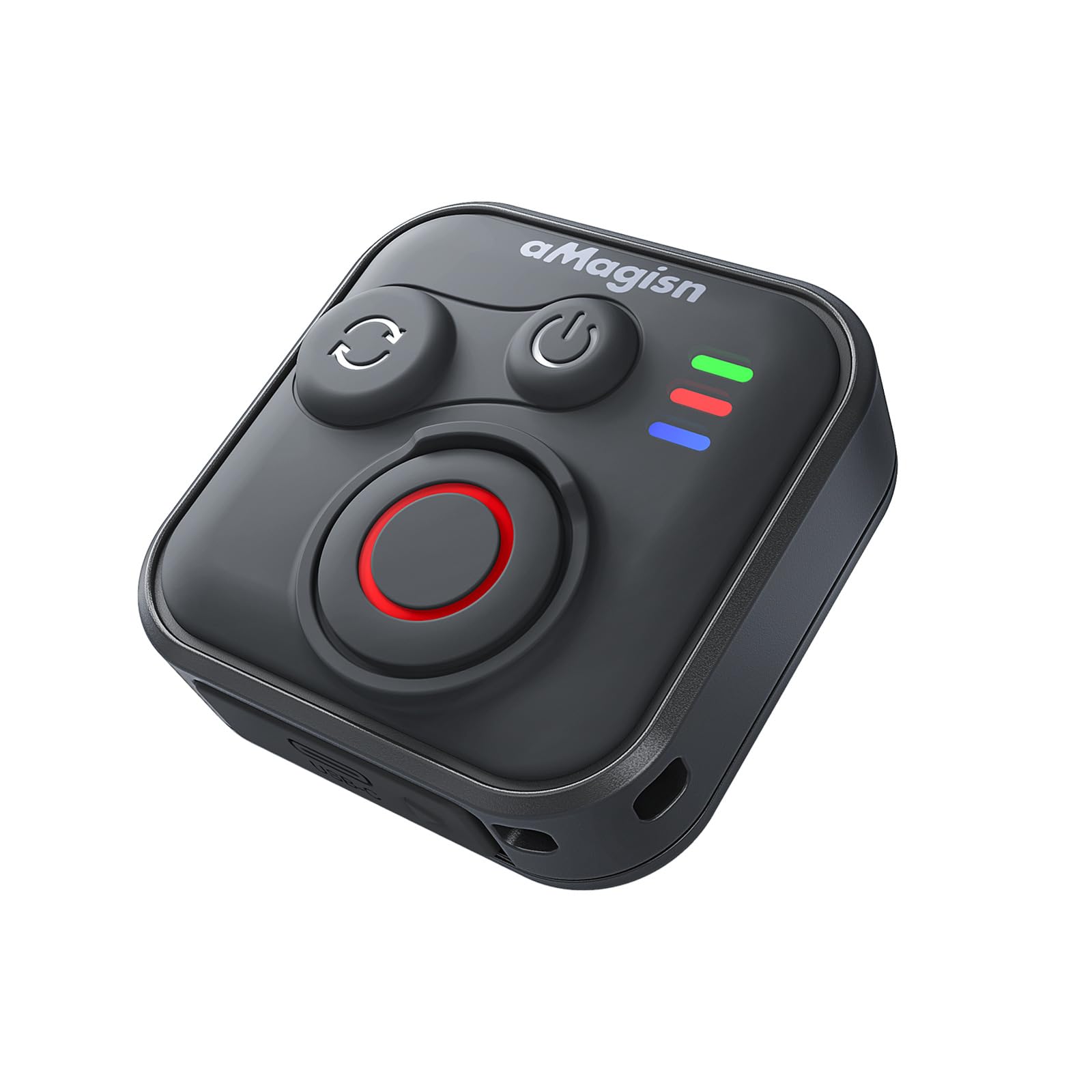
Image: The remote control demonstrating its Bluetooth 5.1 range, compatible with various devices.
4. Arahan Operasi
Fungsi Butang
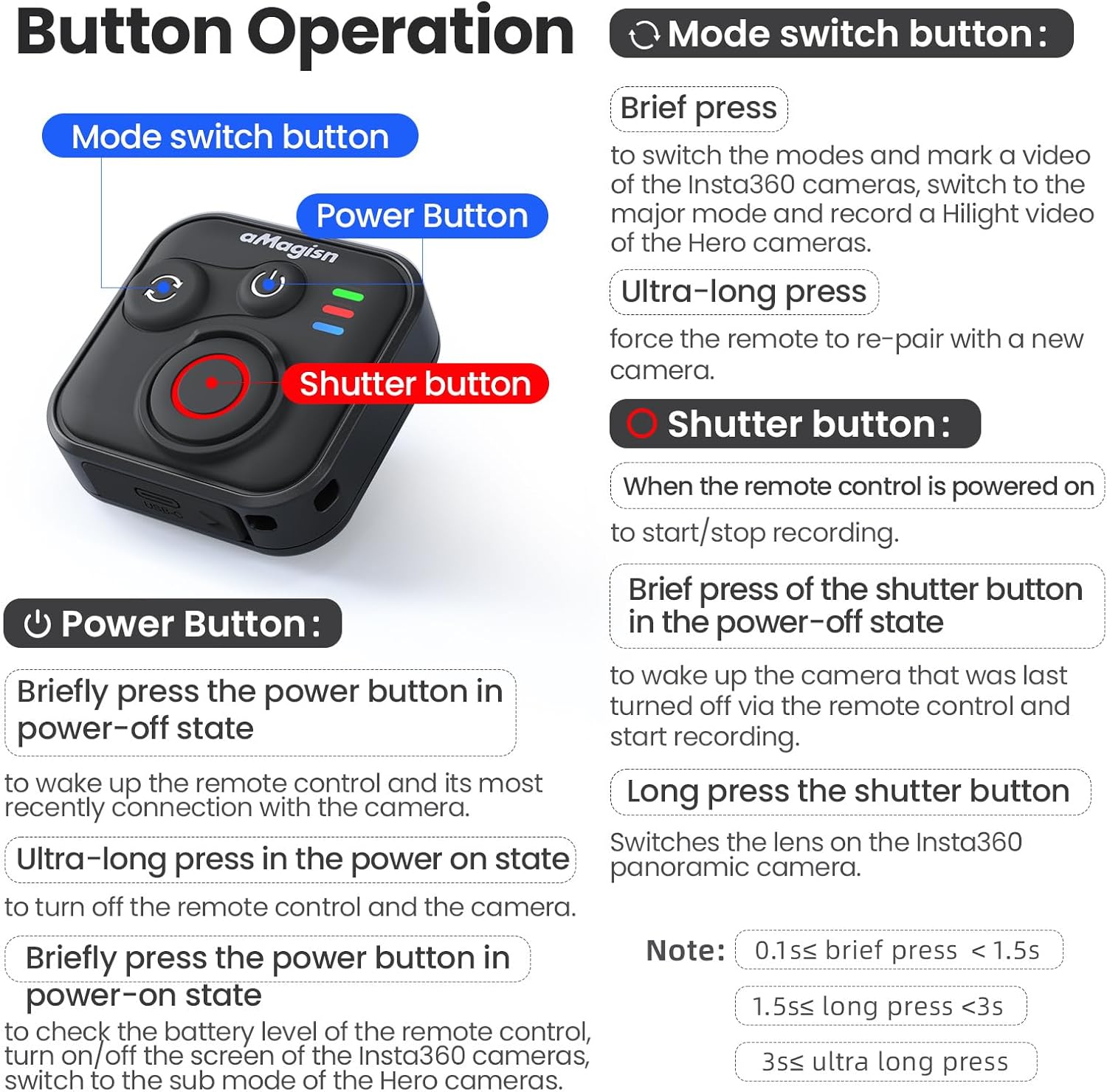
Imej: Diperincikan di atasview of the remote control's buttons and their respective operations.
Butang Kuasa
- Brief press (Power-off state): Wakes up the remote control and connects to the most recently paired device.
- Ultra-long press (Power-on state): Turns off the remote control and the connected camera.
- Brief press (Power-on state): Checks battery level, turns on/off the screen of Insta360 cameras, or switches to the sub-mode of Hero cameras.
Butang Suis Mod
- Akhbar ringkas: Switches between modes (e.g., Photo/Video) and marks a video highlight (for GoPro HiLight).
- Ultra-long press: Forces the remote to re-pair with a new camera.
Butang Pengatup
- Press (Remote powered on): Starts or stops recording/capturing.
- Brief press (Power-off state): Wakes up the camera that was last turned off via the remote control and starts recording.
- Tekan lama: Switches the lens on Insta360 panoramic cameras.
Light Indicator Status

Image: Explanation of the remote control's LED light indicators for battery, connection, and pairing status.
Red and Green Light (Battery Status - Press Power Button)
- Lampu Hijau Pepejal: Paras bateri adalah antara 10% dan 100%.
- Lampu Hijau Berkelip: Paras bateri adalah antara 0% dan 10%.
- Lampu Merah Berkelip: Battery level is at 0%.
Blue Light (Bluetooth Status)
- Cahaya Biru Pepejal: Bluetooth disambungkan.
- Blinking Blue Light (Power light off): Waiting to connect to the last connected device.
Status Pengecasan
- Lampu Merah Pepejal: Charging in progress, battery not yet full.
- Lampu Hijau Pepejal: Charging in progress, battery is full.
New Device Pairing
- Alternating Blue, Red, and Green Light Flashes: Camera is waiting to pair with a new device.
5. Installation and Usage Scenarios
The remote control features a versatile design with four pass-through holes, allowing for both horizontal and vertical wrist strap attachment. This ensures secure mounting on wrists, handlebars, selfie sticks, or other accessories.

Imej: Cthamples of how the remote control can be mounted horizontally or vertically using wrist straps, and various use cases like cycling, selfie sticks, and backpack clips.
Reka Bentuk Kalis Air
The remote control features a waterproof build and a sealed USB port, making it resistant to splashes, rain, and suitable for use in wet conditions like surfing.
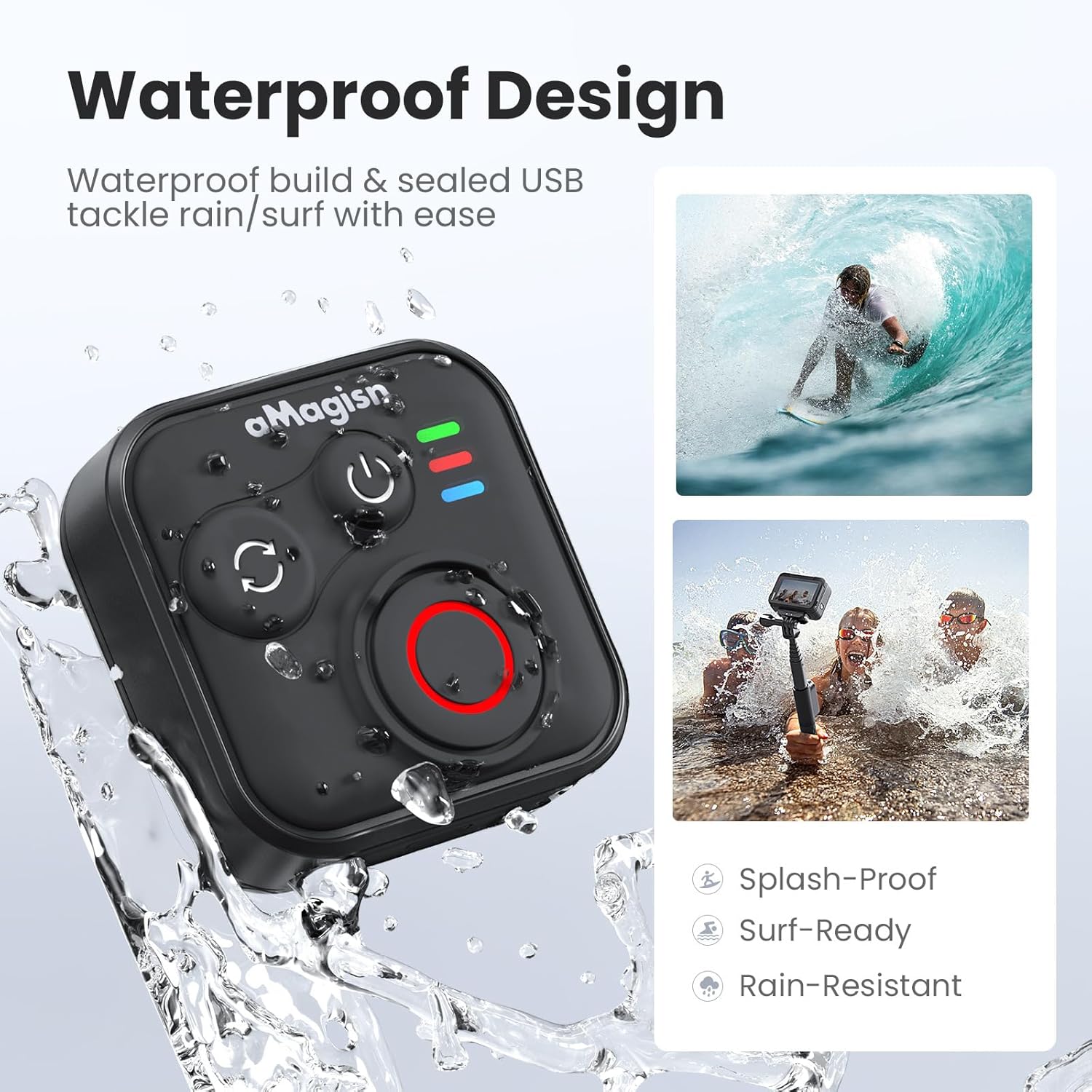
Image: The remote control demonstrating its waterproof capabilities, suitable for use in rain or near water.
6. Penyelenggaraan
Pembersihan
Lap alat kawalan jauh dengan kain lembut dan kering. Untuk kotoran degil, lap sedikitamp kain boleh digunakan. Jangan gunakan bahan kimia yang keras atau pembersih yang kasar.
Penyimpanan
Store the remote control in a cool, dry place away from direct sunlight and extreme temperatures. If storing for an extended period, ensure the battery is partially charged (around 50%) to prolong its lifespan.
Hayat Bateri
The remote control offers up to 96 hours of continuous operation on a single charge, with a charging duration of approximately 3 hours.

Image: Visual representation of the remote control's impressive 96-hour battery life and 3-hour charging time.
7. Penyelesaian masalah
- Remote not powering on: Ensure the battery is charged. Connect to the charging cable and check the charging indicator light.
- Tidak dapat berpasangan dengan peranti:
- Ensure Bluetooth is enabled on your camera/smartphone.
- Perform an Ultra-long press on the Mode Switch Button on the remote to force re-pairing.
- Ensure the remote is within the effective Bluetooth range of your device.
- Restart both the remote and your device.
- Remote not controlling camera:
- Verify that the remote is successfully paired (solid blue light).
- Check camera settings to ensure it supports external Bluetooth remote control.
- Pastikan firmware kamera dikemas kini.
- Julat operasi pendek: Environmental factors (e.g., obstacles, interference) can affect Bluetooth range. Try operating in an open area.
8. Waranti dan Sokongan
For warranty information or technical support, please refer to the contact details provided with your purchase or visit the official aMagisn webtapak. Simpan bukti pembelian anda untuk tuntutan waranti.