
LongPlus X84
LongPlus Vicohome X84 Wireless Security Camera System User Manual
Model: X84
1. Pengenalan
This manual provides detailed instructions for the installation, operation, and maintenance of your LongPlus Vicohome X84 Wireless Security Camera System. Please read this manual thoroughly before using the product to ensure proper function and safety.

Image: Two LongPlus Vicohome X84 wireless security cameras, black, with water droplets, mounted on bases.
2. Kandungan Pakej
Sahkan bahawa semua item terdapat dalam pakej anda:
- Security Camera with Bracket
- Pek Skru
- Tetapkan Semula Jarum
- Kabel USB
- Panduan Mula Pantas
3. Ciri-ciri Produk
- 2K Resolution & Color Night Vision: Captures clear, vibrant images day and night up to 33 feet.
- AI Event Analysis: Differentiates between people, pets, vehicles, and packages, reducing false alarms.
- PIR Motion Detection & Siren Alarm: Triggers audio and strobe light alarms upon detecting humanoid motion.
- Storan Fleksibel: Menyokong sehingga 128GB kad Micro SD (tidak disertakan) dan storan awan pilihan.
- Perbincangan Dua Hala: Communicate with visitors or deter intruders via the Vicohome app.
- 100% Wire-Free Installation: Battery-powered design allows for easy placement without complex wiring.
- Integrasi Rumah Pintar: Compatible with Amazon Alexa for voice control.
- Reka Bentuk Kalis Cuaca: IP65 rated for outdoor use in various weather conditions.
4. Persediaan dan Pemasangan
4.1 Mengecas Kamera
Before initial use, fully charge the camera using the provided USB cable. A full charge ensures optimal battery life.
4.2 Muat Turun Apl dan Pembuatan Akaun
- Download the 'Vicohome' app from your smartphone's app store (iOS or Android).
- Daftar untuk akaun baharu atau log masuk jika anda sudah mempunyai akaun.
4.3 Menyambungkan Kamera ke Wi-Fi
- Open the Vicohome app and tap the '+' icon to add a new device.
- Follow the on-screen instructions to connect your camera to your 2.4GHz Wi-Fi network. Ensure your camera is close to your Wi-Fi router during setup.
4.4 Memasang Kamera
The camera is designed for 100% wire-free installation, offering flexibility for placement. It supports ceiling mount and wall mounting.

Image: LongPlus Vicohome X84 camera showing wireless setup and wall mounting.
- Pilih lokasi yang sesuai untuk optimum viewing, considering the 130-degree viewsudut ing.
- Use the provided screws and bracket to securely mount the camera to a wall or ceiling.
- Laraskan sudut kamera mengikut keperluan.

Image: Various indoor and outdoor locations where the LongPlus Vicohome X84 camera can be installed.
5. Arahan Operasi
5.1 Langsung View dan Rakaman
Akses strim video langsung dan rakaman videotage through the Vicohome app. You can view up to four cameras simultaneously on one screen.

Image: A hand holding a smartphone displaying the Vicohome app interface with live camera feed.
5.2 AI Motion Detection and Alerts
The camera utilizes AI algorithms to distinguish between people, pets, vehicles, and packages, sending intelligent push alerts to your smartphone.

Image: Diagram illustrating AI detection analysis and smart alerts.

Image: AI detection accuracy demonstrated with a man and a dog.
When humanoid motion is detected, the camera can automatically trigger an audio and strobe light alarm to deter intruders.
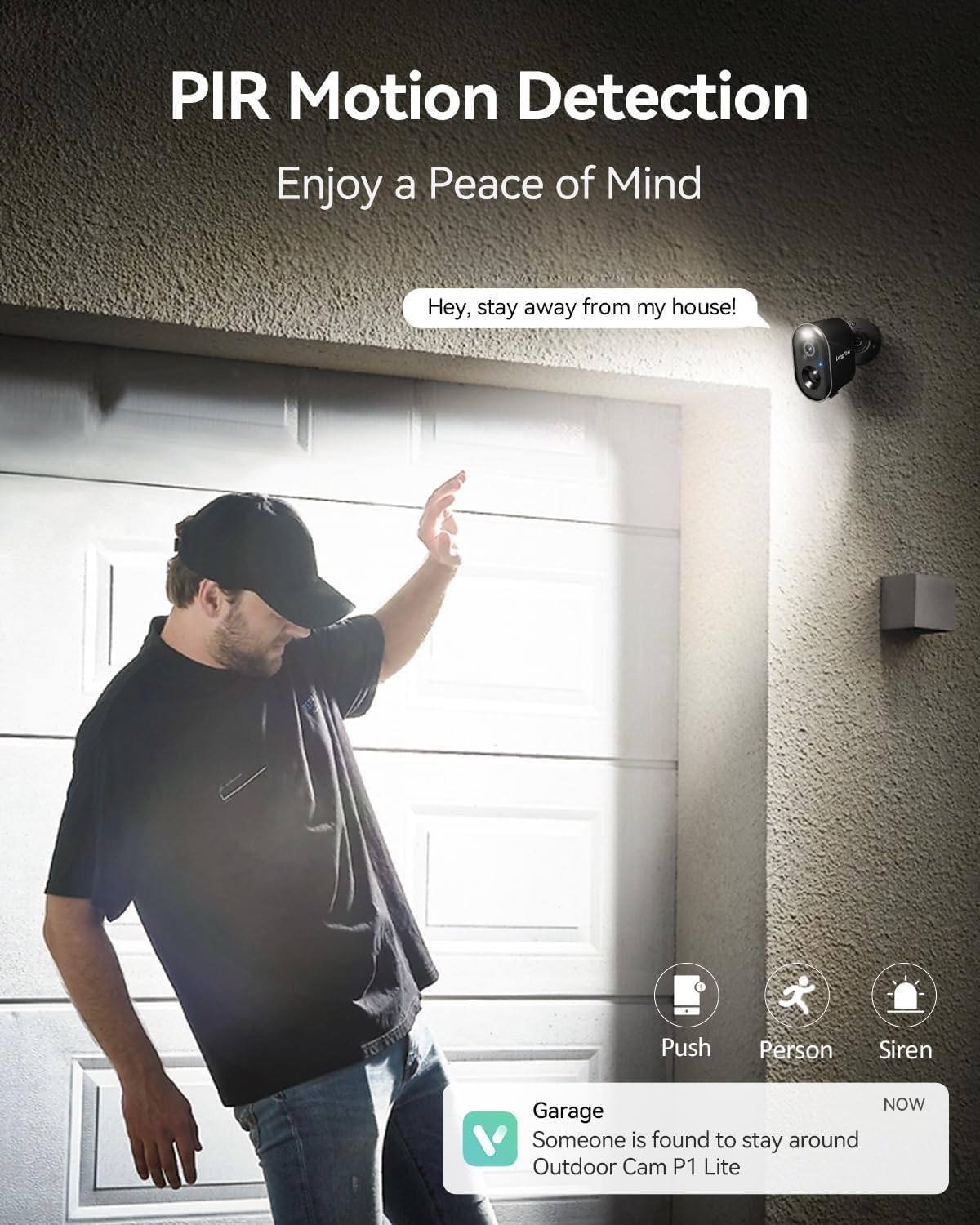
Image: PIR motion detection triggering alerts and siren.
5.3 Ceramah Dua Hala
Use the built-in microphone and speaker to communicate with people near the camera through the Vicohome app.

Image: Two-way talk feature in use with a delivery person.
5.4 Penglihatan Malam
The camera features 3MP color night vision technology, capturing clear and vivid images in low-light conditions up to 33 feet.

Image: Color night vision capability of the camera.
5.5 Pilihan Storan
Rakam footage to a Micro SD card (up to 128GB, not included) or subscribe to the optional bank-level encrypted cloud storage service.

Image: SD card and cloud storage options for the camera.
5.6 Integrasi Rumah Pintar
The camera is compatible with Amazon Alexa, allowing for voice control and integration into your smart home ecosystem.

Image: LongPlus Vicohome X84 camera working with Amazon Alexa.
6. Penyelenggaraan
- Pengurusan Bateri: Recharge the camera when the battery level is low. Battery life varies based on usage and environmental factors.
- Pembersihan Kanta: Periodically clean the camera lens with a soft, dry cloth to ensure clear image quality.
- Kemas kini Firmware: Keep the camera firmware updated through the Vicohome app for improved performance and security.
- Perlindungan Alam Sekitar: While weatherproof (IP65), avoid submerging the camera in water or exposing it to extreme temperatures beyond its operating range (-20°C to +60°C).

Image: Weatherproof design of the camera for outdoor use.
7. Penyelesaian masalah
| Masalah | Penyelesaian yang Mungkin |
|---|---|
| Kamera tidak bersambung ke Wi-Fi | Ensure your Wi-Fi is 2.4GHz. Move the camera closer to the router. Reset the camera using the reset needle and try setup again. |
| Kualiti imej yang lemah | Clean the camera lens. Ensure sufficient lighting for optimal night vision. Check Wi-Fi signal strength. |
| Pengesanan gerakan tidak berfungsi atau terlalu banyak penggera palsu | Adjust motion sensitivity settings in the app. Define specific detection zones to exclude irrelevant areas. Ensure camera is positioned correctly. |
| Hayat bateri pendek | Reduce motion detection frequency or sensitivity. Ensure the camera is fully charged. Extreme temperatures can affect battery performance. |
| Two-way talk audio issues | Check microphone and speaker settings in the app. Ensure stable internet connection. |
8. Spesifikasi
| Ciri | Perincian |
|---|---|
| Nombor Model | X84 |
| Resolusi Tangkapan Video | 1440p (2K) |
| Teknologi Ketersambungan | Wayarles (Wi-Fi) |
| Sumber Kuasa | Battery Powered (2 x 12V batteries included) |
| Penggunaan Dalaman/Luar | Dalaman, Luaran |
| Ciri Khas | Bukti Cuaca (IP65) |
| Viewsudut | 130 Darjah |
| Julat Penglihatan Malam | 33 Kaki |
| Peranti Serasi | Smartphone (Vicohome App), Amazon Alexa |
| Dimensi Produk | 3.5 x 2.5 x 3.5 inci |
| Berat Barang | 1.59 paun |
9. Waranti dan Sokongan
For warranty information or technical support, please refer to the official LongPlus website or contact their customer service directly. Contact details are typically found in the Quick Start Guide included with your product or on the manufacturer's webtapak.
Ask a question about this manual
Ask about setup, troubleshooting, compatibility, parts, safety, or missing instructions. Manuals+ will review the question and use this page’s manual context to help answer it.