
1. Pengenalan
Thank you for choosing the boAt Rockerz Plus 550 Wireless Headphones. This manual provides essential information for setting up, operating, and maintaining your headphones to ensure optimal performance and longevity. The Rockerz Plus 550 offers a superior audio experience with powerful 50mm drivers, extended battery life, and versatile connectivity options.
2. Apa yang ada di dalam Kotak
- boAt Rockerz Plus 550 Headphones
- Kabel Pengecasan
- Kabel Aux
- Manual Pengguna
3. Produk Lebihview dan Ciri
3.1 Customizable Earcups
The boAt Rockerz Plus 550 features customizable earcups, allowing you to personalize the appearance of your headphones. Easily change the design to match your style while enjoying comfortable listening.
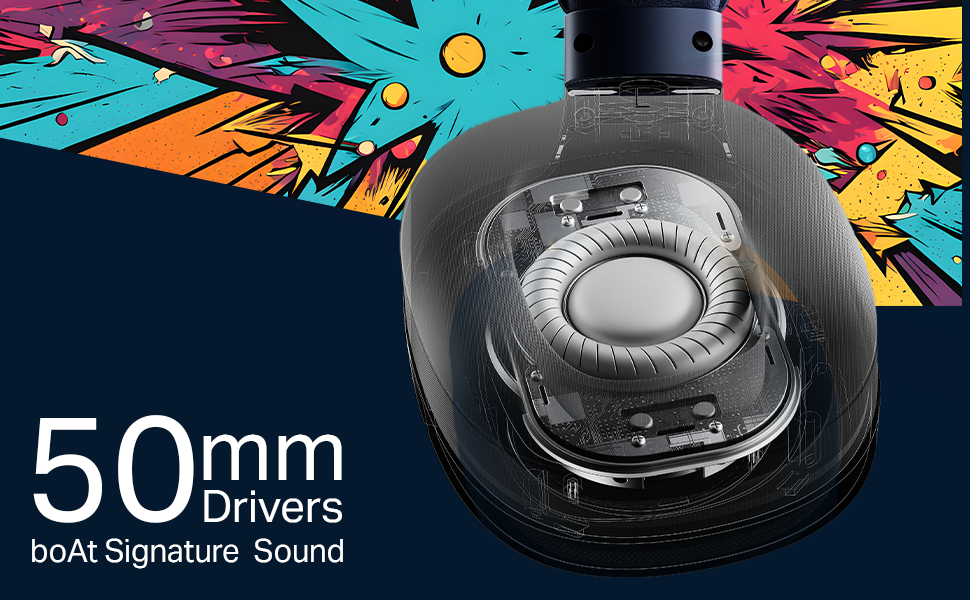
Image: boAt Rockerz Plus 550 headphones with a close-up view of the customizable earcups, highlighting the removable design elements.
3.2 Powerful 50mm Drivers
Experience rich bass and vibrant clarity with the powerful 50mm drivers. boAt Signature Sound technology enhances your music, movies, and other audio content.
Imej: A terperinci view of the internal 50mm driver component within the headphone earcup, illustrating its size and design.
3.3 Extended 100-Hour Playback
Enjoy up to 100 hours of battery life on a single charge, allowing for prolonged listening sessions or extended call times without frequent recharging.
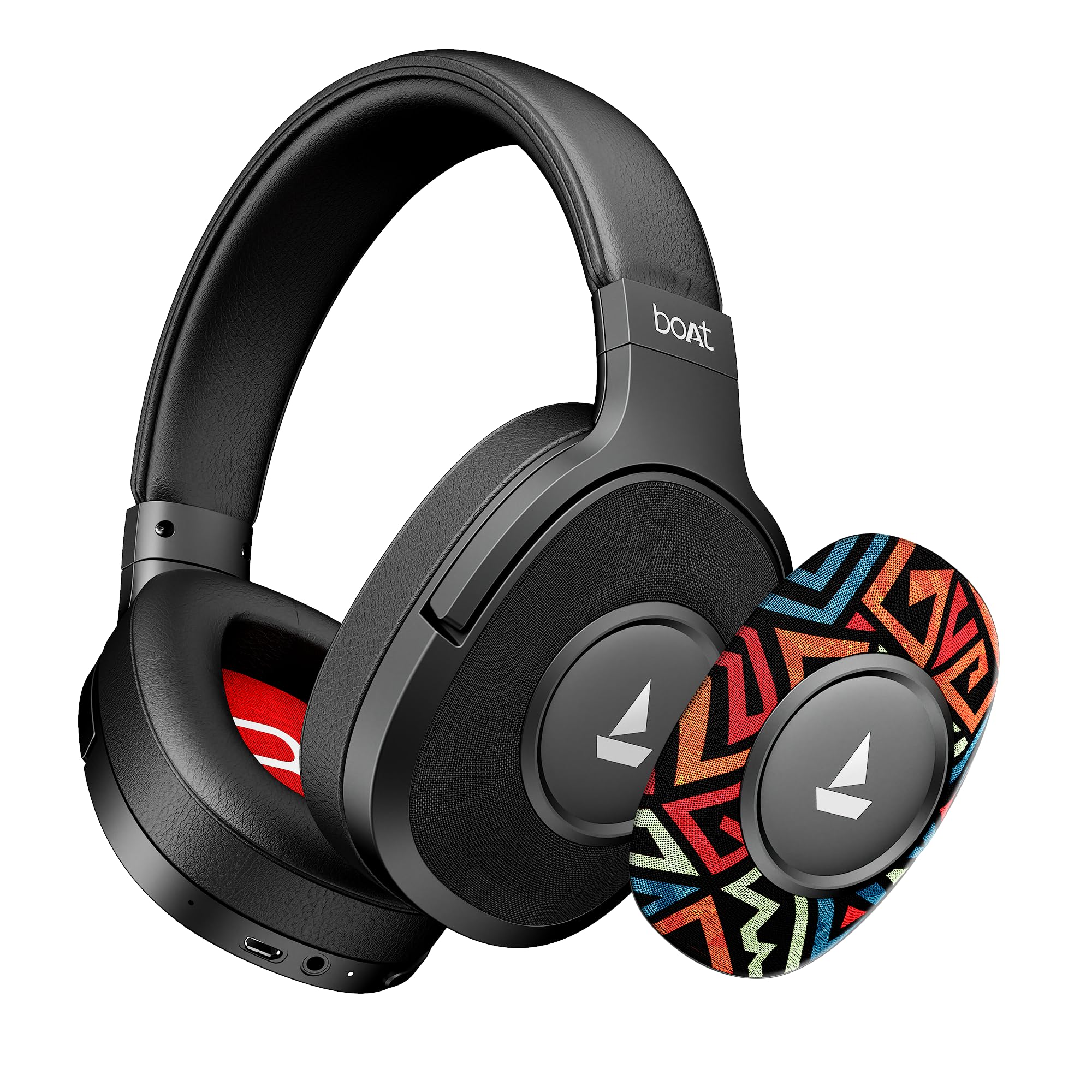
Image: The boAt Rockerz Plus 550 headphones displayed with text indicating 'Up To 100 Hours Playback', emphasizing the long battery life.
3.4 Bluetooth v5.4 & AUX Compatibility
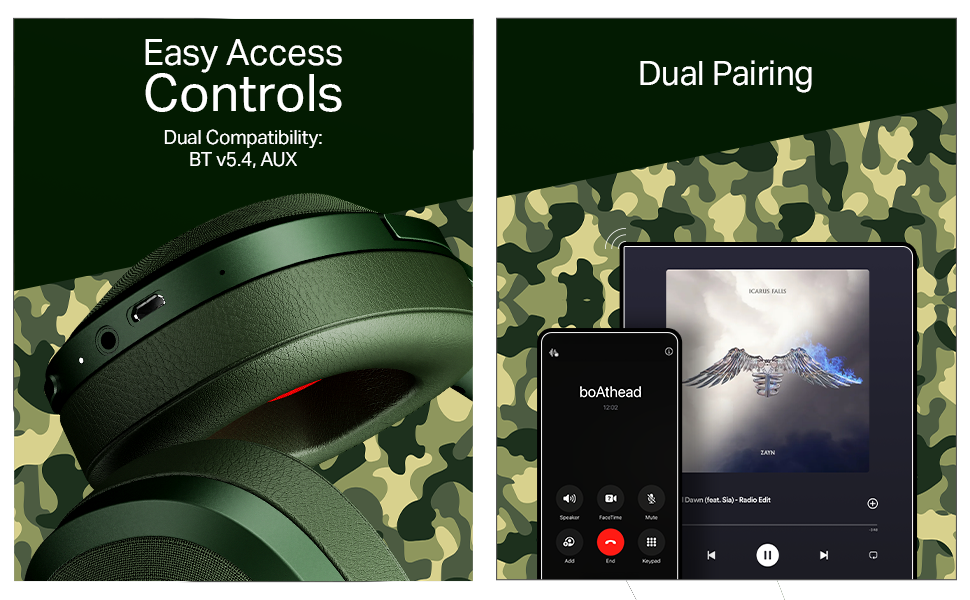
Connect wirelessly using Bluetooth v5.4 for stable and efficient audio streaming, or use the included AUX cable for a wired connection, offering flexible usage options.

Image: A close-up of the headphone earcup, showing the control buttons, charging port, and AUX input for both wireless and wired connectivity.
3.5 Berpasangan Dwi
Seamlessly connect your Rockerz Plus 550 to two devices simultaneously. This feature allows you to switch between taking calls on your phone and streaming media on a tablet without needing to disconnect and reconnect.

Image: An illustration depicting the headphones connected to both a smartphone and a tablet, demonstrating the dual pairing functionality.
3.6 Easy Access Controls
Manage your audio playback and calls directly from the headphones using the conveniently placed control buttons. Adjust volume, skip tracks, and answer calls with ease.
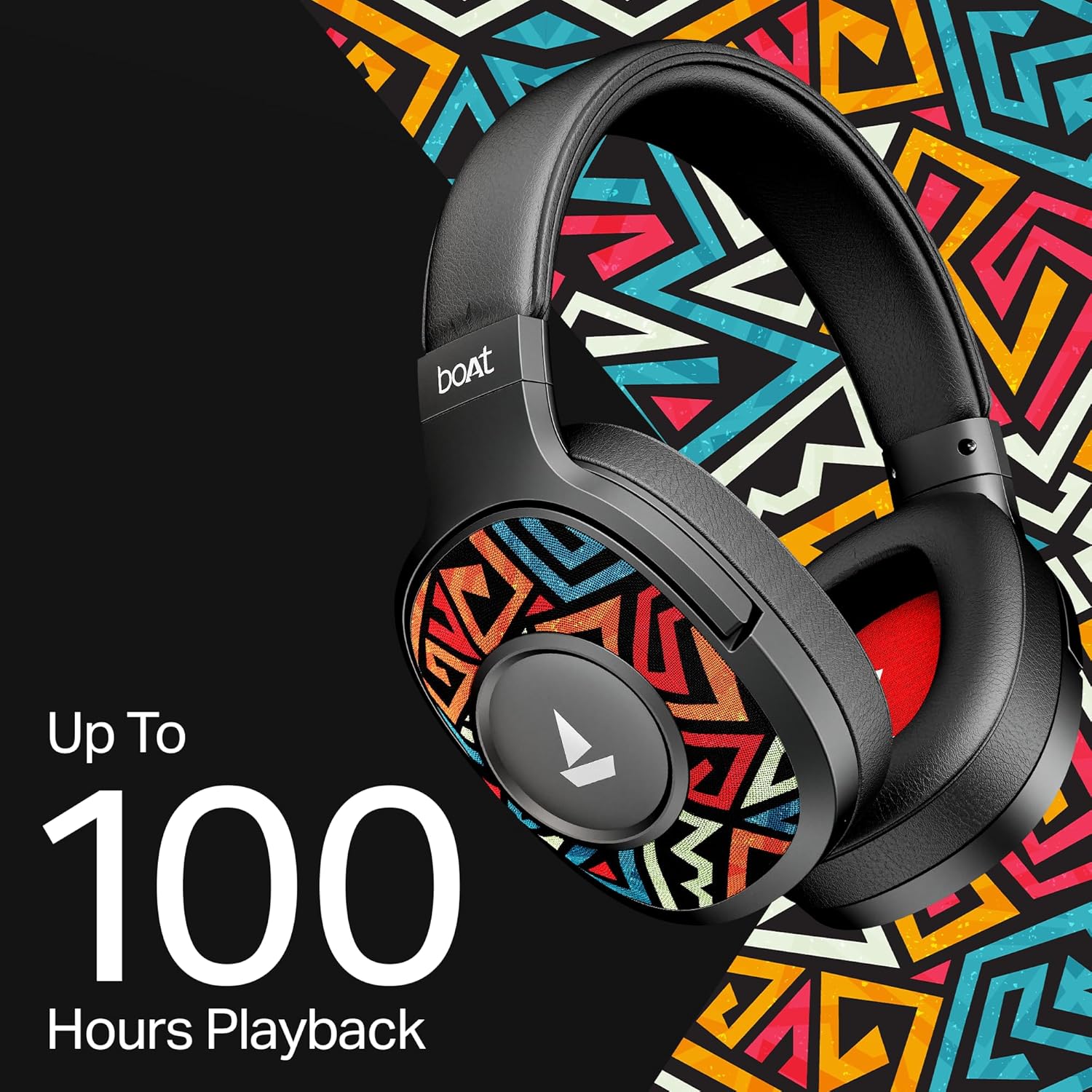
Image: A detailed shot of the physical control buttons located on the headphone earcup, highlighting their accessibility.
3.7 Voice Assistant Support
Activate your smartphone's voice assistant (Siri or Google Voice Assistant) directly from the headphones to perform tasks hands-free, such as setting reminders or checking the weather.

Image: A person wearing the headphones, suggesting interaction with a voice assistant for hands-free operation.
3.8 Ergonomic Over-the-Ear Design
Designed for comfort during extended use, the over-the-ear design ensures a snug and comfortable fit, reducing strain during long listening sessions.

Image: A model wearing the boAt Rockerz Plus 550 headphones, showcasing the comfortable over-the-ear fit and ergonomic design.
3.9 Physical Noise Isolation
The headphones provide physical noise isolation, helping to block out ambient distractions for a more immersive audio experience during calls or music playback.

Image: A woman wearing the boAt Rockerz Plus 550 headphones, illustrating the physical noise isolation feature in action.
4. Arahan Persediaan
4.1 Mengecas Fon Kepala Anda
- Connect the charging cable to the charging port on the headphones.
- Sambungkan hujung kabel yang satu lagi ke sumber kuasa USB (cth, penyesuai dinding, port USB komputer).
- Penunjuk LED akan menunjukkan status pengecasan. Pengecasan penuh mengambil masa kira-kira 2.5 jam.
- Once fully charged, the headphones provide up to 100 hours of playback time.
4.2 Menghidupkan/Mematikan
- Untuk Menghidupkan: Tekan dan tahan butang Kuasa sehingga penunjuk LED menyala.
- Untuk Mematikan: Tekan dan tahan butang Kuasa sehingga penunjuk LED dimatikan.
4.3 Berpasangan Bluetooth
- Pastikan fon kepala dimatikan.
- Tekan dan tahan butang Kuasa selama lebih kurang 5-7 saat sehingga penunjuk LED berkelip biru dan merah secara berselang-seli, menunjukkan mod berpasangan.
- Pada peranti anda (telefon pintar, tablet, dll.), dayakan Bluetooth dan cari peranti yang tersedia.
- Select "boAt Rockerz Plus 550" from the list of devices.
- Once connected, the LED indicator will flash blue periodically.
- The headphones will automatically reconnect to the last paired device when powered on, if within range (up to 10 meters).
5. Arahan Operasi
5.1 Menggunakan Kawalan
The headphones feature intuitive push-button controls for various functions:
- Butang Kuasa: Tekan dan tahan untuk hidup/mati. Tekan sebentar untuk memainkan/menjeda muzik atau menjawab/menamatkan panggilan.
- Kelantangan Naik (+): Tekan sebentar untuk meningkatkan kelantangan. Tekan lama untuk melangkau ke trek seterusnya.
- Perlahankan suara (-): Short press to decrease volume. Long press to skip to the previous track.
- Pembantu Suara: Double-press the Power button to activate your device's voice assistant.
5.2 Dual Pairing Functionality
To connect to two devices simultaneously:
- Pasangkan fon kepala dengan peranti pertama seperti yang diterangkan dalam Bahagian 4.3.
- Lumpuhkan Bluetooth pada peranti pertama. Fon kepala akan memasuki semula mod berpasangan.
- Pasangkan fon kepala dengan peranti kedua.
- Enable Bluetooth on the first device. The headphones should now be connected to both devices.
- Audio will play from the device that is actively sending a signal. Calls from either device will take priority.
5.3 Mod AUX
Untuk menggunakan fon kepala dalam mod berwayar:
- Ensure the headphones are powered off or in Bluetooth mode.
- Connect one end of the 3.5mm AUX cable to the headphone's AUX port.
- Connect the other end of the AUX cable to your audio source's 3.5mm jack.
- The headphones will automatically switch to AUX mode. No battery power is required for wired listening.
6. Penyelenggaraan dan Penjagaan
- Bersihkan fon kepala dengan kerap menggunakan kain lembut dan kering.
- Avoid exposing the headphones to extreme temperatures, humidity, or liquids. While water-resistant, they are not waterproof.
- Simpan fon kepala di tempat yang sejuk dan kering apabila tidak digunakan.
- Jangan cuba membuka atau membaiki fon kepala sendiri, kerana ini akan membatalkan jaminan.
- Keep away from sharp objects to prevent scratches or damage.
7. Penyelesaian masalah
7.1 Tiada Kuasa
- Pastikan fon kepala dicas sepenuhnya.
- Check the charging cable and power source for proper connection.
7.2 Tidak Boleh Berpasangan melalui Bluetooth
- Pastikan fon kepala berada dalam mod berpasangan (LED berkelip biru dan merah).
- Pastikan Bluetooth didayakan pada peranti anda dan ia berada dalam jarak 10 meter dari fon kepala.
- Lupakan peranti daripada tetapan Bluetooth telefon anda dan cuba pasangkan semula.
- Mulakan semula kedua-dua fon kepala dan peranti anda.
7.3 Tiada Bunyi atau Kelantangan Rendah
- Laraskan kelantangan pada kedua-dua fon kepala dan peranti anda yang disambungkan.
- Pastikan fon kepala dipasangkan dan disambungkan dengan betul.
- If using AUX mode, ensure the cable is fully inserted into both ports.
- Uji dengan sumber atau peranti audio yang berbeza.
7.4 Isu Kualiti Panggilan
- Pastikan mikrofon tidak terhalang.
- Bergerak lebih dekat ke peranti anda yang disambungkan untuk meningkatkan kekuatan isyarat Bluetooth.
- Avoid noisy environments.
8. Spesifikasi
| Ciri | Perincian |
|---|---|
| Jenama | botAt |
| Nama Model | Rockerz 550 |
| Nombor Model | 1000003843 |
| Penempatan Telinga | Atas Telinga |
| Faktor Bentuk | Atas Telinga |
| Kawalan Bunyi | Pembatalan Bunyi Pasif |
| Kaedah Kawalan | Butang Tekan |
| Masa Pengecasan Bateri | 2.5 Jam |
| Purata Hayat Bateri | 100 Jam |
| Jenis Pemacu Audio | Pemandu Dinamik |
| Julat Kekerapan | 20Hz - 20kHz |
| Bahan Kepungan | Memory Foam, Silicone |
| Kegunaan Khusus Untuk Produk | Entertainment, Travel |
| Peranti Serasi | Telefon bimbit |
| Tahap Ketahanan Air | Tahan Air |
| Bicu Fon Kepala | Jack 3.5 mm |
| Teknologi Ketersambungan Rangkaian | Bluetooth |
| Jenis Teknologi Tanpa Wayar | Bluetooth |
| Julat Bluetooth | 10 Meter |
| Versi Bluetooth | 5.4 |
| Berat Barang | 250 Gram |
| Negara Asal | China |
9. Waranti dan Sokongan
9.1 Maklumat Waranti
The boAt Rockerz Plus 550 headphones come with a Waranti 1 tahun dari tarikh pembelian. Sila simpan bukti pembelian anda untuk tuntutan waranti.
9.2 Sokongan Pelanggan
For any support, queries, or warranty claims, please contact the manufacturer:
- Pengeluar: Imagine Marketing Ltd
- e-mel: info@imaginemarketingindia.com
10. boAt Hearables App Support
Enhance your audio experience by downloading the boAt Hearables App. Scan the QR code below to access the app and explore features like streaming top tracks, listening to audiobooks, and accessing the user help guide.
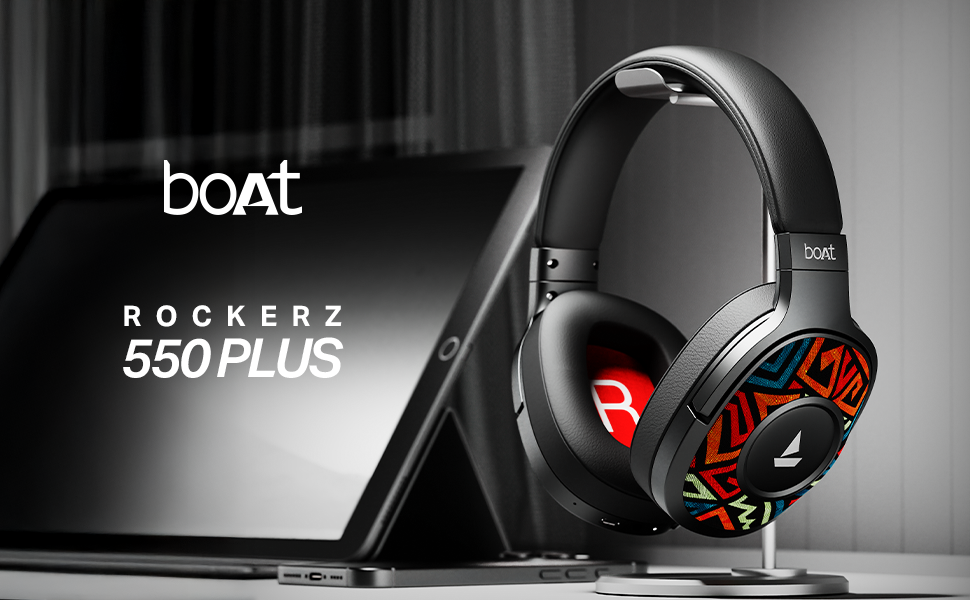
Image: A smartphone screen displaying a QR code for the boAt Hearables App. Scan this code to download the app and unlock additional features and support.
Alternatively, visit the app download page: https://l.ead.me/bdAX6k