
1. Arahan Keselamatan Penting
Please read all instructions carefully before using the Wancle Conical Burr Electric Coffee Grinder. Retain this manual for future reference.
- Jangan rendam unit utama, kord, atau palam ke dalam air atau cecair lain.
- Ensure the appliance is placed on a stable, flat, and dry surface.
- Unplug the grinder from the power outlet when not in use, before assembling or disassembling parts, and before cleaning.
- Elakkan sentuhan dengan bahagian yang bergerak.
- Jangan kendalikan perkakas dengan kord atau palam yang rosak, atau selepas perkakas tidak berfungsi atau rosak dalam apa jua cara.
- Perkakas ini adalah untuk kegunaan isi rumah sahaja. Jangan gunakan di luar rumah.
- Pengawasan rapi diperlukan apabila sebarang perkakas digunakan oleh atau berhampiran kanak-kanak.
- Jangan gunakan lampiran yang tidak disyorkan atau dijual oleh pengilang.
2. Produk Lebihview
The Wancle Conical Burr Electric Coffee Grinder is designed for precise and consistent coffee grinding. It features a touchscreen interface, 25 adjustable grind settings, and anti-static technology for a clean grinding experience.

Image: The Wancle Conical Burr Electric Coffee Grinder, showcasing its sleek design and touchscreen controls.

Image: The Wancle coffee grinder demonstrating its compact dimensions (10.8"L x 3.7"W x 7.5"H) for easy storage.
3. Persediaan dan Pemasangan
Follow these steps to set up your coffee grinder:
- Buka Pembungkusan Komponen: Carefully remove all parts from the packaging. You should have the main grinder unit, a coffee bean hopper with lid, a grounds container with lid, and a cleaning brush.
- Assemble Upper Burr and Hopper: Ensure the removable upper burr is correctly seated in the main body. Align the arrow on the rotating cup with the arrow on the main body, then push it down to secure. Place the coffee bean hopper on top of the main unit, ensuring it locks into place.
- Position Grounds Container: Place the grounds container into its designated slot on the front of the grinder.
- Sambungkan Kuasa: Pasangkan kabel kuasa ke soket AC 120V standard.
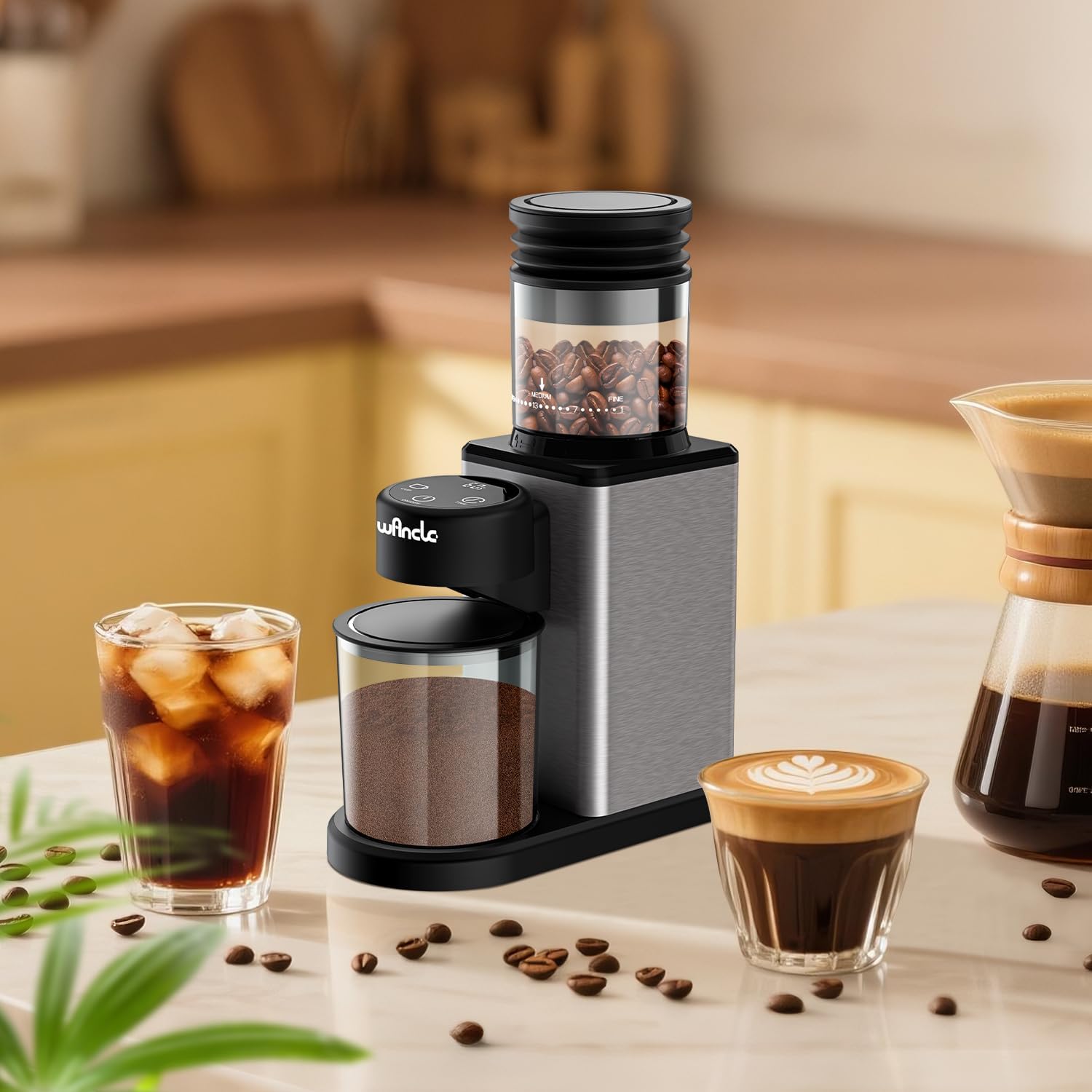
Image: The Wancle coffee grinder fully assembled on a countertop, ready for operation.
4. Arahan Operasi
4.1 Menambah Biji Kopi
- Buka penutup corong biji kopi.
- Pour whole coffee beans into the hopper. Do not overfill. The maximum capacity is approximately 12 cups of coffee beans.
- Tutup penutup corong dengan ketat.

Image: The coffee grinder illustrating its bean hopper capacity and the grounds container below.
4.2 Melaraskan Tetapan Kisar
The grinder offers 25 precise grind settings, from extra fine to extra coarse. Rotate the coffee bean hopper to select your desired grind size. Refer to the grind settings guide below for recommendations.

Imej: A terperinci view of the coffee grinder's bean hopper, showing the 25 grind settings from coarse to fine, with corresponding brewing methods.
4.3 Grind Settings Guide
| Grind Setting Range | Recommended Brewing Method |
|---|---|
| 1-4 (Extra Fine) | Italian Espresso |
| 5-8 (Slightly Fine) | Periuk Moka |
| 9-12 (Fine) | Siphon Pot |
| 13-17 (Sederhana) | Drip Pot |
| 18-21 (Coarse) | Hand Pouring |
| 22-25 (Extra Coarse) | Akhbar Perancis |
4.4 Using the Touchscreen Controls
- Hidupkan/Mati Kuasa: Tekan ke HIDUP/MATI button to turn the grinder on or off.
- Select Cup Quantity: Tekan ke CAWAN button to select the desired number of cups (2 to 12 cups). The display will show the selected quantity.
- Tetapkan Masa Pengisaran: Sebagai alternatif, tekan butang MASA button to set the grinding duration from 1 to 60 seconds, in 1-second increments.
- Mula Mengisar: Once the desired cup quantity or time is set, press the HIDUP/MATI button to start grinding. The grinder will automatically stop when the selected quantity or time is reached.
5. Penyelenggaraan dan Pembersihan
Pembersihan tetap memastikan prestasi optimum dan memanjangkan hayat pengisar anda.
- Sebelum Pembersihan: Always unplug the grinder from the power outlet.
- Cleaning the Burrs: The upper burr is removable for easy cleaning. Gently lift and remove the upper burr. Use the provided cleaning brush to remove any coffee grounds from both the upper and lower burrs.
- Cleaning the Grounds Container: Remove the grounds container and empty it. Wash the container and its lid with warm, soapy water. Rinse thoroughly and dry completely before reattaching.
- Cleaning the Grinder Body: Lap bahagian luar pengisar dengan iklanamp kain. Jangan gunakan pembersih yang melelas atau rendam unit utama dalam air.
- Teknologi Anti-Statik: The grinder features anti-static technology to minimize grounds clinging. If grounds scattering is observed, promptly clean the plasma mitter inside the grounds outlet with the brush.
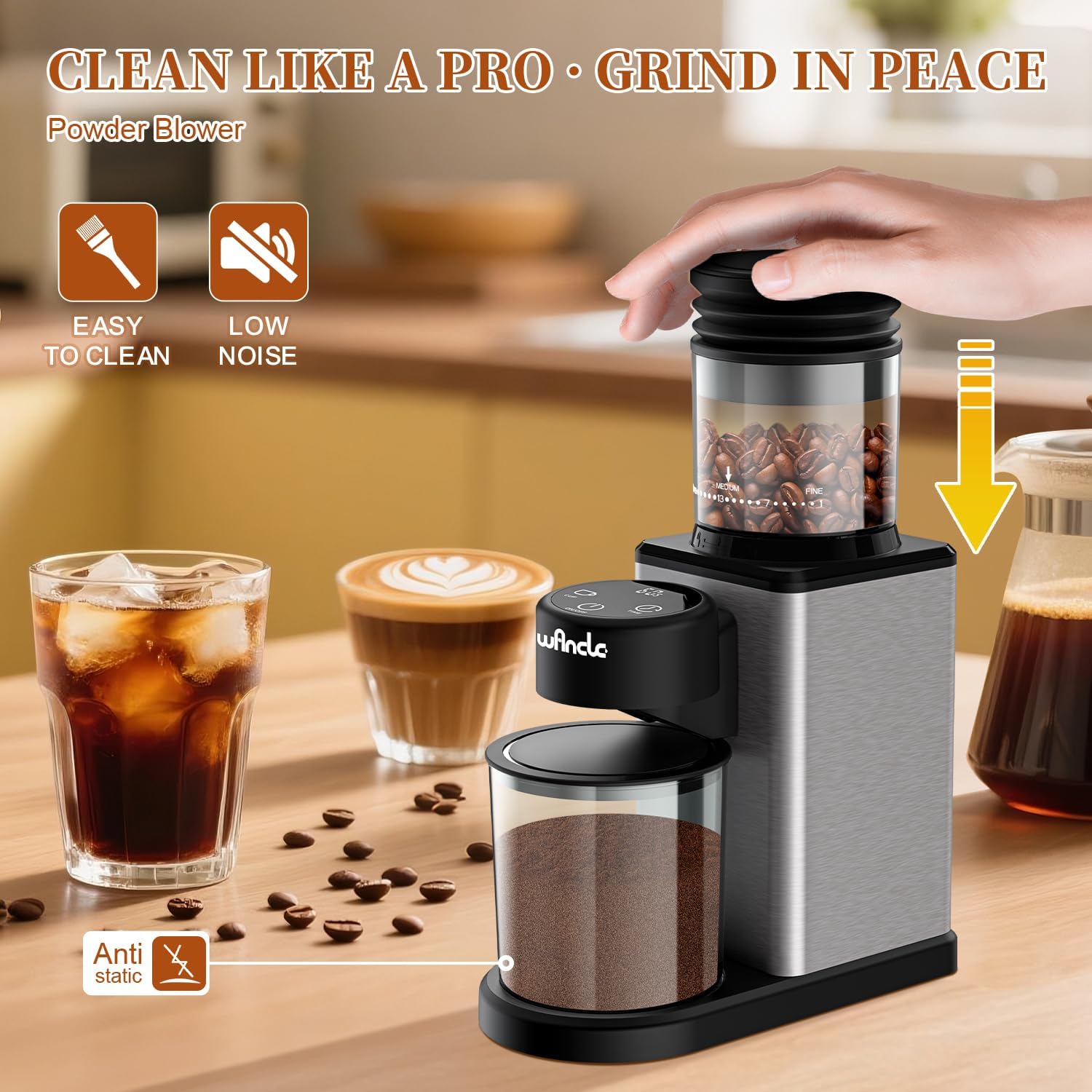
Image: The coffee grinder highlighting its easy-to-clean design and anti-static feature, with a cleaning brush shown.
6. Penyelesaian masalah
If you encounter issues with your Wancle coffee grinder, refer to the following common problems and solutions:
| Masalah | Kemungkinan Punca / Penyelesaian |
|---|---|
| Pengisar tidak dihidupkan. | Ensure the power cord is securely plugged into a working outlet. Check if the ON/OFF button has been pressed. |
| Coffee beans are not feeding into the burrs. | The beans may be stuck. Gently shake the grinder or stir the beans in the hopper to encourage flow. Ensure the hopper is correctly seated. |
| Grounds are scattering or clinging. | Clean the plasma mitter inside the grounds outlet with the provided brush. Ensure the grounds container is properly in place. |
| Saiz kisar yang tidak konsisten. | Ensure the burrs are clean and free of old coffee residue. Verify the grind setting is securely selected. |
Jika masalah berterusan selepas mencuba penyelesaian ini, sila hubungi sokongan pelanggan.
7. Spesifikasi
| Ciri | Perincian |
|---|---|
| Jenama | Wancle |
| Model | Pengisar Kopi Burr Konikal |
| Voltage | 120V |
| kuasa | 200W |
| Tetapan Kisar | 25 (Fine to Coarse) |
| Capacity (Beans) | Up to 12 Cups |
| bahan | Keluli Tahan Karat |
| Dimensi Produk | 10.8"L x 3.7"W x 7.5"H |
| Komponen yang Disertakan | 1*Conical Burr Coffee Grinder |
8. Waranti dan Sokongan
The Wancle Conical Burr Electric Coffee Grinder comes with a Waranti Pengeluar 1 Tahun.
For any questions, issues, or support needs, please contact our customer service team. We guarantee a response within 24 hours to assist you.
Sila rujuk dokumentasi pembelian anda untuk butiran perhubungan yang khusus.