
1. Pengenalan
Thank you for choosing the 4DRC 4DF8 GPS Drone. This manual provides essential information for the safe operation, setup, and maintenance of your drone. Please read it thoroughly before your first flight to ensure optimal performance and to prevent damage or injury. The 4DF8 is equipped with a 4K HD camera, 5GHz FPV transmission, and intelligent flight features designed for both beginners and experienced pilots.

Image: The 4DRC 4DF8 GPS Drone in flight, with the remote controller visible. This image illustrates the drone's design and its operational context.
2. Apa yang ada di dalam Kotak
Sahkan bahawa semua komponen terdapat dalam pakej anda:
- 4DRC 4DF8 GPS Drone
- Remote Control with 4.5" LCD Screen
- Bateri Penerbangan (Kuantiti: 2)
- Spare Propellers (Quantity: 4)
- Kabel Pengecas USB
- Screwdriver (Quantity: 2)
- Kad Memori 32GB
- Pembaca Kad
- Membawa Beg
- Manual Pengguna

Imej: Selesaiview of the 4DRC 4DF8 GPS Drone package contents, neatly arranged. It shows the drone, remote controller, two batteries, four spare propellers, a USB cable, two screwdrivers, a memory card, a card reader, and a carrying bag.
3. Persediaan
3.1 Pengecasan dan Pemasangan Bateri
Before first use, fully charge the drone's flight batteries and the remote controller's internal battery. Use the provided USB charging cable.
- Connect the USB charging cable to the drone battery/controller and a suitable USB power adapter (not included).
- Charging indicators will show the charging status. Once fully charged, disconnect the cable.
- Insert the charged flight battery into the drone until it clicks securely into place.
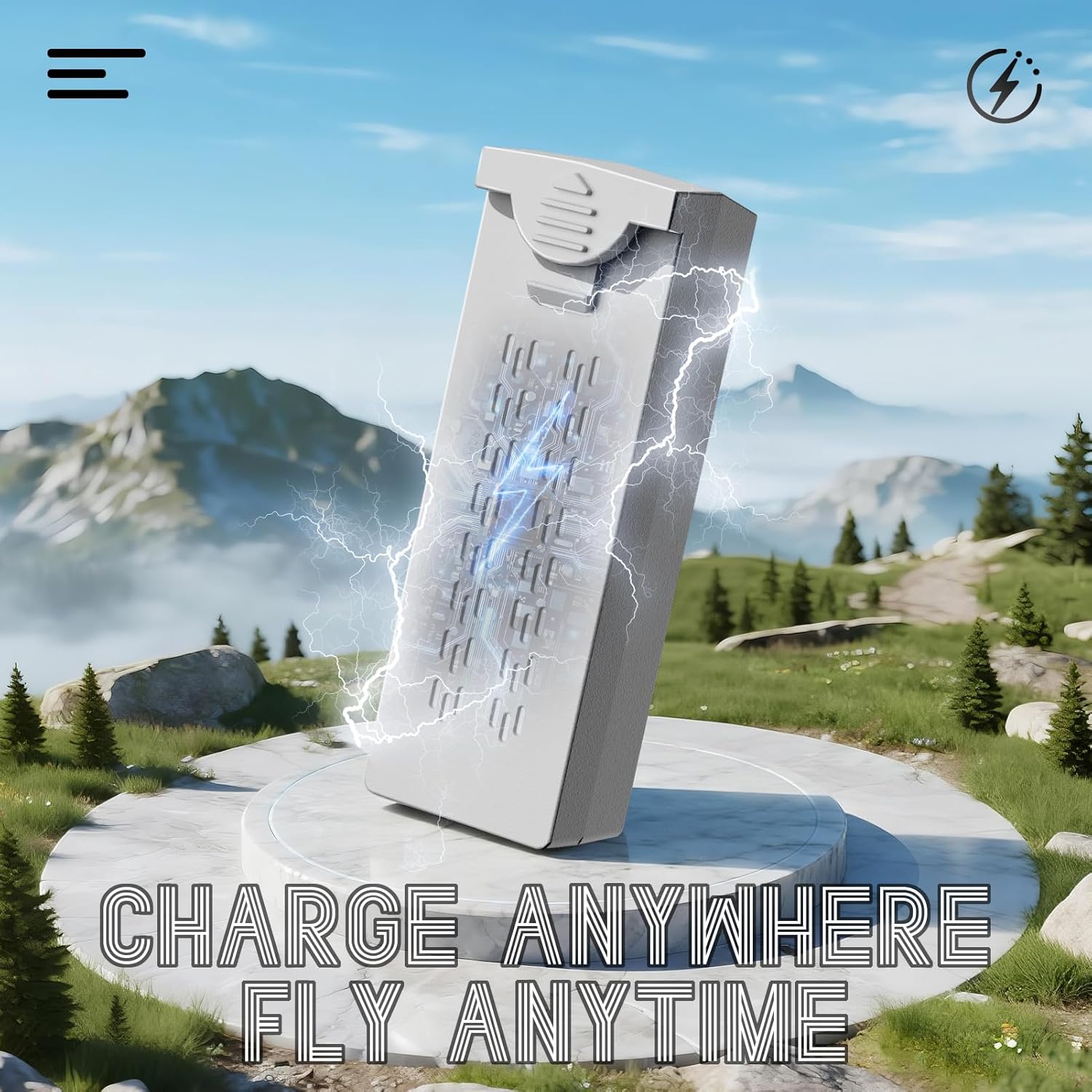
Image: A visual representation of the drone battery being charged, emphasizing the 'Charge Anywhere, Fly Anytime' concept. This highlights the convenience of charging the drone's power source.
3.2 Pemasangan Baling-baling
Ensure propellers are correctly installed before each flight. Match the propeller type (A or B) to the corresponding motor arm.
- Identify propellers marked 'A' and 'B'.
- Attach 'A' propellers to motor shafts marked 'A', and 'B' propellers to motor shafts marked 'B'.
- Secure each propeller with the provided screws using the screwdriver. Do not overtighten.
3.3 Remote Controller Preparation
Ensure the remote controller is fully charged. Power on the controller by pressing and holding the power button.
3.4 Senarai Semak Pra-Penerbangan
- Pastikan bateri dron dan pengawal dicas sepenuhnya.
- Periksa bahawa kipas dipasang dengan selamat dan tidak rosak.
- Verify the flight environment is clear of obstacles and suitable for drone operation.
- Ensure GPS signal is strong before takeoff for optimal performance of intelligent flight modes.
4. Arahan Operasi
4.1 Menghidupkan/Mematikan
- Hidupkan kuasa: Press the power button on the drone and then on the remote controller. Wait for the drone to connect to the controller and acquire GPS signal.
- Matikan: Press and hold the power button on the drone, then on the remote controller.
4.2 Berlepas dan Mendarat
- Berlepas Satu Kunci: After GPS lock, press the one-key takeoff button on the controller. The drone will automatically ascend to a safe altitude.
- Berlepas Manual: Push both joysticks down and outwards to start the motors. Slowly push the left joystick up to ascend.
- Pendaratan Satu Kunci: Press the one-key landing button. The drone will descend and land automatically.
- Pendaratan Manual: Slowly pull the left joystick down to descend. Once landed, push both joysticks down and inwards to stop the motors.

Image: An illustration highlighting the AI Takeoff/Landing and Safer Flight features, including strong motors, one-key takeoff/landing, headless mode, and 3-speed modes, ensuring effortless and precise control.
4.3 Kawalan Penerbangan
Alat kawalan jauh menggunakan konfigurasi mod 2 standard:
- Kayu Joy Kiri: Mengawal altitud (naik/turun) dan yaw (putar kiri/kanan).
- Joystick Kanan: Mengawal pergerakan ke hadapan/ke belakang dan penembakan kiri/kanan.
- Refer to the controller's LCD screen for real-time flight data and status.
4.4 Mod Penerbangan Pintar
The 4DF8 drone features advanced GPS-enabled flight modes:
- Kedudukan GPS: Provides stable hovering and precise flight control. Ensure a strong GPS signal before activating.
- Return to Home (RTH): Automatically brings the drone back to its takeoff point. Activated manually or automatically upon low battery/signal loss.
- Mod Ikut Saya: The drone will follow the remote controller, maintaining a set distance and altitude.
- Penerbangan Titik Jalan: Set a custom flight path in the app for precise, repeatable aerial routes.
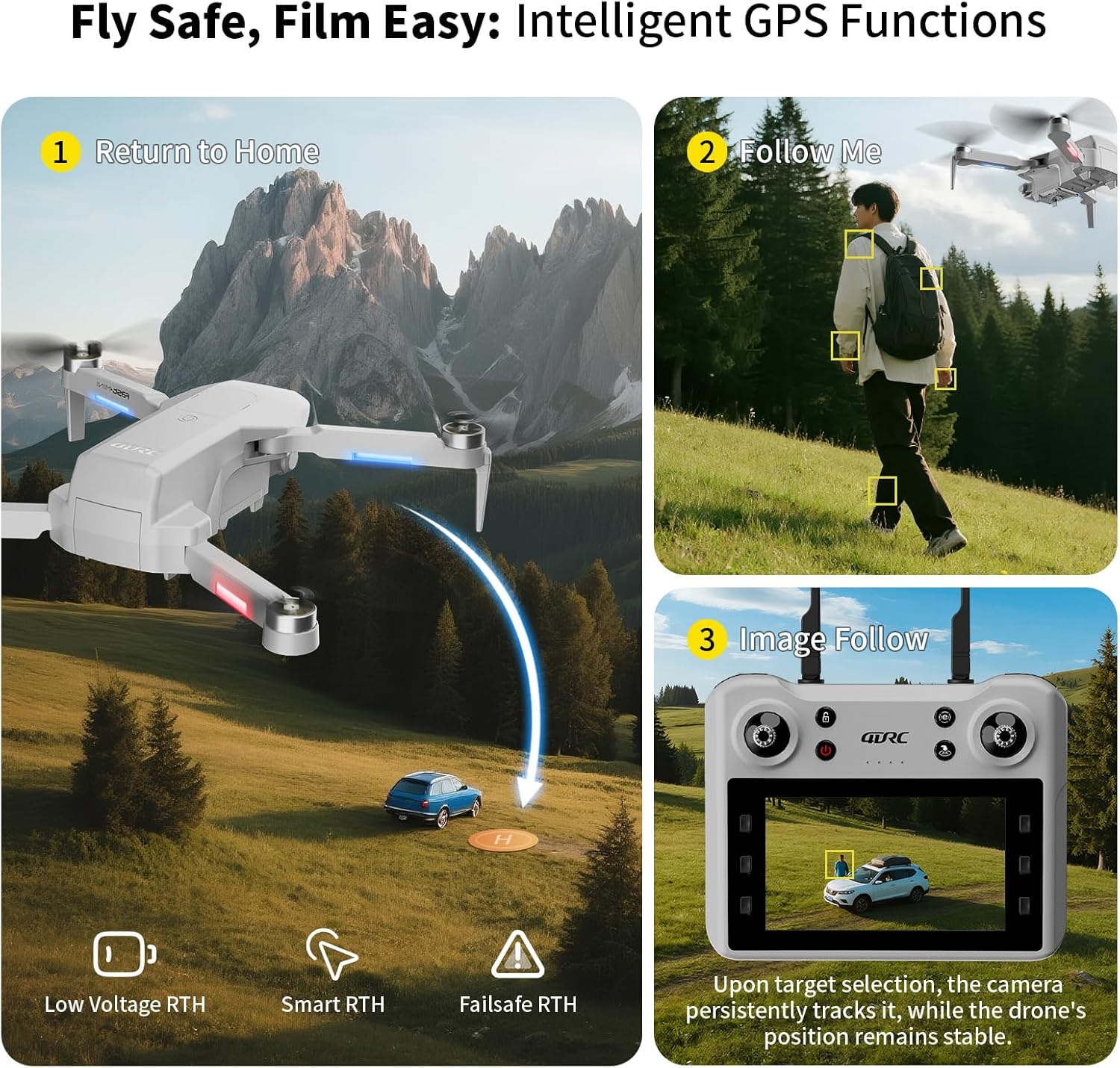
Image: A graphic illustrating the intelligent GPS functions of the drone, including Return to Home (Low Voltage RTH, Smart RTH, Failsafe RTH), Follow Me mode, and Image Follow, where the camera tracks a selected target.

Image: A visual depicting the Waypoint Flight feature, where the drone follows a custom-set path on a map, enabling precise and repeatable aerial routes.
4.5 Operasi Kamera
The 4DF8 drone is equipped with a 4K HD camera.
- Foto/Video: Use the dedicated buttons on the remote controller to capture photos or start/stop video recording.
- Sudut boleh laras: The camera angle can be adjusted remotely via the controller.
- Penghantaran FPV: View hidup footage from the drone's camera on the controller's 4.5-inch LCD screen.
- Captured media is saved to the inserted 32GB memory card.

Imej: Dari dekat view of the 4K HD camera on the 4DRC 4DF8 drone, demonstrating its capability with a visual comparison between 4K and 1080P image quality.
5. Penyelenggaraan
5.1 Pembersihan
Regularly clean your drone to ensure optimal performance.
- Use a soft, dry cloth to wipe the drone's body and camera lens.
- Remove any dust or debris from motors and propellers.
- Jangan gunakan pembersih cecair atau pelarut.
5.2 Penggantian Baling-Baling
Inspect propellers for cracks or damage before each flight. Replace damaged propellers immediately using the spare parts and screwdriver provided.
5.3 Penjagaan dan Penyimpanan Bateri
- Jangan cas berlebihan atau terlalu nyahcas bateri.
- Simpan bateri di tempat yang sejuk dan kering, jauh daripada cahaya matahari langsung dan haba.
- Untuk penyimpanan jangka panjang, cas bateri sehingga kapasiti lebih kurang 50-60%.
6. Penyelesaian masalah
| Masalah | Kemungkinan Punca | Penyelesaian |
|---|---|---|
| Drone tidak dihidupkan | Bateri lemah; Bateri tidak dipasang dengan betul | Charge battery; Reinstall battery securely |
| Drone cannot connect to controller | Controller not powered on; Pairing failed; Interference | Ensure controller is on; Re-pair drone and controller; Move to an area with less interference |
| Penerbangan/Hanyut Tidak Stabil | No GPS signal; Calibration needed; Damaged propellers | Fly in open area with strong GPS; Perform gyroscope calibration; Replace damaged propellers |
| Camera not recording/taking photos | Memory card full/missing; Memory card error | Insert/replace memory card; Format memory card (backup data first) |
| Masa penerbangan yang singkat | Bateri tidak dicas sepenuhnya; Bateri lama; Terbang agresif | Cas bateri sepenuhnya; Pertimbangkan untuk menggantikan bateri lama; Terbang dengan lebih berhati-hati |
7. Spesifikasi
- Nama Model: F8
- Jenama: 4DRC
- warna: Kelabu
- Bahan: plastik
- Berat Barang: 1 paun
- Dimensi Item (L x W x H): 8.7"L x 3.15"W x 13.8"H
- Resolusi Tangkapan Video: 4K
- Format Tangkapan Video: MP4
- Teknologi Ketersambungan: Wi-Fi, RF (5GHz FPV Transmission)
- Jenis Kawalan: Alat Kawalan Jauh
- Komposisi Sel Bateri: Litium Ion
- Masa Penerbangan: Up to 50 minutes (with included batteries)
- Ciri Khas: Auto Follow, Brushless Motor, First Person View (FPV), Gesture Control, Integrated GPS, Low Battery Return, Signal Loss Return
- Tahap kemahiran: pemula
8. Waranti dan Sokongan
For warranty information and customer support, please refer to the documentation included with your purchase or contact the retailer. Keep your proof of purchase for warranty claims.
If you encounter any issues not covered in this manual, please reach out to 4DRC customer service through their official channels or the platform where the product was purchased.