
WSTER WS-1934
WSTER WS-1934 Retro Classic Car Bluetooth Speaker User Manual
Model: WS-1934
1. Produk Lebihview
The WSTER WS-1934 is a retro-styled Bluetooth replica speaker designed to resemble a classic car. It offers wireless HD sound, FM radio, TWS stereo pairing, LED party lights, and a built-in microphone for hands-free calls. Its unique design makes it suitable for both audio playback and decorative purposes.
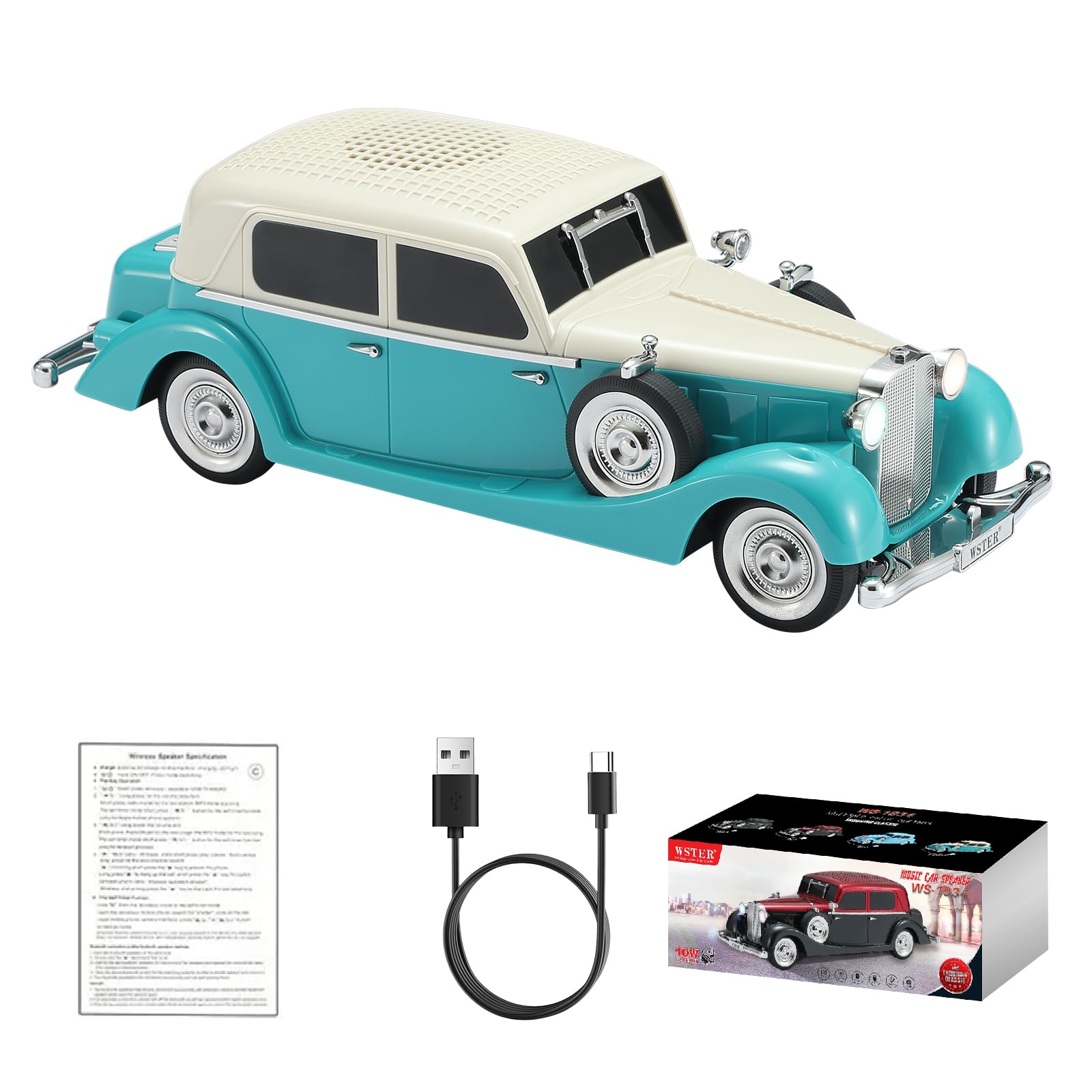
Image: The WSTER WS-1934 speaker, designed as a green and cream classic car.
2. Apa yang ada di dalam Kotak
- WS-1934 Retro Classic Car Bluetooth Speaker
- Kabel Kuasa (Jenis-C)
- Panduan Mula Pantas
3. Kawalan dan Pelabuhan
Familiarize yourself with the control buttons and ports located on the rear of the speaker for optimal operation.
Imej: Belakang view of the WS-1934 speaker, highlighting the control panel with buttons for mode, play/pause, track navigation, and ports for DC 5V (Type-C), TF card, USB, Mic, and AUX.
Fungsi Butang:
- M/Mode Button: Short press to switch between Bluetooth, FM Radio, USB, TF Card, and AUX modes.
- Butang Main/Jeda: Short press to play or pause music. Long press to initiate automatic FM channel search (in FM mode) or to answer/end calls (in Bluetooth call mode).
- Butang Trek/Kelantangan Sebelumnya: Tekan sebentar untuk trek sebelumnya. Tekan lama untuk mengurangkan kelantangan.
- Butang Trek/Kelantangan Seterusnya: Tekan sebentar untuk trek seterusnya. Tekan lama untuk meningkatkan kelantangan.
Pelabuhan:
- DC 5V (Type-C): Untuk mengecas pembesar suara.
- Slot Kad TF: Masukkan kad TF (MicroSD) untuk main balik muzik.
- Port USB: Insert a USB drive for music playback.
- MIC: Input mikrofon.
- AUX: 3.5mm auxiliary input for wired connection to audio devices.
4. Persediaan dan Penggunaan Awal
4.1 Mengecas Speaker
- Connect the provided Type-C power cable to the DC 5V port on the rear of the speaker.
- Sambungkan hujung kabel yang satu lagi ke penyesuai kuasa USB standard (tidak disertakan) atau port USB komputer.
- The LED indicator will show charging status. Charge fully before first use.
4.2 Hidupkan/Mati Kuasa
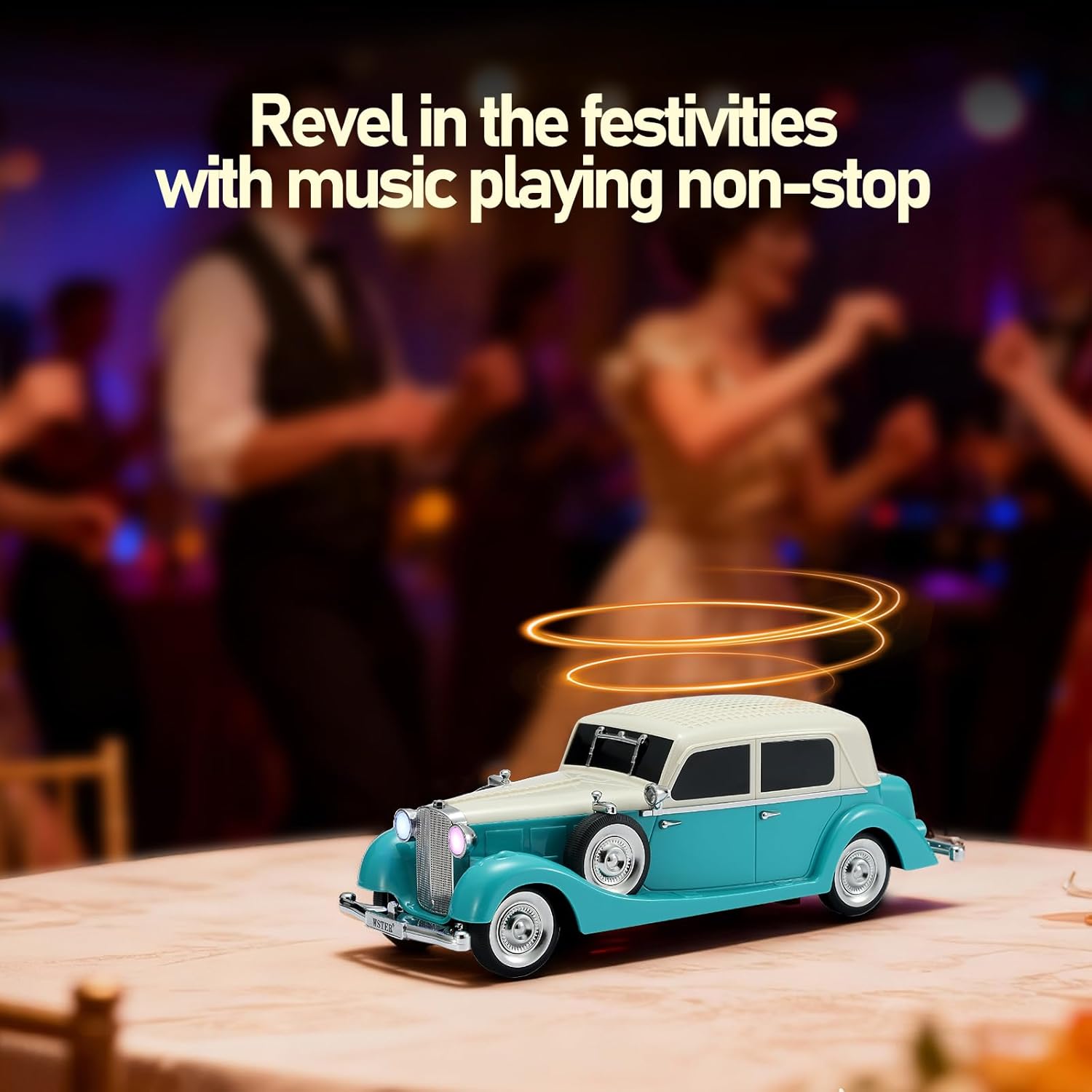
To power on the speaker, locate the power switch (often integrated with the mode button or a separate switch). The speaker will emit a car engine starting sound and the headlights will illuminate.
To power off, repeat the action or long-press the power button.

Image: The WSTER WS-1934 speaker with its headlights glowing, showcasing its classic car design.
5. Mod Operasi
5.1 Mod Bluetooth
- Power on the speaker. It will automatically enter Bluetooth pairing mode, indicated by a voice prompt and flashing LED headlights.
- Pada peranti mudah alih anda, dayakan Bluetooth dan cari peranti yang tersedia.
- Select "WS-1934" from the list to pair. A successful connection will be confirmed by a voice prompt.
- Anda kini boleh memainkan audio daripada peranti anda melalui pembesar suara.
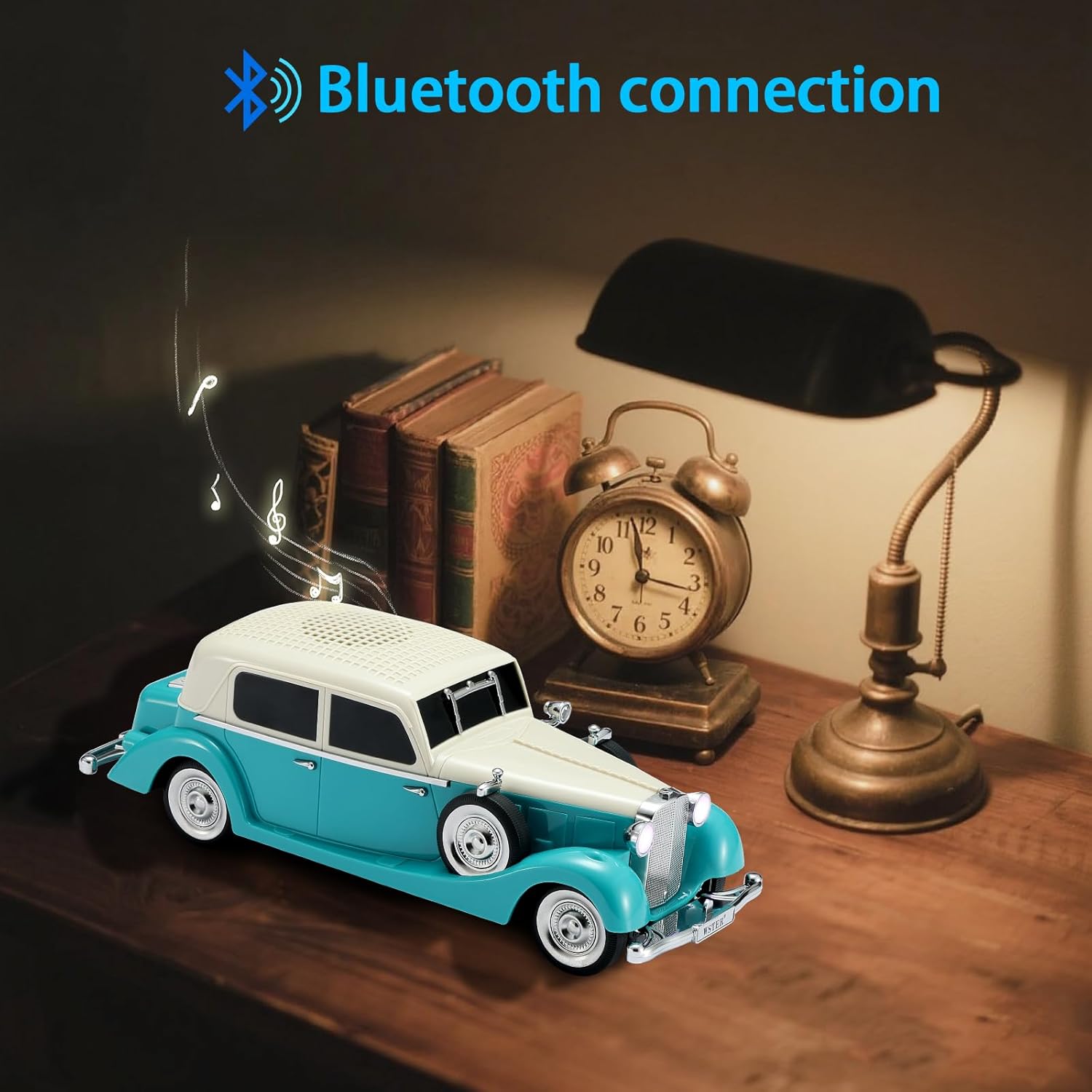
Image: The WS-1934 speaker wirelessly connected to a smartphone via Bluetooth, ready for audio playback.
Mod Radio 5.2 FM
- Tekan pendek M/Mode button until you hear the FM radio prompt.
- Tekan lama Main/Jeda button to initiate an automatic search for FM stations. The speaker will scan and save available stations.
- Gunakan Trek / Kelantangan Turun Sebelumnya dan Trek / Kelantangan Seterusnya butang untuk menavigasi antara stesen yang disimpan.
5.3 Main Semula Kad USB/TF
- Insert a USB drive into the USB port or a TF (MicroSD) card into the TF card slot.
- Pembesar suara akan bertukar secara automatik ke mod yang sepadan dan mula memainkan audio files. Jika tidak, tekan sebentar M/Mode button to select the correct mode.
- Gunakan Trek / Kelantangan Turun Sebelumnya dan Trek / Kelantangan Seterusnya butang untuk mengawal main balik.
5.4 Mod AUX
- Connect an external audio device (e.g., MP3 player, computer) to the AUX port using a 3.5mm audio cable (not included).
- Tekan pendek M/Mode button until you hear the AUX mode prompt.
- Control audio playback from your connected device.
5.5 TWS (Stereo Wayarles Sejati) Berpasangan
To achieve a stereo sound experience, you can pair two WS-1934 speakers together.
- Pastikan kedua-dua pembesar suara WS-1934 dihidupkan dan dalam mod Bluetooth, tetapi belum disambungkan ke mana-mana peranti.
- On one of the speakers (this will be the primary speaker), double-click the Main/Jeda button. You will hear a