1. Pengenalan
Thank you for choosing the Fitpolo AR-01 AMOLED Display Smartwatch. This manual provides essential information for setting up, operating, and maintaining your device. Please read it carefully to ensure optimal performance and longevity of your smartwatch.

Image: The Fitpolo AR-01 Smartwatch in two color variations.
2. Produk Lebihview
The Fitpolo AR-01 features a sleek design with a vibrant AMOLED display, offering comprehensive health monitoring and smart connectivity. Its lightweight construction ensures comfort for all-day wear.
2.1 Display and Design
- paparan: 1.3-inch AMOLED touchscreen (overall watch size approximately 1.57-inch) with 466*466 resolution.
- Paparan Sentiasa Hidup: Customizable watch faces for clear visibility.
- bentuk: Round watch face.

Imej: Terperinci view of the 1.32-inch AMOLED touchscreen and its specifications.

Imej: Depan view of the Fitpolo AR-01 smartwatch, showcasing paparannya.
3. Persediaan
3.1 Mengecas Jam Pintar
Before first use, fully charge your Fitpolo AR-01 smartwatch. Connect the magnetic charging cable to the charging contacts on the back of the watch and plug the USB end into a power adapter (not included) or a computer's USB port. The watch display will indicate charging status.
3.2 Pemasangan Aplikasi
To unlock the full potential of your smartwatch, download the companion app on your smartphone. Cari untuk the 'Fitpolo' app in the Apple App Store (for iOS devices) or Google Play Store (for Android devices). Ensure your smartphone meets the compatibility requirements: iOS 10.0+ or Android 5.0+.
3.3 Berpasangan dengan Telefon Pintar Anda
- Pastikan Bluetooth didayakan pada telefon pintar anda.
- Open the Fitpolo app and follow the on-screen instructions to create an account or log in.
- In the app, navigate to the device pairing section and select your Fitpolo AR-01 from the list of available devices.
- Sahkan permintaan berpasangan pada telefon pintar anda dan jam tangan pintar.
- Setelah digandingkan, jam tangan akan menyegerakkan data dengan apl.
4. Mengendalikan Jam Pintar
4.1 Navigasi Asas
- Skrin sentuh: Leret ke atas, bawah, kiri atau kanan untuk menavigasi menu dan pemberitahuan. Ketik untuk memilih item.
- Butang Sisi: Typically used to return to the home screen, access the app list, or power on/off the device (long press).
4.2 Panggilan Telefon Bluetooth
With built-in Bluetooth 5.3 connectivity, you can make and receive calls directly from your wrist. Ensure your watch is connected to your phone via Bluetooth.
- Membuat Panggilan: Access the dialer on your watch or select a contact from your synchronized phonebook.
- Menerima Panggilan: Apabila panggilan masuk, anda boleh menjawab atau menolaknya terus daripada jam tangan.

Image: Illustrates the Bluetooth phone call feature on the Fitpolo AR-01 smartwatch.
4.3 Pemberitahuan Pintar
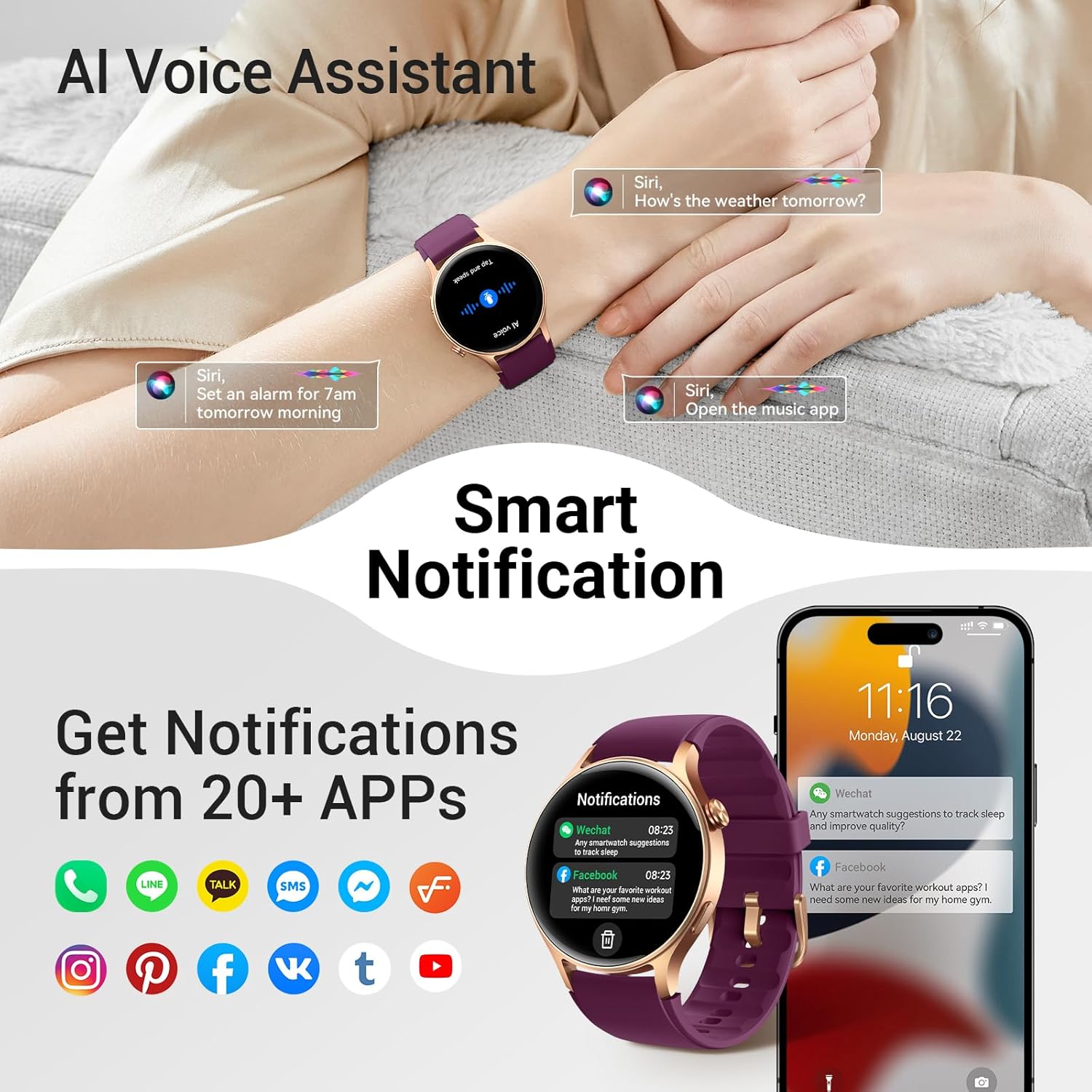
Receive call, text, and app notifications directly on your wrist. Configure which app notifications you wish to receive through the Fitpolo app on your smartphone.

Imej: Cthample of smart notifications displayed on the smartwatch.
4.4 Pemantauan Kesihatan
The smartwatch provides comprehensive health tracking features:
- Kadar Jantung: Pemantauan kadar jantung berterusan.
- SpO2: Blood oxygen level measurement.
- Breathing Rate: Tracks your breathing patterns.
- Pengurusan Tekanan: Provides a stress score.
- Kesihatan haid: Tracking and prediction for women.
- Penjejakan Tidur: Automatically records light, deep, and REM sleep stages.
Note: This device is not intended for medical use and should not be used to diagnose or treat any medical condition.
4.5 Mod Senaman
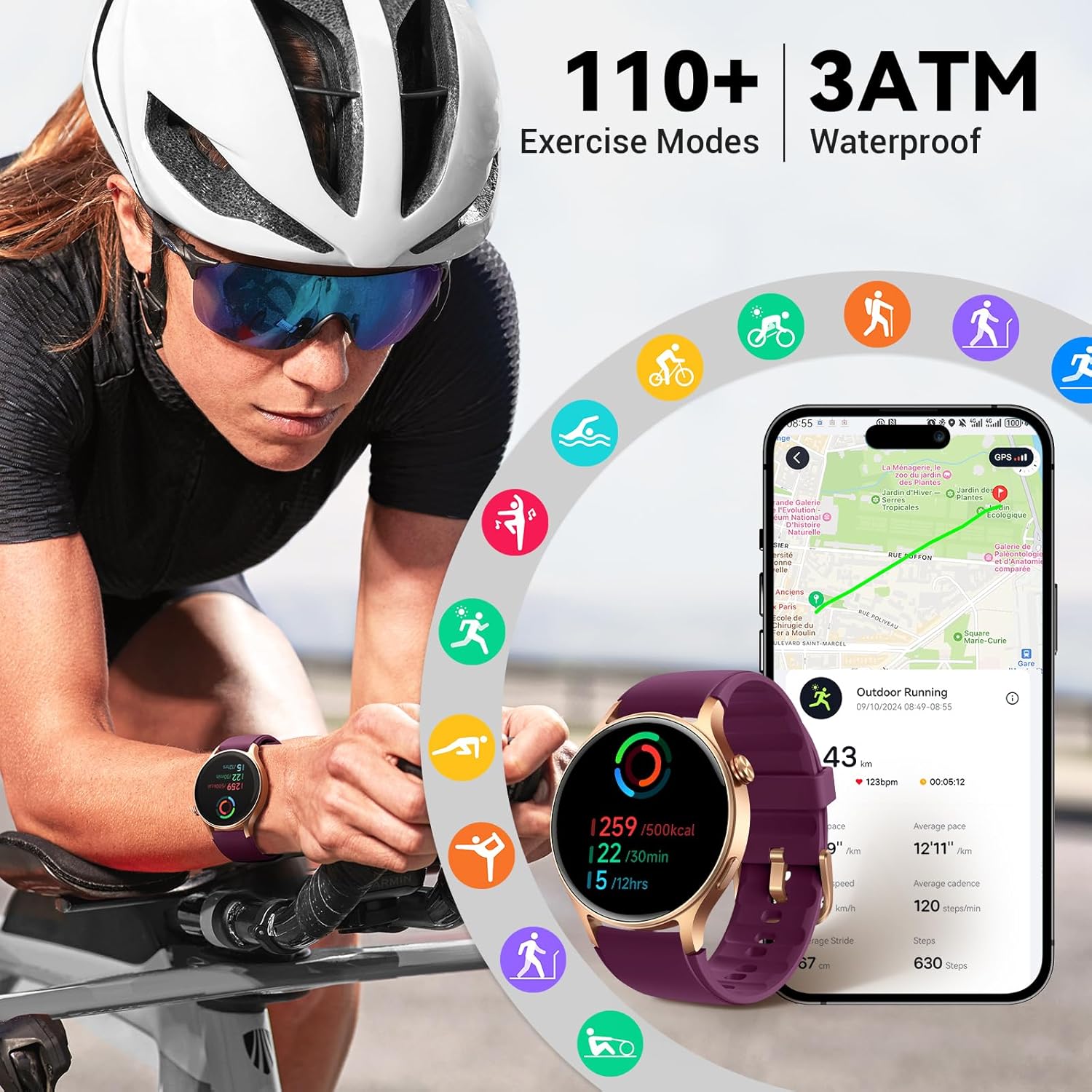
Track your fitness activities with over 120 exercise modes. The watch records steps, distance, and calorie expenditure. Select your desired activity from the watch's exercise menu to begin tracking.
Imej: Selesaiview of the smartwatch's extensive exercise tracking capabilities.
4.6 Pembantu Suara AI
Utilize the integrated AI voice assistant for quick access to information or to control certain functions. Activate the voice assistant by following the instructions in the Fitpolo app or on the watch itself.
4.7 Ciri-ciri Lain
The Fitpolo AR-01 includes additional useful features:
- Kawalan Muzik
- Kawalan Kamera
- Ramalan Cuaca
- Jam Penggera
- Pemasa
- Jam Dunia
- Peringatan Acara
- Cari Telefon
- Lampu suluh
- Pomodoro Technique Timer
Imej: Selesaiview of additional features and battery life information.
5. Penyelenggaraan
5.1 Tahan Air
The Fitpolo AR-01 smartwatch is 3ATM water resistant, meaning it can withstand splashes, rain, and brief immersion in water. It is suitable for activities like swimming. However, it is not recommended for hot showers, saunas, or diving, as steam and high pressure can compromise the seals.
5.2 Pembersihan
To clean your smartwatch, gently wipe the screen and body with a soft, damp, lint-free cloth. Avoid using harsh chemicals or abrasive materials, which can damage the device. Ensure the charging contacts are clean and dry before charging.
5.3 Hayat Bateri
The Fitpolo AR-01 offers extended battery life:
- Intensive Use: Sehingga 7 hari
- Kemudahan Penggunaan: Sehingga 12 hari
- Mod jimat tenaga: Sehingga 30 hari
Actual battery life may vary based on usage patterns and settings.
6. Penyelesaian masalah
6.1 Isu dan Penyelesaian Biasa
- Tonton tidak dihidupkan: Pastikan jam tangan dicas sepenuhnya. Sambungkannya ke pengecas selama sekurang-kurangnya 30 minit.
- Tidak boleh berpasangan dengan telefon:
- Pastikan Bluetooth didayakan pada telefon anda.
- Pastikan jam tangan berada dalam julat telefon anda.
- Mulakan semula kedua-dua telefon anda dan jam tangan pintar.
- Check if the Fitpolo app is updated to the latest version.
- Pemberitahuan tidak muncul:
- Verify that notifications are enabled in the Fitpolo app settings.
- Pastikan jam tangan disambungkan ke telefon anda.
- Check your phone's system notification settings for the Fitpolo app.
- Data kesihatan tidak tepat: Pastikan jam tangan dipakai dengan kemas pada pergelangan tangan anda, tidak terlalu ketat atau terlalu longgar. Bersihkan penderia di belakang jam tangan.
If you encounter persistent issues, please refer to the support section of the Fitpolo app or contact customer support.
7. Spesifikasi
| Ciri | Spesifikasi |
|---|---|
| Nombor Model | AR-01 |
| Jenis Paparan | AMOLED |
| Saiz Skrin | 1.3 Inches (1.57 Inches overall watch size) |
| Resolusi | 466*466 |
| Teknologi Ketersambungan | Bluetooth 5.3 |
| GPS | Tiada GPS |
| bentuk | Bulat |
| Tahan Air | 3ATM |
| Peranti Serasi | Smartphone (iOS 10.0+ and Android 5.0+) |
| Hayat Bateri (Biasa) | Sehingga 12 hari |
8. Waranti dan Sokongan
Fitpolo products are designed with quality and reliability in mind. For information regarding warranty coverage, technical support, or service, please refer to the official Fitpolo website or contact their customer service directly. Details can typically be found within the Fitpolo companion app or on the product packaging.
Sila simpan bukti pembelian anda untuk tuntutan waranti.