
pengenalan
Thank you for choosing the pTron Flick M2 Wireless Gaming Mouse. This manual provides detailed instructions for setting up, operating, and maintaining your device. Please read this manual carefully before use to ensure optimal performance and longevity of your mouse.
Kandungan Pakej
- 1N Wireless Mouse
- 1N USB Receiver
- Kabel Pengecasan 1N (Jenis-C)
- 1N User Guide
Produk Selesaiview
The pTron Flick M2 features an ergonomic design with RGB lighting and dual wireless connectivity. It is equipped with 6 buttons and adjustable DPI settings for precise control.

Imej: Selesaiview of the pTron Flick M2 Wireless Gaming Mouse with its 6 buttons labeled: Left Click, Right Click, Scroll Wheel, DPI Button, Forward Button, and Backward Button.
Ciri-ciri Utama:
- Dual Wireless Modes: Connect via 2.4GHz USB receiver or Bluetooth.
- Pencahayaan LED RGB: Dynamic multi-color lighting effects.
- Reka Bentuk 6-Butang: Includes Left/Right-Click, Scroll Wheel, DPI Adjustment, Forward, and Backward buttons.
- DPI boleh laras: Three levels (1000/1200/1600) for precision tracking.
- Reka bentuk ergonomik: Lightweight and comfortable for extended use.
- Bateri boleh dicas semula: Built-in battery with Type-C charging port.
Arahan Persediaan
1. Mengecas Tetikus
Before first use, ensure the mouse is fully charged. Connect the provided Type-C charging cable to the mouse's charging port and the other end to a USB power source (e.g., computer, wall adapter).
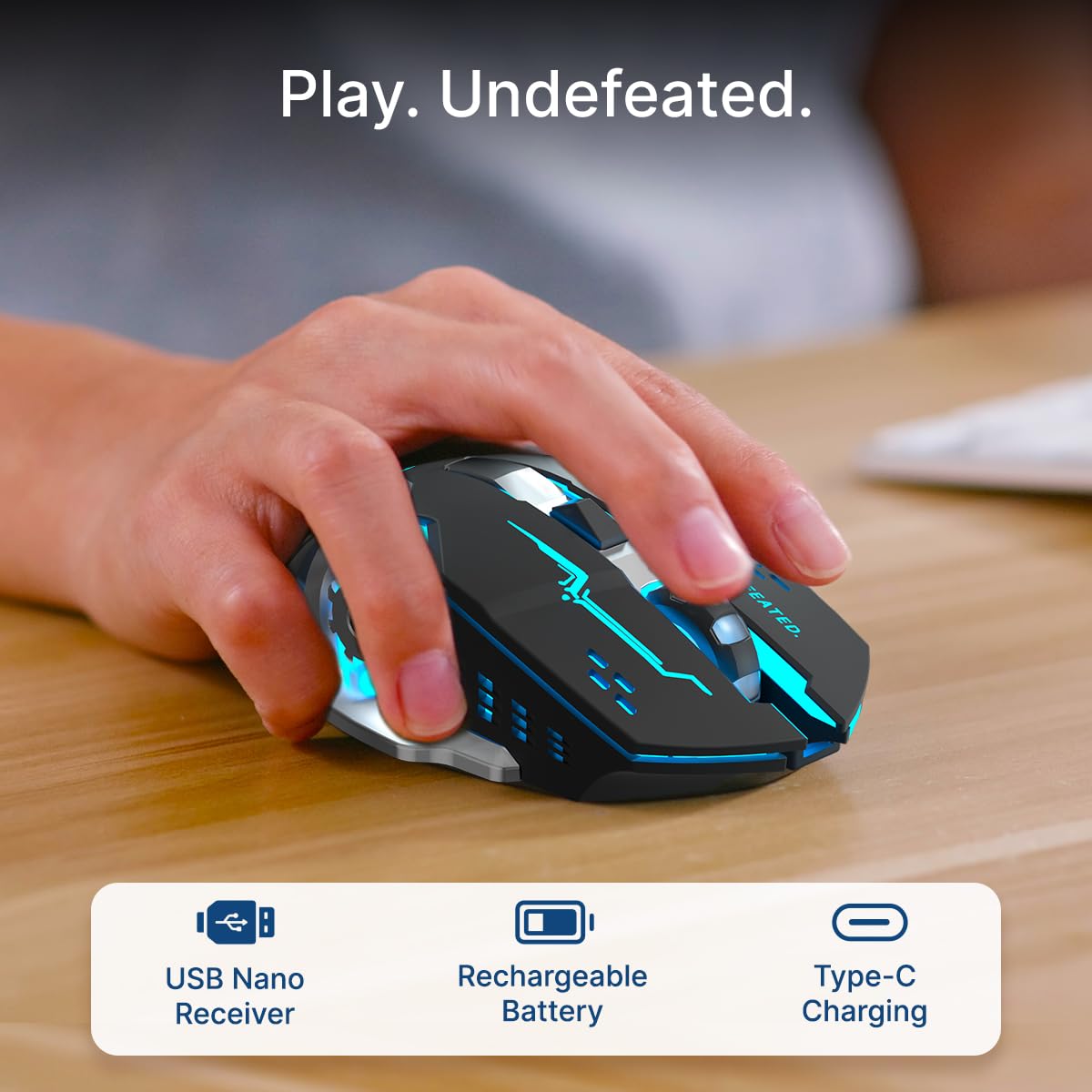
Image: A user's hand operating the pTron Flick M2 mouse, with icons indicating the USB Nano Receiver, Rechargeable Battery, and Type-C Charging features.
2. Menyambung Tetikus
The pTron Flick M2 offers two wireless connection methods:
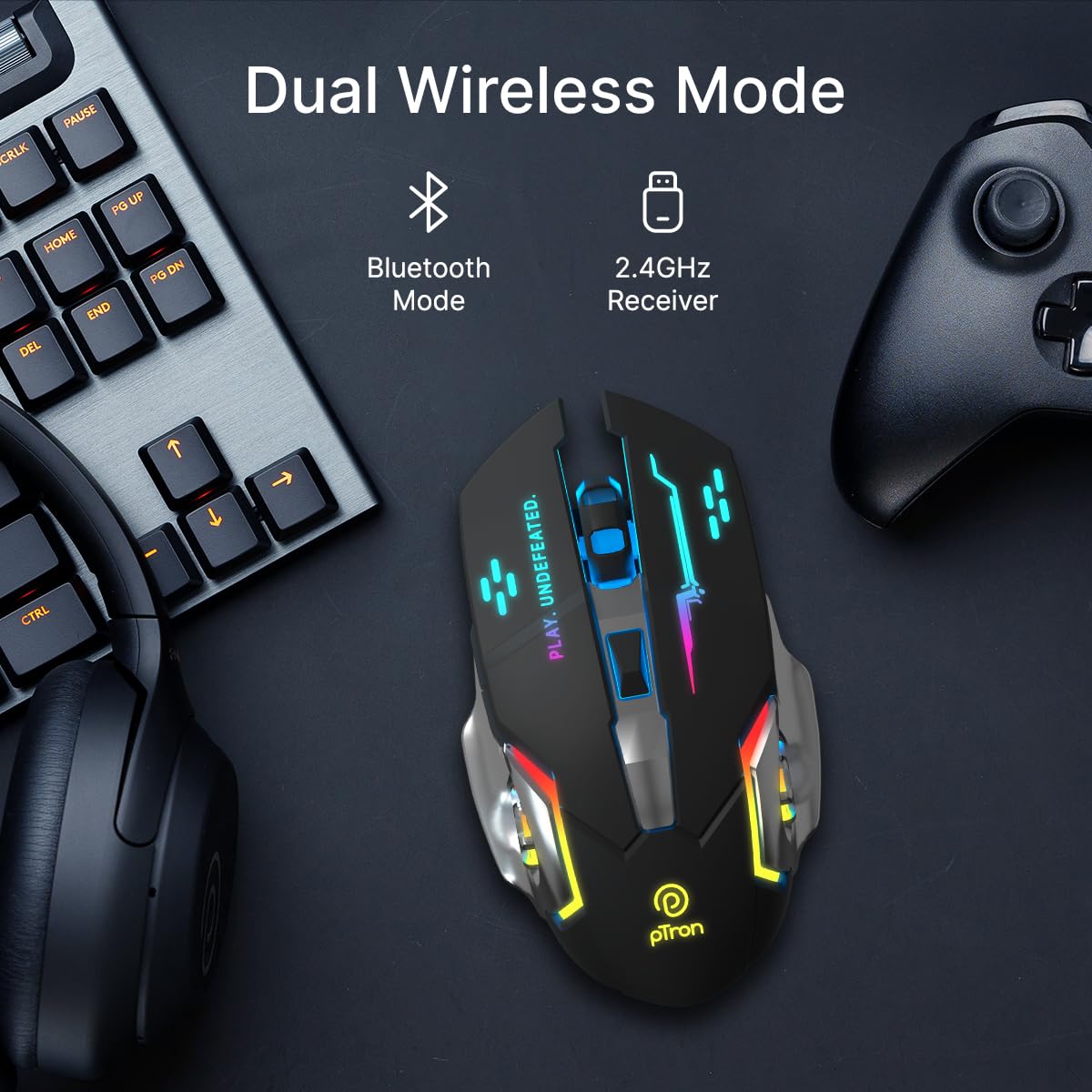
Image: The pTron Flick M2 mouse displayed with text indicating its Dual Wireless Mode capability, offering both Bluetooth and 2.4GHz Receiver options.
2.1. 2.4GHz Wireless Mode (USB Receiver)
- Locate the USB Nano Receiver, typically stored in a compartment on the underside of the mouse.
- Plug the USB Nano Receiver into an available USB port on your computer, laptop, or compatible device.
- Hidupkan tetikus menggunakan suis kuasa yang terletak di bahagian bawahnya.
- The mouse should automatically connect to your device. No additional drivers are usually required.
2.2. Mod Bluetooth
- Hidupkan tetikus menggunakan suis kuasa di bahagian bawahnya.
- On your device (computer, smartphone, tablet), enable Bluetooth and search for new devices.
- Select "pTron Flick M2" from the list of available Bluetooth devices to pair.
- Once paired, the mouse is ready for use.
Arahan Operasi
1. Pelarasan DPI
The mouse features an adjustable DPI (Dots Per Inch) button to change cursor sensitivity. There are three preset DPI levels: 1000, 1200, and 1600.

Image: The pTron Flick M2 mouse with an overlay indicating its Adjustable DPI feature, offering 1000 DPI, 1200 DPI, and 1600 DPI options.
- Tekan ke butang DPI (located behind the scroll wheel) to cycle through the available DPI settings.
- Each press will change the sensitivity, allowing you to find the optimal speed for your tasks or games.
2. Pencahayaan RGB
The pTron Flick M2 features dynamic multi-color RGB LED lighting.

Image: The pTron Flick M2 mouse illuminated with vibrant multi-color lighting, showcasing daya tarikan estetiknya.
- The RGB lighting automatically cycles through various colors and effects when the mouse is active.
- The lighting enhances the gaming experience and provides visual feedback.
Penyelenggaraan
To ensure the longevity and optimal performance of your pTron Flick M2 Wireless Gaming Mouse, follow these maintenance guidelines:
- Pembersihan: Gunakan kain lembut dan kering untuk mengelap permukaan tetikus. Untuk kotoran degil, sedikit dampLap kain dengan air atau larutan pembersih yang lembut. Elakkan menggunakan bahan kimia yang keras atau bahan yang melelas.
- Penjagaan Sensor: Pastikan sensor optik di bahagian bawah tetikus bersih dan bebas daripada habuk atau serpihan. Gunakan swab kapas atau udara termampat jika perlu.
- Storan: Apabila tidak digunakan, simpan tetikus di tempat yang sejuk dan kering jauh dari cahaya matahari langsung dan suhu yang melampau.
- Bateri: Avoid fully discharging the battery frequently. Charge the mouse regularly to maintain battery health.
Menyelesaikan masalah
If you encounter issues with your pTron Flick M2 Wireless Gaming Mouse, refer to the following common solutions:
| Masalah | Kemungkinan Punca | Penyelesaian |
|---|---|---|
| Tetikus tidak bertindak balas | Low battery; Mouse is off; Incorrect connection mode; USB receiver not detected. | Charge the mouse; Turn on the mouse; Ensure correct mode (2.4GHz/Bluetooth) is selected; Re-insert USB receiver or try a different USB port. |
| Sambungan ketinggalan atau terputus-putus | Gangguan; Jarak dari penerima/peranti; Bateri lemah. | Move closer to the receiver/device; Ensure no large metal objects are between mouse and receiver; Charge the mouse; Try a different USB port for the receiver. |
| Butang DPI tidak mengubah kepekaan | Kerosakan butang; Konflik perisian. | Ensure the mouse is properly connected; Restart your device; If the issue persists, contact customer support. |
| Lampu RGB tidak berfungsi | Mouse is off; Low battery; Malfunction. | Turn on the mouse; Charge the mouse; If the issue persists, contact customer support. |
Spesifikasi
| Ciri | Perincian |
|---|---|
| Jenama | pTron |
| Model | Kuis M2 |
| Ketersambungan | Wayarles 2.4GHz, Bluetooth |
| Tahap DPI | 1000 / 1200 / 1600 |
| Butang | 6 (Kiri, Kanan, Roda Tatal, DPI, Ke Hadapan, Ke Belakang) |
| Jenis Sensor | Optik |
| Pencahayaan | LED RGB |
| Sumber Kuasa | Bateri Boleh Dicas semula (Ion Litium) |
| Port Pengecasan | Jenis-C |
| Peranti Serasi | Komputer Peribadi, Telefon Pintar, Tablet |
| Berat Barang | 96 g |
| bahan | plastik |
Video Produk Rasmi
Video: Tayangan video produk rasmicasing the pTron Flick M2 Wireless Gaming Mouse, its dual wireless capabilities, RGB lighting, adjustable DPI, and ergonomic design.
Waranti dan Sokongan
The pTron Flick M2 Wireless Gaming Mouse comes with a Waranti Pengeluar 6 Bulan pada kecacatan pembuatan.
Untuk tuntutan jaminan, sokongan teknikal atau sebarang pertanyaan lain, sila hubungi:
- Pengeluar: Palred Electronics Pvt. Ltd.
- Hubungan Pelanggan: 040-67138888
- Sokongan E-mel: support@ptron.in
- Alamat: SY.NO. 56, TINGKAT 1, GUNDLAPOCHAMPKAMPUNG ALLY, TAMAN TEKNOLOGI MTP, TSIIC-IALA NACHARAM, HYDERABAD - 500076, TELANGANA, INDIA