
pengenalan
This manual provides detailed instructions for setting up, operating, maintaining, and troubleshooting your DOOGEE U11 Pro Android 16 Tablet. Please read this manual thoroughly before using your device to ensure optimal performance and longevity.
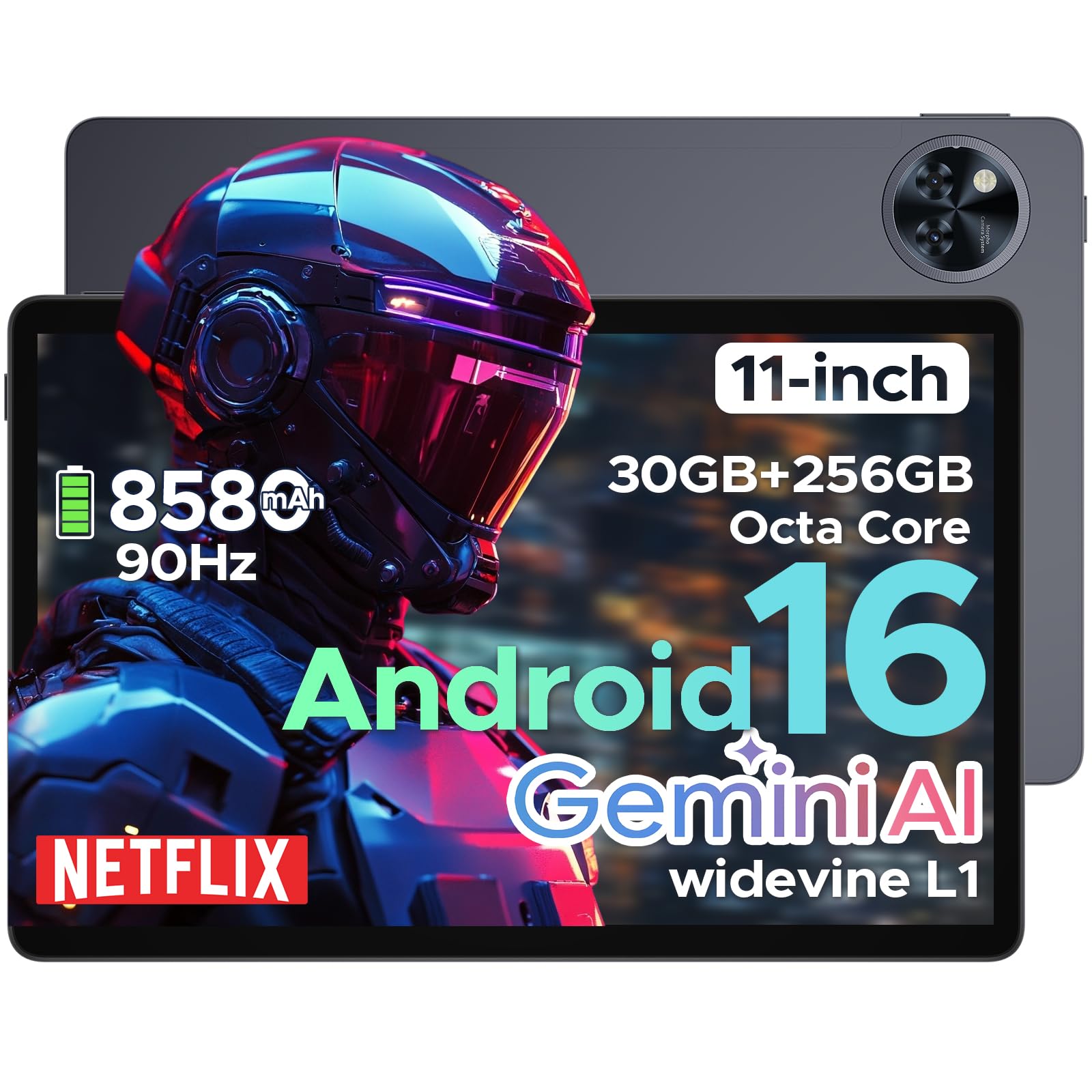
The DOOGEE U11 Pro is an 11-inch tablet featuring the Android 16 operating system with Gemini AI integration. It is powered by a MediaTek Unisoc T7200 octa-core processor, offers 30GB RAM (6GB physical + 24GB expansion) and 256GB internal storage (expandable up to 2TB via MicroSD/TF card). Key features include a 90Hz display, an 8580mAh battery, 13MP rear and 5MP front cameras, Face ID, Bluetooth 5.0, 5G WiFi, and Widevine L1 support for high-definition streaming.
Persediaan
1. Kandungan Pakej
Sahkan bahawa semua item terdapat dalam pakej:
- DOOGEE U11 Pro Tablet
- Penyesuai Pengecasan
- Kabel USB-C
- Alat Ejector SIM
- Panduan Mula Pantas
- Kad Waranti
2. Mengecas Tablet
Before first use, fully charge the tablet. Connect the USB-C cable to the tablet's charging port and the adapter to a power outlet.
Imej: The DOOGEE U11 Pro tablet connected to a charger, illustrating the charging process.
3. Menghidupkan/Mematikan
- Untuk Menghidupkan: Tekan dan tahan butang Kuasa sehingga logo DOOGEE muncul.
- Untuk Mematikan: Tekan dan tahan butang Kuasa, kemudian pilih "Matikan Kuasa" daripada pilihan yang tersedia.
- Untuk Mulakan Semula: Tekan dan tahan butang Kuasa, kemudian pilih "Mulakan Semula" daripada pilihan yang tersedia.
4. Inserting SIM/MicroSD Card
Use the provided SIM ejector tool to open the SIM/MicroSD card tray. Insert your SIM card (if applicable) and/or MicroSD card into the designated slots, ensuring correct orientation. Close the tray securely.

Imej: A close-up of the tablet's side, indicating the location of the SIM/MicroSD card tray.
Arahan Operasi
1. Android 16 System and Gemini AI
The DOOGEE U11 Pro runs on Android 16, offering enhanced app permission control and privacy features. Integrated Gemini AI intelligently manages system resources for tasks like photo editing and real-time translation, providing a smarter and faster user experience.

Imej: Visual representation of the Android 16 system interface and Gemini AI capabilities.

Imej: A comparison chart highlighting improvements in Android 16 over Android 15, including privacy, performance, and user interface enhancements.
2. Paparan dan Visual
The 11-inch HD IPS display features a 90Hz refresh rate for smooth scrolling and vibrant colors. It supports a resolution of 1280x800 pixels and offers Widevine L1 certification for 1080p HD content streaming on platforms like Prime Video and Netflix.

Imej: Persembahan ilustrasicasing the 11-inch 90Hz HD IPS display with its key specifications like resolution and refresh rate.

Imej: A graphic indicating Widevine L1 support for various streaming platforms, ensuring high-quality video playback.
Video: This video demonstrates the immersive visual experience of the DOOGEE U11 Pro tablet, highlighting its display quality and smooth operation.
3. Prestasi dan Storan
The tablet is equipped with a MediaTek Unisoc T7200 octa-core processor, 30GB RAM (6GB physical + 24GB virtual), and 256GB internal storage. Storage can be expanded up to 2TB using a MicroSD/TF card (sold separately). The built-in Memory Manager helps optimize performance by clearing unnecessary files.

Imej: Satu dalaman view highlighting the Unisoc T7200 Octa-core Processor, 256GB ROM, and 30GB RAM (6GB+24GB virtual).
4. Hayat Bateri dan Pengecasan
The 8580mAh battery provides extended usage times. AI battery management helps reduce standby power drain. The tablet also supports OTG reverse charging, allowing it to function as a power bank for other devices.

Imej: A graphic illustrating the 8580mAh battery and estimated usage times for standby, music, video, and web melayari.
Video: This video demonstrates the extended power capabilities of the DOOGEE U11 Pro, including its large battery and reverse charging feature.
5. Cameras and Security
The tablet features a 13MP rear camera for capturing documents and photos, and a 5MP front camera optimized with AI for video calls and selfies. Face Unlock provides quick and secure access to your device.

Imej: A close-up of the tablet's rear camera module, highlighting its design.

Imej: An image showing the tablet's front camera in use for video calls.
6. Audio and Connectivity
Experience clear sound with HD dual speakers. The tablet supports Bluetooth 5.0 for wireless audio and includes a 3.5mm headphone jack. Connectivity options include 5G WiFi and built-in GPS for accurate navigation. It also features an FM Radio function.

Imej: A visual summary of the tablet's audio features (dual speakers, 3.5mm jack) and connectivity (GPS, WiFi 5).
Video: This video highlights the smart, smooth, and safe features of the DOOGEE U11 Pro, including its PC-level WPS Office and FM Radio functions.
Penyelenggaraan
- Pembersihan: Gunakan kain lembut dan tidak berbulu untuk membersihkan skrin dan badan. Elakkan bahan kimia yang keras.
- Kemas Kini Perisian: Semak dan pasang kemas kini sistem secara kerap untuk memastikan prestasi dan keselamatan yang optimum.
- Penjagaan Bateri: Avoid extreme temperatures. Do not let the battery fully drain frequently.
- Pengurusan Storan: Kosongkan secara berkala yang tidak perlu files dan apl untuk mengosongkan ruang storan dan mengekalkan prestasi.
Menyelesaikan masalah
1. Tablet Tidak Dihidupkan
- Ensure the tablet is sufficiently charged. Connect it to a charger for at least 30 minutes.
- Tekan dan tahan butang Kuasa selama 10-15 saat untuk memaksa mula semula.
2. Apl Ranap atau Membeku
- Tutup dan buka semula apl.
- Kosongkan cache dan data apl dalam Tetapan > Apl.
- Pastikan apl dikemas kini kepada versi terkini.
- Mulakan semula tablet.
3. Poor Wi-Fi Connection
- Ensure you are within range of the Wi-Fi router.
- Mulakan semula penghala Wi-Fi anda dan tablet.
- Lupakan rangkaian dalam tetapan Wi-Fi dan sambung semula.
4. Prestasi Perlahan
- Tutup aplikasi latar belakang yang tidak digunakan.
- Kosongkan cache dan sementara files using the built-in Memory Manager.
- Pastikan ruang simpanan mencukupi tersedia.
- Lakukan tetapan semula kilang sebagai pilihan terakhir (Nota: This will erase all data. Back up important files pertama).
Spesifikasi
| Ciri | Spesifikasi |
|---|---|
| Nama Model | U11 Pro |
| Sistem Operasi | Android 16 |
| Pemproses | MediaTek Unisoc T7200 Octa-Core |
| RAM | 30GB (fizikal 6GB + pengembangan 24GB) |
| Storan Dalaman | 256GB |
| Storan Boleh Dikembangkan | Up to 2TB via MicroSD/TF card |
| Saiz Skrin | 11 Inci |
| Resolusi Skrin | 1280 x 800 piksel |
| Kadar Segar Semula | 90Hz |
| Kapasiti Bateri | 8580mAh |
| Kamera Belakang | 13MP |
| Kamera Depan | 5MP |
| Jenis Wayarles | 802.11ax (5G WiFi) |
| Bluetooth | Bluetooth 5.0 |
| Dimensi (LxWxH) | 10.13 x 6.65 x 0.31 inci |
| warna | Gray (variant specific) |
| Ciri Khas | Gemini AI, Widevine L1, Face ID, OTG Reverse Charging, HD Dual Speakers, GPS, FM Radio, Built-in PC-level WPS Office |
Waranti dan Sokongan
DOOGEE offers comprehensive support for its products:
- Jaminan Wang Dikembalikan 30 Hari: Jika anda tidak berpuas hati dengan pembelian anda, anda boleh mengembalikannya dalam masa 30 hari untuk bayaran balik penuh.
- Waranti Terhad 2 Tahun: The DOOGEE U11 Pro Tablet comes with a 2-year limited warranty covering manufacturing defects.
- Sokongan Dalam Talian 24/7: For any technical assistance or inquiries, please contact DOOGEE customer service available 24/7.
For more information, please visit the official DOOGEE webtapak atau rujuk kad jaminan yang disertakan dalam pakej anda.