
1. Pengenalan
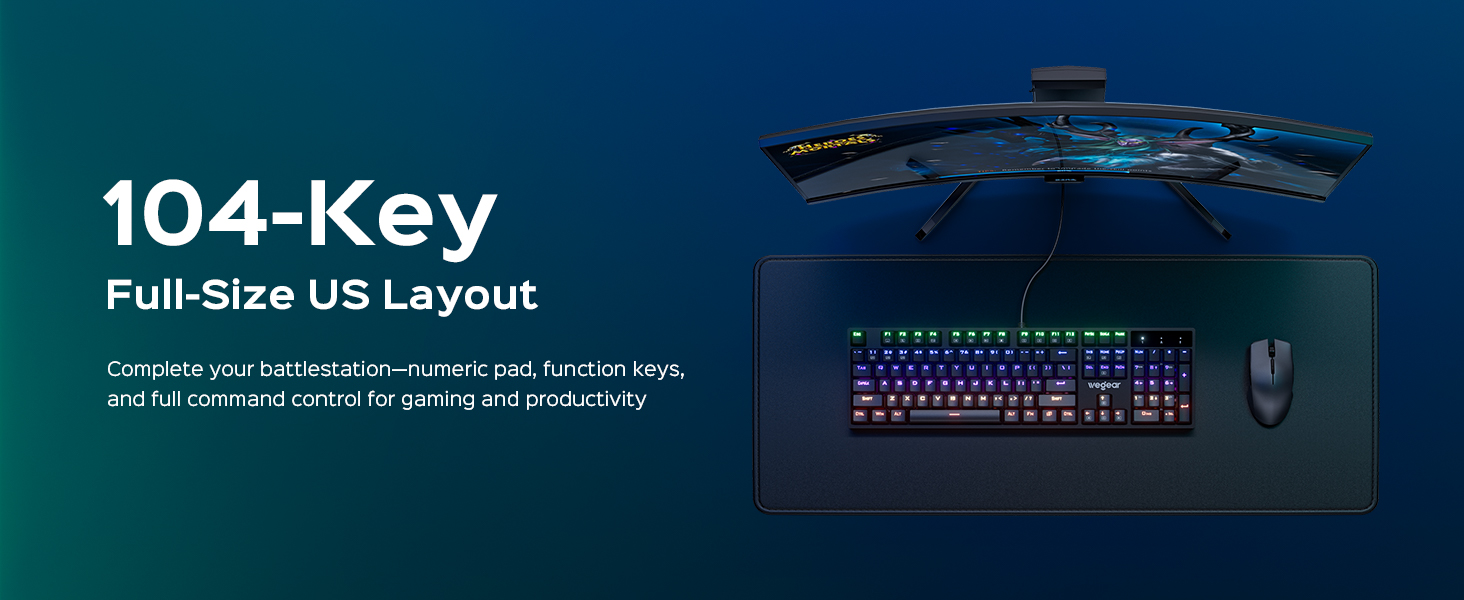
Thank you for choosing the wegear GK1 Mechanical Gaming Keyboard. This full-size, 104-key wired keyboard is designed for precision, durability, and an immersive user experience. Featuring professional Blue switches, vibrant RGB backlighting, and advanced anti-ghosting technology, it is suitable for both intense gaming sessions and efficient productivity tasks.
This manual provides detailed instructions for setting up, operating, maintaining, and troubleshooting your new keyboard. Please read it thoroughly to ensure optimal performance and longevity of your device.
2. Kandungan Pakej
- wegear GK1 Mechanical Gaming Keyboard
- Manual Pengguna
3. Persediaan
3.1 Menyambung Papan Kekunci
The wegear GK1 is a wired keyboard designed for plug-and-play functionality. No additional drivers are typically required for basic operation on most operating systems.
- Locate an available USB-A port on your computer (Laptop, PC, Tablet).
- Plug the USB-A connector of the keyboard cable into the USB-A port on your computer.
- The keyboard's RGB backlighting should illuminate, indicating a successful connection. Your computer will automatically detect and install the necessary drivers.
3.2 Melaraskan Kecondongan Papan Kekunci
For enhanced ergonomic comfort, the keyboard features adjustable tilt stands on its underside.
- Gently flip the keyboard over.
- Locate the two foldable kickstands at the top corners of the keyboard.
- Flip out the kickstands to achieve a 7° ergonomic tilt, or keep them folded for a flat typing experience.
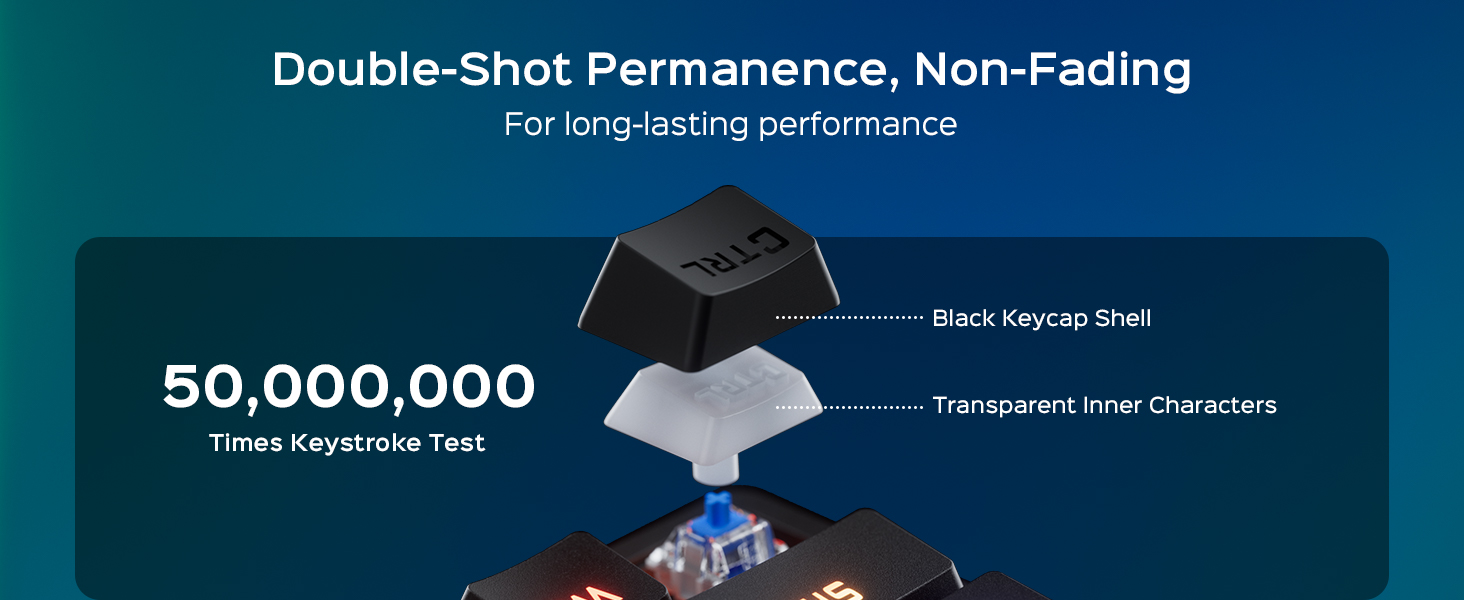
Image: The wegear GK1 keyboard demonstrating its ergonomic 7-degree adjustable tilt for comfortable typing.

Image: A user's hands positioned comfortably on the wegear GK1 keyboard, highlighting the ergonomic design for reduced wrist strain.
4. Arahan Operasi
4.1 Mechanical Blue Switches
The wegear GK1 keyboard features professional Blue mechanical switches, known for their tactile bump and crisp audible click. This provides satisfying feedback for both typing and gaming, enhancing precision and responsiveness.
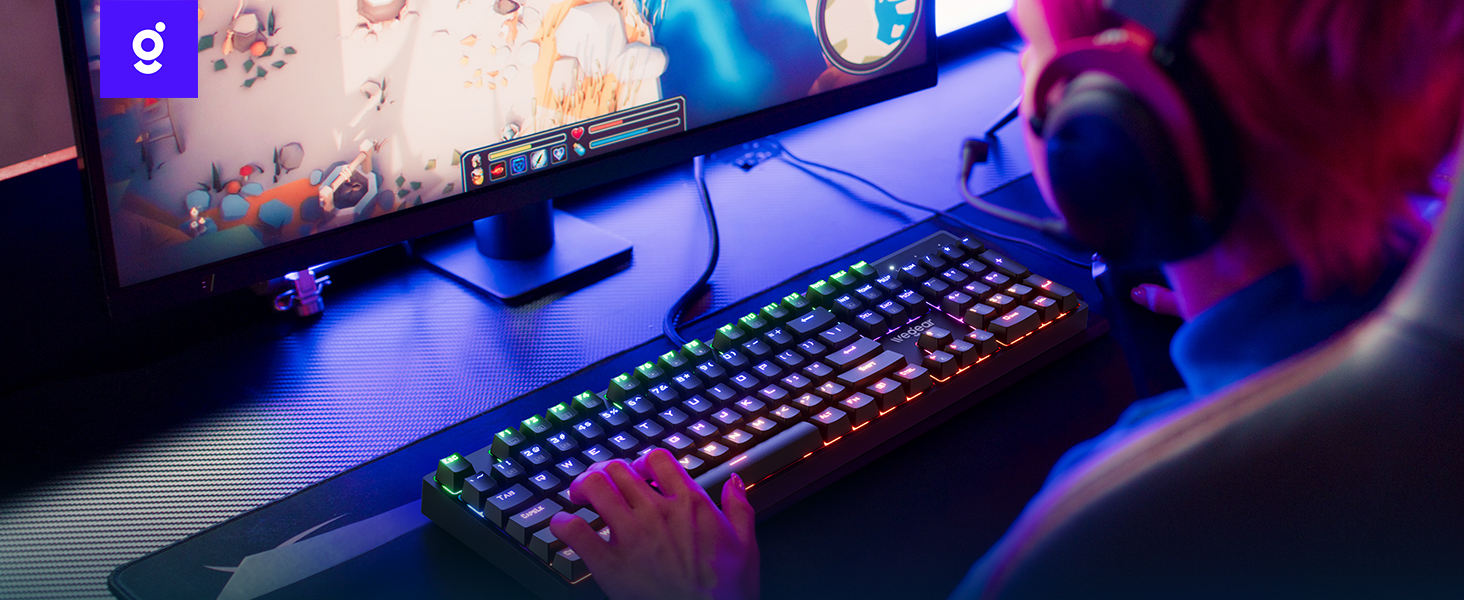
Image: A detailed diagram illustrating the internal mechanism of a clicky blue mechanical switch, emphasizing its tactile bump and crisp acoustic feedback.
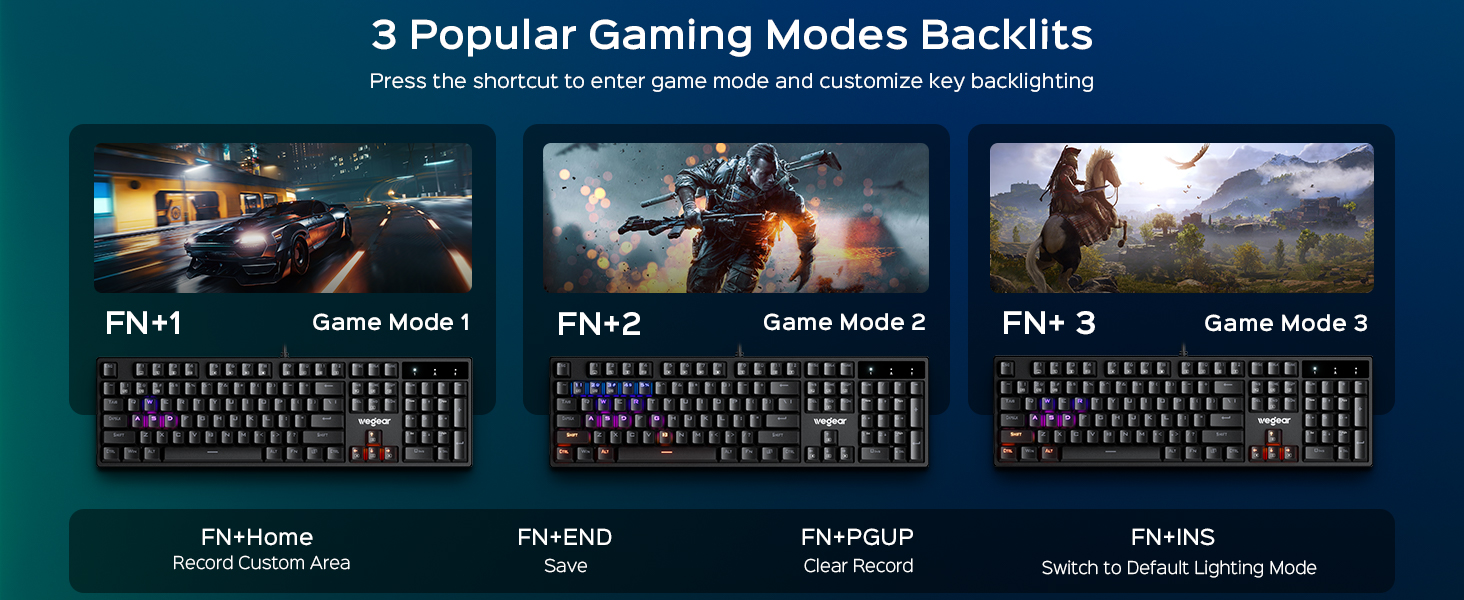
Image: A close-up of a finger pressing a blue mechanical switch on the wegear GK1 keyboard, illustrating the tactile and auditory feedback.
4.2 Lampu latar RGB
The keyboard features dynamic RGB backlighting with 11 distinct modes, adjustable brightness, and speed settings to customize your visual experience.
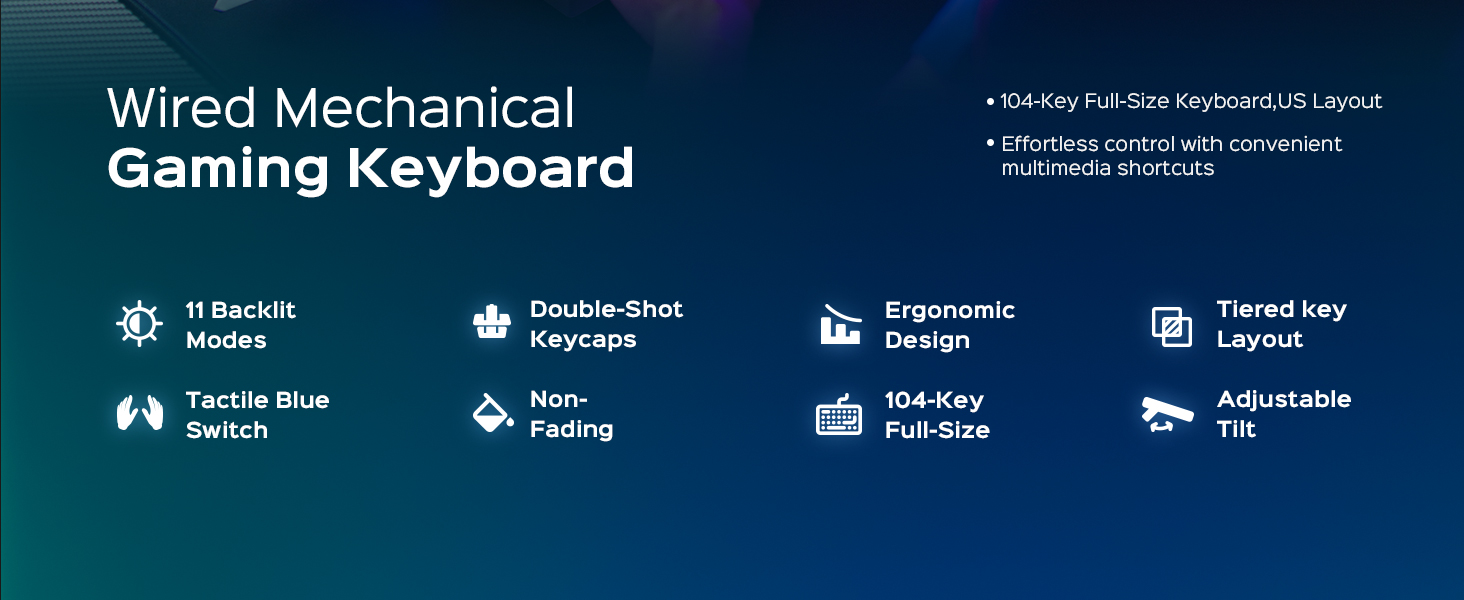
Image: The wegear GK1 keyboard displaying its dynamic RGB lightscape with various backlight modes, brightness levels, and adjustable speeds.
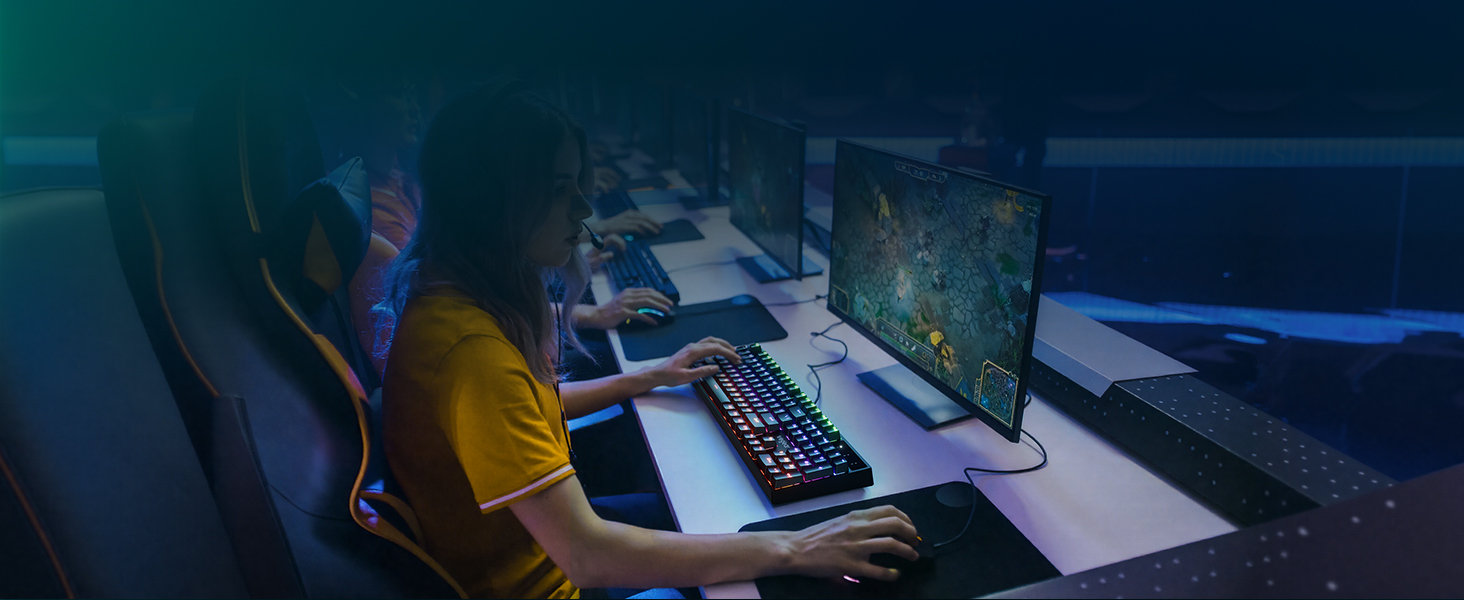
Image: The wegear GK1 keyboard highlighting its RGB lighting controls, including switching backlight modes, adjusting brightness, and setting light speed using FN key combinations.
Lighting Control Functions:
- Fn + INS: Switch between 11 dynamic backlight modes.
- Fn + Up/Down Arrow: Adjust backlight brightness (5 levels).
- Fn + Left/Right Arrow: Adjust backlight speed.
Mod Permainan:
The keyboard supports 3 popular gaming modes with customizable key backlighting.
- Fn + 1: Mod Permainan 1
- Fn + 2: Mod Permainan 2
- Fn + 3: Mod Permainan 3
- Fn + Laman Utama: Record Custom Area
- Fn + END: Save Custom Area
- Fn + PGUP: Clear Recorded Area
- Fn + INS: Switch to Default Lighting Mode

Image: The wegear GK1 keyboard illustrating its three dedicated gaming modes (Fn+1, Fn+2, Fn+3) and controls for recording, saving, and clearing custom backlight areas.
4.3 Pintasan Multimedia
Access common multimedia functions quickly using the Fn key in combination with the F-keys.
- Fn+F1: Komputer
- Fn+F2: Cari
- Fn+F3: Kalkulator
- Fn+F4: CD
- Fn+F5: Trek Sebelumnya
- Fn+F6: Trek Seterusnya
- Fn+F7: Main/Jeda
- Fn+F8: CD Stop
- Fn+F9: bisu
- Fn+F10: Kelantangan Kurang
- Fn+F11: Kelantangan Naik
- Fn+F12: Kunci Papan Kekunci
4.4 Anti-Ghosting and Win Lock
The keyboard features 100% anti-ghosting on all 104 keys, ensuring every keystroke is registered accurately, even during rapid, simultaneous presses. The Win Lock function prevents accidental interruptions during gameplay or work.
- 100% Anti-Ghosting: All 104 keys respond instantly, preventing missed inputs.
- Fn + Menang: Activates/Deactivates the Win Lock function, disabling the Windows key to avoid accidental presses.
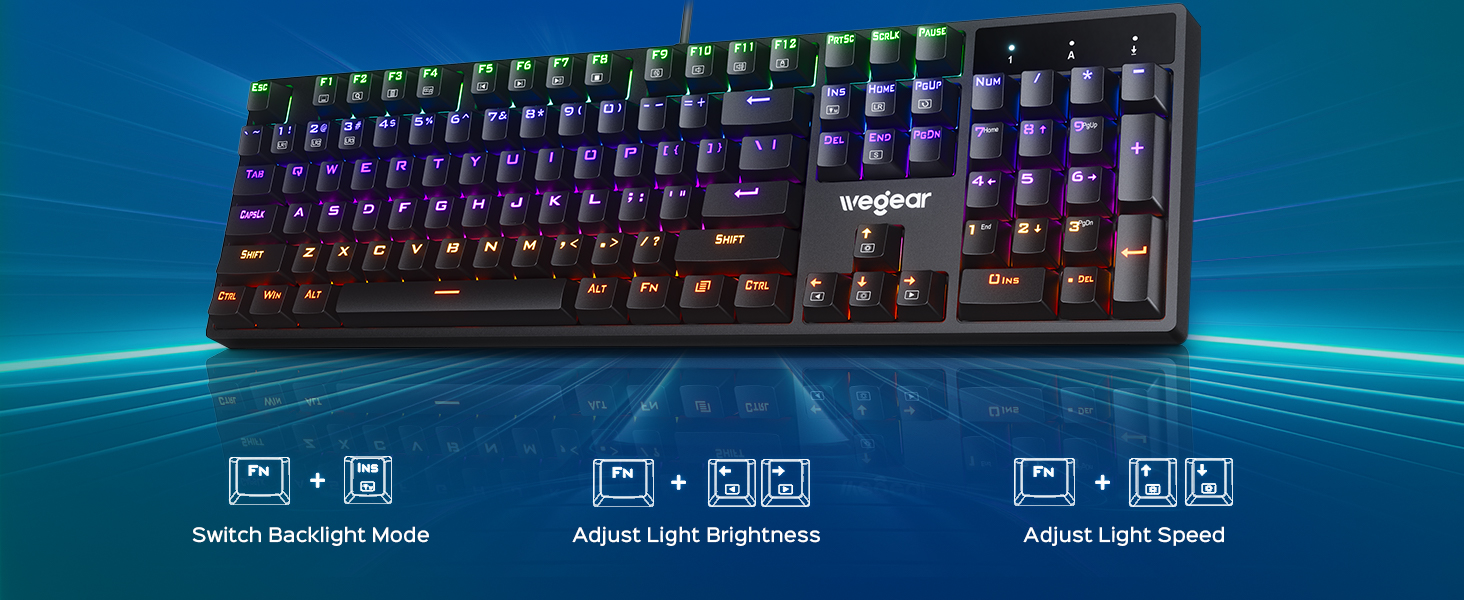
Image: A user actively gaming with the wegear GK1 keyboard, illustrating the benefit of 100% anti-ghosting for flawless multi-key input without missed commands.
5. Penyelenggaraan
5.1 Membersihkan Papan Kekunci
To maintain optimal performance and appearance, regular cleaning is recommended.
- Putuskan sambungan papan kekunci daripada komputer anda sebelum membersihkan.
- Gunakan kain lembut dan tidak berbulu sedikit dampdibasahkan dengan air atau larutan pembersih lembut untuk mengelap penutup kekunci dan permukaan papan kekunci. Elakkan kelembapan berlebihan.
- For deeper cleaning, you may use a keycap puller (not included) to remove individual keycaps and clean underneath with compressed air or a small brush.
- Ensure all components are completely dry before reconnecting the keyboard.
5.2 Keycap Durability
The wegear GK1 features double-shot ABS keycaps, designed for long-lasting performance. The legends are wear-resistant and have high light transmission, ensuring they remain vibrant and do not fade over time.
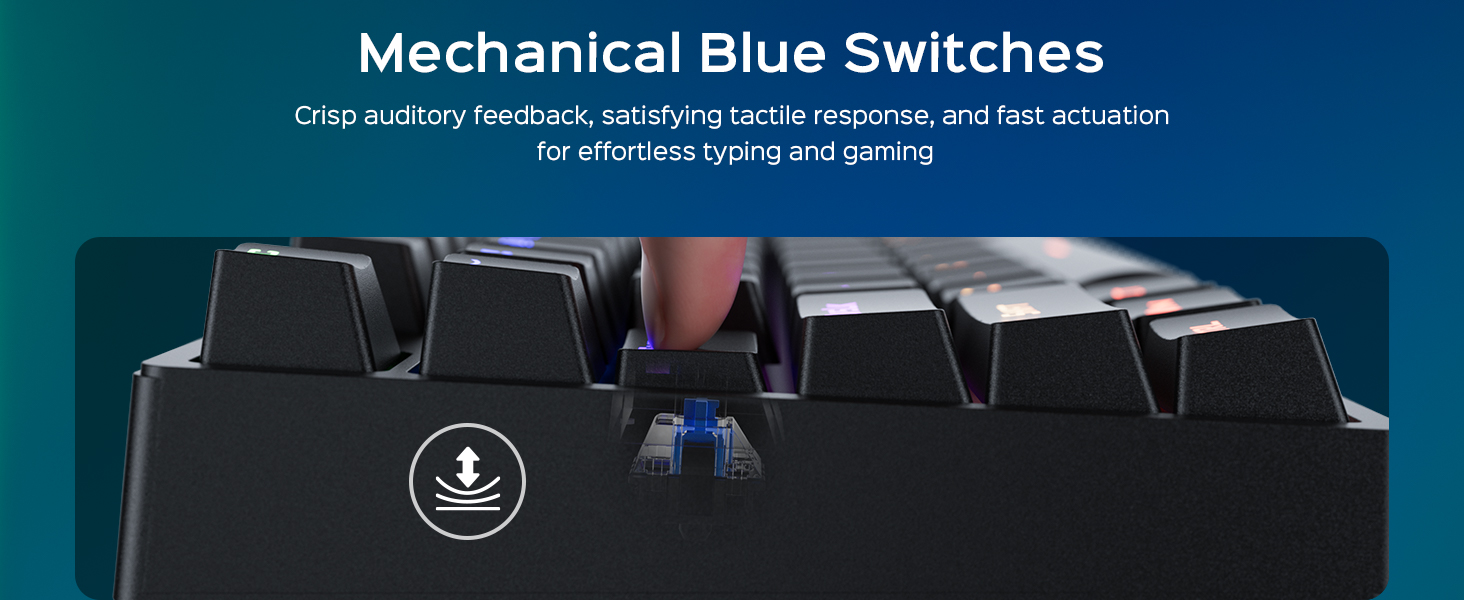
Image: A diagram illustrating the double-shot molding process of the keycaps, highlighting their fade-resistant and scratch-proof properties for long-lasting performance.
Imej: Dari dekat view of a double-shot keycap, showing the black keycap shell and transparent inner characters, which ensures the legends do not fade.
6. Penyelesaian masalah
| Masalah | Kemungkinan Punca | Penyelesaian |
|---|---|---|
| Papan kekunci tidak bertindak balas | Loose USB connection; Faulty USB port; Driver issue | Pastikan kabel USB dipalamkan dengan selamat. Cuba port USB lain. Mulakan semula komputer anda. |
| Lampu latar tidak berfungsi | Backlight turned off or brightness set to minimum; Software conflict | Tekan Fn + Anak Panah Atas untuk meningkatkan kecerahan. Tekan Fn + INS to cycle through modes. Ensure no conflicting software is running. |
| Kekunci menaip dua kali atau tidak mendaftar | Dust/debris under keycap; Switch malfunction | Clean under the keycap using compressed air. If issue persists, contact customer support. |
| Kekunci multimedia tidak berfungsi | Incorrect key combination; Software conflict | Pastikan anda menekan butang yang betul Fn + F-key combination. Check for any conflicting media player software. |
7. Spesifikasi
- Jenama: wegear
- Nama Model: GK1-MK
- Nombor Model: GK1-black
- Teknologi Ketersambungan: USB-A (Berwayar)
- Penerangan Papan Kekunci: Permainan
- Bilangan Kunci: 104
- Jenis Suis: Suis Mekanikal Biru Clicky
- Susun atur Papan Kekunci: QWERTY (US Layout)
- Ciri Khas: Backlit, Ergonomic, 100% Anti-Ghosting, Win Lock, Multimedia Shortcuts
- Sokongan Warna Lampu Latar Papan Kekunci: RGB (11 modes, 5 brightness levels, adjustable speed)
- Bahan Keycap: ABS Pukulan Ganda
- Dimensi Produk: 17.3"L x 5.03"W x 1.42"H
- Peranti Serasi: Laptop, PC, Tablet (Windows OS)
- Bahan: plastik
8. Waranti dan Sokongan
8.1 Maklumat Waranti
The wegear GK1 Mechanical Gaming Keyboard comes with a Waranti Terhad 1 Tahun from the date of purchase. This warranty covers manufacturing defects and workmanship under normal use. It does not cover damage caused by misuse, accident, modification, or unauthorized repair.
8.2 Sokongan Pelanggan
For technical assistance, warranty claims, or any questions regarding your wegear GK1 keyboard, please contact our customer support team. Refer to the contact information provided on the product packaging or our official webtapak.
Video: An official product video from Lenovo Product Marketplace, Inc. (wegear's seller) highlighting the features and benefits of the wegear Mechanical Keyboard. This video provides a visual overview of the keyboard's design, lighting, and functionality.