1. Pengenalan
This manual provides detailed instructions for the VOPLLS Smart Mini Projector K3. It covers setup, operation, maintenance, and troubleshooting to ensure optimal performance and user experience. Please read this manual thoroughly before using your projector.

Figure 1: VOPLLS Smart Mini Projector K3 showcasing its smart features.
2. Apa yang ada di dalam Kotak
- Smart Projector with WiFi and Bluetooth
- Kabel HDMI
- Manual Pengguna
- Jauh (Bateri tidak termasuk)
3. Ciri-ciri Utama
- Officially-Licensed Apps: Built-in streaming for Netflix, Prime Video, YouTube, and more.
- Immersive Dolby Audio: Enhanced sound clarity and depth.
- AI-Powered TOF Autofocus: Achieves sharp focus in 0.3 seconds with automatic keystone correction.
- Lightweight Linux System: Instant-on, zero bloatware, and sustained performance.
- Reka Bentuk Mudah Alih: Compact (880g) with a 210° free-angle rotating stand for versatile projection.
- Paparan Resolusi Tinggi: Native 1080P resolution with 4K decoding support and 350 ANSI lumens.
- Kesambungan Lanjutan: Ultra-fast WiFi 6 and Bluetooth 5.2 for seamless device pairing.
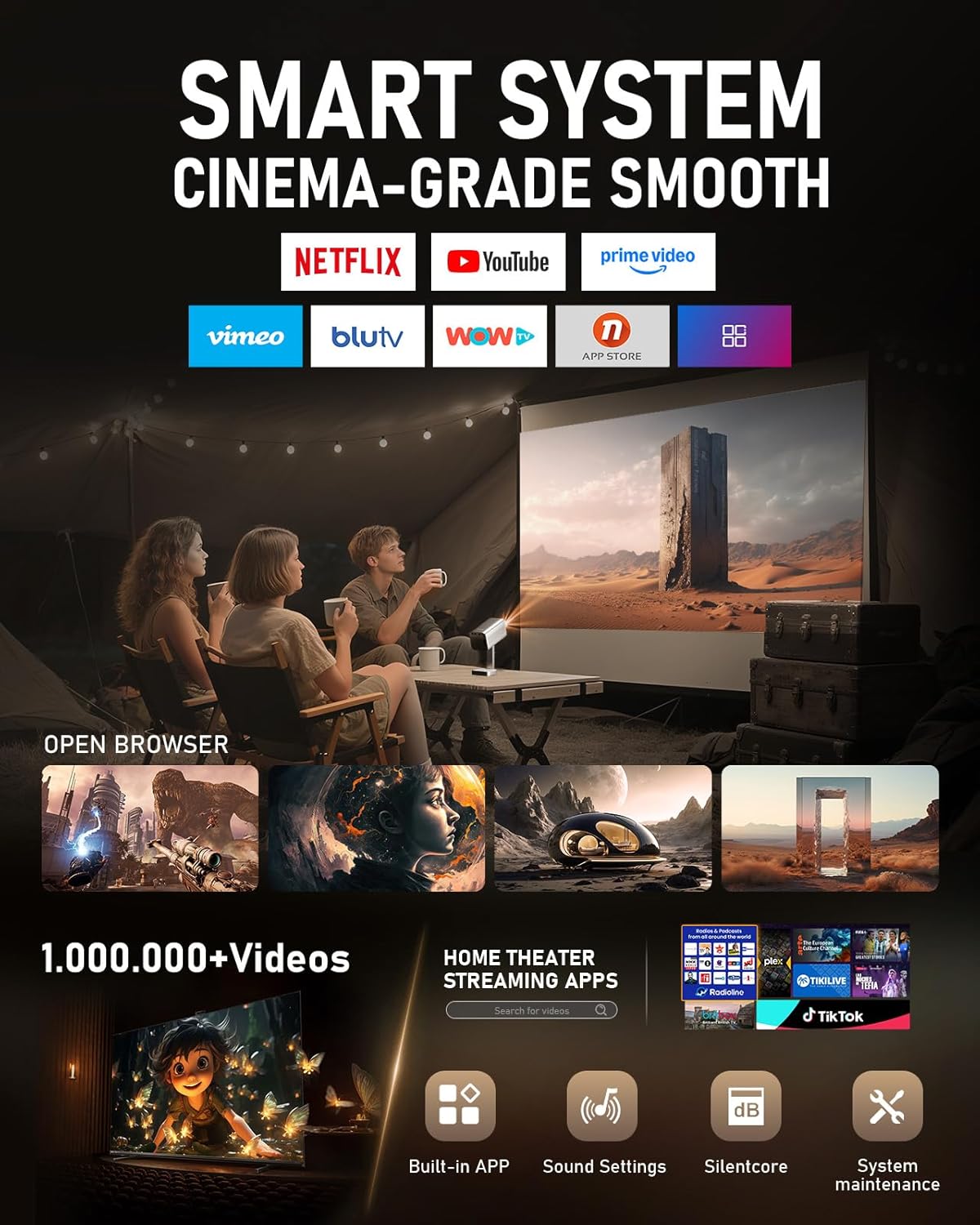
Figure 2: The projector's smart system interface with various streaming applications.

Figure 3: Illustration of the TOF Instant Focus technology, highlighting its speed and precision.
4. Panduan Persediaan
4.1 Persediaan Awal
- Bongkar: Carefully remove all components from the packaging. Verify that all items listed in 'What's in the Box' are present.
- Sambungan Kuasa: Connect the power cord to the projector's power input port and then to a power outlet.
- Hidupkan kuasa: Tekan butang kuasa pada projektor atau alat kawalan jauh untuk menghidupkan peranti.
- Language and Time Zone: Follow the on-screen prompts to select your preferred language and set the correct time zone.
- Sambungan Rangkaian: Navigate to the 'Network' settings and enable Wi-Fi. Select your Wi-Fi network (supports 2.4G and 5G) and enter the password.
4.2 Projection Adjustment
The VOPLLS K3 projector features advanced automatic adjustment capabilities:
- TOF Autofocus: The projector will automatically adjust the focus to ensure a clear image within 0.3 seconds.
- Pembetulan Keystone Automatik: The projector automatically corrects the image shape to be rectangular, regardless of the projection angle. This eliminates the need for manual adjustments.

Figure 4: The projector in use, displaying content from Netflix on a wall.
5. Arahan Operasi
5.1 Fungsi Kawalan Jauh
The included remote control provides full functionality for navigating the projector's interface and controlling media playback. It features dedicated buttons for popular streaming services like Netflix, YouTube, and Prime Video for quick access.
5.2 Accessing Streaming Content
Once connected to Wi-Fi, you can directly access pre-installed streaming applications from the home screen. Simply select the desired app (e.g., Netflix, Prime Video, YouTube) and log in with your account credentials.
5.3 Menyambung Peranti Luaran
The projector supports various external connections:
- HDMI: Connect devices such as laptops, gaming consoles, or Blu-ray players using the provided HDMI cable. Select the HDMI input source from the projector's menu.
- USB: Masukkan pemacu kilat USB ke dalam port USB untuk memainkan media tempatan files (video, foto, muzik).
- Bluetooth 5.2: Pair with external Bluetooth speakers or headphones for enhanced audio. Navigate to the Bluetooth settings to discover and connect devices.
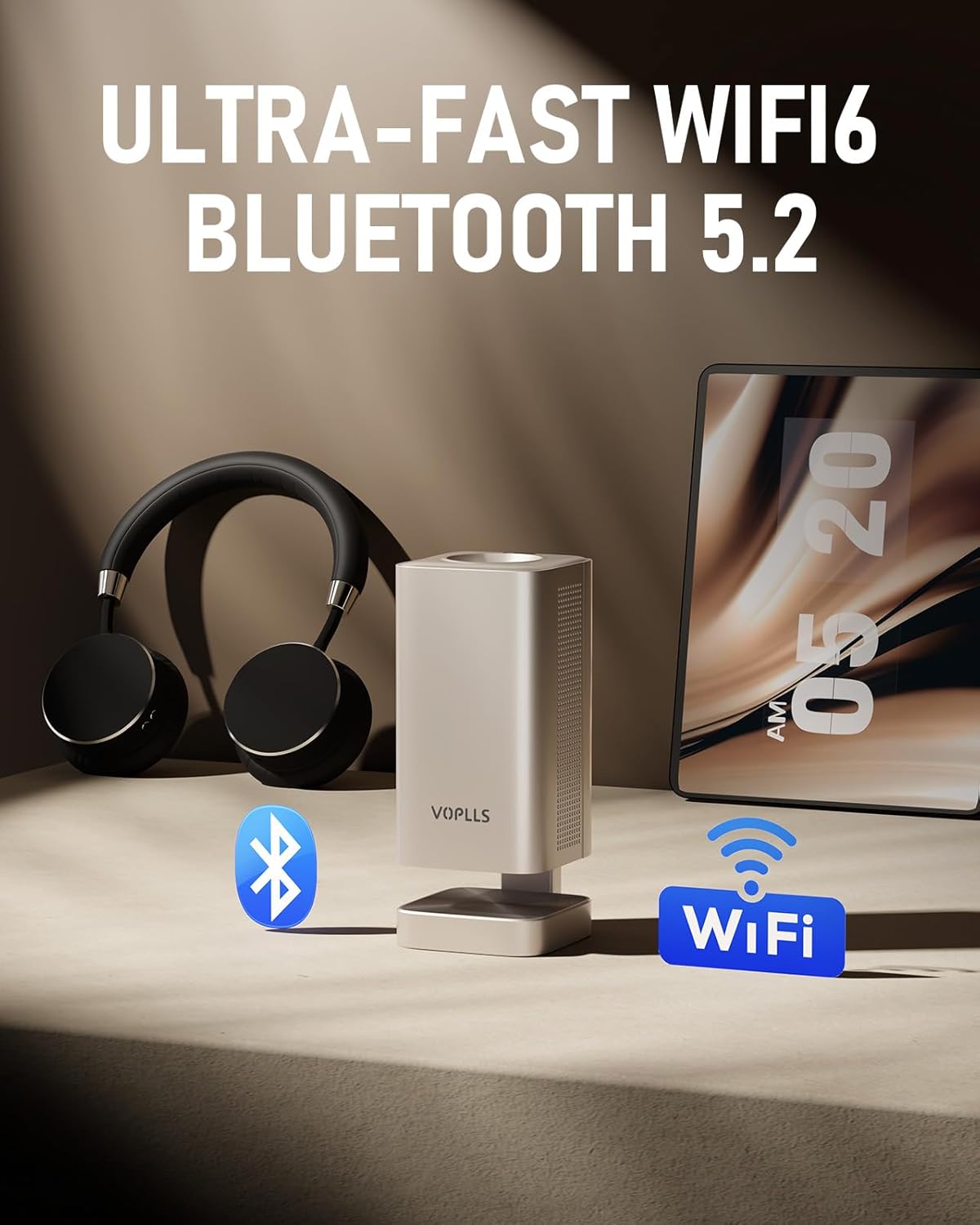
Figure 5: The projector's wireless connectivity options, including WiFi 6 and Bluetooth 5.2.
5.4 Pencerminan Skrin
The projector supports screen mirroring from compatible devices. Note that some streaming services with HDCP (High-bandwidth Digital Content Protection) may not allow mirroring. For such content, it is recommended to use an HDMI connection.
5.5 Keluaran Audio
The projector features built-in speakers with Dolby Audio. For a more immersive experience, connect external audio devices via Bluetooth or the 3.5mm audio jack.
Video 1: Demonstration of the VOPLLS projector's basic operation and image projection.
6. Penyelenggaraan
6.1 Pembersihan
- Kanta: Use a soft, lint-free cloth specifically designed for optical lenses to gently clean the projector lens. Avoid abrasive materials or harsh chemicals.
- Penapis Habuk: Regularly clean the dust filter to maintain optimal performance and prevent overheating. Refer to the user manual for specific instructions on accessing and cleaning the filter.
- Luaran: Lap bahagian luar projektor dengan kain lembut dan kering.
6.2 Penyimpanan
When not in use, store the projector in a cool, dry place away from direct sunlight and extreme temperatures. Use the provided lens cap to protect the lens from dust and scratches.
7. Penyelesaian masalah
- Tiada Kuasa: Ensure the power cord is securely connected to both the projector and the power outlet. Check if the power outlet is functional.
- Tiada gambar: Verify that the correct input source is selected. Check HDMI or USB connections if using external devices.
- Imej Kabur: The projector features automatic focus. If the image remains blurry, try repositioning the projector slightly or manually triggering the autofocus function if available in settings.
- Tiada Bunyi: Check the volume settings on both the projector and any connected external audio devices. Ensure Bluetooth devices are properly paired.
- Wi-Fi/Streaming Issues: Confirm your Wi-Fi network is active and the signal is strong. Restart the projector and your router if necessary.
8. Spesifikasi
| Ciri | Spesifikasi |
|---|---|
| Jenama | VOPLLS |
| Nombor Model | K3 |
| Berat Barang | 2.8 paun (lebih kurang 1.27 kg) |
| Dimensi Produk | 11 x 9 x 3.5 inci (lebih kurang 27.9 x 22.9 x 8.9 cm) |
| Resolusi Paparan | 1920 x 1080 (1080P Asli) |
| Sokongan 4K | ya |
| Kecerahan | 350 ANSI lumens |
| Teknologi Ketersambungan | 3.5mm Jack, HDMI, USB, Wi-Fi (Ultra-fast WiFi 6), Bluetooth (5.2) |
| Ciri Khas | 210° Portable Rotating Stand, Built-In Speaker, Dolby Audio, Compatible with Netflix, Built-in Apps, Fast TOF Auto Focus, Linux System |
| Penggunaan yang Disyorkan | Pawagam Rumah |
9. Waranti dan Sokongan
The VOPLLS Smart Mini Projector K3 comes with a Waranti penggantian produk 2 tahun dan perkhidmatan selepas jualan seumur hidup. For technical support, warranty claims, or any inquiries, please contact VOPLLS customer service through their official webtapak atau peruncit tempat produk itu dibeli.
Video 2: A short demonstration highlighting the Native 1080P and 4K support capabilities of the projector.